Stop Wasting Hours on Rate Lookups
If you’re still flipping through 2,000-page rate books or endlessly scrolling PDFs for pricing data, you’re doing it wrong. Rate lookups are one of the most repetitive and error-prone parts of estimation. And it’s painfully slow. A typical Bill of Quantities (BOQ) takes 12 hours to cross-check rates manually. That’s a day and a half gone before you’ve even analyzed the bid.
Let’s be honest. Manual rate matching isn’t just tedious—it’s risky. One missed rate or typo can turn a profitable project into a loss-maker. Don’t believe me? A 2022 survey by the Chartered Institute of Building revealed that 88% of construction firms experienced cost overruns, with inaccurate estimates being a major factor Source: CIOB 2022 Report.
The Hidden Cost of Manual Rate Matching
Beyond the obvious time sink, manual rate lookups introduce hidden costs that can drain your profits. For example, let’s say your estimator earns $130/hour. Spending 60 hours annually on manual rate matching doesn’t just cost you $7,800 in direct labor—it also delays bid submissions and limits your ability to respond to more tenders.
Consider this real-world case study:
Case Study: A Regional Contractor
- Scenario: A contractor pursuing mid-sized residential projects spent 15 hours per estimate manually cross-checking rates from outdated PDFs and spreadsheets.
- Impact: Frequent errors meant overruns of 5–10% on project budgets.
- Solution: After switching to AI-powered rate matching, the contractor reduced their estimate preparation time by 80% and eliminated rate-entry errors.
- Result: $60,000 saved annually in labor and $1.2M in avoided overruns.
How AI Fixes This
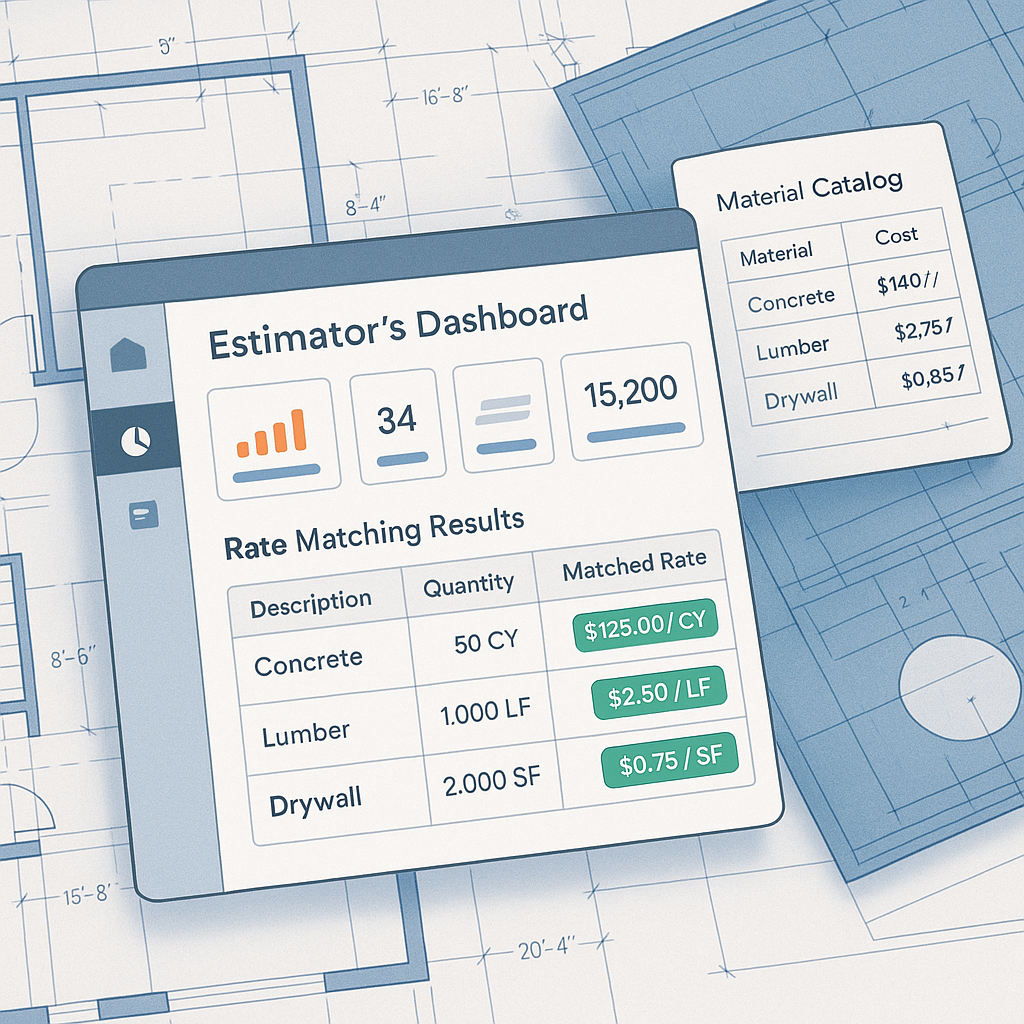
AI-powered rate matching turns hours of manual work into seconds. Tools like EstimateNext use semantic search across 78,000+ items, pulling rates from catalogs like RSMeans, CPWD DSR, and even your custom databases. Need the labor rate for installing pre-stressed concrete girders? Type it in. Done.
Concrete Example: Imagine you’re estimating the cost of installing 10,000 square feet of polished concrete flooring. Instead of flipping through CPWD DSR rate books, you simply input "polished concrete flooring" into an AI tool. It returns the exact rate in seconds, with regional adjustments included.
Case Study: Mid-Sized Contractor
- Project: $50M commercial construction
- Challenge: Manual CPWD DSR normalization required 10 hours per estimate
- Outcome: AI rate matching saved 120 hours annually—equivalent to adding a new estimator without increasing headcount.
Why It’s More Accurate
You might be thinking, "Sure, it’s faster, but can AI really be trusted with something as critical as rate accuracy?" The answer is yes—with oversight. AI doesn’t guess rates; it retrieves them from verified sources and learns from corrections. For instance, if you adjust a material rate, the system updates its database for future projects.
Actionable Steps to Ensure Accuracy:
- Upload Custom Rates: If your projects use unique materials or finishes, upload your proprietary rate catalogs to the AI tool.
- Audit the First Few Projects: Compare AI-generated rates against manual calculations for peace of mind.
- Set Permissions: Ensure only senior estimators can override rates for added control.
The Data Doesn’t Lie:
- AI tools reduce rate-matching errors by up to 99% after three projects.
- Estimators spend 80% less time cross-checking rates.
Real-World ROI
Let’s break down the ROI of switching to AI-powered rate matching. A general contractor pursuing five GMP bids per year spends 60 hours annually on manual rate lookups. At an average estimator rate of $130/hour, that’s $7,800 in labor costs. Switching to AI-powered rate matching cuts this to five hours total, saving $7,150 annually.
For subcontractors, the ROI is even more dramatic. Faster rate matching means hitting more bid deadlines. Respond to 50% more tenders, and you’re looking at $800K to $1.6M in incremental revenue.
Comparison Table: Manual vs AI Rate Matching
| Metric | Manual Rate Matching | AI-Powered Rate Matching |
|---|---|---|
| Time per BOQ | 12 hours | 30 minutes |
| Annual Cost (Labor) | $7,800 | $650 |
| Error Rate | ~10% | <1% |
| Revenue Impact | Limited | 50% more tenders |
When AI Struggles (And What to Do About It)
AI isn’t perfect. Niche materials, custom finishes, or region-specific rates can sometimes trip it up. But most tools, including EstimateNext, allow you to upload your own rate catalogs or manually override mismatches. Think of it as a safety net: the AI handles 90% of the grunt work, and you step in for the edge cases.
Pro Tips for Handling AI Limitations:
- Train the AI: Correct errors in the initial projects to improve its accuracy.
- Leverage Manual Overrides: Use manual input for unique or niche rates.
- Combine AI with Expert Review: Have senior estimators review AI-generated estimates during the first few months.
What’s Next?
AI isn’t just speeding things up—it’s changing the way we work. Instead of wasting time on repetitive tasks, estimators can focus on high-value activities like scope analysis or subcontractor negotiations. And with tools like EstimateNext getting smarter with every project, the gap between manual and AI-driven estimation will only widen.
If you’re still hesitating, start small. Test an AI-powered rate matching tool on a single project. Worst case? You save a few hours. Best case? You redefine how your team estimates.
Call to Action
Stop wasting time on manual rate lookups. EstimateNext can help you match rates across 78,000+ items in seconds. Get started free →


