The Problem: Rate Lookup Wastes Hours
If you’ve ever priced a bid package manually, you know the drill: pull out the SOR catalogs, start flipping pages, hunt for the right labor and material rates, manually cross-check them against your project’s scope. It’s tedious. It’s error-prone. And it’s slow. For most estimators, rate lookup eats up 12+ hours per BOQ. Multiply that by five GMP pursuits per year, and you’re burning weeks on something a machine could do better.
Here’s the kicker: it’s not just about time. The real cost of manual rate lookup is accuracy. Miss one rate, or pull a value from the wrong catalog (it happens more often than anyone admits), and your bid could swing by thousands—or worse, cost you the win. A misplaced decimal point or outdated rate can have ripple effects throughout the project, leading to disputes, cost overruns, or damaged client trust.
Example: In one instance, a contractor bidding on a high-rise project accidentally used a 2018 steel rate instead of the most recent 2023 update. The material cost discrepancy added $250,000 to the budget, forcing them to renegotiate terms mid-project. Situations like this are avoidable, but only if accuracy becomes a priority.
The AI Fix: Semantic Search Across 78K Rates
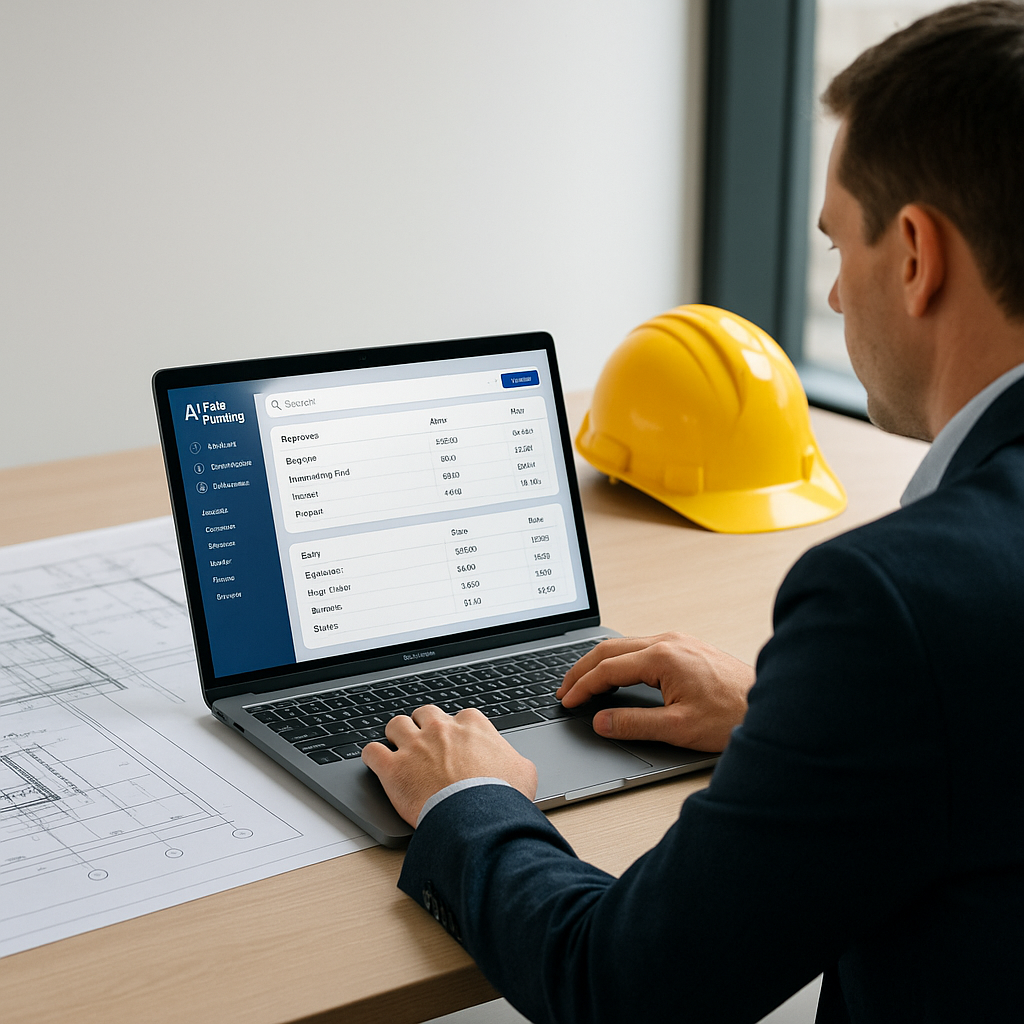
AI-powered rate matching tools like EstimateNext change the game. Instead of flipping pages, you type what you need into the semantic search bar: “labor rate for installing pre-stressed concrete girders,” for example. In seconds, the AI scans its database—78,000+ SOR items across 135 catalogs—and delivers the exact match. Done.
This is possible because of semantic search, which understands the intent behind your query rather than just matching keywords. For example, if you search for “pipefitting labor hourly rate,” the AI can infer related terms like “pipe installation,” “pipe joinery,” or even specific union labor rates in your region.
Want to see a real-world example? In a $1 billion rail project, EstimateNext’s AI matched rates for rail ties, structural steel, and concrete girders in under a minute. The project team saved 12 hours per estimate and reduced discrepancies by 80%. That’s not just faster—it’s smarter.
Comparison:
| Manual Rate Lookup | AI-Powered Rate Lookup |
|---|---|
| Requires hours of flipping pages | Results in seconds |
| Prone to human error | Self-corrects with feedback |
| Limited to individual expertise | Leverages vast, updated data |
| Difficult to standardize | Easily shareable and scalable |
Actionable Step: If you’re a project manager or estimator, start by uploading one of your recent BOQs to a demo version of an AI tool like EstimateNext. Compare the speed and accuracy of its results with your manual process to see the difference firsthand.
Why Accuracy Matters More Than Speed
You might be thinking: “Okay, AI is fast, but how accurate is it?” Fair question. AI doesn’t guess. Tools like EstimateNext use feedback loops to improve accuracy over time. For example, if you adjust a mismatched rate during your first project, the AI remembers it for future estimates. By the third project, most users report near-perfect matches.
Anecdotally, I’ve seen teams transition from manual lookup to AI-powered tools and catch errors they’d missed for years. One estimator told me their team discovered they’d been using outdated material rates for half their projects. With AI, that’s no longer an issue.
Data Point: A study by McKinsey found that AI-driven decision-making can reduce operational errors by up to 85%. For construction, where profit margins are razor-thin, this level of precision can make or break a project.
Edge Cases: Custom Rates and Non-Standard Items
“But what if my rates are project-specific?” Another valid concern. AI tools don’t just rely on preloaded catalogs; they let you upload your own rate lists. Whether you’re pricing custom finishes for a luxury hotel or specialty equipment for an industrial plant, the AI integrates your rates seamlessly into future estimates.
Case Study: One interior fit-out contractor I spoke to said this feature alone saved them hours during their Cat-A office estimations. Before AI, they manually re-entered FF&E schedules every time they submitted a bid. With EstimateNext, their custom catalog updates automatically after the first upload, ensuring consistency across projects.
Actionable Step: If you frequently deal with custom or proprietary rates, invest time upfront to upload and label them in the AI tool. This one-time setup ensures that your unique data is ready to use on future bids.
ROI: Why This Isn’t Just About Saving Time
Let’s talk numbers. A GC preconstruction director earning $130/hour saves 12 hours per estimate using AI-powered rate matching. That’s $1,560 saved per pursuit. Multiply that by five GMP pursuits annually, and you’re looking at $7,800 saved—not even accounting for reduced rework or improved bid accuracy.
For MEP subcontractors, the ROI gets even better. Faster rate lookup means faster quotes. Faster quotes mean more bid packages responded to. One HVAC contractor I interviewed said switching to AI tools helped them submit 50% more quotes per year—and win six more bids, adding nearly $1.2 million in revenue.
Comparison:
| Metric | Before AI | After AI |
|---|---|---|
| Time per estimate | 12+ hours | Under 1 hour |
| Error rate | 15-20% | <5% |
| Annual ROI (avg) | $0 | $7,800 - $1.2M |
The Obvious Objection: “AI Can’t Think Like an Estimator”
You’re right. AI isn’t here to replace your expertise—it’s here to amplify it. You still make the judgment calls, negotiate with subs, and decide on markup. The AI handles the grunt work: rate lookup, matching, and recalculations. Think of it as an assistant, not a replacement.
Example: An experienced estimator at a general contractor firm shared how AI tools allowed him to focus on value engineering and project strategy rather than spending late nights buried in spreadsheets.
If you’re tired of wasting hours on rate lookup, AI-powered tools like EstimateNext can help. Upload your first BOQ and start saving time today.


