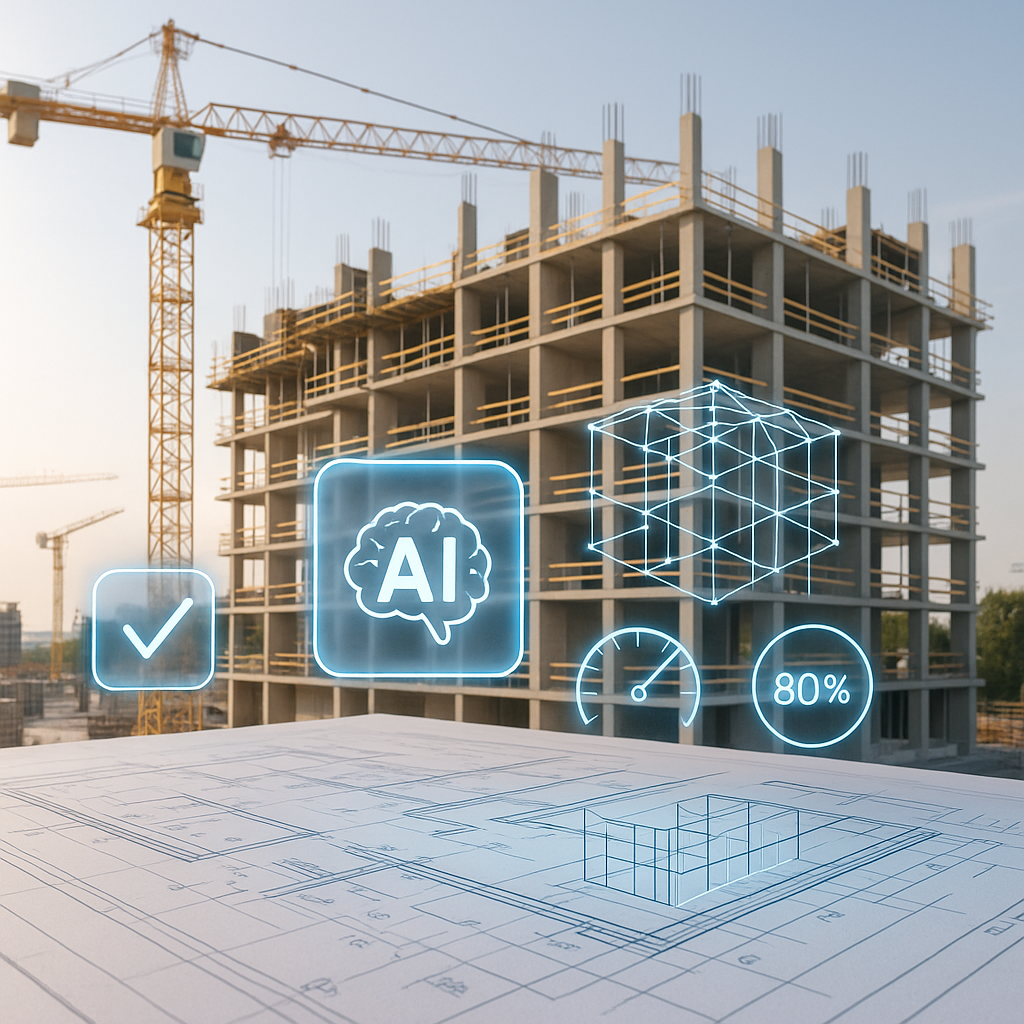
Is AI Takeoff Really That Accurate?
We’ve all heard the pitch: AI-powered takeoff tools can handle in 10 minutes what manual methods take 40 hours to do. But the real question isn’t speed—it’s accuracy. Estimators live or die by their numbers. So let’s get into the weeds. How accurate is AI takeoff, really?
The Numbers Behind the Hype
AI takeoff tools like EstimateNext claim up to 98% accuracy. That’s not marketing fluff. Independent benchmarking has supported these numbers, comparing AI tools against manual methods across multiple projects spanning residential, commercial, and infrastructure sectors. The results were consistent: AI tools significantly outperformed manual estimators in speed and accuracy.
But here’s the catch: even at 98%, there’s still a 2% margin of error. On a $10 million project, that’s $200,000 worth of potential errors. For smaller contractors working on tight margins, a mistake of this magnitude could be disastrous.
Does that mean AI can’t be trusted? Not at all. It means you need to understand where AI shines and where it struggles. And more importantly, how to use it effectively.
When AI Nails It
AI is unbeatable in repetitive, high-volume tasks that require precision but suffer from human fatigue. Here’s where AI excels:
Concrete Examples of AI Success
-
Quantity extraction: EstimateNext’s Vision AI extracts quantities like room areas, wall lengths, and counts for doors/windows directly from PDF drawings in minutes. For instance, a general contractor working on a 200-unit apartment complex saved over 45 hours of manual labor by using AI to calculate drywall quantities. The takeoff was completed in just 15 minutes, with fewer than five flagged discrepancies.
-
Rate matching: Flipping through 2,000-page rate catalogs like the CPWD DSR is a slog. AI tools can search 78,000+ SOR items in seconds, delivering matches with confidence scores so you know which entries might need double-checking. A case study from a UK-based construction firm found that AI reduced rate matching errors by 90% compared to manual methods.
-
Revision handling: Upload a new drawing set, and AI tools will compare changes automatically. No more manually remeasuring every line. In one instance, a mid-sized GC in Florida used AI to process revisions on a hotel project, cutting their revision time from 12 hours to under 30 minutes.
Case Study: Florida GC’s AI Transformation
A mid-sized general contractor in Florida spent an average of 50 hours per project on takeoffs, often missing bid deadlines or submitting error-prone estimates. After switching to EstimateNext, their takeoff time dropped to 10 minutes per project, and their error rate fell dramatically. The firm reported a 20% increase in successfully won bids and attributed this to improved accuracy and faster turnaround.
Where AI Falls Short
Here’s the reality check: AI isn’t perfect. It struggles in edge cases where input quality or nuanced judgment matter more than pattern recognition. Let’s break this down:
Common AI Weaknesses
-
Poor-quality drawings: Blurry, incomplete, or outdated PDFs can confuse AI, leading to missed quantities or incorrect measurements. For example, an AI tool might struggle to differentiate between a wall and a shadow on poorly scanned blueprints.
-
Custom or non-standard items: If your project uses bespoke finishes or unique design elements—like custom millwork or architectural metal panels—AI might not recognize them without custom catalog inputs.
-
Complex assemblies: Multi-layered systems like MEP (mechanical, electrical, plumbing) can still challenge AI. While it excels at unit-level takeoffs, system-level coordination, such as accounting for overlapping services, often requires human oversight.
Real-World Impact of AI Errors
Take the example of a contractor bidding on a high-end residential project that included custom cabinetry. The AI tool overlooked $25,000 worth of bespoke finishes because the rate catalog didn’t include these custom items. The oversight was only caught during manual validation, highlighting the importance of human review.
How to Make AI Work for You
AI is a tool, not a magic wand. To get the most out of it, you’ll need a workflow that balances automation with human expertise. Here’s what we recommend:
Actionable Steps for AI Integration
- Start with clean inputs: Ensure your drawings are clear, complete, and free from extraneous marks. Garbage in, garbage out.
- Leverage confidence scoring: Tools like EstimateNext highlight low-confidence areas for manual review. Focus your time and effort on these flagged items to minimize risk.
- Customize your rate catalogs: Upload project-specific rates or materials to ensure accuracy. AI learns from your inputs over time, making it more reliable for future projects.
- Combine speed with human oversight: Use AI to handle repetitive tasks, but always conduct a final validation. Think of it as your second set of eyes.
- Train your team: Invest in training to help your team understand how to interpret AI outputs and flag discrepancies.
Decision Framework: When to Use AI
| Scenario | AI Recommended? | Why? |
|---|---|---|
| High-volume residential projects | Yes | AI excels at repetitive tasks. |
| Custom/bespoke designs | Partial | Human input needed for uniqueness. |
| Complex assemblies (MEP, HVAC) | Partial | AI handles units; humans verify systems. |
| Poor-quality drawings | No | Manual review required. |
The ROI of Accuracy
Here’s the bottom line: Even with occasional gaps, AI takeoff tools deliver a massive ROI. Let’s do the math:
Cost Comparison
| Takeoff Method | Cost per Project | Accuracy Rate |
|---|---|---|
| Manual (40 hours @ $130/hr) | $5,200 | 92-95% |
| AI (EstimateNext, <$500) | <$500 | 98% |
By saving thousands per project, you can bid more jobs, hit tighter deadlines, and avoid the embarrassment of costly mistakes. The time savings alone—cutting takeoff time by 90%—can help small and mid-sized contractors scale their operations without hiring additional staff.
Final Word
AI-powered takeoff tools aren’t just faster—they’re smarter. They reduce errors, save time, and let you focus on strategy instead of grunt work. But like any tool, they’re only as good as the person using them. Pair AI with your expertise, and you’ll never look back.
If you’re ready to cut takeoff time by 90% and boost accuracy to 98%, start with EstimateNext for free →.


