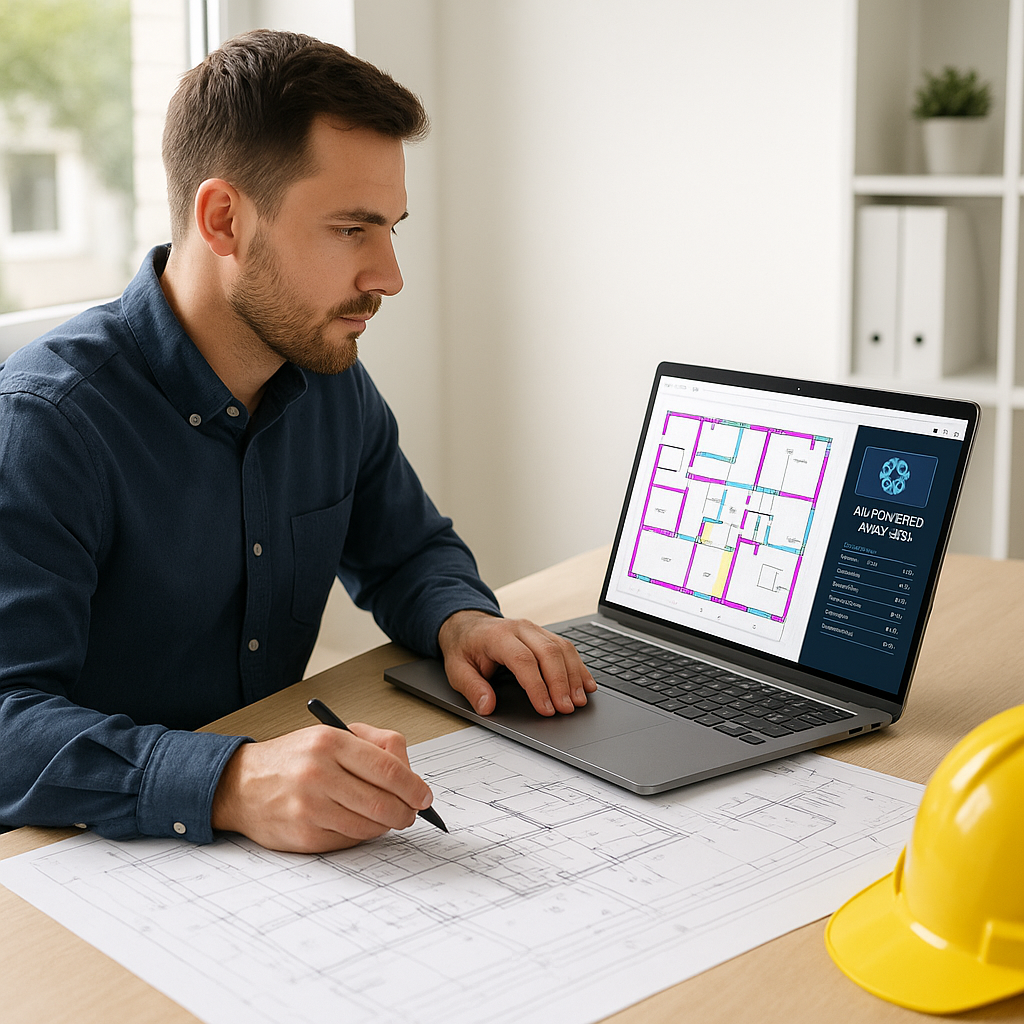
The 40-Hour Takeoff Problem
If you’ve ever worked in preconstruction, you know the drill: two estimators, two full days, and a stack of drawings to measure. That’s 40 hours just to extract quantities from PDFs. It’s not just tedious—it’s a massive bottleneck. And it’s where most bids start to lose money.
Why does it take so long? First, there’s manual tracing. Every wall, window, and floor area gets measured line by line. Then there’s the double-checking. You can’t afford a mistake because a missed quantity can blow your margins. By the time it’s done, you’ve burned a week, and the clock’s ticking on the rest of the bid package.
But what if I told you that same takeoff could be done in 10 minutes?
How Vision AI Changes the Game
AI-powered tools like EstimateNext’s Vision AI have flipped this process on its head. Instead of manually measuring, you upload your PDF drawings, and the AI extracts the quantities for you. Room areas, wall lengths, door counts—it’s all done automatically.
Here’s how it works:
- Upload the Drawings: Drag and drop your PDFs into the platform. The system processes multi-page drawings with ease.
- AI Extraction: The tool uses machine learning algorithms to read the drawings and identify architectural elements like walls, doors, and windows. This isn’t basic OCR (optical character recognition)—it’s advanced pattern recognition that’s been trained on thousands of real-world construction documents.
- Review & Adjust: The AI flags low-confidence areas that need human input. For example, if a wall is partially obscured in the drawing, the tool highlights it for you to verify. You’re still in control, but the grunt work is eliminated.
Example: Real-World Success
Consider a mid-sized general contractor (GC) bidding on a $30M high-rise project. Using traditional methods, it took a team of two estimators 40 hours to complete the takeoff. When they switched to Vision AI, the entire process took just 10 minutes. Not only did they save two full weeks of labor, but they also reduced the risk of human error, ensuring their quantities were precise.
Breaking Down the Time Savings
The numbers are where this really hits home. Let’s break it down:
- 40 Hours Saved: That’s two estimators working full days for two days.
- Hourly Rate: Let’s assume the average hourly rate for an estimator is $130/hour. That’s $5,200 saved per bid.
- Annual Savings: If your team works on five GMP (Guaranteed Maximum Price) projects per year, that’s $26,000 in labor costs saved—just from automating the takeoff process.
Now let’s factor in opportunity costs. Suppose your team uses these saved hours to pursue two additional bids per year. If your average project size is $5M and you win just one of those, the ROI skyrockets. Even at a conservative 3% profit margin, that’s $150,000 in additional revenue.
Compare that to the cost of a tool like EstimateNext’s Vision AI, which starts at just $99/month. The math speaks for itself.
The Skeptic’s Objection: “AI Can’t Think Like an Estimator”
I get this pushback all the time. You might be thinking, “Sure, AI is fast, but it doesn’t understand the nuances of construction.” And you’re right—AI doesn’t replace your expertise. It amplifies it.
Why AI Won’t Replace Estimators
AI excels at eliminating repetitive tasks, not making complex decisions. As an estimator, you bring skills that no machine can replicate:
- Deciding how to account for unique site conditions.
- Negotiating with subcontractors.
- Adjusting for market conditions like material shortages or labor costs.
AI is like hiring a junior estimator who works 24/7, never takes a coffee break, and doesn’t make math errors. You’re still in charge of the strategy, but now you’re free to focus on what really matters: winning bids and protecting your margins.
Case Study: A Balanced Approach
A regional contractor bidding on a mixed-use development used Vision AI for takeoffs. By automating 90% of the process, their senior estimator had enough time to review subcontractor quotes and identify a $100,000 scope gap before submitting the bid. The AI didn’t replace the estimator—it gave them the breathing room to spot a critical issue.
Actionable Steps to Get Started with AI Takeoffs
- Start Small: Begin with a single project to test the waters. Upload your drawings to an AI tool and compare its results to your manual takeoff.
- Focus on High-Volume Tasks: Use AI for repetitive elements like walls, doors, and floor areas. Save the nuanced, complex measurements for manual work.
- Leverage Training Resources: Most AI tools offer training materials or support to help you and your team get up to speed quickly.
- Integrate with Existing Workflows: Look for tools that export data to your current estimating software or project management systems like Procore or Bluebeam.
- Track Your ROI: Measure the time and cost savings after using AI on a few projects. This data will help you justify long-term adoption.
The Bigger Picture: More Bids, Better Margins
Saving time isn’t just about cutting costs. It’s about freeing your team to focus on higher-value work. With AI handling takeoffs, your estimators can:
- Respond to more RFPs, increasing your chances of winning new projects.
- Spend more time refining bids, leading to more accurate pricing and better profit margins.
- Proactively identify scope gaps, reducing the risk of costly change orders during construction.
Example: Scaling with AI
One national construction firm implemented AI takeoff tools across all their regional offices. Within six months, their bid volume increased by 30%, and their average profit margin per project improved by 2%. The cost of the AI tool was a fraction of the additional revenue they generated.
FAQ: Common Questions About AI Takeoffs
Q: Is the AI accurate enough?
Yes, but it depends on the quality of your input files. AI tools like EstimateNext’s Vision AI use advanced machine learning algorithms to ensure high accuracy. Plus, they include features like confidence scoring and manual overrides, so you can review and adjust as needed.
Q: Can it handle complex projects?
Absolutely. Vision AI has been used on everything from $1M residential renovations to $1B infrastructure projects. Its flexibility allows it to scale with your project’s complexity.
Q: How does AI integrate with existing tools?
Most AI takeoff tools integrate seamlessly with industry-standard platforms like Bluebeam, Procore, and Excel. You can easily export your quantities and import them into your current workflows.
Q: What happens if the AI misses something?
The best AI tools are designed with human oversight in mind. They flag areas of low confidence for you to review and adjust. You’re still in control, ensuring nothing critical gets overlooked.
Q: Is AI worth the cost for small firms?
Yes. Even small firms can benefit from the time savings, allowing them to bid on more projects or focus on refining their estimates. With pricing as low as $99/month, the ROI is compelling for firms of any size.
Decision Framework: Is AI Takeoff Right for You?
| Question | If Yes… | If No… |
|---|---|---|
| Do you spend more than 10 hours on takeoffs per week? | AI can save you significant time and money. | You may not need AI yet, but keep an eye on future growth. |
| Do you struggle to meet bid deadlines? | AI can help you hit deadlines without overworking your team. | If not, focus on refining your manual process for now. |
| Do you want to bid on more projects? | Use AI to increase your capacity without hiring additional estimators. | If you’re satisfied with your current workload, no rush. |
| Are you worried about accuracy? | AI tools include manual review options to maintain control over results. | Continue using manual methods and revisit AI later. |
Ready to Save 40 Hours Per Bid?
If you’re still burning a week on takeoffs, it’s time to try AI. EstimateNext’s Vision AI cuts it to 10 minutes without sacrificing accuracy. Imagine what your team could accomplish with all that extra time. Get started free →


