The Brutal Truth About Manual Construction Estimation
Let’s not sugarcoat it: manual construction estimating is a grind. If you’ve ever spent two days hunched over drawings, measuring wall lengths and tracing room areas, you know exactly what I mean. It’s not just tedious—it’s expensive. Two estimators working 40 hours on takeoffs for a single bid can easily rack up $5,000 in labor costs. And that’s before you even get to rate lookups.
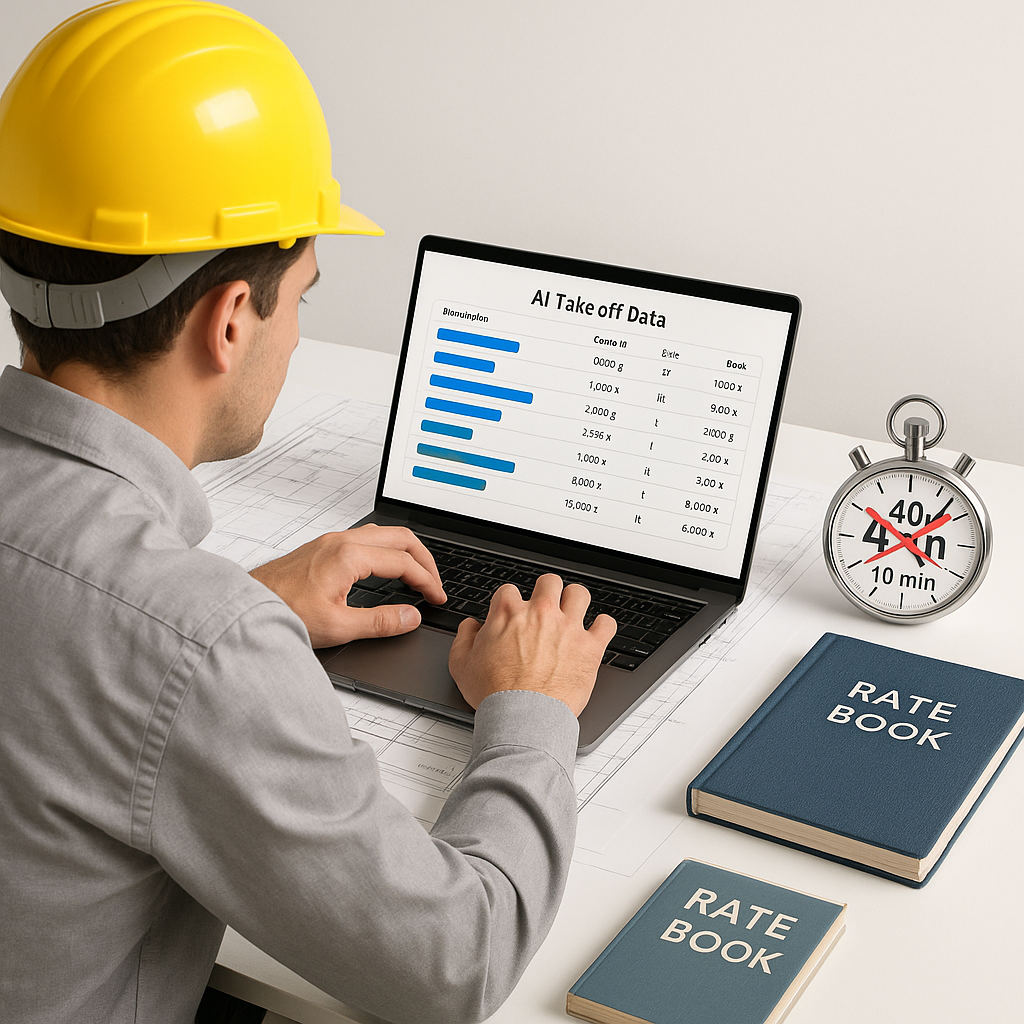
Now, imagine cutting that 40 hours down to 10 minutes. Sounds impossible, right? It’s not. AI-powered tools like EstimateNext are doing it every day. Let’s break down how free AI estimating apps can actually save you time—and why they’re worth considering.
The Free AI Takeoff Revolution
Here’s the game-changer: AI takeoff tools can scan your PDF drawings and extract quantities in minutes. No more manual tracing. No more Excel crashes because you entered one wrong formula. Tools like EstimateNext’s Vision AI use machine learning models to analyze drawings and identify key elements—room areas, wall lengths, door counts, and more.
A Real-World Example: Mid-Sized GC in Texas
A mid-sized general contractor (GC) in Texas recently used an AI takeoff tool and slashed their average bid prep time by 30%. What did that mean in practical terms? They could pursue 20% more projects annually. More bids mean more opportunities to win, which directly translates to more revenue.
The time savings also allowed their estimators to focus on value engineering and client-facing tasks, instead of being bogged down by repetitive, manual takeoffs.
Why Speed Matters
Speed doesn’t just improve efficiency—it directly impacts your bottom line. With AI takeoffs, you can respond to more bids in less time, giving you a competitive edge. More importantly, it reduces errors. Human fatigue leads to mistakes—miscounting doors, forgetting to remeasure after design revisions, or misinterpreting scaled drawings. AI tools are built to flag inconsistencies and low-confidence measurements so you can focus on fixing what really matters.
Actionable Step: How to Get Started with AI Takeoffs
- Choose the right tool: Start with free or low-cost options like EstimateNext to test the waters.
- Upload your drawings: Drag and drop your PDF plans into the tool.
- Review flagged measurements: Always double-check low-confidence areas flagged by the AI.
- Export your quantities: Use the outputs directly in your estimating software or spreadsheets.
Rate Matching: The Silent Time Killer
Even if you’ve nailed your quantities, you’re still stuck flipping through rate books or PDFs for hours. If you’ve worked with RSMeans, CPWD DSR, or your local DOT catalogs, you know the pain. A single estimate can require hundreds of matches—finding the right labor rates, equipment costs, and material prices.
The Power of AI Semantic Search
This is where AI semantic search comes in. Instead of manually scanning a 2,000-page PDF for the cost of installing pre-stressed concrete girders, you type it into the search bar. Within seconds, you get a match from a library of 78,000+ rate items. Done.
Case Study: A Major Contractor's Large Rail Project
On a large rail project, an estimating team can use AI-powered rate matching to pull costs for everything from rail ties to structural steel in minutes. The result? Faster bids, fewer errors, and no wasted hours on manual lookup. On a job of that scale, a team could reasonably save hundreds of hours during the preconstruction phase.
Actionable Step: Simplify Your Rate Matching
- Organize your rate libraries: Upload rate books or standardized catalogs into the tool.
- Leverage search features: Use semantic search to find rates quickly.
- Customize as needed: Add project-specific rates or adjust for regional variations.
You Might Be Skeptical—Here’s Why It Works
You’re probably thinking: AI sounds great, but is it accurate? Fair question. The truth is, no system is perfect. AI-generated takeoffs can miss the mark if the input data is messy or unclear. That’s why tools like EstimateNext include confidence scoring and manual override features. You can review low-confidence measurements, make adjustments, and ensure the final estimate meets your standards.
Common Concern: Custom Rates
Another common concern: What if my rates are custom or project-specific? Good news—most AI tools let you upload your own rate catalogs or define custom rates for specific items. That means your estimates reflect real-world costs, not generic averages.
Actionable Step: Maximize Your AI Accuracy
- Clean your input data: Ensure your PDF drawings and rate books are clear and complete.
- Leverage confidence scores: Focus on reviewing flagged areas.
- Document adjustments: Keep a record of manual overrides for future audits.
Free AI Tools vs. Paid Solutions: What’s the Catch?
Let’s talk cost. High-end construction estimating software like CostX or ProEst can run $5,000-$15,000 per year. That’s a tough pill to swallow, especially if you’re working with tight budgets. Free AI tools, on the other hand, give you access to essential features without the hefty price tag.
Comparison Table: Free vs. Paid AI Tools
| Feature | Free Tools (e.g., EstimateNext) | Paid Tools (e.g., CostX, ProEst) |
|---|---|---|
| Cost | $0 | $5,000-$15,000/year |
| Basic Takeoff Automation | Yes | Yes |
| Rate Matching | Limited | Comprehensive |
| Advanced Analytics | No | Yes |
| Custom Integrations | Limited | Extensive |
Who Should Use What?
- Free Tools: Best for small contractors, subcontractors, or firms testing AI for the first time.
- Paid Tools: Ideal for large-scale GCs or firms needing advanced analytics and integrations.
Real Savings: Case Study from the Field
One major infrastructure contractor used AI tools on a large floodwater infrastructure project. By automating takeoffs and rate lookups, the team saved 120 hours on a single bid. That’s two full weeks of labor costs avoided—while still meeting tight deadlines.
In their own words: “It’s like hiring a full-time estimator without the overhead.”


