The Brutal Math of Manual Estimation
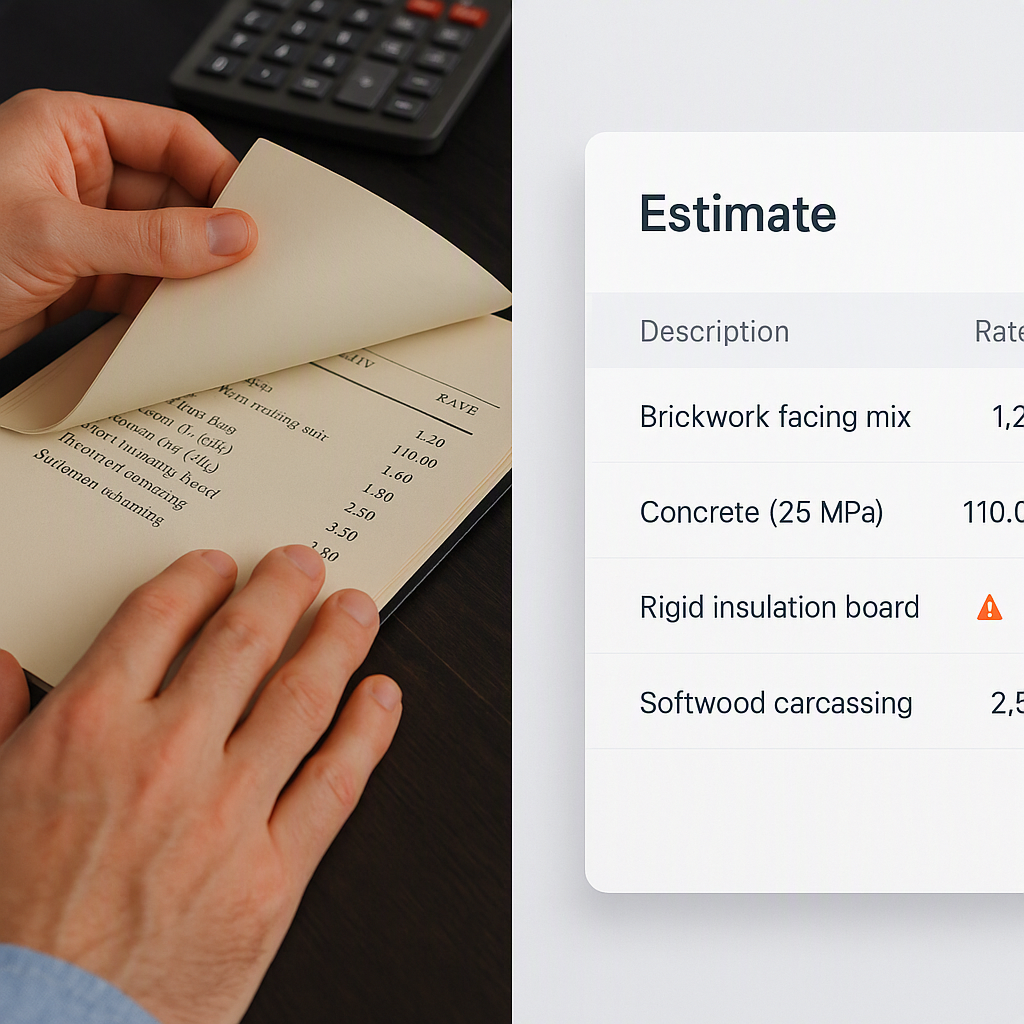
Let’s not sugarcoat it: manual construction estimation is broken. If you’re still flipping through 2,000-page rate books or building Excel sheets for every bid, you’re burning time and money. Literally. A general contractor’s preconstruction director told us their team spends 40 hours per bid—just on takeoffs. That’s two full days of work for two estimators. At an average rate of $130/hour, that’s $5,200 in labor costs per bid. And that doesn’t even include the opportunity cost of missing other bids.
Does it have to be this way? No.
The 10-Minute Takeoff: How AI Changes the Game
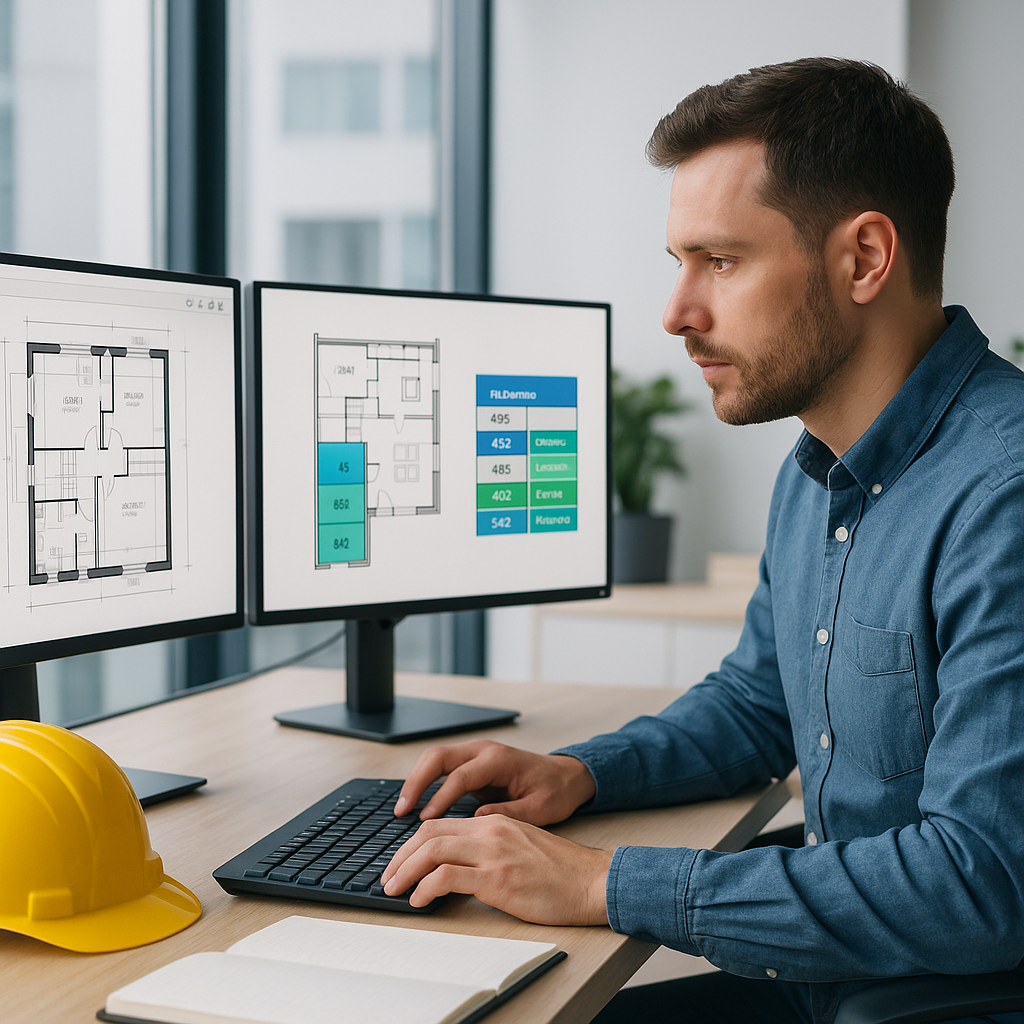
Here’s a real-world example: EstimateNext’s Vision AI can extract quantities from PDFs in just 10 minutes. Whether it’s wall lengths, floor areas, or door counts, the AI reads your drawings and does the heavy lifting. No more manual tracing, no more miscounts. It’s like hiring a full-time estimator—but without the payroll.
Actionable Example
A mid-sized contractor recently used this feature to bid on a $50M high-rise project. The result? They saved 36 hours on takeoffs alone. That’s nearly a week’s worth of work freed up for other tasks, like negotiating with subs or refining bid strategies. Their project manager called it a “no-brainer.”
Let’s break this down further:
- Before AI: A team of two estimators spent 40 hours on manual takeoffs. That’s $5,200 in labor costs.
- After AI: The same takeoff was completed in 10 minutes. Labor cost? About $22 (assuming $130/hour for 10 minutes of review).
Even if they ran five bids in a month, the labor savings would be $26,000—and that’s just on the takeoff process.
Case Study: Small Firm Success
A small regional contractor specializing in residential renovations used EstimateNext to bid on a $2M condo project. With only one estimator on staff, they were stretched thin. By automating the takeoff process, they completed the bid in hours, not days, and landed the project. It was their largest win to date.
The Real Problem: Human Error
Manual estimation isn’t just slow—it’s risky. Humans make mistakes, especially under time pressure. Miscounted quantities or overlooked details can kill your margins. AI doesn’t get tired. It doesn’t zone out or misread a spec. And with features like confidence scoring and manual overrides, tools like EstimateNext ensure accuracy while keeping you in control.
Real-World Examples
- Missed Wall Measurements: A general contractor underestimated wall lengths by 15% on a $10M project due to manual errors. The mistake cost them $150,000 in lost profits.
- Double-Counting Items: A subcontractor accidentally double-counted rebar for a concrete foundation. This inflated their bid and caused them to lose the project to a competitor.
How AI Mitigates These Risks
- Confidence Scores: AI assigns confidence levels to each measurement, flagging areas that may require review.
- Audit Trails: Every calculation and adjustment is logged, so you can trace back errors and learn from them.
- Custom Adjustments: You can override AI-generated quantities to incorporate on-the-ground observations without losing accuracy.
The Cost Objection: Can You Afford Not To?
Some contractors balk at the idea of paying for AI-powered software. But let’s do the math. At $99 per month, EstimateNext costs less than a single hour of an estimator’s time. If it saves you 40 hours per estimate, the ROI is ridiculous.
Long-Term ROI Example
Let’s say you bid on 10 projects per year, with an average bid cost of $5,200 (manual estimation). That’s $52,000 in labor costs. If AI reduces this to $500 per bid (including software costs), your yearly savings are $47,000. That’s nearly a 10x return on investment.
Bigger Picture Benefits
- More Bids, More Wins: Faster takeoffs mean more bids submitted. One MEP subcontractor we worked with increased their bid volume by 50% after switching to AI tools. That translated to four additional wins in a year, with an average contract value of $200K. Do the math: that’s $800K in incremental revenue.
- Improved Margins: Accurate estimates mean fewer surprises during execution. One contractor reported a 12% improvement in project margins after adopting AI-driven estimation tools.
What About Smaller Firms?
You might think AI tools are only for the big players. Not true. EstimateNext scales to your needs. Whether you’re pricing a $1M renovation or a $1B infrastructure project, the platform handles it. And unlike high-cost tools like CostX ($5K-$15K/year), EstimateNext starts at just $39/month. Even small regional contractors can afford it.
Feature Comparison Table
| Feature | EstimateNext ($39-$99/month) | CostX ($5K-$15K/year) | Manual Estimation |
|---|---|---|---|
| Automated Takeoffs | Yes | Yes | No |
| Confidence Scoring | Yes | Yes | No |
| Custom Rate Catalogs | Yes | Yes | Yes |
| Integration with Tools | Yes (Procore, Excel, etc.) | Limited | No |
| Cost | $39-$99/month | $5K-$15K/year | Labor-Intensive |
The Bottom Line
Manual estimation is a thing of the past. AI-powered tools like EstimateNext are faster, more accurate, and way more cost-effective. If you’re still clinging to spreadsheets and rate books, you’re falling behind—and losing money in the process. Whether you’re a small contractor or a national firm, the math is clear: investing in AI isn’t a luxury; it’s a necessity.