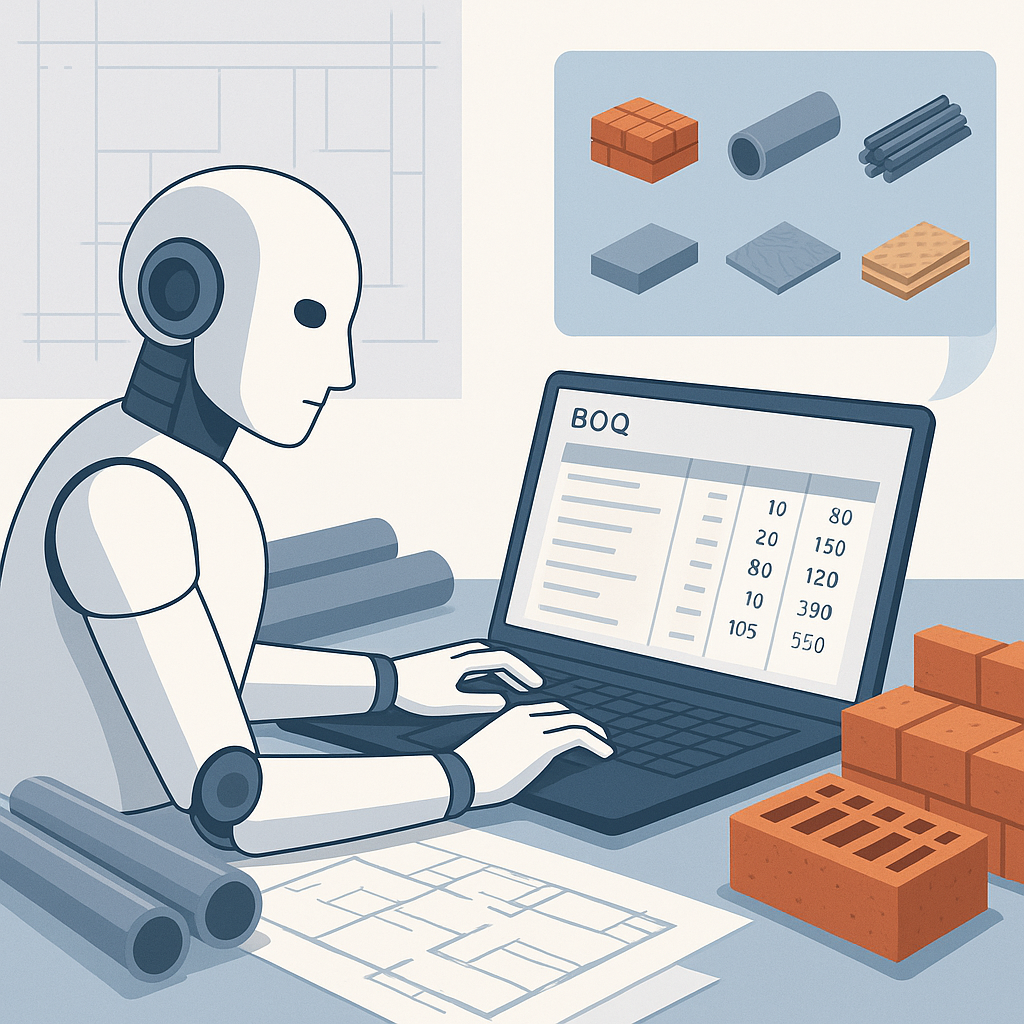
The Hidden Cost of Manual Rate Analysis
Every estimator knows the drill: open the rate book, scroll through pages (or PDFs), find the right line item, and hope you didn’t miss a better match. Let’s be honest—it’s slow, frustrating, and error-prone. For some teams, it’s the bottleneck in preconstruction workflows.
Here’s the scary part: studies show manual rate analysis eats up 40% of preconstruction time. Forty percent. Construction Executive estimates this inefficiency costs companies tens of thousands of dollars in wasted labor hours every year. And that’s before you factor in the real risk—bad data. Misjudging a rate can blow up your bid or kill your margin.
But what’s the alternative? AI-powered tools like EstimateNext are rewriting how rate analysis gets done. Let’s break it down step by step.
The AI Rate Analysis Formula: What’s Different?
At its core, rate analysis is simple math:
Rate = (Material Cost + Labor Cost + Equipment Cost) × (Overhead % + Profit %)
The problem isn’t the math. It’s scale. Rates vary by region, inflation, catalog version, and even the project type. Matching the right rate to your BOQ (bill of quantities) can take hours—sometimes days.
AI changes the game by automating this process. Take EstimateNext, for example:
-
BOQ Parsing: Upload your BOQ file (Excel, CSV, or even a messy PDF). The platform auto-detects merged cells, section headers, and hierarchies in minutes.
-
Rate Matching: Their system scans a database of 78,000+ SOR items to find the best matches. It even factors in tenant history, user catalogs, and country-specific adjustments (like India’s CPWD or the US’s RSMeans).
-
Breakdown Visibility: Once matched, you see a full breakdown—material, labor, and equipment costs—with an audit trail for every number. No more guessing where a rate came from.
-
Inflation Adjustments: Multi-year bids? AI auto-suggests Consumer Price Index (CPI) adjustments specific to your region and catalog.
In my experience, this isn’t just faster—it’s way more reliable than manual methods. A task that used to take 7–30 hours now gets done in under an hour. That’s a 90% time savings.
Actionable Steps to Evaluate AI Tools for Rate Analysis
- Data Scope: Ensure the tool has access to catalogs relevant to your region and industry (e.g., RSMeans, CPWD, or proprietary company databases).
- Audit Trail: Look for tools that provide transparent breakdowns for each rate, so you know where every number comes from.
- Customization: Choose platforms that allow for manual overrides and custom rate inputs, especially for niche projects.
- Integration: Make sure the tool works with your existing estimating software (like Excel or Procore).
By focusing on these factors, you can ensure that the AI tool you choose adds real value to your workflow.
Real-World Example: Fixing the HVAC Estimation Headache
Let’s look at a specific case. Say you’re estimating an HVAC scope for a commercial project. You need rates for ductwork, chillers, and control panels. The traditional process looks something like this:
- Step 1: Flip through a 2,000-page RSMeans or CPWD DSR rate book.
- Step 2: Manually cross-reference specs with your BOQ.
- Step 3: Spend hours building out rates in Excel, tweaking formulas, and double-checking for errors.
What could go wrong? A lot. A missed inflation factor or a wrong unit conversion can easily skew your numbers. Worse, you’re burning hours that could be spent on value engineering or bid strategy.
Now here’s how AI tools like EstimateNext handle it:
- Step 1: Upload the BOQ.
- Step 2: The AI matches each line item to pre-vetted rates in seconds. For HVAC, it pulls from ASHRAE and SMACNA references, ensuring accuracy.
- Step 3: Need to adjust for region-specific labor costs? Done automatically.
A recent case study showed this process saved an MEP subcontractor 12 hours on a single bid. Multiply that across 50–60 bids per year, and you’re looking at hundreds of hours saved annually.
Additional Case Study: Civil Construction Project
In another instance, a mid-size civil contractor used EstimateNext to prepare a bid for a state highway project. The AI tool scanned the BOQ and matched over 500 line items to regional rates in less than 30 minutes. Previously, this task would have taken two estimators nearly three days. The result? The contractor submitted their bid two days early, gaining a competitive edge.
Addressing the Skeptics
You might be thinking, “Sure, it’s fast. But is it accurate?” That’s a valid concern. A tool that spits out garbage rates is worse than no tool at all. That’s why transparency is key.
With EstimateNext, every rate comes with a full audit trail. You see:
- The catalog it matched from
- The inflation percentage applied
- The exact formula used
This kind of visibility builds trust. It’s not a black box—it’s a smarter way to work.
Another objection I hear is, “What if the rate I need isn’t in the catalog?” AI tools aren’t perfect, but good ones offer fallback options. For example, EstimateNext lets you add custom rates or override AI matches. And the system learns from these adjustments, improving accuracy over time.
Comparing Manual vs. AI Rate Analysis
| Feature | Manual Process | AI-Powered Process |
|---|---|---|
| Time Required | 7–30 hours per estimate | Under 1 hour |
| Risk of Errors | High—human oversight required | Low—automated and verified |
| Scalability | Limited by team capacity | Scales easily with volume |
| Transparency | Relies on personal notes | Full audit trail provided |
| Customization | Labor-intensive | Easy manual overrides |
Why This Matters for Your Bottom Line
Let’s put the time savings into dollars. If your team prices 100 projects a year and saves 20 hours per estimate, that’s 2,000 hours back. At $130/hour (typical GC estimator rate), you’re saving $260,000 annually.
For subcontractors, the math is even better. Faster rate analysis means faster quotes, which means more bids submitted. If you win just 5 extra projects a year at an average $200,000 margin, that’s $1M in incremental revenue.
Additional Benefits
- Improved Accuracy: Reduces the risk of costly errors that could lead to underbidding or overbidding.
- Enhanced Collaboration: Teams can share standardized rates across projects, ensuring consistency.
- Faster Revisions: Need to adjust a bid? AI tools make it effortless to update rates and rerun calculations.
The Bottom Line
Manual rate analysis isn’t just a time sink—it’s a liability. AI tools like EstimateNext don’t just speed up the process; they make it more accurate, transparent, and scalable.
If you’re tired of flipping through PDFs and second-guessing your numbers, it’s time to give AI rate analysis a shot. Get started free →


