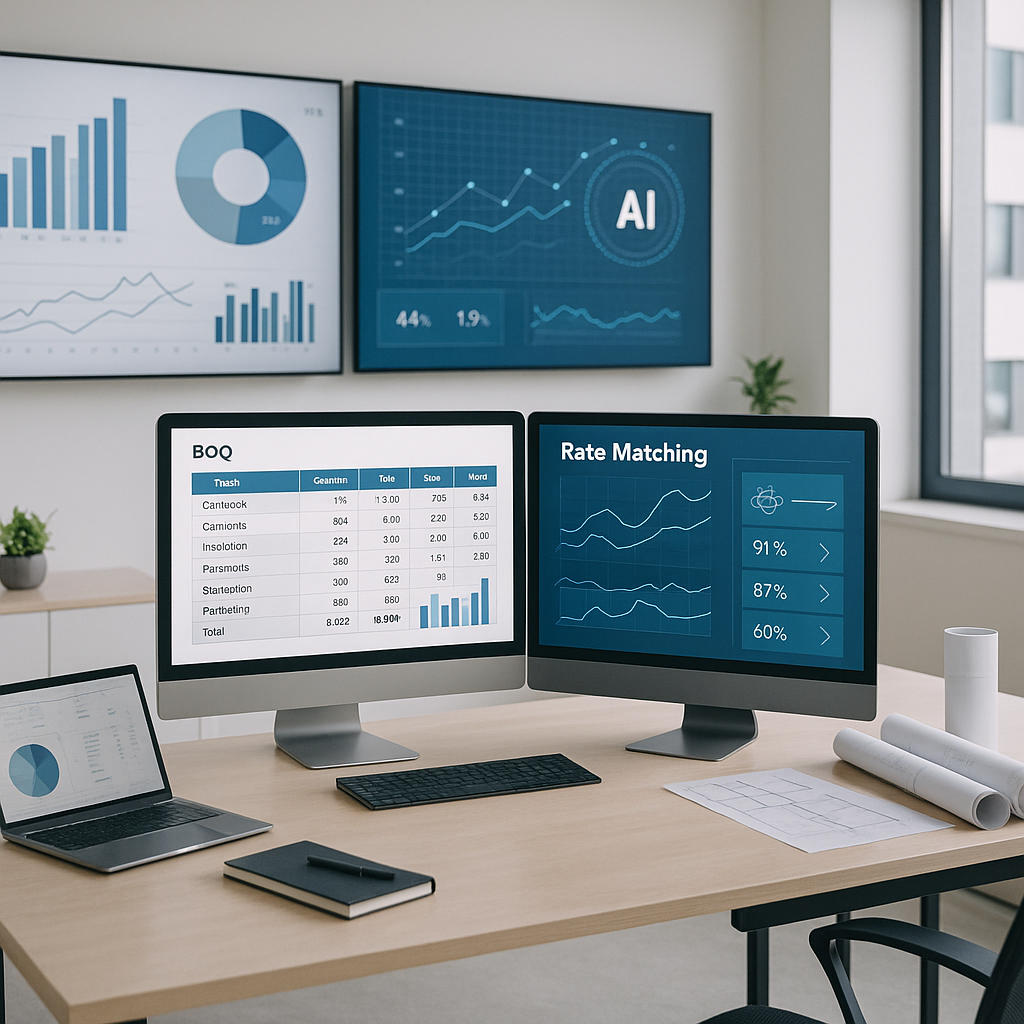
The Problem with Traditional BOQs
Let’s be honest: BOQs (Bills of Quantities) are a mess. If you’re still using Excel sheets or manually flipping through PDFs, you know how painful it is. Forget about speed—just finding the right rates can feel like searching for a needle in a haystack. And don’t even get me started on errors. A single typo can throw off your entire estimate.
BOQs should make life easier. They’re supposed to be your go-to source for quantities, rates, and costs. But for most estimators, they’re just another bottleneck. The worst part? Every project starts from scratch. There’s no standardization. No reuse. No intelligence.
The consequences are real. Take the construction industry, for example. According to McKinsey, poor productivity costs the sector $1.6 trillion globally every year. Much of this stems from manual processes like traditional BOQs, which lead to delays, miscommunication, and costly rework.
So, how do we fix it? Enter the BOQ Bank.
What is a BOQ Bank?
Think of a BOQ Bank as your personal rate library, powered by artificial intelligence. It’s not just a static list of rates. It’s a dynamic, searchable, reusable database that grows smarter with every project you complete.
Here’s how it works:
- Centralized Rate Storage: Instead of hunting through 2,000-page PDFs or scattered Excel files, all your rates are stored in one place—organized, searchable, and ready to use.
- Smart Matching: Upload a BOQ, and the AI automatically matches line items to the best-fit rates from your catalog or a preloaded library (like RSMeans or CPWD DSR).
- Learning Over Time: The more you use it, the better it gets. Accept or reject suggestions, and the system learns your preferences.
It’s like having a senior estimator in your back pocket—one who never forgets a rate.
Case Study: BOQ Bank in Action
Imagine you’re pricing a hospital construction project with 200 line items across structural, electrical, and plumbing scopes. Traditionally, this would involve:
- Manual Rate Entry: Hours spent pulling rates from a mix of Excel sheets and outdated PDFs.
- Error-Prone Calculations: Manually linking rates to quantities, which increases the risk of mistakes.
- No Reuse: Starting every new project from scratch, even if you’ve priced similar scopes before.
With a BOQ Bank:
- You upload the BOQ file, and the AI instantly parses it.
- The system automatically matches 85% of line items to rates from your catalog.
- You adjust the remaining 15% manually, and the AI learns for next time.
Result? A 70% reduction in effort and a faster turnaround for the client.
Why BOQ Banks Matter
Let’s break it down with a real-world example. Say you’re pricing a 50,000 sq. ft. commercial office fit-out. Here’s what typically happens:
- Manual Process: You start with a BOQ template (or worse, a blank sheet). You spend hours entering quantities, flipping through rate books, and recalculating totals every time something changes.
- Errors: A missed rate or quantity throws off your entire bid. And let’s face it: catching those mistakes takes hours.
- Rework: Client wants a “what-if” scenario? Great. Now you’re redoing the entire thing.
With a BOQ Bank, this process looks different:
- Auto-Uploaded BOQ Parsing: You upload the BOQ file (Excel, CSV, or even a PDF). The AI breaks it down into sections, quantities, and line items.
- Rate Matching in Seconds: The system matches each line item to a preloaded rate catalog, factoring in labor, materials, and equipment.
- Real-Time Updates: Need to adjust a rate? The system propagates changes across the entire BOQ instantly, with a full audit trail. No manual recalculations.
The result? You save 40+ hours per estimate, avoid costly mistakes, and respond to bids faster. EstimateNext customers report up to 90% time savings on BOQs alone.
How AI Powers Smarter BOQs
The secret sauce behind BOQ Banks is AI. Here’s what it brings to the table:
- Semantic Search: Forget exact matches. AI can understand context. Search “concrete slab” and it’ll surface rates for reinforced concrete, PCC, and more—even if the wording is different.
- Historical Insights: AI doesn’t just pull rates—it analyzes your past projects to suggest the most relevant ones. If you’ve priced a similar project before, it’ll recommend rates that worked (and won).
- Market Adjustments: Rates aren’t static. AI can apply inflation factors, regional cost indices, or even labor market trends to keep your estimates accurate.
Comparison Table: Traditional BOQs vs. BOQ Banks
| Feature | Traditional BOQs | BOQ Banks |
|---|---|---|
| Rate Storage | Scattered files and PDFs | Centralized, searchable library |
| Error Handling | Manual reviews | Automated error checks |
| Learning Capability | None | AI learns preferences |
| Time Taken per Estimate | 40+ hours | Under 8 hours |
| Adaptability to Changes | Labor-intensive | Instant updates |
Common Objections (and Why They’re Wrong)
You might be thinking, “Sounds great, but does this really work for my projects?” Let’s tackle some common doubts:
-
“My BOQs are too custom for AI to handle.”
That’s fair. No two projects are identical. But AI doesn’t need an exact match to be useful. Tools like EstimateNext use a 4-step matching process: historical rates, user-defined catalogs, country-specific data, and AI fallback. Even if 10% of items need manual review, that’s still 90% less work for you. -
“We already have a rate book.”
Great! A BOQ Bank doesn’t replace your rate book—it supercharges it. Think of it as a layer on top that makes your existing data smarter, faster, and easier to use. -
“We don’t have time to learn a new tool.”
If you can upload a BOQ and click “match,” you can use a BOQ Bank. Most teams are up and running in under an hour.
The ROI of BOQ Banks
Still on the fence? Let’s talk numbers:
- Time Saved: 40 hours per estimate, minimum. For a GC team pricing five GMP pursuits a year, that’s 200 hours back annually.
- Cost Savings: At $130/hour (average estimator rate), that’s $26,000 saved in labor per year. And that’s before you factor in fewer errors and faster bid turnarounds.
- Revenue Lift: For MEP subcontractors, faster quotes mean more bids. More bids mean more wins. Even a 10% lift in bid volume can add $1M+ to your top line.


