Why Manual Estimation Is Killing Your Margins
Let’s be honest: manual estimation is a grind. You’re flipping through 2,000-page rate books, manually tracing PDF drawings, and juggling Excel sheets with formulas that break the minute you tweak a rate. Every estimator I’ve talked to has the same complaint: it’s slow, error-prone, and downright exhausting.
Take a typical bid scenario. A mid-sized general contractor spends about 40 hours on manual takeoffs for a single project. It’s not hard to see the ripple effect: fewer bids submitted, riskier margins, and a team that’s too burned out to negotiate effectively. The worst part? Mistakes creep in. A missed line item or a busted formula can cost you thousands—or the bid entirely.
But here’s the thing: it doesn’t have to be this way.
AI Takeoff: 40 Hours to 10 Minutes
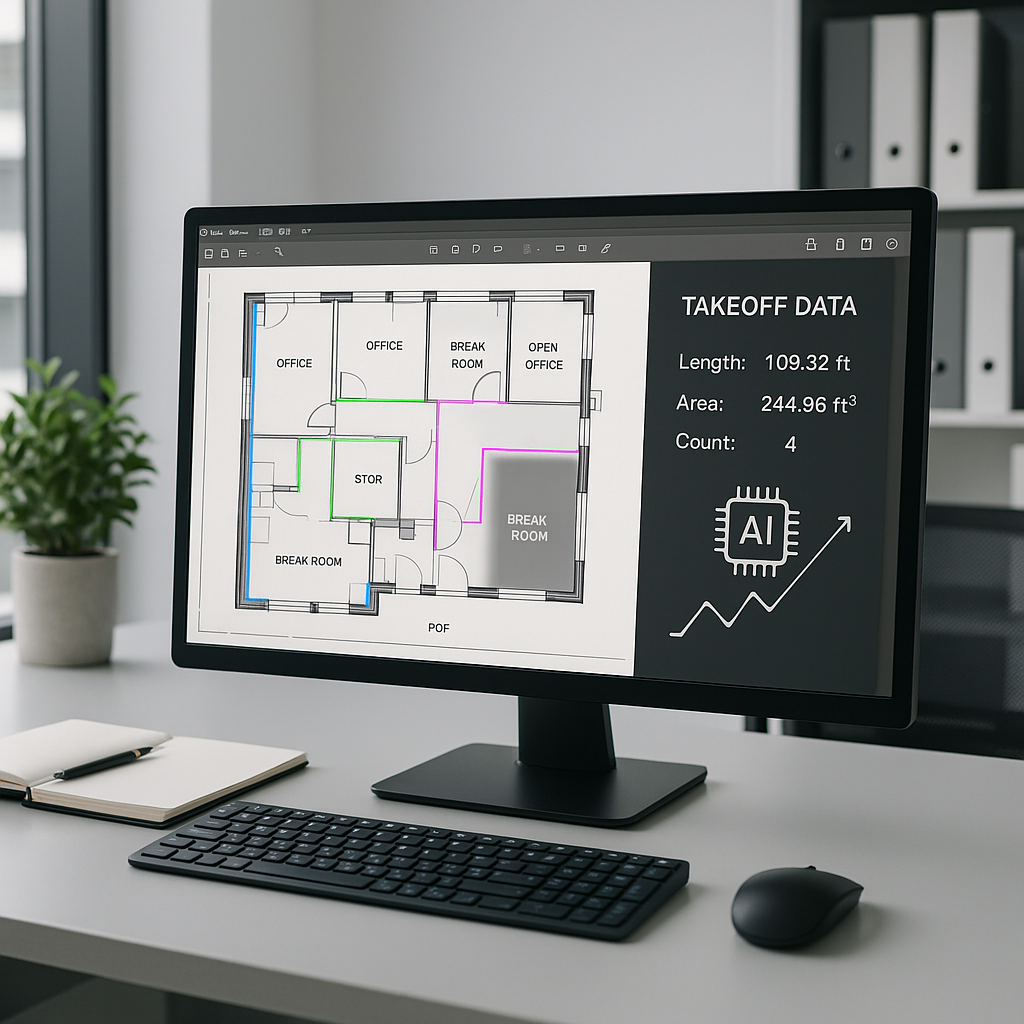
This is where AI-powered tools like EstimateNext come in. Imagine uploading a PDF drawing set and having your quantities extracted in 10 minutes flat. That’s not an exaggeration. Tools like EstimateNext’s Vision AI read your PDFs, identify areas, lengths, and counts, and spit out the data you need. No manual tracing. No second-guessing.
I know what you’re thinking: “Sure, but how accurate is it?” Pretty accurate, actually. AI tools reduce takeoff discrepancies by up to 80%, according to a McKinsey report. And if the system isn’t 100% confident about something (e.g., a fuzzy line on a floor plan), it flags it for your review. You’re still in control—just not bogged down by grunt work.
Actionable Steps to Adopt AI Takeoff
- Start with a free trial: Most platforms, including EstimateNext, offer free trials. Test the tool with a small project to evaluate its accuracy.
- Prepare your drawings: Upload clear, high-resolution PDF files to ensure the AI can process them effectively.
- Review flagged items: The system will highlight areas it’s uncertain about. Use this as an opportunity to refine the outputs.
- Compare results: Run a manual takeoff alongside the AI-driven one. Compare the time saved, accuracy, and ease of use.
Real Example: A $1B Rail Project
Here’s a case that stuck with me. A contractor bidding on a $1 billion rail project used AI-powered takeoff to extract quantities for concrete columns, beams, and rail decks. Normally, this would’ve taken 56 hours of manual labor. With AI, the same job was done in 10 minutes. That’s a 99% time reduction.
This isn’t just about speed. It’s about opportunity. With 56 hours freed up, the team could focus on value engineering, negotiating with subs, or even preparing a second bid. That’s the kind of edge that wins contracts.
Other Real-World Examples
- Residential Housing Project: A homebuilder in Texas reduced their estimation time by 85% on a 30-home development by using AI takeoffs. The team saved 25 hours per project and avoided costly errors in lumber and drywall estimates.
- Commercial Office Space: A subcontractor bidding on a 15,000 sq. ft. office renovation cut their takeoff time from 18 hours to 2 hours, allowing them to submit three additional bids that quarter.
Why Rate Matching Matters Just as Much
Takeoffs are only half the battle. The other half? Rate matching. Estimators spend hours flipping through RSMeans or CPWD DSR catalogs, trying to find the right labor, material, or equipment rates. It’s slow, and it’s frustrating.
AI fixes this too. EstimateNext, for example, uses semantic search to match line items in your BOQ with one of 78,000+ preloaded SOR items. Need a rate for installing pre-stressed concrete girders? Type it in, and you’ll get a match in seconds. No more squinting at page numbers or cross-referencing outdated PDFs.
And here’s the kicker: the system learns. Every time you adjust a rate or reject a suggestion, the AI gets smarter. By your third project, it’s already fine-tuned to your preferences.
Concrete Steps for Better Rate Matching
- Upload your custom catalogs: If you have preferred rate books or supplier pricing, upload them to the system for personalized recommendations.
- Leverage filters: Use location-specific filters to ensure rates align with regional labor and material costs.
- Validate frequently used items: Spend time checking commonly applied rates to improve accuracy over time.
What-If Scenarios Without the Excel Headache
Let’s talk about something every estimator hates: last-minute revisions. Maybe the client wants to shave $500K off the budget. Or a supplier’s quote comes in higher than expected. In Excel, this is a nightmare. Change one rate, and you’re rebuilding half the workbook.
AI tools like EstimateNext handle these scenarios with ease. Update a rate, and the system propagates the change across the entire estimate in real time. It even keeps an audit trail, so you can see exactly how the numbers changed and why.
Comparison: Excel vs. AI for Revisions
| Feature | Excel | AI Estimation Tools |
|---|---|---|
| Rate Updates | Manual, time-consuming | Automated and instant |
| Error Propagation | High risk | Low risk |
| Audit Trail | Limited | Comprehensive |
| Scalability | Poor | Excellent |
The Skeptic’s Objection: “AI Doesn’t Get Nuance”
Every time I bring up AI in estimation, someone says, “Sure, it’s fast, but it doesn’t understand the nuances of construction.” And they’re right—to a point. AI won’t replace your judgment. It won’t negotiate with subs or decide how much profit to bake in. But it doesn’t have to.
Think of AI as your junior estimator. It handles the repetitive, time-consuming tasks—takeoffs, rate lookups, what-if recalculations—so you can focus on strategy. You’re still the one making the big calls. The AI just gives you the data faster and with fewer errors.
ROI: Does It Actually Pay Off?
Let’s do the math. A typical GC estimator costs about $130/hour. Saving 40 hours on takeoffs alone adds up to $5,200 per project. Multiply that by 5-8 bids a year, and you’re looking at $26K-$41K in savings just on labor.
Now consider the tool cost. EstimateNext starts at $99/month for a GC license. That’s $1,188/year. Even if you only save 10% of the time I just mentioned, the ROI is massive—like 20X massive.
How to Get Started
If you’re new to AI tools, start small. Test a single project. Upload your BOQ, run a takeoff, and see how the system performs. Most platforms, including EstimateNext, offer free trials. Use them. There’s no better way to see the impact than by comparing the AI-driven estimate to your manual process.
And don’t skip training. While these tools are intuitive, a little setup goes a long way. Customize your catalogs, fine-tune your rate preferences, and make sure your team knows how to review AI outputs effectively.
Final Thoughts
AI-powered estimation isn’t just a flashy trend. It’s a practical solution to real problems—missed deadlines, bloated costs, and endless manual rework. Tools like EstimateNext won’t replace your expertise, but they will amplify it. And in this industry, where margins are tight and competition is fierce, that’s an advantage you can’t afford to ignore.
If you’re tired of wasting time and losing bids, EstimateNext can help. Get started free →.


