The Brutal Math of Manual Takeoffs
Let’s face it — manual drawing takeoffs are a time suck. On average, estimators spend 40 hours per project measuring areas, lengths, and counts on PDF drawings. That’s two full workdays for two people, gone. And if you’re juggling multiple bids or working under tight deadlines, this bottleneck can cost you the job.
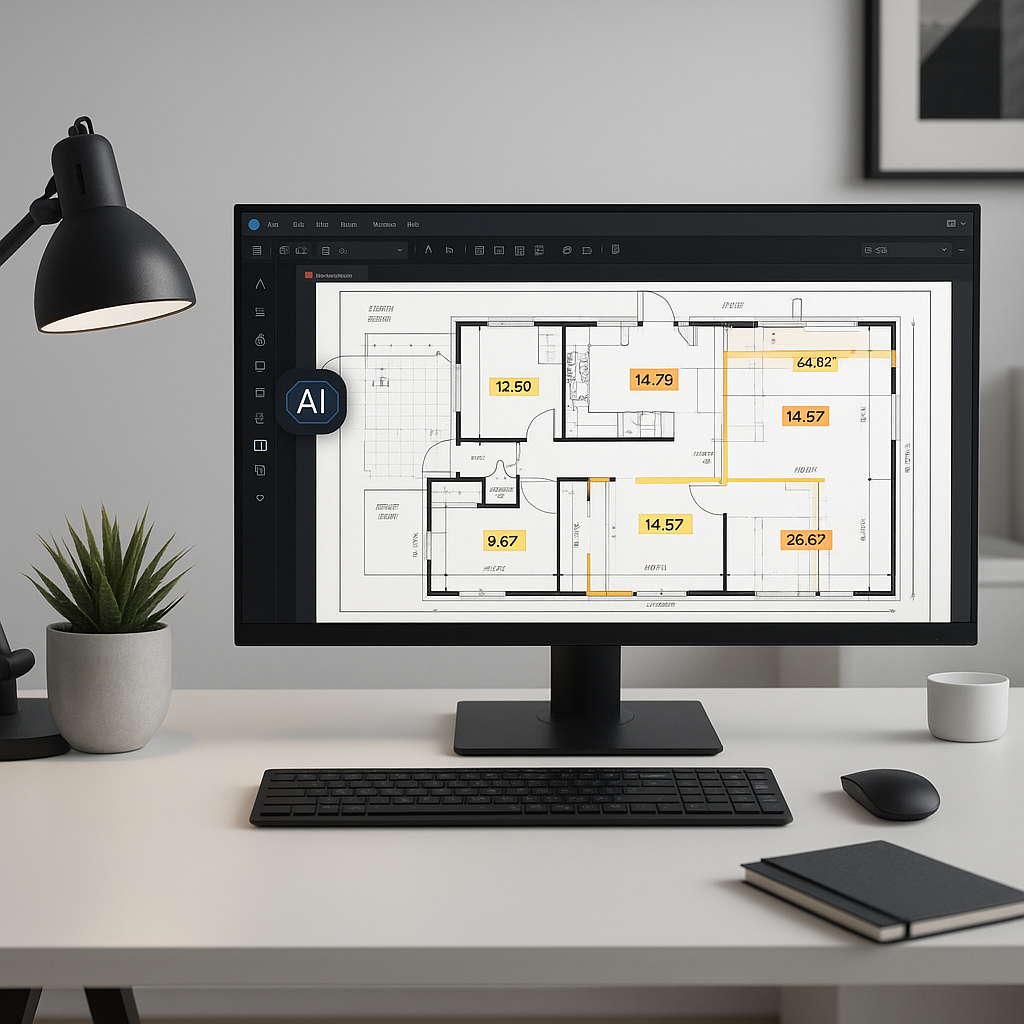
Here’s the kicker: it doesn’t have to be this way. AI-powered tools like EstimateNext cut that 40-hour process down to just 10 minutes. How? Vision AI reads your uploaded drawings, identifies quantities for key elements (walls, door counts, structural beams), and spits out accurate measurements almost instantly.
How Does AI Takeoff Work?
It’s surprisingly simple. You upload your PDF drawings into the platform. AI scans the document, calibrates measurements, and extracts quantities. For example, it can calculate the total square footage of flooring required for a high-rise or the linear footage of ductwork for an HVAC system.
But it doesn’t stop there. Tools like EstimateNext allow you to review low-confidence lines — areas where the AI isn’t 100% sure — and manually override them with an audit trail. This keeps accuracy high while still saving massive amounts of time.
Actionable Steps to Get Started with AI Takeoffs
-
Digitize Your Workflow: Before adopting AI, ensure your team is comfortable working with digital PDFs. Scanned, low-quality PDFs can reduce accuracy, so invest in good-quality drawings.
-
Choose the Right Tool: Platforms like EstimateNext cater to specific industries, such as general contractors, electrical engineers, or HVAC specialists. Research tools that suit your trade.
-
Leverage Confidence Scoring: Use tools with features like confidence scoring, which flag areas where manual verification is needed. This ensures that you retain control over critical measurements.
-
Train Your Team: AI tools are intuitive but still require some onboarding. A short training session (often under two weeks) can help your team make the most of the platform.
-
Audit and Document: Use the audit trails provided by AI tools to maintain compliance and have a clear record for later verification. This is especially useful for large-scale projects with multiple stakeholders.
Real-World Impact
Case Study: Mid-Sized Contractor Bidding on a High-Rise
A mid-sized general contractor bidding on a high-rise project saved 120 hours on takeoffs by using AI-powered tools. That’s two weeks of estimator labor costs avoided while still meeting the bid deadline. In their words: “It’s like hiring a full-time estimator without the payroll hit.”
Case Study: Small Electrical Subcontractor
A small electrical subcontractor shifted to AI takeoff tools for residential projects. Previously, they spent 12 hours per project calculating conduit lengths and outlet counts manually. After switching, they reduced this to just 20 minutes per project. Over the course of a year, they saved over 300 hours, which allowed them to take on 15 additional projects.
Data Point: Industry-Wide Savings
According to McKinsey, AI adoption in construction and preconstruction processes can improve productivity by up to 50%. For a typical contractor, this translates to tens of thousands of dollars saved annually.
Common Objections
“But AI can’t think like an estimator.”
You’re right — AI doesn’t replace your expertise. It’s there to handle the grunt work, freeing you up for strategic tasks like markup decisions and subcontractor negotiations. Think of it as a tool, not a replacement.
Comparison: Manual vs. AI-Driven Takeoffs
| Feature | Manual Takeoffs | AI-Driven Takeoffs |
|---|---|---|
| Time Required | ~40 hours per project | ~10 minutes per project |
| Accuracy | Depends on human precision | High with confidence scoring |
| Scalability | Limited by team size | Unlimited |
| Cost | High labor costs | Lower software subscription costs |
| Audit Trail | Rarely documented | Built-in |
“What if the AI gets it wrong?”
Good question. That’s why platforms like EstimateNext include confidence scoring and manual overrides. You can review every takeoff, tweak as needed, and maintain full control over accuracy.
“I work on small projects — is this even worth it?”
Absolutely. AI scales to project size. For smaller jobs, it’s less about saving dozens of hours and more about eliminating repetitive tasks like counting fixtures or measuring small areas. Even a single saved hour per project adds up over time.
Practical Benefits Beyond Time-Saving
Improved Accuracy
Manual takeoffs are prone to human error. A missed measurement or a miscounted quantity can snowball into costly mistakes. AI tools significantly reduce these errors by automating calculations and flagging anomalies.
Enhanced Collaboration
AI tools often include cloud-based features, which allow teams to collaborate in real-time. For example, the estimator can share takeoff results with the project manager instantly, reducing delays in the bid preparation process.
Faster Bid Turnaround
The faster you complete your takeoffs, the more bids you can submit. This directly impacts your win rate, especially in competitive markets where speed often determines success.
The Bottom Line
AI-powered takeoffs are reshaping preconstruction. They're fast, accurate, and scalable — whether you’re pricing a $1 billion rail bridge or a $1 million office fit-out. If you’re still doing manual takeoffs, you’re burning time and money that your competitors aren’t.
It’s not just about saving time, though. AI tools free up your team to focus on high-value tasks like strategy, subcontractor negotiations, and bid optimization. In an industry where margins are tight, every saved hour and dollar counts.
Call to Action
If manual takeoffs are slowing your team down, AI-powered tools like EstimateNext can help. Save time, reduce errors, and focus on the work that matters. Get started free →


