The Pain of Manual Takeoffs
Let’s start with a reality check. Manual drawing takeoffs are a nightmare. Two estimators spend 40 hours piecing together quantities from PDFs, measuring wall lengths, counting windows, and tracing floor plans. That’s an entire workweek gone per estimate—just for one project.
And the kicker? Human error. Miscounted doors, overlooked revisions, or bad calibrations could sink the accuracy of your bid. If you miss a key line item, you’re eating the cost later. Or worse, you lose the bid entirely because your numbers don’t hold up.
The Brutal Math
Here’s the math that should make any preconstruction director pause:
- Time wasted: 40 hours per estimate × $130/hr average estimator cost = $5,200 per project.
- Bid volume: 5-8 GMP pursuits per year for a typical GC. Multiply those hours and costs, and you’re staring at $26,000-$41,600 annually.
- Lost opportunities: While your team spends hours on manual takeoffs, competitors are submitting more bids faster.
It’s a productivity drain that’s impossible to ignore. A 2021 survey by Dodge Data & Analytics found that 60% of contractors reported losing bids due to inefficiencies in their preconstruction process. That’s a staggering statistic that reflects the cost of clinging to outdated methods.
How AI Changes the Game
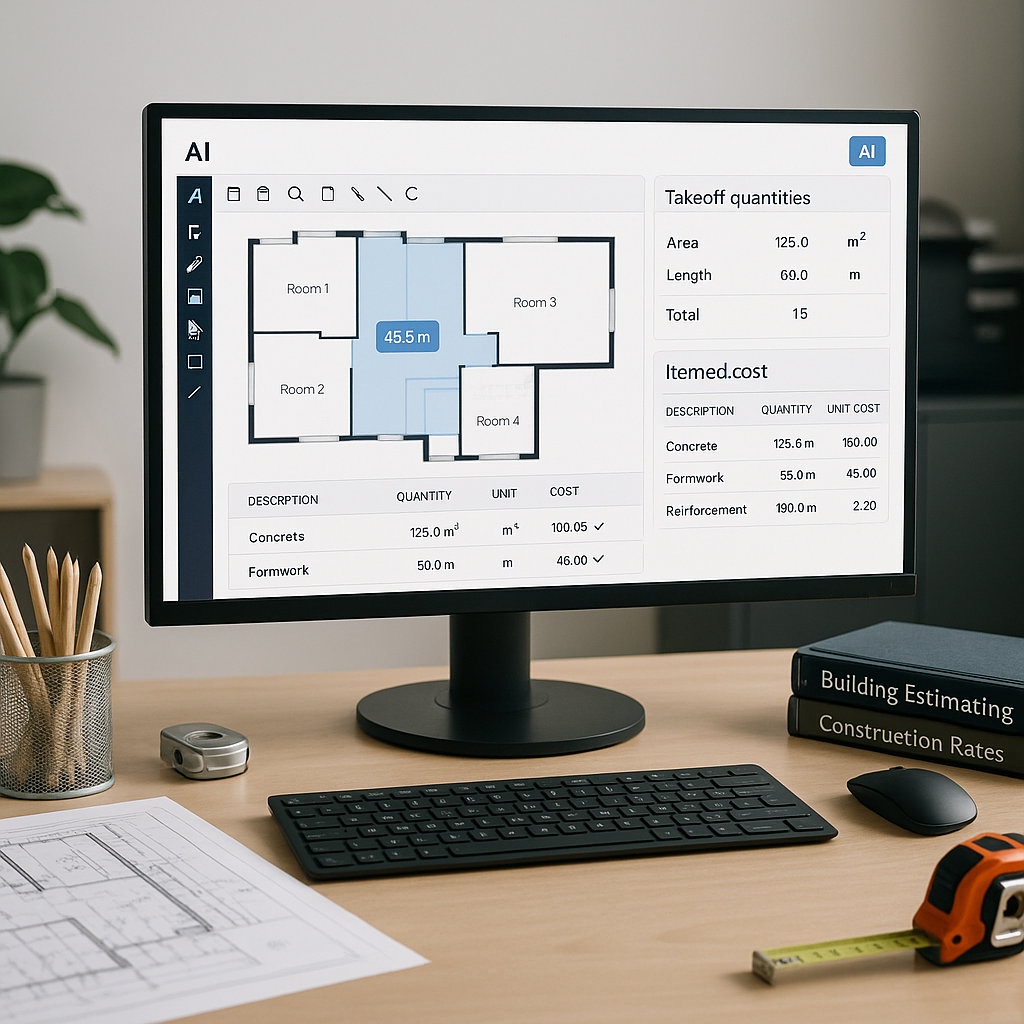
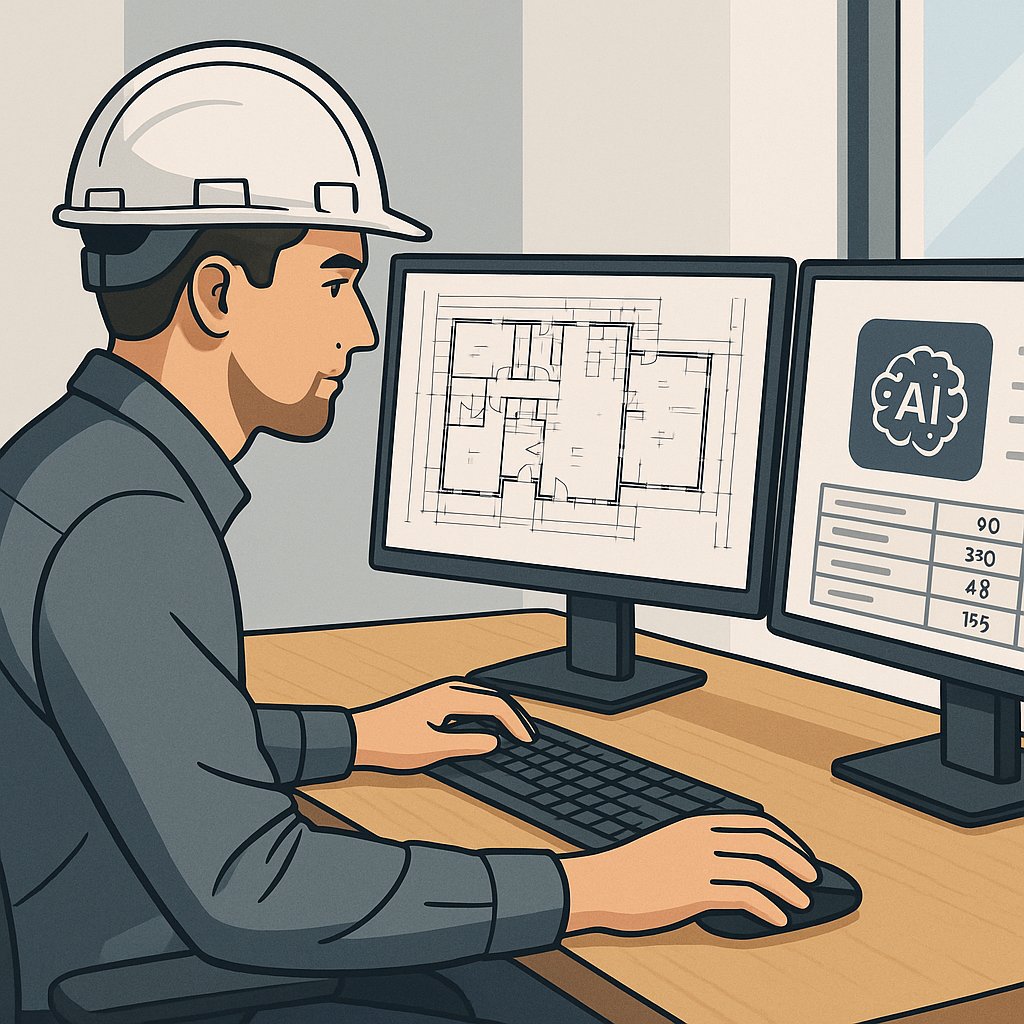
AI-powered tools like EstimateNext flip this entire process on its head. Instead of manually tracing drawings, Vision AI scans PDFs and extracts quantities in minutes. Upload your set, calibrate the scale, and the system does the heavy lifting.
Real Example: Saving 120 Hours on a High-Rise Bid
A mid-sized general contractor used Vision AI on a 30-story high-rise project. The tool cut their takeoff time from 40 hours to just 10 minutes. That’s not just faster—it’s transformative. They saved two full weeks of labor, freeing up senior estimators for higher-value tasks like subcontractor negotiations and risk analysis.
Their feedback? “It’s like hiring a full-time estimator without the overhead.”
Here’s the simple math of their ROI:
- Cost of the tool: $1,200/year
- Time saved: 120 hours × $130/hr = $15,600
- Net ROI: $14,400 in savings on just one project
For companies juggling multiple bids per month, these savings add up quickly.
Actionable Steps for Implementing AI Takeoff Tools
- Start Small: Identify upcoming projects where automated takeoffs can be tested. Smaller or medium-sized projects are ideal for pilot testing.
- Train Your Team: Allocate one day to train your estimators on the software. Most tools are intuitive and require minimal technical skills.
- Define Your Workflow: Decide how the AI tool will integrate into your existing workflows. For example, will it handle all takeoffs, or just repetitive tasks like counting fixtures?
- Monitor and Adjust: Use the first few projects to monitor accuracy, adjust your calibration process, and get feedback from your team.
- Scale Up: Once the pilot proves successful, roll out the tool across more projects and integrate it with other platforms like Procore or Autodesk Build.
Why Accuracy Still Matters
You might be thinking, “Sure, AI is fast, but can it match human precision?” Fair question. AI tools aren’t magic—they depend on clean input data and calibration. However, platforms like EstimateNext include features like confidence scoring and manual overrides. If the system flags a low-confidence line, you can remeasure it with full transparency.
Research shows AI-powered takeoffs can reduce discrepancies by up to 80% compared to manual methods, according to a 2022 study by Construction Dive. Plus, AI never gets tired or distracted, minimizing the chance of errors.
And let’s not forget: human estimators make mistakes too. AI doesn’t replace your expertise—it amplifies it. You’re still in control, making judgment calls where needed. Think of it as moving from a hand drill to a power drill: the tool doesn’t replace the craftsman, but it helps them work faster and more efficiently.
Common Accuracy Pitfalls and How to Mitigate Them
- Garbage In, Garbage Out: Ensure your input data (PDFs, CAD files, etc.) is clean and well-organized.
- Calibrate Properly: Always calibrate the scale of your drawings before running a takeoff. Most AI tools have built-in guides for this.
- Review Low-Confidence Areas: Leverage the software’s confidence scoring to double-check flagged items.
What About Smaller Projects?
Some GCs assume AI tools only make sense for massive infrastructure projects. Not true. AI scales to any project size. Whether it’s a $1 million office renovation or a $1 billion rail bridge, the system adapts.
In fact, smaller projects benefit even more. When margins are razor-thin, saving hours on takeoffs could mean the difference between profit and loss. Consider a small $500,000 interior fit-out project with a 10% profit margin. If you spend $5,200 on manual takeoffs, that eats 10% of your profit upfront.
On the other hand, an AI tool costing $99/month could perform the same takeoff in minutes for a fraction of the cost. That’s money back in your pocket—and time you can allocate to winning the next bid.
Case Study: Small Contractor Boosts Efficiency
A small contractor specializing in retail renovations adopted an AI takeoff tool for a series of $300,000 projects. Previously, their lead estimator spent 25 hours per project on takeoffs. After switching, the time dropped to just 30 minutes per project. Over the course of 10 projects, they saved 245 hours and reduced their bid preparation costs by $31,850.
FAQ
Q: How accurate are AI-powered takeoffs?
AI tools reduce discrepancies by up to 80%, according to internal case studies. They include manual override options to ensure precision.
Q: Do these tools work with my existing software?
Yes. Platforms like EstimateNext offer API integrations with Procore, Autodesk Build, and Excel. You can export estimates directly into your preferred workflow.
Q: What if my rates are custom?
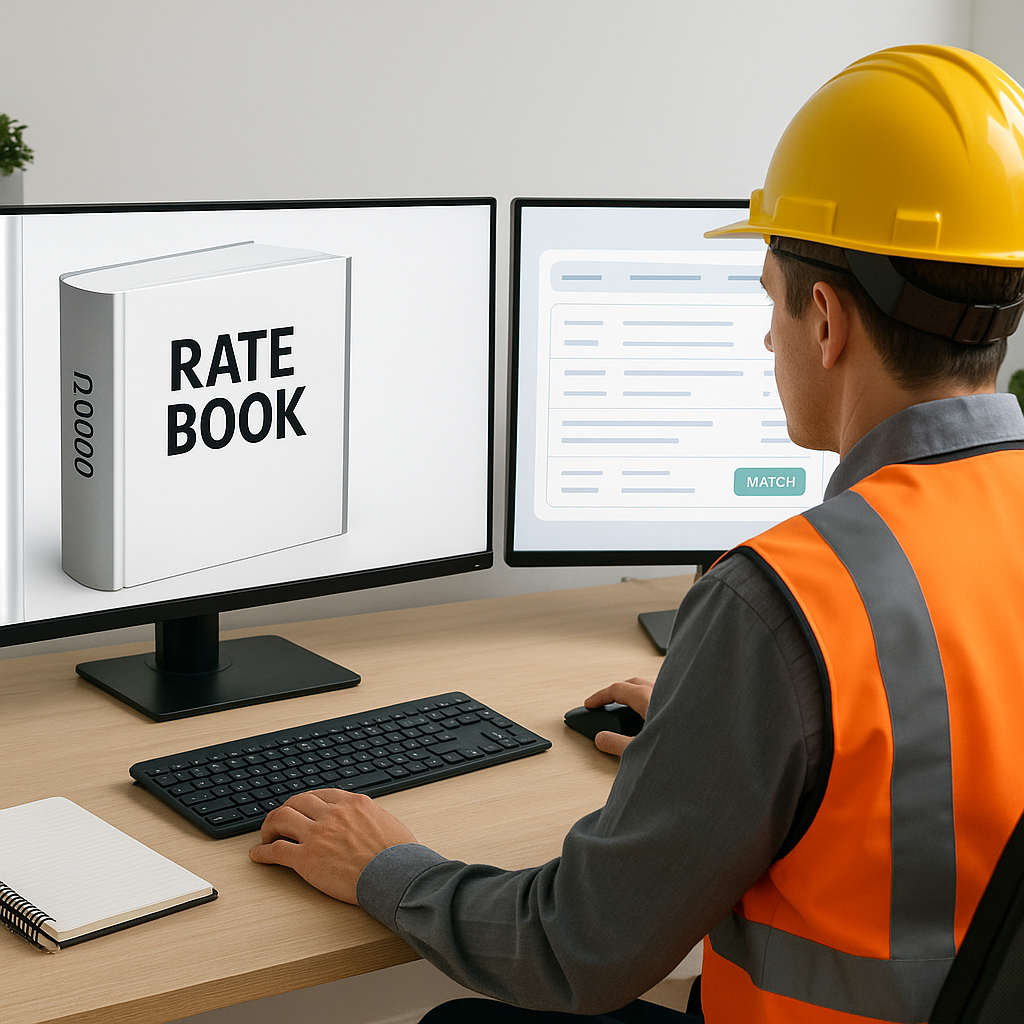
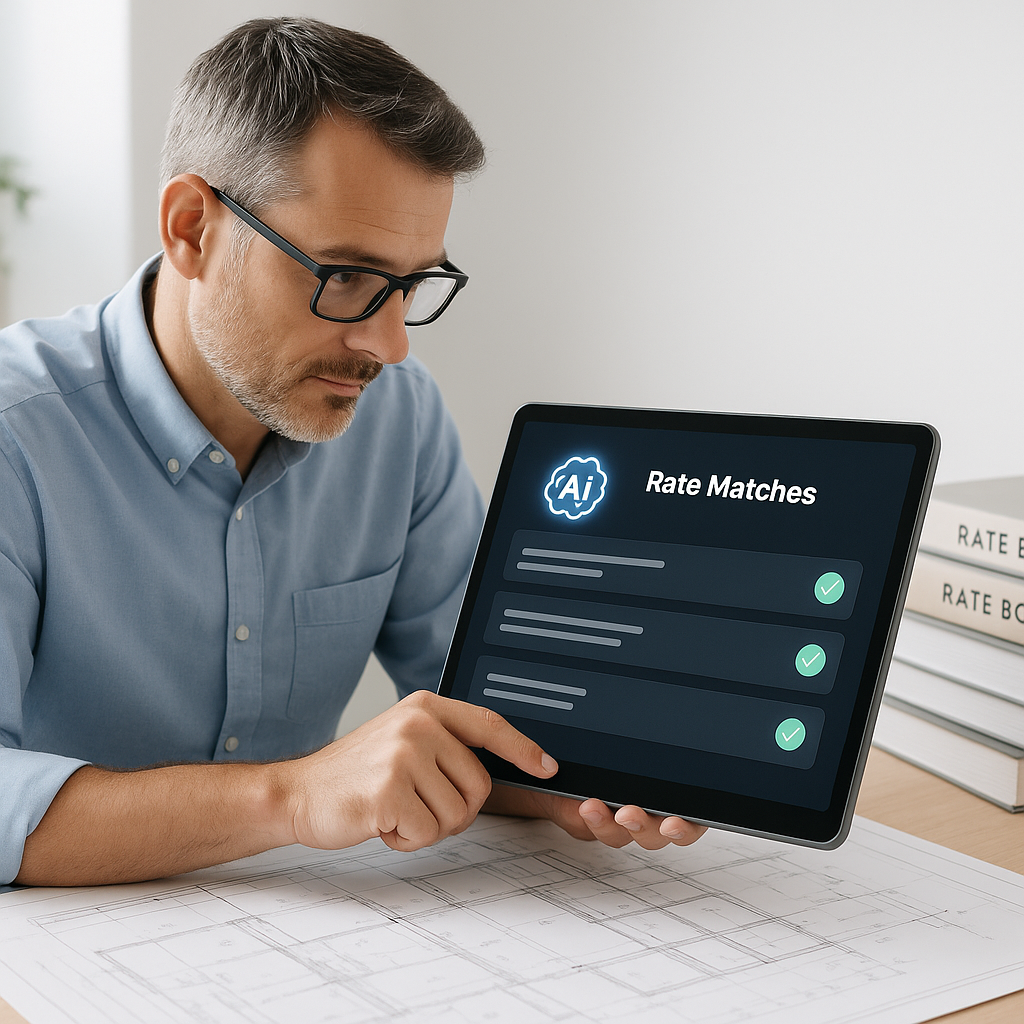
AI tools allow you to upload custom rate catalogs or define project-specific rates. This ensures your estimates reflect real costs and are tailored to your business needs.
Q: How much does this cost compared to manual methods?
EstimateNext starts at $99/month for GCs. Compare that to $130/hour for manual estimation, and the savings add up fast—especially on larger projects.
Q: Is it hard to train my team to use AI tools?
Not at all. Most modern AI takeoff tools are designed for user-friendliness. Teams typically require less than two weeks to fully integrate the tool into their workflow.
Comparison: Manual Takeoffs vs. AI-Powered Takeoffs
| Feature | Manual Takeoffs | AI-Powered Takeoffs |
|---|---|---|
| Time Required | 25-40 hours per project | 10-15 minutes per project |
| Accuracy | Prone to errors | 80% fewer discrepancies |
| Cost | $5,200/project (labor) | $99/month (tool) |
| Scalability | Limited by manpower | Scales effortlessly |
| Integration | None | API integration available |
| Learning Curve | N/A (manual process) | Simple, < 2 weeks training |
The Bottom Line
If your team is still stuck in manual mode, you’re wasting time and money. AI-powered tools don’t just save hours—they free up your estimators to focus on what really matters: winning bids. Whether you’re tackling a high-rise project or a small office renovation, the time savings and accuracy improvements are undeniable.