Why Rate Matching is Killing Your Productivity
If you’ve ever spent hours flipping through RSMeans or CPWD DSR catalogs to find the right rate, you know how tedious it is. Worse, it’s easy to miss something. A material rate buried on page 1,375 or a labor rate from a past project can slip through the cracks. That’s a costly mistake that can derail projects and eat into your profit margins.
A typical Bill of Quantities (BOQ) has hundreds of line items. Matching rates manually can take 12 hours or more for a mid-sized project. Add revisions or last-minute client requests, and you’re doubling—or even tripling—that time. It’s not just a headache—it’s a massive productivity killer.
The Real Cost of Manual Rate Matching
Let’s break down the cost of sticking to manual processes. Say you’re working on a mid-sized project with 400 line items in the BOQ. If it takes an average of 12 hours to manually match rates, and your hourly rate is $130, that’s $1,560 for rate matching alone. Now factor in revisions, which can easily double this time and cost.
For larger projects, the numbers spiral even further. A 1,000-item BOQ for a major infrastructure project could take upwards of 40 hours to match rates manually. At $130/hour, that’s $5,200 before you’ve even accounted for revisions, errors, or client-requested changes.
The hidden cost? Opportunity loss. While your team is bogged down in administrative tasks, they’re not focusing on higher-value work like strategy, client relationships, or value engineering.
How AI Fixes It
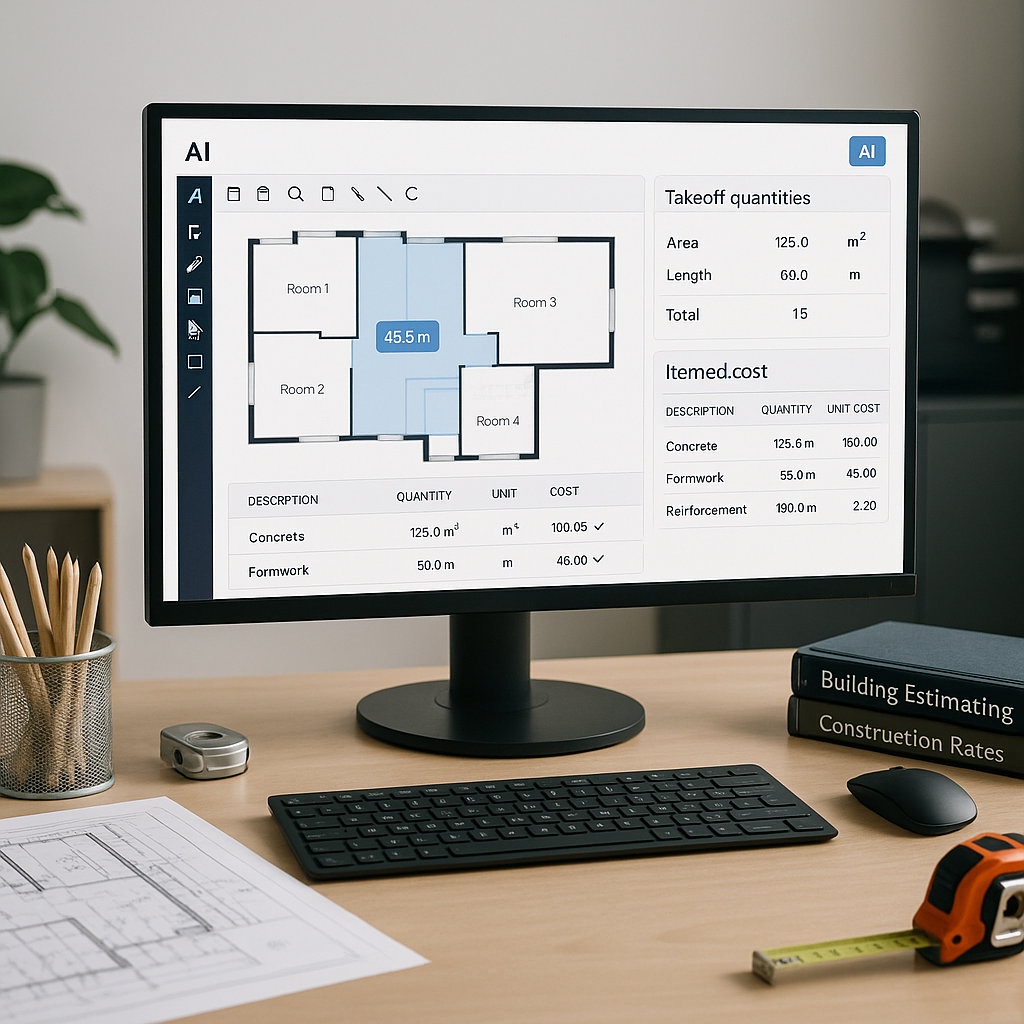
AI-powered tools like EstimateNext completely transform this process. Instead of manually scanning through catalogs, you simply upload your BOQ, and the system does the rest. Using advanced semantic search capabilities across 78,000+ Standard Operating Rates (SOR) items, these tools can find rate matches in seconds.
Actionable Steps to Adopt AI-Powered Rate Matching:
- Upload Your BOQ: Export your BOQ in a compatible format (Excel, CSV, etc.) and upload it into the AI tool.
- Set Parameters: Define the scope, such as catalogs to reference (e.g., RSMeans, CPWD DSR, or your custom catalog) or regions to consider.
- Review Results: The tool will generate rate matches in seconds. Spend time reviewing high-impact or high-cost items.
- Iterate: Use feedback features to correct any errors, which helps the system improve over time.
Case Study: $1B Rail Project
Consider a $1 billion rail project where the team needed to match rates for concrete columns, beams, and rail decks across DOT-approved catalogs. Traditionally, this would have taken 56 hours. With AI, it was done in 10 minutes—a 99% time savings. Not only did the team save thousands in labor costs, but they also avoided the risk of delays caused by rate-matching errors. (Source)
Why Accuracy Still Matters
Here’s where skeptics often raise valid concerns: “Sure, AI is fast, but can it really be accurate?”
The short answer is yes—but with a caveat. AI tools are only as good as the data you feed them. If your input is incomplete or outdated, the tool might struggle to match rates correctly. That’s why leading platforms like EstimateNext allow users to upload custom catalogs, set project-specific parameters, and provide feedback.
Best Practices for Ensuring Accuracy:
- Start with High-Quality Data: Ensure your BOQ is complete and accurate.
- Upload Custom Catalogs: If you use unique or proprietary rates, upload them into the system.
- Review High-Impact Items: Focus on major cost drivers like structural steel, concrete, and specialized labor.
- Leverage Feedback Loops: Use the tool’s feedback features to correct mismatches or refine results.
This feedback loop is critical. A few hours spent reviewing the AI’s suggestions ensures accuracy while still saving more than 90% of the time you’d spend manually matching rates.
The ROI is Clear
Switching to AI-powered rate matching doesn’t just save time—it delivers a tangible ROI. Let’s break it down:
General Contractor Example
- Manual Process: A GC director managing five GMP pursuits annually spends 40 hours per project on rate matching. That’s 200 hours per year, costing $26,000 (at $130/hour).
- AI-Powered Process: The same work takes 4 hours per project with AI. That’s 20 hours annually, costing just $2,600.
- Savings: You save 180 hours and $23,400, delivering a 10X ROI.
Subcontractor Example
For subcontractors, faster rate matching means you can respond to more bids. Let’s say you currently respond to 20 bids annually and win 25% of them. By using AI, you can handle 50% more bids (30 total), leading to 5-6 additional wins annually. At an average project value of $200,000, that’s $1-1.2 million in incremental revenue.
Handling Edge Cases
What about custom or project-specific rates? Or international projects with unique standards?
Custom Rates
Many AI tools, including EstimateNext, let users upload custom rate catalogs. You can define rates for unique line items and integrate them seamlessly for future use. For example, if you’ve negotiated special pricing for a particular material, you can ensure the AI tool reflects that in future matches.
International Standards
Working on a project in the UK? Platforms like EstimateNext handle multi-market complexity. Whether it’s CESMM3, NRM2, or CSI MasterFormat, the tool applies the correct standards, tax regimes, and even currency conversions for the region.
Decision Framework: Manual vs. AI-Powered Rate Matching
| Criteria | Manual Rate Matching | AI-Powered Rate Matching |
|---|---|---|
| Time Required | 12-40+ hours per project | 10-60 minutes |
| Accuracy | Prone to human error | 90-99% accurate with oversight |
| Cost | $1,560-$5,200 per project | $100-$500 per project |
| Scalability | Limited | Highly scalable |
| Customization | Manual input required | Custom catalogs and parameters |
The Bottom Line
Manual rate matching is a relic of the past. AI isn’t just faster—it’s smarter. It eliminates grunt work, reduces errors, and frees up your team to focus on strategic activities that drive value.
If manually matching rates is eating into your time, it’s time to consider an AI-powered solution. Get started free →
FAQ
Q: How accurate are AI-powered rate matches?
AI tools are highly accurate, often reducing errors by up to 99%. However, accuracy depends on the quality of your input data. Human oversight is still important, especially in the early stages of adoption.
Q: Can I use custom rate catalogs?
Yes, most AI tools, including EstimateNext, allow you to upload custom catalogs or define specific rates for unique items. This ensures the tool aligns with your specific needs.
Q: Does AI work for international projects?
Absolutely. Platforms like EstimateNext handle different standards (e.g., CSI, NRM2, CPWD) and adjust for local tax rules, currencies, and labor laws.
Q: How secure is my data?
Most platforms prioritize data security, using encryption and adhering to industry standards like GDPR or ISO 27001. Always confirm a tool’s security protocols before uploading sensitive project data.
Q: How long does it take to see results?
Most users see significant time savings and accuracy improvements by their third project. The system learns and improves with each use, delivering better results over time.
Call-to-Action
Tired of wasting hours on rate matching? EstimateNext can save you time and money with AI-powered tools designed for preconstruction. Try it free today →