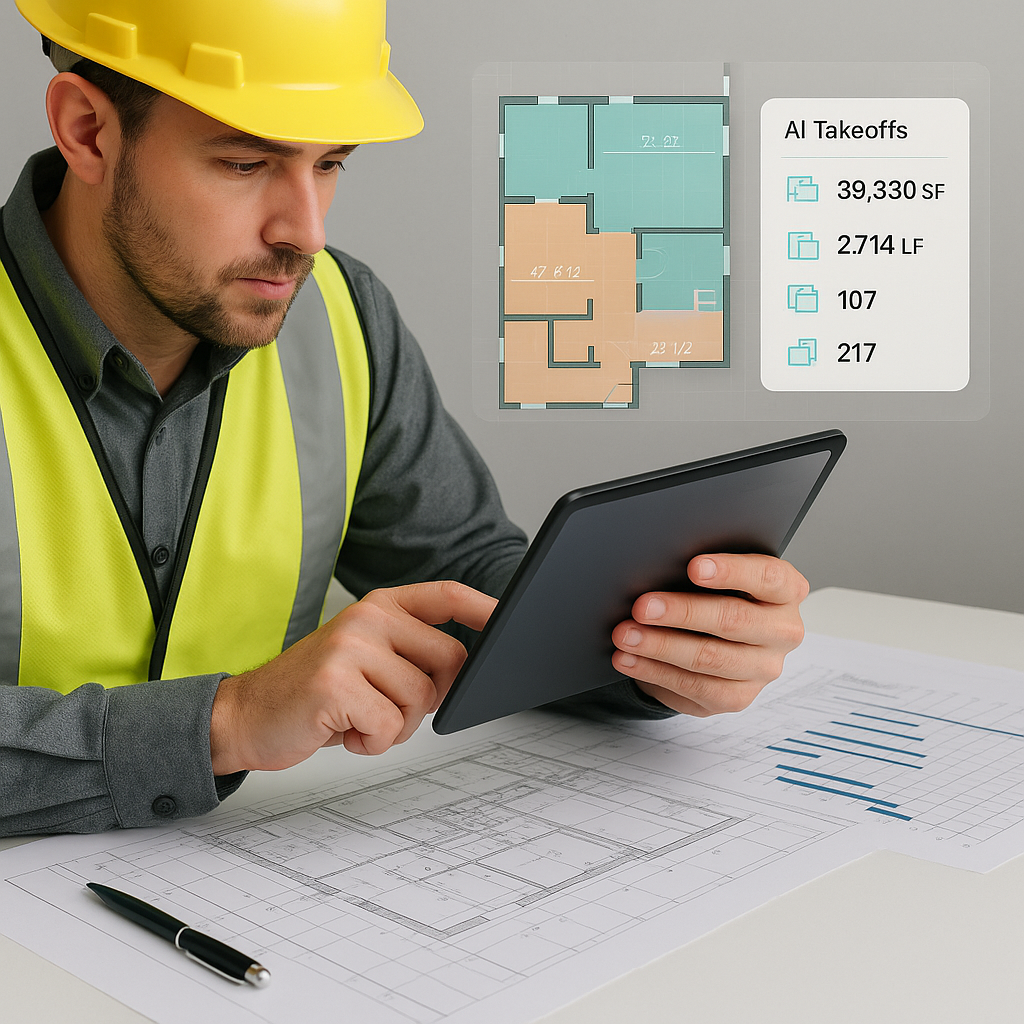
Why Manual Takeoffs Are Killing Your Margins
Let’s not sugarcoat it: manual takeoffs are a time sink. If you're a preconstruction director or estimator, you already know this. Two estimators spend 40 hours tracing drawings, measuring dimensions, and calculating quantities. That’s a full week of labor. Multiply that by 5 GMP pursuits a year, and you’re burning 200 hours—just on takeoffs.
Manual workflows are also error-prone. Miss a few measurements on wall lengths or room areas, and your quantities are off. Miscalculations lead to underbidding or overbidding—both of which hurt your bottom line. According to McKinsey, early adopters of AI in construction see cost savings of 10-20% per project. Why? Because they’re eliminating these inefficiencies.
To put this into perspective, consider a real-world example: a mid-sized contractor bidding on a $5 million residential project. They underestimated drywall quantities by 5%, leading to $80,000 in unplanned costs. The error could have been avoided with a more efficient, automated takeoff process.
How AI-Powered Takeoffs Work
AI-powered takeoff tools like EstimateNext’s Vision AI are designed to eliminate the inefficiencies of manual workflows. Here’s how it works:
- Upload Your Drawings: You upload your PDF drawings, DWGs, or even scanned images into the platform.
- Automated Quantity Extraction: The AI scans floor plans, elevations, and sections to identify areas, lengths, counts, and more. It’s powered by GPT-4o, which understands architectural drawings with remarkable accuracy.
- Confidence Scoring: The system assigns a confidence score to each measurement, flagging anything that might need manual review.
For example, on a $1 billion rail project, Vision AI completed takeoffs for concrete columns, beams, and rail decks in just 10 minutes. By comparison, a team of estimators would have taken 56 hours. That’s a reduction from over a week of labor to mere minutes.
But does it always get everything right? Not 100%. Vision AI’s confidence scoring ensures you remain in control, empowering you to review flagged items for accuracy. Think of it as an assistant that eliminates the grunt work while still allowing you to apply your expertise.
Actionable Steps to Implement AI Takeoffs
- Audit Your Current Process: Identify how much time and money your team spends on manual takeoffs.
- Select the Right Tool: Evaluate platforms like EstimateNext, On-Screen Takeoff, or PlanSwift. Look for features like multi-format support and confidence scoring.
- Run a Pilot Project: Start with a small or mid-sized project to get familiar with the tool.
- Train Your Team: Most AI tools are intuitive, but proper onboarding ensures a smoother transition.
- Monitor ROI: Track time savings, errors reduced, and overall project cost improvements after implementation.
Real ROI: What Contractors Save with AI Takeoffs
Let’s break down the ROI in practical terms. Suppose you’re a GC director with 5 estimators. Here’s what the math looks like:
- Current Manual Workflow: Each estimator spends 40 hours per estimate at $130/hour. For 5 GMP pursuits annually, that’s $26,000 in labor costs.
- AI-Assisted Workflow: AI takeoffs reduce the time per estimate to just 1 hour, saving 39 hours per bid. Over 5 pursuits, that’s 195 hours saved, equating to $25,350 in labor savings.
For mid-sized contractors, the savings multiply. A residential contractor cited in EstimateNext’s case study saved 120 hours on a high-rise bid. That’s two weeks of labor costs avoided, enabling them to meet a tight deadline without hiring additional staff.
Case Study: Small Project Efficiency
An interior fit-out contractor bidding on a $1 million office project used Vision AI to accelerate their takeoff process. By automating takeoffs, they completed target-cost iterations in under 15 minutes each—a task that previously took them over an hour. The time savings allowed them to refine their bid and improve accuracy, ultimately winning the project.
The Obvious Objection: “But AI Can’t Think Like an Estimator”
This is a valid concern. AI doesn’t replace expertise—it amplifies it. You’re still making judgment calls, negotiating with subs, and setting margins. The AI just handles the repetitive stuff, allowing you to focus on higher-value activities.
How AI Fits Into Your Team
- Junior Estimators: Pair them with AI tools to handle takeoffs and rate matching. This frees up senior staff for strategic tasks.
- Senior Estimators: Use the time saved to refine bids, analyze market data, or build stronger subcontractor relationships.
- Project Managers: AI takeoffs provide quicker access to accurate data, enabling faster decision-making during preconstruction.
Think of AI as an apprentice—not a replacement for your team’s expertise.
Edge Cases: Does AI Work for Small Projects?
Absolutely. AI scales to any project size. Whether you’re pricing a $1 million office fit-out or a $1 billion infrastructure bid, the takeoff engine works the same way. Smaller projects often see faster ROI due to the lower upfront investment in labor.
Example: Quick Iterations for Small Projects
An interior fit-out QS using EstimateNext shaved 45 minutes off their what-if iterations by running target-cost scenarios through AI. For them, it wasn’t just about speed—it was about accuracy and flexibility. The ability to do more iterations in less time gave them a competitive edge.
FAQ: Common Questions About AI-Powered Takeoffs
Q: How accurate are AI-generated takeoffs?
AI tools like EstimateNext reduce takeoff discrepancies by up to 80%, but human oversight is still essential for edge cases. Confidence scoring ensures you can review flagged measurements.
Q: Can AI handle custom drawings or non-standard formats?
Yes. Vision AI processes PDFs, DWGs, and scanned images. It’s flexible enough to work with messy or incomplete files.
Q: Is it hard to learn?
Not at all. Most users get up to speed in under two weeks. The interface is intuitive, and onboarding includes training videos and live support.
Q: Can AI integrate with existing tools like Bluebeam or Procore?
Yes. EstimateNext offers API integrations so you can export estimates directly into your current workflow.
Q: Does AI work for multi-market complexity?
Definitely. With MarketProfile architecture, EstimateNext handles CSI, NRM2, CPWD, and CESMM3 standards seamlessly.
Decision Framework: Is AI Right for Your Team?
| Factor | Manual Takeoffs | AI-Powered Takeoffs |
|---|---|---|
| Time Per Estimate | 40 hours | 1 hour |
| Accuracy | Prone to human error | Confidence scoring reduces errors |
| Labor Costs (Per Bid) | ~$5,200 | ~$130 |
| Scalability | Limited by team size | Scales easily to any project size |
| Training Required | Already skilled team | ~2 weeks onboarding |
Call to Action
If you're tired of wasting 40 hours on manual takeoffs, AI estimation tools like EstimateNext can help. Save time, reduce errors, and focus on what actually matters—winning bids. Get started free →


