Manual Rate Lookups: The Hidden Productivity Killer
If you're flipping through a 2,000-page rate book every time you price a job, stop. You're wasting hours on something AI can handle in seconds.
Let’s get real. Rate lookup inefficiencies aren’t just frustrating—they’re expensive. General contractors, especially those chasing multiple GMP pursuits a year, lose an average of 12 hours per estimate to manual rate matching. Multiply that across 5 bids annually, and you’ve burned 60 hours on grunt work. At $130/hour, that’s $7,800 down the drain per estimator.
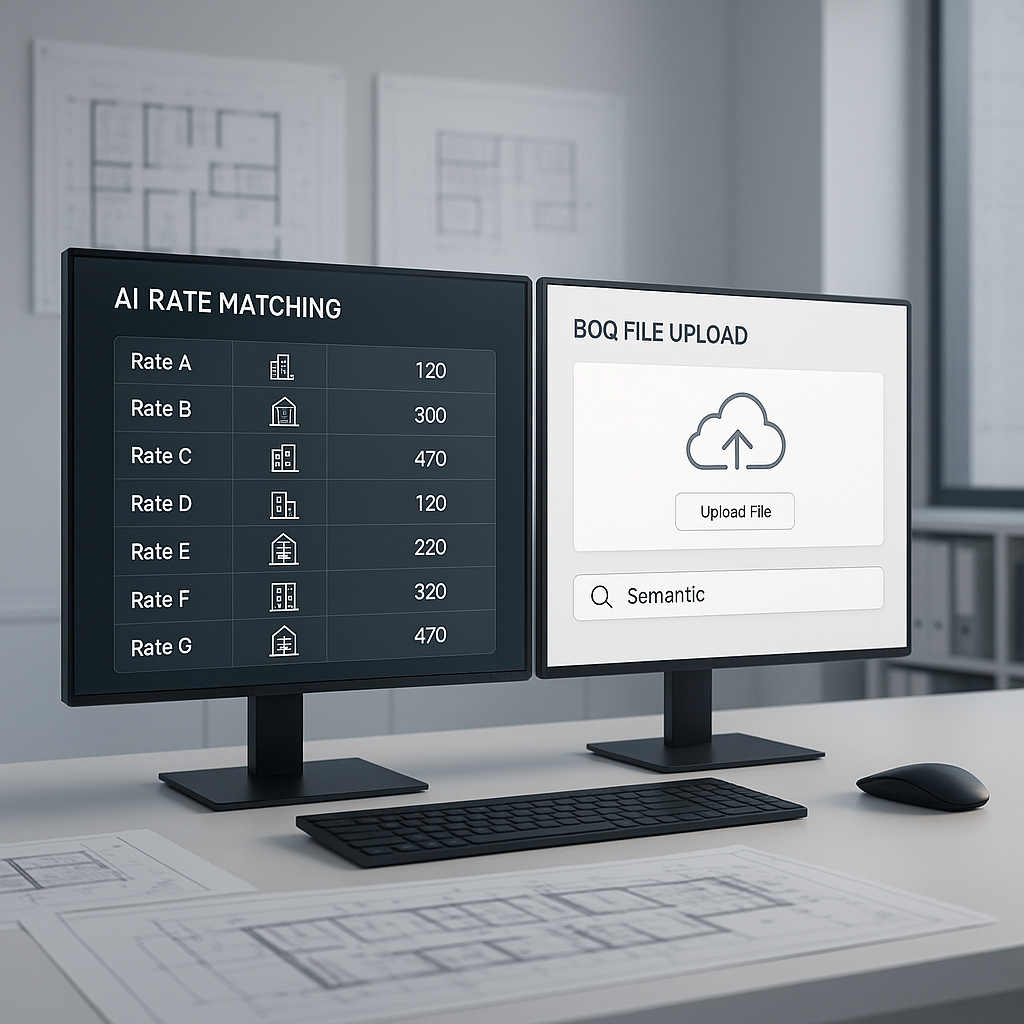
Now imagine cutting that process to seconds. That's what AI-powered tools like EstimateNext deliver. They use semantic search to instantly match BOQ items to 78,000+ rates across catalogs like RSMeans, CPWD DSR, and AECOM Middle East. No flipping books, no Excel crashes.
Why Manual Rate Matching Fails
Manual methods have two big weaknesses:
1. Human Error
Even experienced estimators miss details. Misreading unit rates or matching incorrect labor classifications can throw off the entire bid. Ever accidentally price something at $500 per unit instead of $50? It happens—and it’s costly.
Concrete examples abound. In a 2022 audit conducted by Midwest Estimating Solutions, 27% of bids priced manually showed discrepancies in labor rates, material costs, or overhead calculations. These errors often led to either underbidding (and razor-thin profit margins) or overbidding (and lost projects).
2. Speed vs. Accuracy Tradeoff
Under pressure, you cut corners. Maybe you skip double-checking a rate. Maybe you pull a similar rate instead of the exact match. AI doesn’t make those compromises. It’s fast and precise.
Take a large rail bridge project, for instance. Rates for items like rail ties and structural steel needed to align with DOT-approved catalogs. Using manual lookup methods, this process took days. AI tools, on the other hand, completed it in seconds without sacrificing accuracy.
Case Study: A Large Rail Project
Consider a major contractor pricing a large rail project that required meticulous rate alignment with Department of Transportation-approved catalogs. Using manual methods, estimators spent days validating rates for items like pre-stressed concrete girders and drainage structures. By switching to AI-powered rate matching, a team like this can cut the process to just a few hours, saving thousands in labor costs. Source: $1B Rail Project
How AI Rate Matching Works
Here’s the process:
1. Upload Your BOQ
Drop your Excel or CSV file into the tool. No formatting headaches—EstimateNext’s parser auto-detects merged cells, hierarchies, and section headers. For example, a mid-sized GC in Texas uploaded a BOQ with 3,000 line items, including nested hierarchies. The AI parsed the file in under 60 seconds, flagging inconsistent units for review.
2. Semantic Search
Type in “pre-stressed concrete girders” or “HVAC duct fabrication.” The AI cross-references your query with 78,000+ rates across multiple catalogs. It even accounts for regional variations (e.g., California vs. Texas labor rates). This feature proved invaluable for a New York-based contractor bidding on a project in Florida, where regional wage differences significantly impacted costs.
3. Custom Catalog Integration
Got your own rate book? AI tools allow you to upload it and customize results. The AI learns from your adjustments and improves with each project. By the third bid, accuracy jumps significantly. For example, a contractor specializing in healthcare projects uploaded a proprietary catalog of medical-grade finishes. After two rounds of adjustments, the AI achieved 95% matching accuracy.
4. Audit Trail
Every matched rate comes with a breakdown—material, labor, equipment costs—plus inflation adjustments. You can review and override low-confidence matches. For example, a GC in Seattle used the audit trail feature to adjust outdated equipment rental rates, ensuring the final estimate was aligned with market conditions.
The ROI: Why GC Directors Should Care
Let’s crunch the numbers:
| Metric | Manual Rate Lookup | AI-Powered Rate Matching |
|---|---|---|
| Time per Bid | 12 hours | Under 30 minutes |
| Annual Cost per Estimator | $7,800 | $1,188 (EstimateNext at $99/month) |
| Rate Discrepancy Reduction | N/A | Up to 80% |
ROI Case Study: High-Rise Bid
One mid-sized GC saved 120 hours on a high-rise bid using EstimateNext’s Vision AI and rate matching tools. At $130/hour for an estimator, that’s $15,600 saved on a single project. In their words, “It’s like hiring a full-time estimator without the overhead.” Source: Iran War Inflation Crushes Construction Profits
The Obvious Objection: “AI Can’t Think Like an Estimator”
You’re right—AI won’t replace your expertise. It can’t negotiate with subs or make judgment calls. But it’s not supposed to.
AI handles the grunt work so you can focus on strategy. You’ll still decide markup, review scope, and manage client expectations. Think of AI as your productivity multiplier, not your replacement.
Actionable Steps for GCs
- Start Small: Use AI tools on one bid to gauge time savings and accuracy improvements.
- Train Your Team: Most AI tools offer onboarding programs. Invest two weeks in training for seamless adoption.
- Integrate with Existing Workflows: Ensure the tool integrates with your existing software stack, like Procore or Bluebeam.
Call to Action
If manual rate lookups are slowing you down, AI-powered tools like EstimateNext can help. See how semantic rate matching cuts hours from your workflow—and boosts bid accuracy. Get started free →


