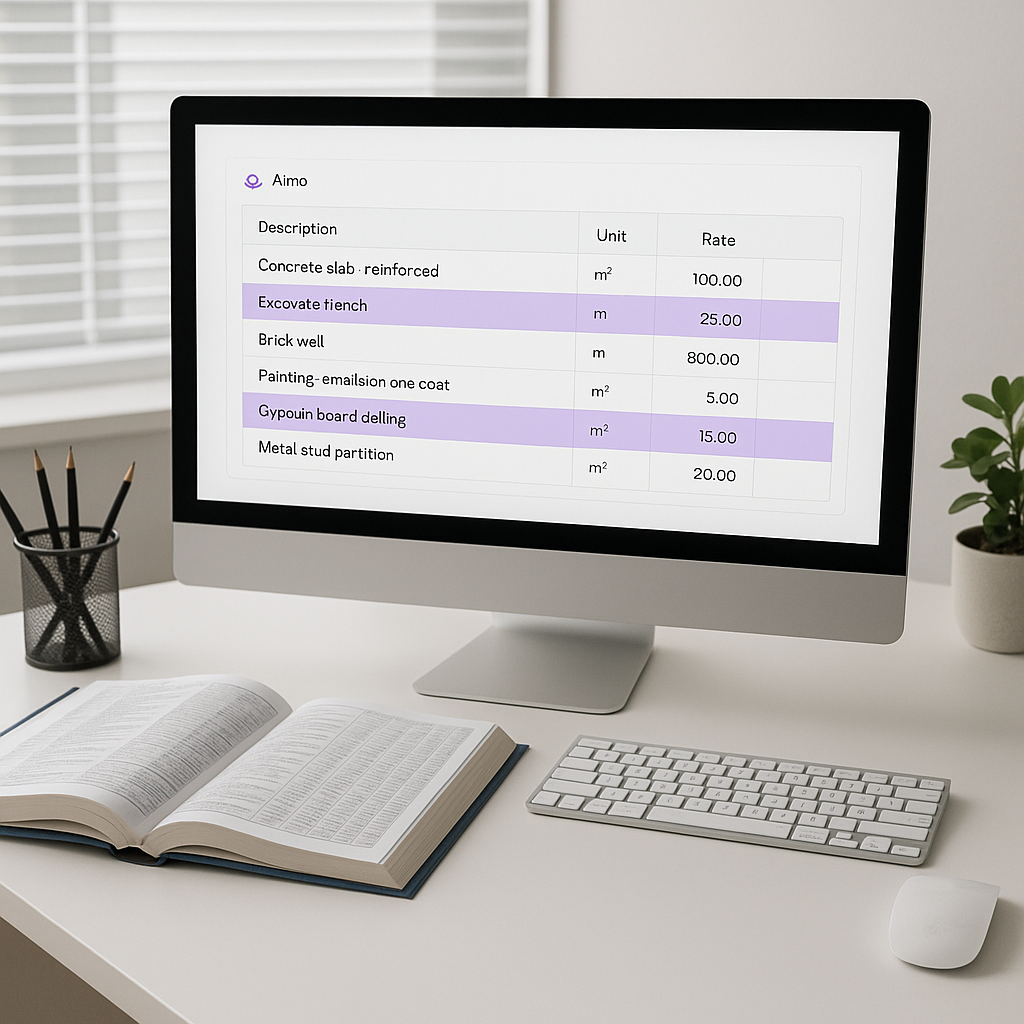
Why Rate Lookup is Killing Your Productivity
Let’s get straight to it: rate lookup is a time sink. If you’re a preconstruction director or estimator, you’ve probably spent hours flipping through CPWD DSRs, RSMeans, or state SOR catalogs just to find the right item. It’s tedious, error-prone, and frankly outdated. On average, estimators waste 12 hours per estimate just on rate matching. That’s 1.5 workdays gone—not on strategy, not on value engineering, but on grunt work.
Here’s the kicker: you don’t need to do it anymore. AI tools like EstimateNext are solving this bottleneck with semantic search. Instead of manually hunting through a PDF, you type a description, and the system pulls up the exact rate you need in seconds. It’s simple, it’s fast, and it works.
How AI-Powered Rate Matching Works
AI doesn’t just look for keywords. It understands context. For example, say you’re pricing a reinforced concrete slab. You type “RCC slab with 20mm rebar,” and the AI scans its 78,000+ item database for the closest match. It considers:
- Material specifications: The AI analyzes the technical description you provide, ensuring the match aligns with your requirements, like rebar size or concrete grade.
- Regional cost variations: It adjusts for geographic differences in labor, materials, and transportation costs.
- Historical usage patterns: The system learns from past projects, identifying frequently used rates and items for similar project types.
If the exact match doesn’t exist, the system suggests alternatives and flags them for your review. This isn’t a black-box solution—it’s a tool that augments your expertise. You still make the final call.
Real Example: A mid-sized contractor bidding on a $200M high-rise used EstimateNext to match 326 BOQ items against state SORs. The AI finished in under 10 minutes. Manually? That would’ve taken two estimators three full days. Case study reference.
Another Scenario: A regional GC working on school renovation projects used AI-powered rate lookup and cut their estimation time by 60%. This allowed them to bid on two additional projects per quarter, ultimately winning $1.2M in new contracts.
The Hidden Cost of Manual Rate Lookup
You might think, “So what? It’s just part of the job.” But let’s do the math:
- 12 hours per estimate × 5 GMP pursuits annually = 60 hours/year
- At $130/hour (average estimator cost), that’s $7,800/year wasted per estimator
- For a team of 5, it’s $39,000 annually
And this doesn’t account for the opportunity cost. Those 12 hours could be spent refining bid strategies, negotiating with subs, or tackling more bids. Instead, they’re lost to flipping pages.
Actionable Steps to Evaluate Your Current Process:
- Track Your Time: Use a time-tracking tool like Toggl or Clockify to monitor how long your team spends on rate lookup.
- Quantify the Costs: Multiply hourly wages by the time spent on rate matching to get a clear picture of the financial impact.
- Identify Bottlenecks: Are specific catalogs or descriptions slowing you down? AI tools can help prioritize the bulk of your workload.
Data Point: According to McKinsey, the construction industry is among the least digitized sectors globally, with productivity lagging behind manufacturing and IT by up to 40%. Embracing automation can close this gap.
The Accuracy Angle: Why Trust Matters
Here’s another problem with manual lookup: human error. Estimators are human, and humans make mistakes—especially when they’re tired or rushed. A wrong rate can cascade through your estimate, inflating costs or eroding margins. AI doesn’t have bad days. It doesn’t skip a line or misread a unit. According to EstimateNext, AI-powered rate matching reduces discrepancies by up to 80%.
Concrete Example:
- A mechanical subcontractor accidentally used a labor rate from 2021 instead of 2023 in their estimate. The difference cost them $25,000 in lost margin when the project closed. With AI, outdated rates are flagged automatically.
But AI isn’t perfect.
It’s only as good as its input data. That’s why tools like EstimateNext allow manual overrides and feedback loops. If the AI suggests an incorrect rate, you can correct it, and the system gets smarter for next time.
How to Improve Accuracy:
- Review High-Impact Items: Focus on major cost drivers like concrete, steel, and labor.
- Regularly Update Catalogs: Ensure your rate database reflects current pricing trends.
- Use Feedback Loops: Correct AI errors and track how the system improves over time.
Can Small Teams Afford This?
Yes. In fact, they can’t afford not to. Traditional tools like CostX or ProEst cost upwards of $5,000/year per seat. For many regional GCs or trade subcontractors, that’s out of reach. EstimateNext offers a subscription starting at $39/month. That’s less than your Bluebeam license and delivers 10X the ROI.
Anecdotally: I’ve seen small MEP subs—teams of three or four—transform their bidding process with AI. One client told me they went from responding to 30 bids/year to 50 simply because they could turn quotes around faster.
Comparison Table:
| Feature | Manual Lookup | AI-Powered Rate Matching |
|---|---|---|
| Time per Estimate | 12 hours | < 30 minutes |
| Error Rate | 10-15% | < 2% |
| Cost per Tool | $0 (hidden labor) | $39-$99/month |
| Scalability | Low | High |
The Obvious Objection: “AI Can’t Think Like an Estimator”
You’re right—AI doesn’t replace expertise. It doesn’t negotiate with suppliers or make judgment calls. But it handles the grunt work, freeing you to focus on what matters: strategy, relationships, and precision.
Think of it like this: no one’s asking you to give up your hammer; they’re offering you a nail gun. You still drive the project—you just do it faster.
Practical Advice:
- Use AI for repetitive, low-value tasks.
- Rely on human judgment for high-risk or high-stakes decisions.
- Continuously train both your team and your AI software to align with your workflows.
What’s Next for AI in Estimation?
Rate matching is just the beginning. AI tools are already tackling other bottlenecks like:
- Drawing takeoffs: 10 minutes instead of 40 hours
- Sub bid leveling: 30 minutes instead of 6 hours
- What-if scenarios: Real-time recalculations with audit trails
Future Trends:
- Integration: Deeper links with platforms like Procore and Autodesk.
- Predictive Analytics: AI-based forecasting to anticipate material price fluctuations.
- Risk Management: Automated red flags for underpriced or overestimated items.
The future isn’t about replacing estimators; it’s about amplifying them. As the tech evolves, we’ll see even more integration across platforms, making AI an indispensable part of every estimator’s toolkit.
If you’re tired of wasting hours on manual rate lookups, EstimateNext can help. Get started free →.


