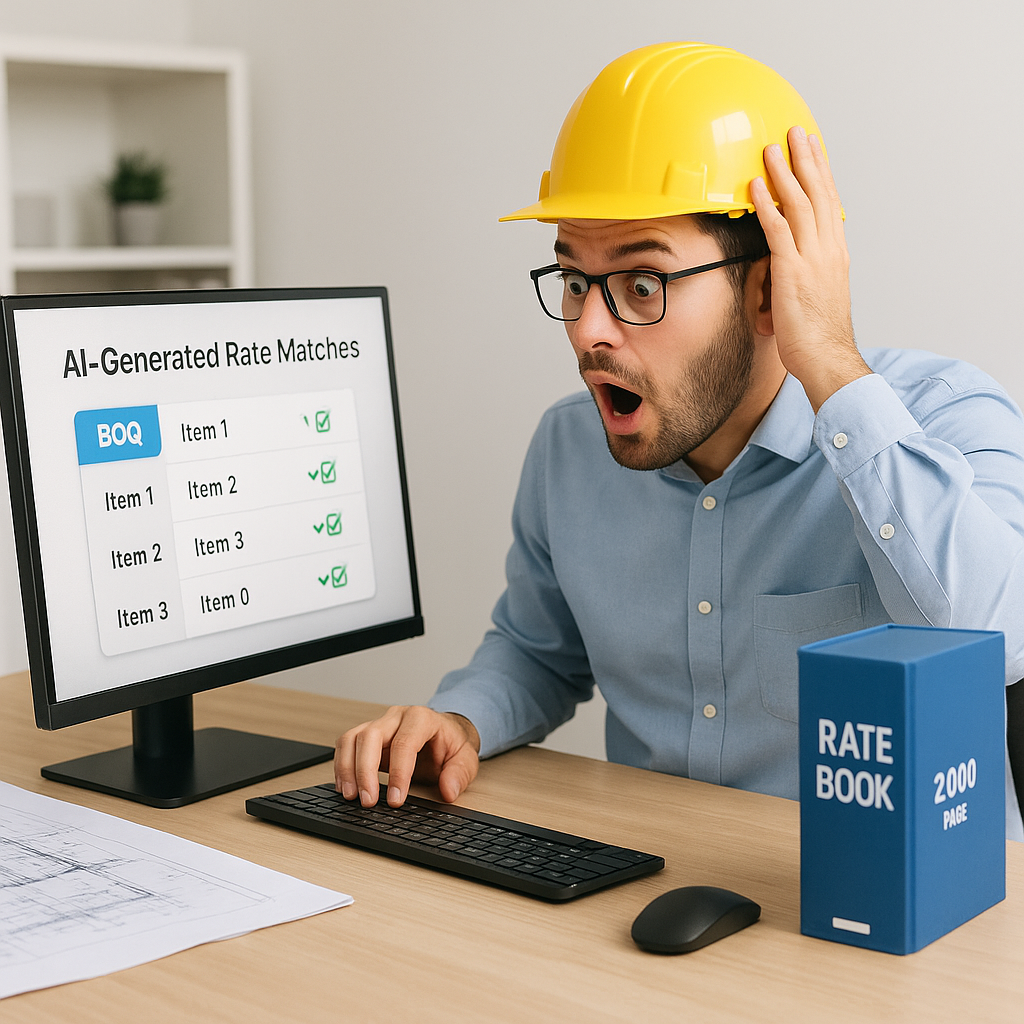
Stop Wasting Time on Manual Rate Lookups
Let’s start with a simple question: how many hours does your team spend flipping through rate books like RSMeans, CPWD DSR, or state SORs? If your answer is "too many," you're not alone.
Manual rate lookup has been a bottleneck in construction estimation for decades. You need to find the right schedule of rates (SOR) for every item in your BOQ. Labor, material, overhead—it all adds up. And it’s not just the time. Every lookup is a potential source of error. Miss a rate, and your bid could be shot.
Here’s the thing: AI fixes this. Tools like EstimateNext use semantic search to cut this process down to seconds. Yes, seconds. Imagine typing "install pre-stressed concrete girders" and instantly getting the industry-standard rate, broken down by material and labor. No more flipping through PDFs. No more mistakes.
How AI Rate Matching Works
The magic lies in semantic search. Unlike keyword search, which just matches exact words, semantic search understands context. It’s like asking a junior estimator, "Find me the closest match to this spec," and they do it immediately.
A Real-World Example
Say you’re pricing a high-rise. You need rates for fire-rated drywall, acoustic insulation, and custom glazing. The traditional process involves hours scouring multiple catalogs, flipping through PDFs, or cross-referencing Excel sheets. With AI, you upload your BOQ (Bill of Quantities), and the system matches each item to one of 78,000+ SORs—instantly.
For example:
- Fire-rated drywall: Matched to your region’s CPWD DSR or RSMeans rate, adjusted for inflation.
- Acoustic insulation: Pulled from relevant local or international standards.
- Custom glazing: Even for unique items, AI tools suggest the closest match and flag it for manual review.
How Accurate Is It?
Skeptical? Let’s look at data. According to EstimateNext’s case studies, AI rate matching reduces discrepancies by 80% compared to manual methods. The more you use the tool, the better it gets. Confirm or reject a suggestion, and the system learns from your feedback. By the third project, most estimators report drastic improvements in speed and accuracy.
Actionable Steps to Get Started
- Upload Your BOQ: Most AI tools accept Excel or CSV formats.
- Review Initial Matches: The system will provide suggestions ranked by confidence level.
- Customize Rates: Add unique or project-specific rates for items not covered by standard catalogs.
- Train the AI: Confirm or adjust matches so the system learns your preferences over time.
- Export or Integrate: Export your final estimate into your preferred format or import it into tools like Procore or Bluebeam.
The ROI is Clear
Let’s do the math. Manual rate lookup takes, on average, 12 hours per estimate. For a mid-sized general contractor pursuing five GMP bids per year, that’s 60 hours wasted annually—per estimator. At $130/hour (the average cost of an estimator), you’re burning $7,800 per estimator per year just on lookups.
Now, compare that to an AI-powered tool like EstimateNext. At $99/month, you’re looking at $1,188/year per seat. That’s a 6.5X ROI just on rate matching alone. Factor in the time saved on other tasks like takeoffs, scenario analysis, or subcontractor bid leveling, and the ROI becomes even more compelling.
Case Study: Mid-Sized Contractor
A regional contractor in Texas implemented EstimateNext for their $25M hotel project. Previously, manual rate lookups took their team 10-15 hours per project. With AI, the process was completed in under 1 hour. Over three months, their team saved 60 hours—equivalent to $7,800 in labor costs—and avoided a $25,000 error caused by a missed rate on mechanical systems.
Actionable ROI Metrics
- Time Savings: Measure hours saved on BOQ preparation.
- Error Reduction: Track discrepancies between AI-generated and manually prepared estimates.
- Cost Efficiency: Divide subscription costs by labor savings to calculate ROI.
Common Pushbacks (and Why They’re Wrong)
1. "AI Can’t Handle Custom Rates"
You’re right—out of the box, AI tools rely on preloaded catalogs. But advanced platforms like EstimateNext let you upload custom rate sheets. Working on a project with non-standard materials or proprietary specifications? No problem. The AI integrates your data for future estimates, ensuring consistency.
2. "What About Errors?"
No system is perfect, but AI tools are designed with error mitigation in mind. Features like confidence scoring and manual overrides ensure that you remain in control. If the AI isn’t 100% sure about a match, it flags the item for review. This reduces the risk of costly mistakes while still saving time.
3. "Isn’t This Just a Fancy Search Engine?"
Not even close. A basic search engine provides results—you still have to sift through them to decide what fits. AI rate matching does the heavy lifting by:
- Ranking results by relevance.
- Applying inflation adjustments.
- Breaking down costs into material, labor, and equipment.
In short, it’s doing the thinking for you.
The Bigger Picture: Why This Matters
This isn’t just about saving time. Accurate rate matching builds trust—internally and externally. Internally, your team can focus on strategy instead of busywork. Externally, your clients receive bids that are both competitive and defensible. Nobody trusts a bid with missing or questionable rates.
Competitive Advantage
In a world where bid deadlines are tighter than ever, being able to price faster and more accurately is a game-changer. According to a 2023 McKinsey report, early adopters of AI estimation tools see cost savings of 10-20% per project. That’s real money.
Long-Term Benefits
- Standardization: AI ensures consistent pricing across projects.
- Scalability: Handle larger or more complex projects without adding staff.
- Data-Driven Insights: Use historical data to refine future bids.
Decision Framework: Manual vs. AI Rate Lookup
| Criteria | Manual Process | AI-Powered Tools |
|---|---|---|
| Time Required | 10-20 hours per BOQ | Less than 1 hour |
| Error Rate | High | Low (with manual checks) |
| Scalability | Limited | Highly scalable |
| Cost Efficiency | Expensive (labor-heavy) | Affordable (subscription) |
| Customization | Manual updates required | Custom rates supported |
| Integration | Standalone | Integrates with tools |
If your team is tired of wasting hours on manual rate lookups, it’s time to make a change. EstimateNext is built to save you time, money, and headaches. Upload your first BOQ today and see the difference for yourself. Get started free →


