The Real Cost of Manual Rate Matching
Let’s be honest: rate matching isn’t glamorous work. If you’ve spent hours flipping through a 2,000-page CPWD DSR or RSMeans PDF, you know the pain. It’s tedious, error-prone, and burns time you don’t have. For a mid-sized project, manual rate lookup can take 12 hours—per estimate. Multiply that across bids, and you’re bleeding hundreds of hours annually.
Now imagine a tool that does this in seconds. AI-powered rate matching isn’t just faster—it’s smarter. It eliminates the grunt work, so you can focus on what really matters: refining your bid strategy and improving accuracy.
What Makes AI Rate Matching So Fast?
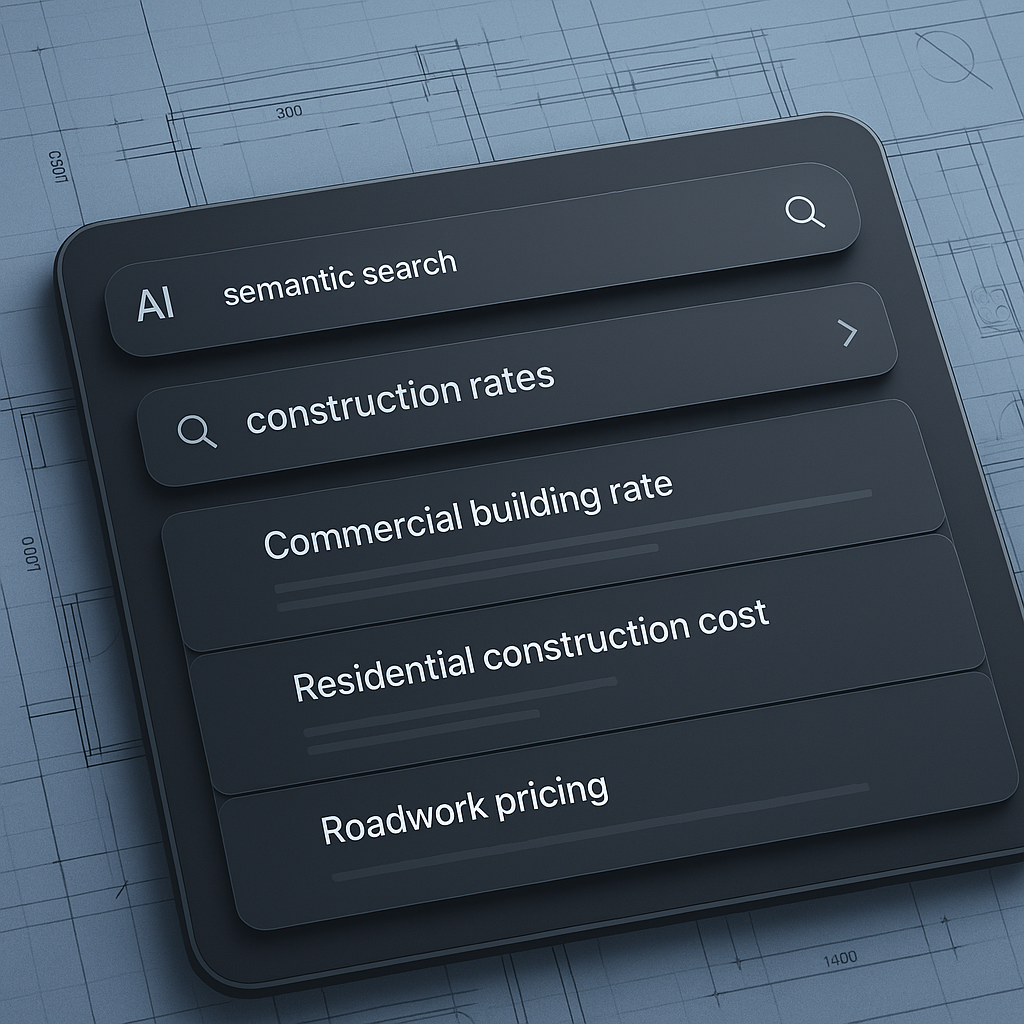
At its core, AI rate matching uses semantic search. Unlike the traditional approach of keyword-hunting or relying on Ctrl+F, semantic search understands context. Need the labor rate for installing pre-stressed concrete girders? Just type it in. The AI combs through 78,000+ items across catalogs like CPWD DSR, RSMeans, and AECOM Middle East, returning precise matches in seconds.
A Case Study: Rail Bridge Efficiency
For example, one case study shared by EstimateNext highlights how this works in practice. A contractor pricing a rail bridge project used the AI to find rates for structural steel, rail ties, and concrete girders—all DOT-approved. What would’ve taken half a day manually was done in under five minutes. The contractor not only saved time but improved the accuracy of the estimate, which helped secure the bid against competitors.
More Examples of Time Savings
- Residential Estimators: A housing developer used AI to price out drywall and flooring for 200 units. Instead of spending 18 hours manually cross-referencing local rate books, the tool completed the task in under an hour.
- Infrastructure Bids: An infrastructure company bidding on a $50M freeway project used AI to pull rates for asphalt, concrete barriers, and paving equipment. The system reduced their rate-matching workload from 20 hours to 2, enabling the team to refine their cost analysis further.
Actionable Steps to Implement AI Rate Matching
- Start Small: Don’t overhaul your entire process overnight. Test AI rate matching on a single bid to understand its capabilities.
- Train Your Team: Dedicate time to train your estimators on how to use the tool effectively. Even basic familiarity can save significant time.
- Integrate with Existing Tools: Look for AI tools that work with software you already use, such as Procore or Bluebeam.
Does It Work for Custom Rates?
You might be thinking, “That’s great, but my projects don’t always use standard rates.” Fair point. AI tools like EstimateNext let you upload custom rate catalogs. Whether it’s a unique material spec or a labor cost adjustment for a specific region, the AI integrates these seamlessly. Over time, the system even learns from your adjustments, getting smarter with every project.
How Custom Rates Work in Real Life
- Example 1: Regional Adjustments: A contractor working in the Pacific Northwest uploaded custom labor rates reflecting union agreements in that region. The AI incorporated this information, ensuring accurate estimates.
- Example 2: Specialized Materials: An MEP subcontractor uploaded rates for an imported HVAC system not listed in RSMeans. The AI matched these rates with similar items in the database, flagging discrepancies for review.
Actionable Steps for Customization
- Digitize Your Data: Ensure your custom rate books or spreadsheets are clean and ready for upload.
- Review AI Suggestions: While AI is accurate, it’s good practice to verify custom rate matches initially.
- Leverage Feedback Loops: Use the tool’s learning capabilities by correcting any mismatches. This improves accuracy over time.
ROI That Justifies Itself
Here’s the math: if rate matching currently takes 12 hours per bid and you’re handling 30 bids a year, that’s 360 hours annually spent on this one task. At $130/hour (average estimator cost), that’s $46,800 in labor costs. Switching to AI means you save 95% of that time. Even at $99/month, the ROI is hard to ignore.
Real ROI Examples
- General Contractors: A GC saved $38,000 annually by reducing rate-matching time from 10 hours per bid to under 30 minutes. They reinvested the savings into hiring an additional estimator.
- MEP Subcontractors: By responding to 50% more bids due to faster rate matching, an MEP firm secured six additional contracts worth $1.2M in revenue.
Actionable Steps to Calculate Your ROI
- Track Your Time: Start tracking how long manual rate matching takes across several bids.
- Run the Numbers: Multiply saved hours by your team’s hourly rate to quantify potential savings.
- Test ROI Tools: Many AI providers offer ROI calculators to help you project financial impacts.
Beyond Speed: Why Trust Matters
One underrated benefit? Consistency. Manual lookup varies depending on who’s doing it. Junior estimators might miss nuances or make mistakes under pressure. AI eliminates that variability. It’s not just about speed; it’s about building trust in your estimates.
Consistency in Practice
- Case 1: Junior Staff: An entry-level estimator at a mid-sized firm used AI to double-check rates. This reduced human error and turned the junior hire into a productive team member faster.
- Case 2: Large-Scale Projects: A $100M hospital project required extreme precision in estimates. AI helped ensure every rate met the specifications, avoiding costly mistakes.
Actionable Steps to Build Trust
- Audit Results: Regularly review AI-generated matches to build confidence in its accuracy.
- Standardize Processes: Use AI to enforce consistency across teams, especially for large firms.
- Educate Stakeholders: Share reports showing AI’s impact on accuracy and cost savings.
What About Learning Curve?
You might worry about onboarding. After all, most construction tools have a reputation for being clunky and hard to learn. But AI rate matching tools like EstimateNext are designed for ease of use. Training takes less than two weeks, according to their docs. And if you’re already using software like Procore or Bluebeam, integrations make adoption even smoother.
Actionable Steps for Easy Onboarding
- Schedule Training: Allocate time for team training to ensure smooth adoption.
- Leverage Support: Use customer support or tutorials provided by the tool.
- Pilot with Small Projects: Start with a small project to familiarize your team with the tool.
Comparison Table: Manual vs. AI Rate Matching
| Feature | Manual Rate Matching | AI-Powered Rate Matching |
|---|---|---|
| Time Required | 10-20 hours per bid | Under 1 hour |
| Accuracy | Varies by estimator | 99% consistent |
| Custom Rate Handling | Manual adjustments required | Seamless integration |
| ROI | High labor costs | Significant time and cost savings |
| Learning Curve | None, but tedious process | Minimal, intuitive UI |
Final Thoughts
AI rate matching isn’t a luxury anymore—it’s a necessity. If your competitors are using it and you’re not, you’re already behind. Whether you’re a GC director managing multimillion-dollar bids or an MEP sub trying to hit tighter deadlines, the time savings and ROI are undeniable.
So, stop flipping through rate books. Let AI do the heavy lifting.
Need faster, more accurate estimates? EstimateNext’s AI-powered tools can help. Get started free →


