The Time Sink No One Talks About
Let’s face it: rate lookups are a pain. Whether you’re using RSMeans, CPWD DSR, or your own custom catalogs, manually finding rates eats up hours. For every bid. If you’re a GC chasing five GMP pursuits a year, that’s days lost to grunt work instead of refining your bid strategy.
And it’s not just time. Manual lookups lead to errors. Human fatigue, overlooked line items, and inconsistent rate choices can mean underbidding (leaving money on the table) or overbidding (losing the job). Neither is good for business.
But here’s the kicker: this problem is completely avoidable. AI-powered tools like EstimateNext can handle rate lookups in seconds. Let’s break it down.
What’s Killing Your Efficiency?
Think about the last time you looked up rates for a bid. Maybe the architect specified materials you don’t usually work with, or the drawings threw you a curveball with custom finishes. You spent hours flipping through PDFs or Excel files, scanning for a match. Then you had to manually adjust for inflation or regional pricing.
Common Challenges in Manual Rate Lookups
Here’s why manual rate lookups are so inefficient:
- Fragmented Sources: Rates are scattered across multiple catalogs—RSMeans, state-specific SORs, or even custom spreadsheets. For example, a GC in California might need to reference RSMeans for national averages, Caltrans for state-mandated rates, and their own Excel files for custom pricing.
- Complex Adjustments: Inflation, regional cost indices, and project-specific factors all need manual tweaking. A 2022 AGC survey found that 87% of contractors struggle with keeping rates updated due to fluctuating material costs.
- Human Error: One missed rate or miscalculation can skew your entire bid. A 2019 study by Navigant Consulting showed that manual errors in cost estimation can increase project costs by 5-10%.
Real-World Impact
A mid-sized GC recently noted in a case study that rate matching ate up 12 hours per estimate. Multiply that across five estimators and a year’s worth of bids, and you’re burning over 700 hours on something that should take minutes. That’s time you could spend refining your bid strategy, negotiating with subs, or pursuing more projects.
How AI-Powered Rate Matching Solves This
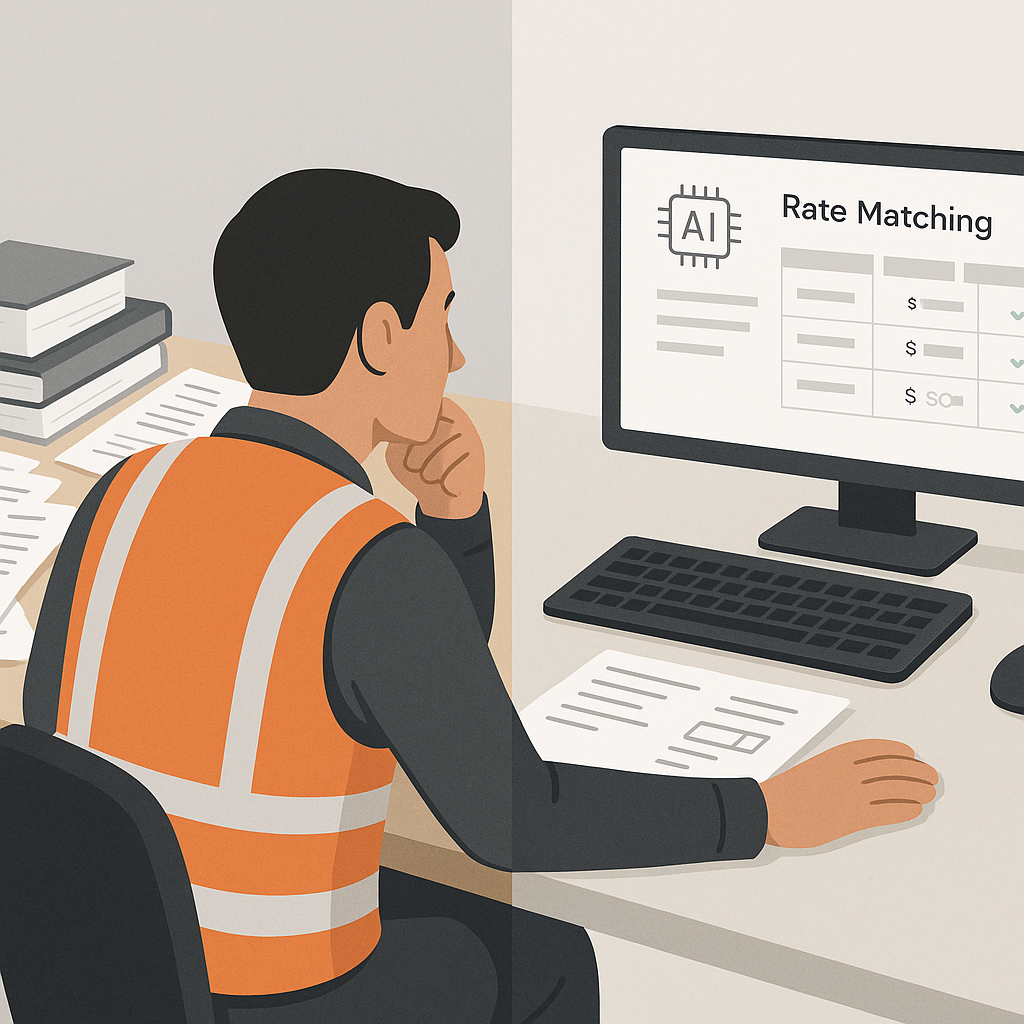
AI doesn’t just speed up rate lookups—it makes them smarter. Tools like EstimateNext use semantic search across 78,000+ SOR items, pulling rates from sources like CPWD DSR, RSMeans, and regional DOT catalogs. Here’s what that looks like in practice:
Key Features of AI-Powered Tools
- Instant Search: Instead of flipping through PDFs or Excel sheets, type what you need. For example, if you’re looking for the “labor rate for installing pre-stressed concrete girders,” the result pops up in seconds.
- Custom Catalogs: Got your own rates? Upload them. The AI integrates them seamlessly and learns from your preferences over time.
- Automatic Adjustments: Inflation, regional cost indices, and project-specific factors are applied automatically. No manual math required.
Case Study: A Large GC’s Rail Bridge Project
Take a major contractor’s $1B rail bridge project as an example. AI tools saved the team 56 hours on rate lookups alone by pulling accurate rates for materials like structural steel and rail ties directly from DOT-approved catalogs. This not only saved time but also ensured their bid was competitive and error-free, helping them secure the contract.
Comparison: Manual vs. AI-Powered Rate Lookups
| Factor | Manual Process | AI-Powered Tools |
|---|---|---|
| Time per Lookup | 15-30 minutes | <30 seconds |
| Error Rate | High (5-10%) | Low (<1%) |
| Adjustments (e.g., inflation) | Manual calculations | Automated |
| Source Integration | Fragmented (multiple files) | Unified, centralized |
The Numbers Don’t Lie
Still skeptical? Let’s talk ROI. According to a 2023 McKinsey report, early adopters of AI in construction see cost savings of 10-20% per project. For a GC pursuing five $100M projects a year, even a 1% improvement in bid accuracy could mean an additional $500K in annual revenue.
Cost vs. Benefit
| Tool | Annual Cost | Time Saved | Potential Revenue Impact |
|---|---|---|---|
| EstimateNext | $1,188 ($99/month) | 700+ hours | $500K+ per year |
| RSMeans Subscription | $5,000+ | Variable | Depends on manual efficiency |
| Manual Process | $0 (but high labor cost) | None | Negative (errors + delays) |
At just $99/month for GCs, EstimateNext is not only affordable but also offers a clear path to improving profitability.
The Obvious Objection: “But AI Can’t Think Like an Estimator”
I hear this all the time. And it’s true—AI doesn’t replace your expertise. It amplifies it. You’re still the one making judgment calls, negotiating with subs, and deciding on markup. The AI just handles the grunt work.
Why AI Isn’t a Threat to Your Job
Think of it this way: AI is like hiring a junior estimator who works 24/7, never gets tired, and doesn’t make mistakes. You’re still in charge, but now you’ve got more bandwidth for the strategic stuff. Examples of what you can focus on instead:
- Bid Strategy: Spend more time analyzing competitors and refining your value proposition.
- Subcontractor Management: Build stronger relationships with key subs to improve pricing and timelines.
- Project-Specific Adjustments: Focus on unique project challenges that require human judgment.
Stop Wasting Time on Manual Lookups
If you’re still flipping through rate books, it’s time to rethink your process. AI-powered rate matching isn’t just faster—it’s smarter, more accurate, and a fraction of the cost of traditional tools.


