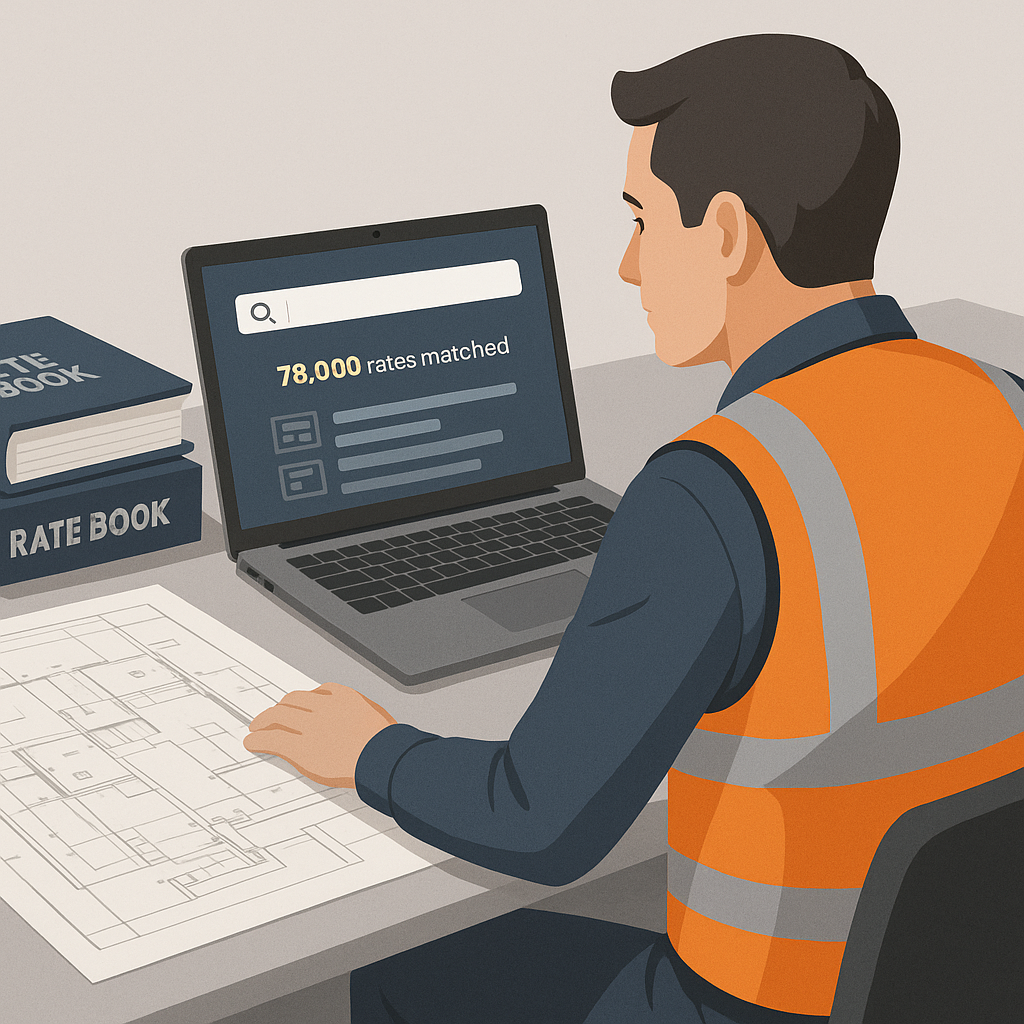
The Problem No One Talks About: Rate Lookup
If you've ever priced a construction bid, you know the drill. You’re flipping through pages of RSMeans or CPWD DSR catalogs, trying to match the right rate for a specific item. Need the labor cost for installing pre-stressed concrete girders? That’s 12 hours gone—per estimate. Multiply that by the number of bids you’re working on, and you’ve got a bottleneck that eats into your productivity and profit margins.
And let’s be honest, this process isn’t just time-consuming. It’s error-prone. You miss a rate or miscalculate a markup, and suddenly your bid is either uncompetitive or unprofitable. Not ideal.
A Grim Example: Manual Errors Cost Big Money
Let’s say your team forgets to include the correct labor rate for a critical task like post-tensioning slabs. You submit the bid $50,000 lower than it should be. If you win the contract, you’re stuck with losses. If you lose, you’ve wasted precious time on a bid you couldn’t afford to win anyway. In an industry where profit margins hover around 2-3% for many contractors, the stakes are too high to gamble on manual errors.
Where AI Steps In
AI-powered preconstruction estimation tools, like EstimateNext, are changing the game entirely. Instead of manually searching rate books, semantic search algorithms do the heavy lifting. Input your BOQ, and the system finds matching rates from a database of over 78,000 items in seconds. Yes, seconds.
Real-World Application: Saving 56 Hours on a $1B Rail Project
For example, a contractor bidding on a $1 billion rail project used EstimateNext to match rates for everything from rail ties to structural steel. The result? 56 hours saved on rate lookup alone. That’s not just time—it’s opportunity. More bids submitted, better accuracy, and fewer sleepless nights. The contractor could reallocate the saved time to refining their proposal and negotiating better terms with suppliers, giving them a competitive edge.
How It Works
The magic lies in AI’s ability to parse and understand data. Here’s a breakdown:
-
BOQ Upload
- You start by uploading your Bill of Quantities (BOQ) in Excel or CSV format. The system auto-detects merged cells, hierarchies, and section headers, so you don’t waste time formatting.
-
Semantic Search
- The AI scans over 78,000 Schedule of Rates (SOR) items across catalogs like CPWD DSR, RSMeans, and local state databases. Using natural language processing, it understands what you’re looking for—even if your description doesn’t match the exact catalog phrasing.
-
Rate Matching
- Matches are ranked with confidence scores, and you get a full audit trail. The AI also suggests adjustments for inflation or locale-specific variations. For example, if you’re pricing a project in Florida, it will use local labor rates and material costs instead of generic averages.
-
Custom Additions
- Got unique materials or project-specific rates? Upload them directly. The AI will integrate them and remember them for future projects, continuously improving its accuracy.
Actionable Takeaway: How to Integrate AI Effectively
- Start Small: Use AI tools for smaller bids to familiarize your team with the interface.
- Train the Tool: Spend time uploading custom rates and making manual adjustments during your first few projects. The smarter the AI gets, the more value it will deliver over time.
- Audit Confidence Scores: Always review items with low confidence scores to ensure your estimates are accurate.
The ROI is Brutal (In a Good Way)
Let’s put some numbers to this. According to McKinsey, early adopters of AI in construction see cost savings of 10-20% per project. For a $100M project, that’s $10M-$20M saved. Even on smaller bids, the ROI is undeniable.
Example: Saving $5,200 Per Estimate
EstimateNext users report saving 40 hours per estimate, translating to $5,200 in labor costs for a typical general contractor (GC) team. Multiply that by just five bids per month, and you’re looking at $26,000 in monthly savings—enough to hire another estimator or reinvest in growing your business.
Comparison Table: AI Tools vs. Manual Estimation
| Feature | Manual Estimation | AI Estimation (EstimateNext) |
|---|---|---|
| Time for Rate Lookup | 40-60 hours per bid | Under 1 hour |
| Error Rate | High | Low (with confidence scores) |
| Cost | Labor-intensive | $39-$99/month |
| Scalability | Limited by manpower | Scales easily |
| Adaptability to Changes | Slow | Instant |
Objections? Let’s Address Them
“But AI doesn’t understand construction like I do.”
True, AI isn’t a replacement for expertise. It’s a tool that handles the grunt work—like rate matching and takeoffs—so you can focus on strategy, negotiation, and value engineering. Think of it as a junior estimator who never gets tired.
“What if the AI gets it wrong?”
No system is perfect. That’s why tools like EstimateNext include confidence scores and manual overrides. You’re still in control, and the AI learns from your adjustments over time.
“We don’t have the budget for this.”
At $39-$99/month, EstimateNext costs less than a single RSMeans subscription—and does a lot more. Compare that to $5,000+ for ProEst or CostX, and the math speaks for itself.
Real-World Example: A Mid-Sized Contractor
A mid-sized GC working on a high-rise project in New York had a three-day deadline to submit a bid. Their team used EstimateNext to match rates for over 200 line items. The AI completed the task in under an hour, saving 36 hours of manual effort. They not only met the deadline but also submitted a more competitive bid—and won the project.
Why This Matters
In today’s market, speed and accuracy aren’t optional. They’re the difference between winning and losing a bid. AI tools like EstimateNext don’t just save time—they level the playing field. Small and mid-sized contractors can now compete with the big players without burning out their teams.
Actionable Steps to Stay Competitive:
- Audit Your Current Estimation Process: Identify bottlenecks and time sinks.
- Evaluate AI Tools: Test free trials of tools like EstimateNext to see how they fit into your workflow.
- Invest in Training: Ensure your team understands how to maximize the benefits of AI-driven tools.


