Why Rate Lookups Are Killing Estimators’ Time
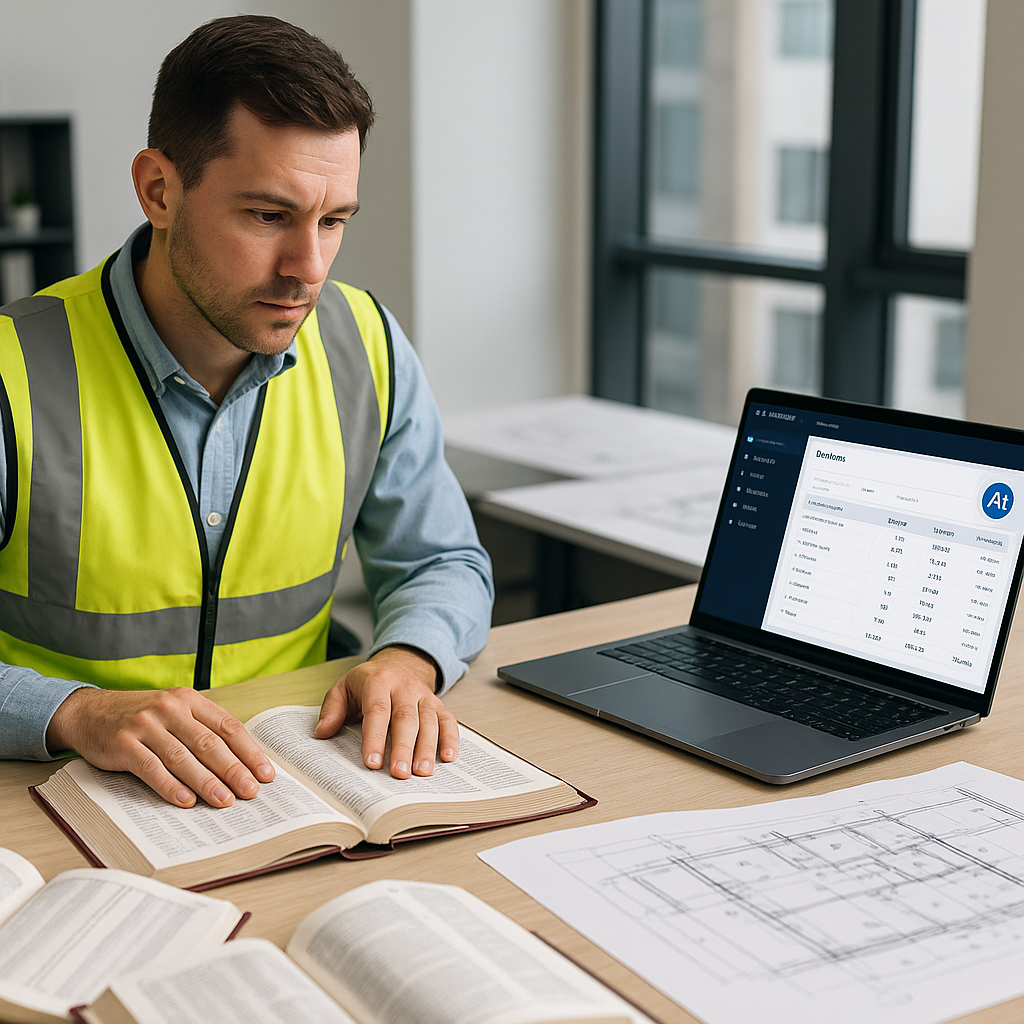
Let’s be honest—manual rate lookups are a nightmare. You’re flipping through a 2,000-page RSMeans book, hunting for the right labor or material rate, only to realize the project has custom requirements. Or worse, you’re working with outdated PDFs that don’t match the regional index. It’s slow, error-prone, and honestly, a waste of your brainpower.
How bad is it? On average, estimators spend 12 hours per estimate just on rate lookups. That’s a day and a half for something that doesn’t even involve actual decision-making. It’s grunt work, pure and simple.
And let’s not even get into the ripple effects. One missed lookup cascades into mismatched costs, blown budgets, and, occasionally, lost bids. If you’re working on 5-8 GMP pursuits a year, that adds up fast.
A Case Study: How Much Time Do Manual Rate Lookups Actually Waste?
Consider a small subcontractor bidding on two medium-sized projects per month. If each estimate requires 12 hours on rate lookups, that’s 24 hours per month—nearly 300 hours a year. That’s the equivalent of almost two months of full-time work spent flipping through pages or searching PDFs. Multiply that across a team of three estimators, and you’re at nearly 900 hours wasted annually.
Now factor in the opportunity cost: what could your estimators accomplish with that extra time? Responding to more RFPs, reducing errors, or improving bid strategies. The loss isn’t just time—it’s money, accuracy, and market competitiveness.
How AI Fixes This Problem
AI-powered rate matching tools, like the one baked into EstimateNext, solve this problem in seconds. Here’s how:
1. Semantic Search Across 78,000+ Items
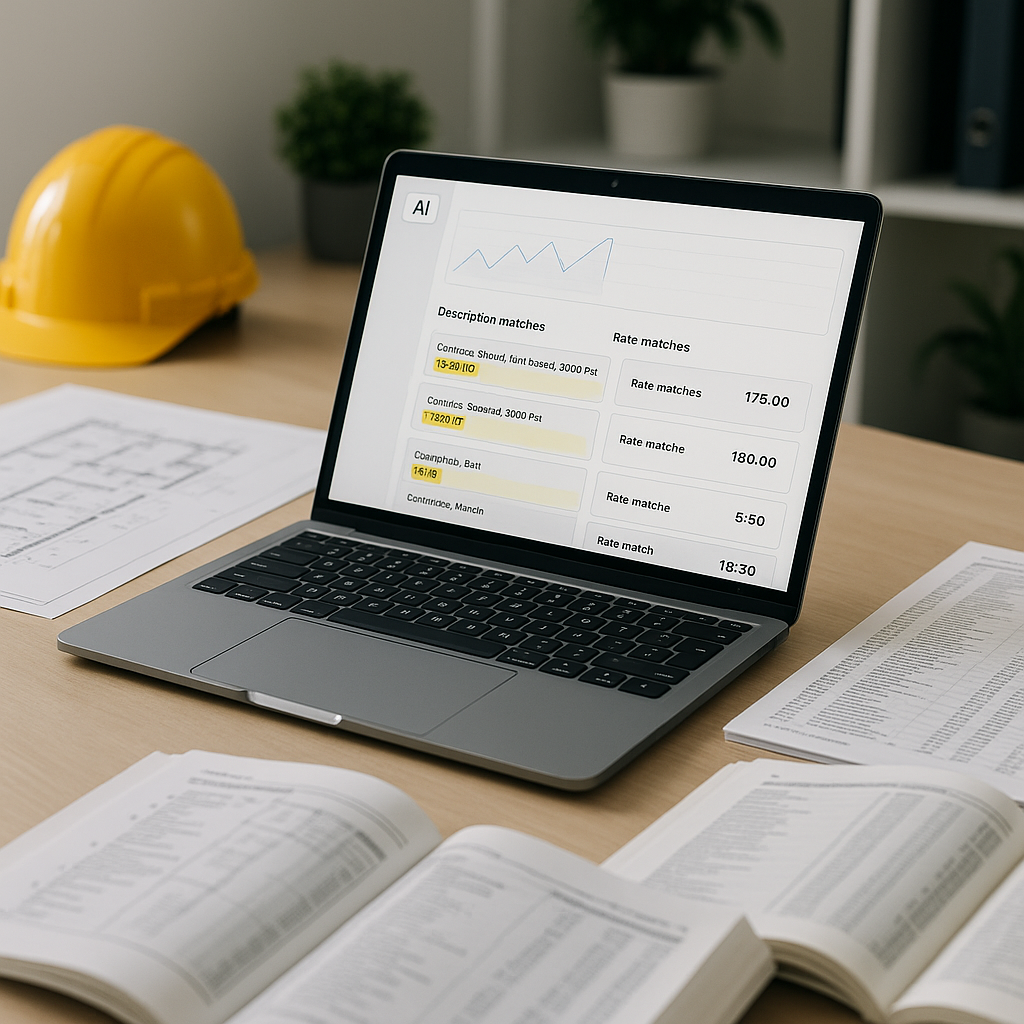
Need a rate for installing pre-stressed concrete girders? Just type it in. AI scans catalogs like RSMeans, CPWD DSR, and regional SORs to find the match instantly. No more flipping pages or guessing keywords.
Example: An estimator working on a water treatment plant needed rates for specialized valves. Instead of browsing through catalog sections manually, the estimator typed in “high-pressure butterfly valve.” The AI instantly pulled matching rates from RSMeans and regional catalogs, saving hours of manual lookup.
2. Custom Catalog Integration
Got unique materials or finishes? Upload them. The AI remembers and prioritizes them for future projects. By the third project, most users see a noticeable improvement in accuracy.
Actionable Tip: Create a digital catalog for your most commonly used custom materials. Upload it into the AI tool so it’s always available for quick matches.
3. Localization Done Right
Whether it’s a DOT-approved labor rate in Texas or a CPWD-compliant item in Delhi, the tool adjusts for regional variations automatically. That’s critical if you’re bidding across multiple markets.
Example: A contractor bidding on a highway project in Texas used the AI tool to source region-specific DOT labor rates. The localization feature ensured compliance with state standards while saving time.
Real-World Impact: A Mid-Sized GC's Story
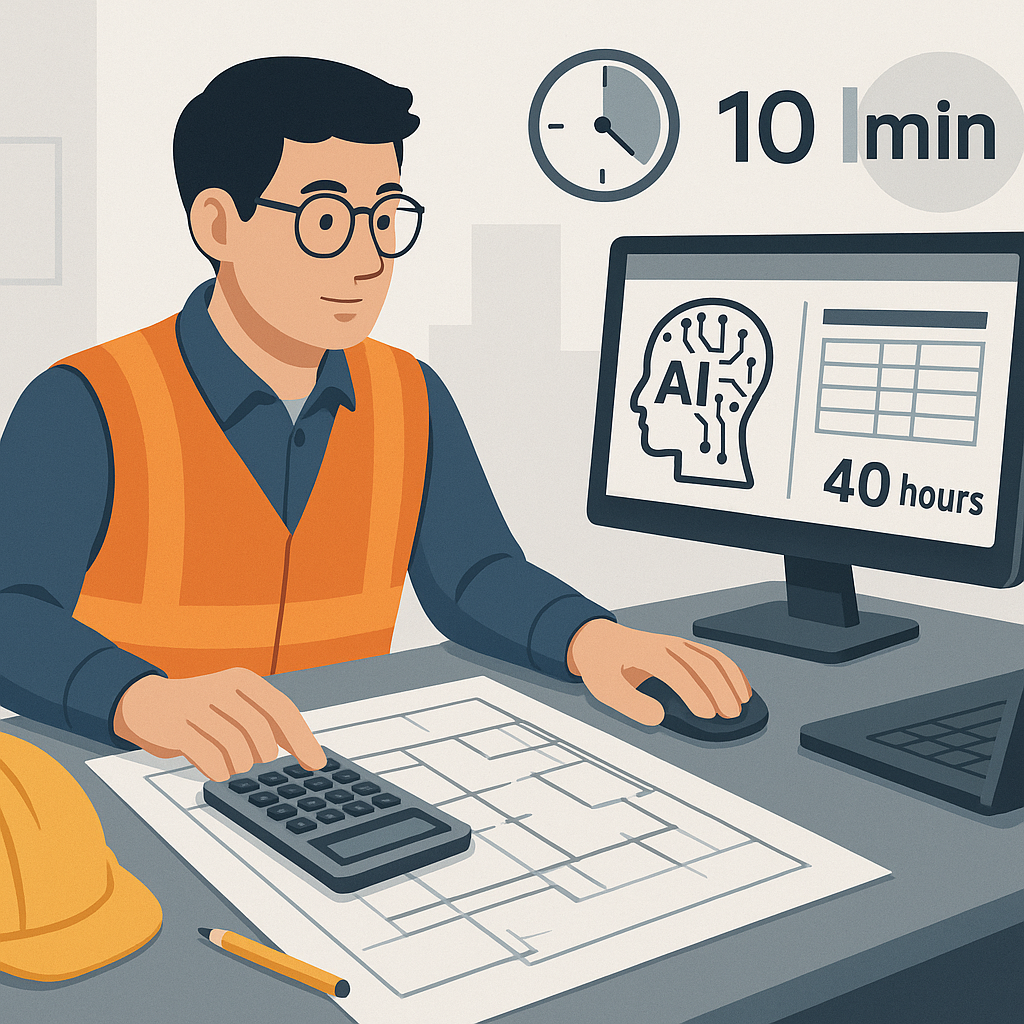
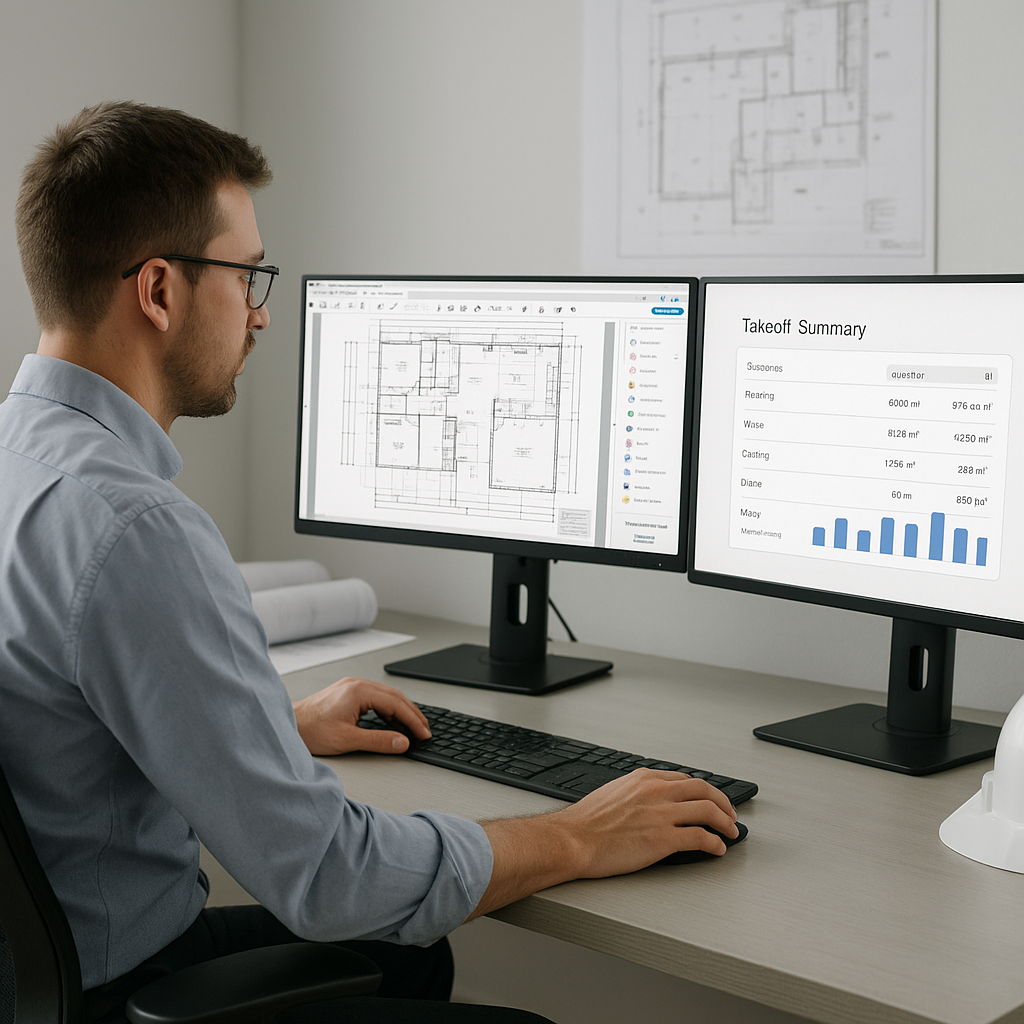
A mid-sized general contractor recently used EstimateNext to bid on a $1B rail project. Before AI, their preconstruction team spent 56 hours on rate lookups and takeoffs for similar bids. With AI, that time dropped to just 4 hours. The estimator leading the project said, “It’s like having a second brain that never gets tired.”
More importantly, the AI not only sped things up but also reduced errors. When the client audited their bid, there were no discrepancies in labor or material pricing. That’s a big deal in an industry where trust and accuracy can make or break a deal.
Comparison Table: Manual vs AI Rate Lookups
| Metric | Manual Process | AI-Powered Process |
|---|---|---|
| Time per estimate | 12 hours | 2-4 hours |
| Error risk | High (human error) | Low (confidence scoring) |
| Adaptability | Limited (manual updates) | Flexible (custom catalogs) |
| Time for corrections | 2-3 hours per estimate | 30-60 minutes |
| Overall productivity | Low | High |
The Skeptic’s Question: Can AI Really Be Trusted?
You might be thinking, “Sure, AI is fast, but can I trust it to get rates right?” Fair question. The short answer? Yes, but with a caveat.
AI isn’t perfect—it’s only as good as the data you feed it. That’s why tools like EstimateNext include confidence scoring and manual override features. You can see how confident the AI is in its matches and make adjustments as needed. Over time, the system learns from your corrections, so it gets smarter with every project.
Why This Matters Beyond Time Savings
Saving time is great, but the real value is in what you do with that time. With 12 extra hours per project, your team can:
1. Respond to More RFPs
If you’re a subcontractor, a faster turnaround means you can bid on 50% more jobs per year. That’s real revenue potential.
2. Focus on Strategy, Not Admin
Instead of getting buried in spreadsheets, focus on value engineering or fine-tuning your bid strategy.
3. Improve Accuracy
Less manual input means fewer errors, which means fewer headaches down the line.
A Quick How-To: Getting Started with AI Rate Matching
- Upload Your BOQ: Drag and drop your Excel, CSV, or PDF into the tool. The smart parser will automatically identify item descriptions, quantities, and units.
- Select Your Catalogs: Choose from over 135 catalogs, or upload your own custom rates.
- Run the Match: The AI scans the catalogs and suggests the best matches for each item. You’ll see confidence scores for transparency.
- Review and Adjust: If something looks off, override it. The system learns from your edits for next time.
- Export the Results: Once you’re satisfied, export the priced BOQ in your preferred format—Excel, PDF, or even AIA-compliant reports.
FAQ: Common Questions About AI Rate Matching
Q1: What happens if the AI suggests incorrect rates?
AI tools like EstimateNext include confidence scoring and manual overrides. If you notice an incorrect rate, you can adjust it manually, and the system will learn from your input for future matches.
Q2: Can AI handle complex or custom materials?
Yes, you can upload your own custom catalogs into the system. The AI integrates these seamlessly and prioritizes them for future matches.
Q3: How does AI account for regional cost variations?
The system automatically adjusts for regional indexes, pulling rates from localized catalogs like DOT-approved labor rates or CPWD-compliant items.
Q4: Is AI suitable for small contractors, or is it only for large companies?
AI tools are scalable and can benefit both small and large contractors. For small firms, the time savings can be transformative, allowing them to bid on more projects.
Q5: What’s the learning curve for using AI tools?
Most AI rate matching tools are designed for ease of use. If you’re familiar with uploading BOQs and working with Excel, you’ll likely be comfortable within a few hours of practice.
Why This Is the Future of Estimation
In my view, manual rate lookups are on their way out. They’re too slow, too error-prone, and too expensive in terms of opportunity cost. AI doesn’t replace your expertise—it amplifies it. You’re still the one making judgment calls and negotiating with subs. The AI just handles the grunt work.
If you’re still stuck in the old way of doing things, ask yourself: How much is 12 hours of your time worth? And how many bids have you lost because you couldn’t turn them around fast enough?
Ready to Save Time and Win More Bids?
If rate lookups are eating into your productivity, EstimateNext can help. It’s fast, accurate, and learns as you go. Get started free →