Why Rate Lookups Are Killing Your Estimation Workflow
If you’ve spent hours flipping through a 2,000-page rate book or digging through outdated Excel files looking for that one elusive labor rate, you’re not alone. Rate lookups are one of the most tedious parts of preconstruction estimation. And let’s face it: they’re ripe for error.
Here’s the real challenge. Even after you find a rate, you’re often left wondering: Is it accurate? Am I overpricing or underpricing? One bad assumption can blow your entire bid.
For general contractors juggling multiple projects, or MEP subs responding to dozens of bid packages a month, this inefficiency adds up. Studies have shown that construction professionals spend significant time on repetitive, low-value tasks like this. That’s time you could be using to win more bids or sharpen your competitive edge.
So, how do we fix this? Enter AI-powered rate matching.
What Is AI-Powered Rate Matching?
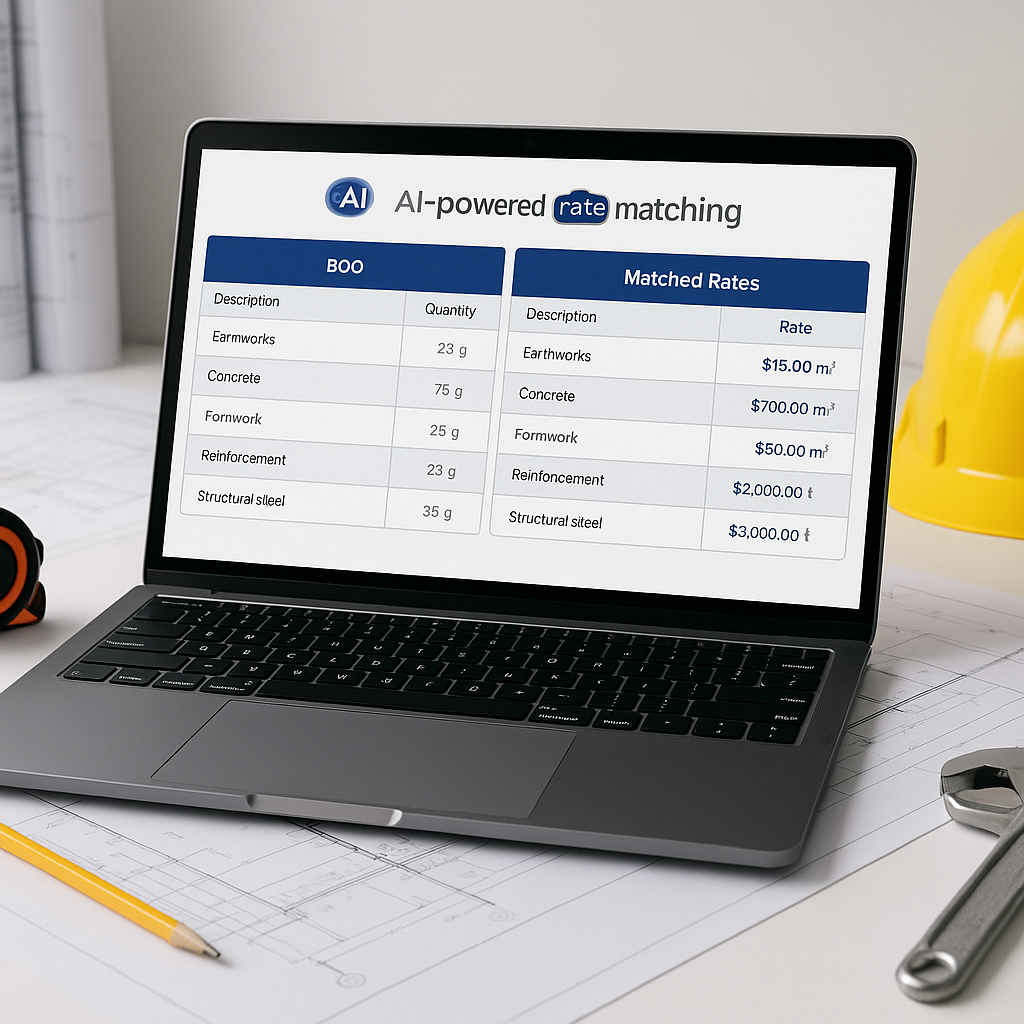
AI-powered rate matching uses semantic search and machine learning to instantly find the most relevant rates for your project. Whether it’s a labor rate for installing HVAC ductwork or the cost of a specific concrete mix, the AI scans massive catalogs—like RSMeans or CPWD DSR—and delivers results in seconds.
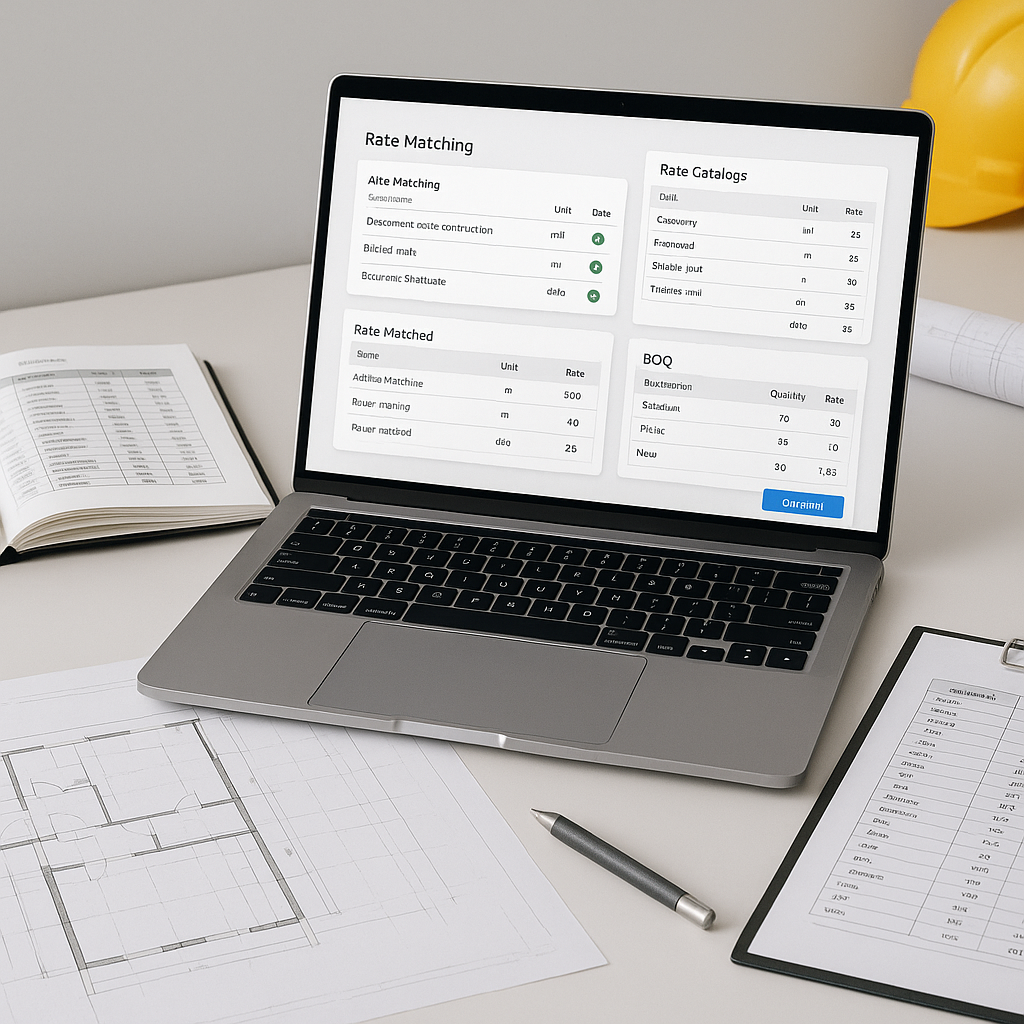
For example, tools in this space often use a layered matching process:
- Tenant History: The AI pulls from your company’s historical rates first, ensuring consistency.
- User Catalogs: If you’ve built custom rate catalogs, those take priority.
- Country-Level Widening: The system expands the search to regional or national catalogs if no match is found locally.
- AI Fallback: As a last resort, the AI suggests rates based on similar items.
This layered approach means you’re not just getting speed—you’re getting accuracy. And accuracy builds trust with owners and subcontractors.
Illustrative Example: From Hours to Seconds
Illustrative example — Let’s say you’re pricing a hospital project. You need rates for:
- Reinforced concrete (per cubic yard)
- HVAC duct installation (per linear foot)
- Electrical panel wiring (per unit)
Manually, this would take significant time. You’d flip through RSMeans, cross-check with your historical rates, and maybe even call a vendor for confirmation.
With AI, here’s what happens:
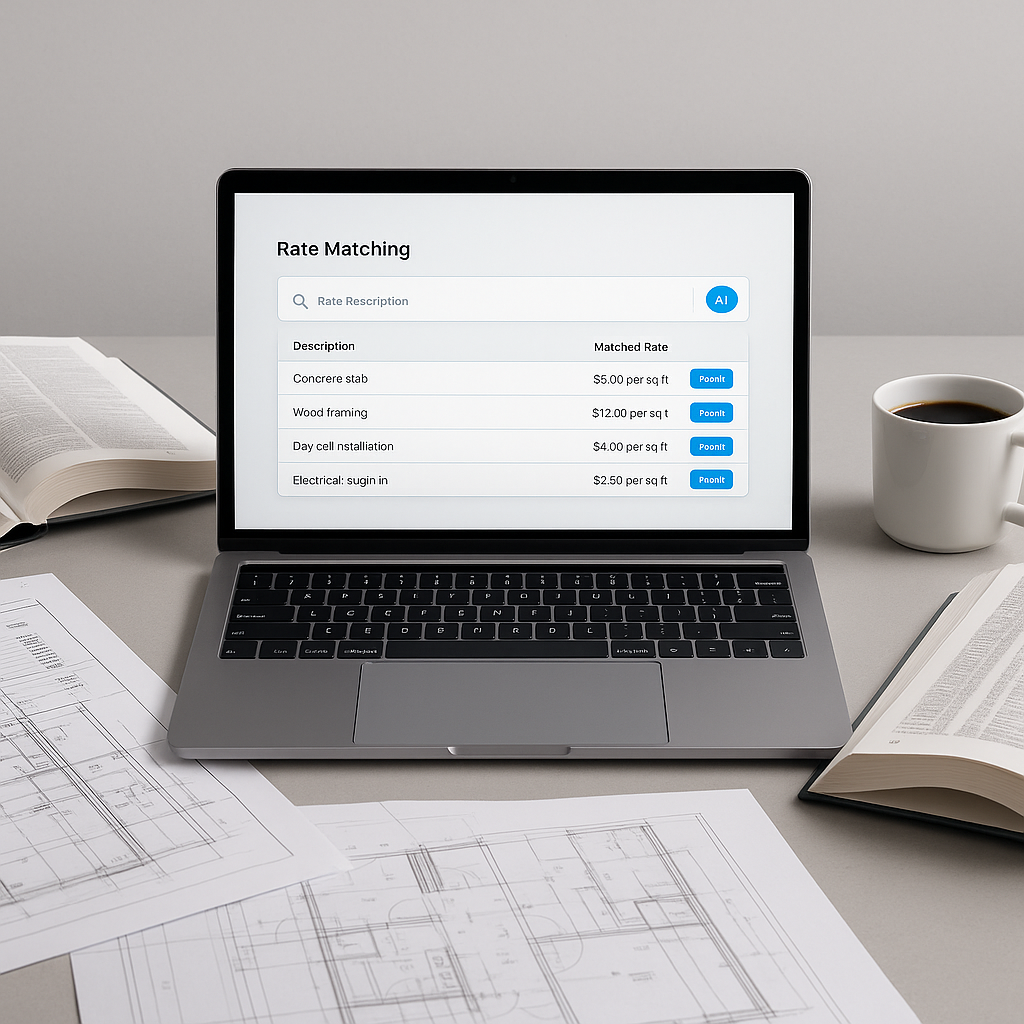
- You type “reinforced concrete, cubic yard” into the search bar.
- The AI instantly pulls the rate, adjusts for inflation, and applies your cost factor profiles (e.g., overhead and profit margins).
- Repeat for the other two items—done in a fraction of the time.
This approach demonstrates how AI can streamline repetitive tasks, allowing estimators to focus on higher-value activities.
Common Pushbacks (and Why They’re Wrong)
“AI doesn’t understand my unique project needs.”
Fair point—AI doesn’t have your 20 years of experience. But it doesn’t need to. Think of it as a tool that handles the grunt work, so you can focus on judgment calls and negotiations. Most platforms even let you upload custom rate catalogs, so the AI reflects your actual costs.
“What if the AI gives me the wrong rate?”
No system is perfect, but good AI tools include manual override options. You can review and adjust rates before finalizing your estimate. Plus, the AI learns from your feedback, improving over time.
“It’s too expensive.”
While costs vary, many AI tools are designed to be accessible and cost-effective compared to traditional estimation software. The time savings and accuracy improvements often justify the investment.
How to Get Started
If you’re ready to ditch the rate books, here’s how to integrate AI into your workflow:
- Start with a Test Project: Choose a smaller bid to test the accuracy and speed of the AI. This will help your team get comfortable with the tool.
- Upload Your Rate Catalogs: Customize the AI to reflect your actual costs by uploading historical rates or vendor quotes.
- Set Up Cost Factor Profiles: Define your overhead, profit, and inflation adjustments upfront.
- Review Results: Use the manual override feature to ensure the AI’s suggestions align with your expectations.
FAQs
Q: How accurate are AI-generated rates?
A: AI tools can achieve high accuracy when trained on high-quality input data. However, human review is still essential for edge cases.
Q: Can I use AI with existing tools like Procore or Bluebeam?
A: Yes. Most AI platforms offer API integrations, allowing seamless exports into your current preconstruction stack.
Q: What about inflation adjustments?
A: The AI can apply inflation adjustments based on catalog-year data. You can also configure these manually.
Final Thoughts
Manual rate lookups aren’t just inefficient—they’re unnecessary in today’s construction landscape. AI-powered rate matching tools let you find accurate rates quickly, saving you time per project and reducing the risk of costly mistakes.
If you’re tired of wasting time on repetitive tasks, consider exploring AI-powered solutions to streamline your preconstruction estimation process.