Streamlining Preconstruction Takeoffs with AI
Manual takeoffs can be a significant drain on time and resources. Estimators often spend extensive hours tracing drawings, verifying measurements, and cross-referencing rate books. This repetitive process can delay project timelines and divert focus from strategic tasks like pricing and bid negotiations.
How Does AI-Powered Takeoff Work?
AI-powered takeoff tools simplify this process by automating repetitive tasks. Here’s how the workflow typically looks:
-
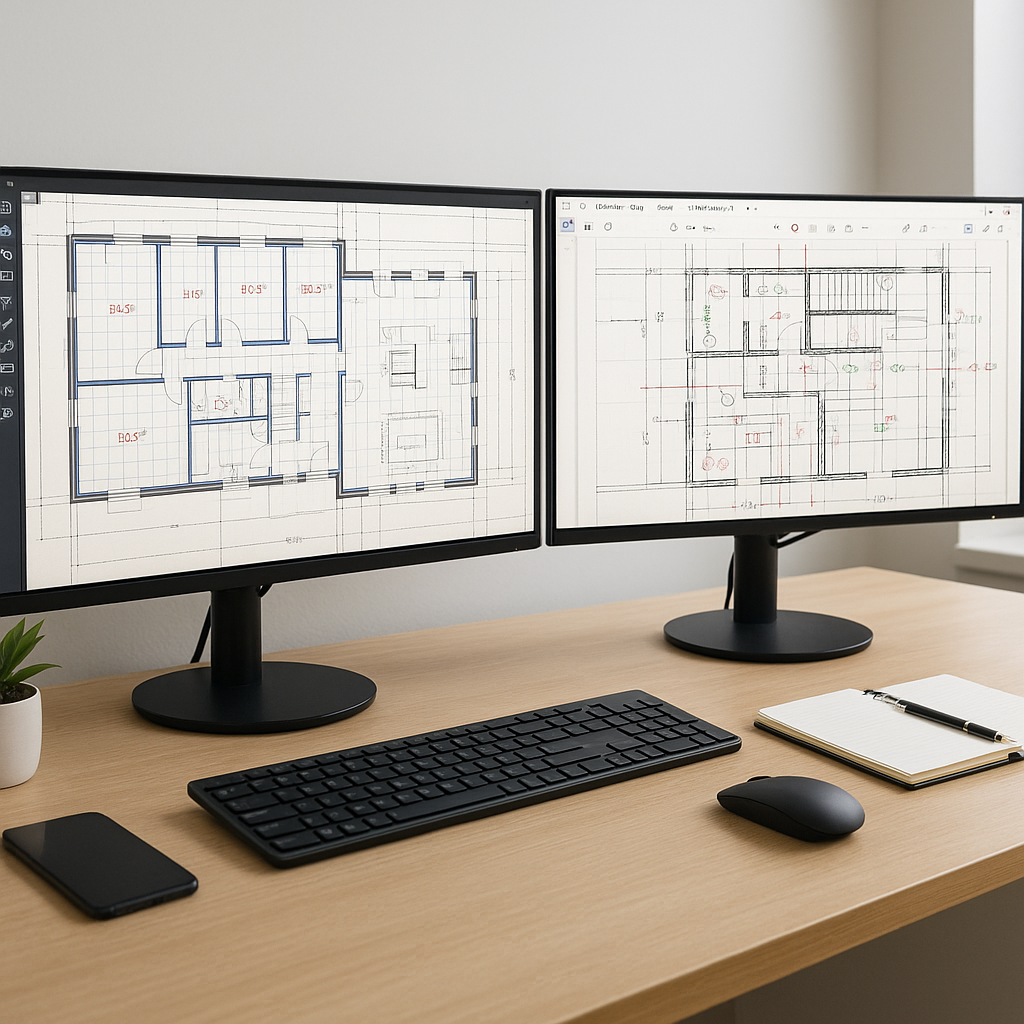
Upload Your Drawings: Input your PDF or CAD files into the system. Many tools support multi-page documents, eliminating the need to split large sets manually.
-
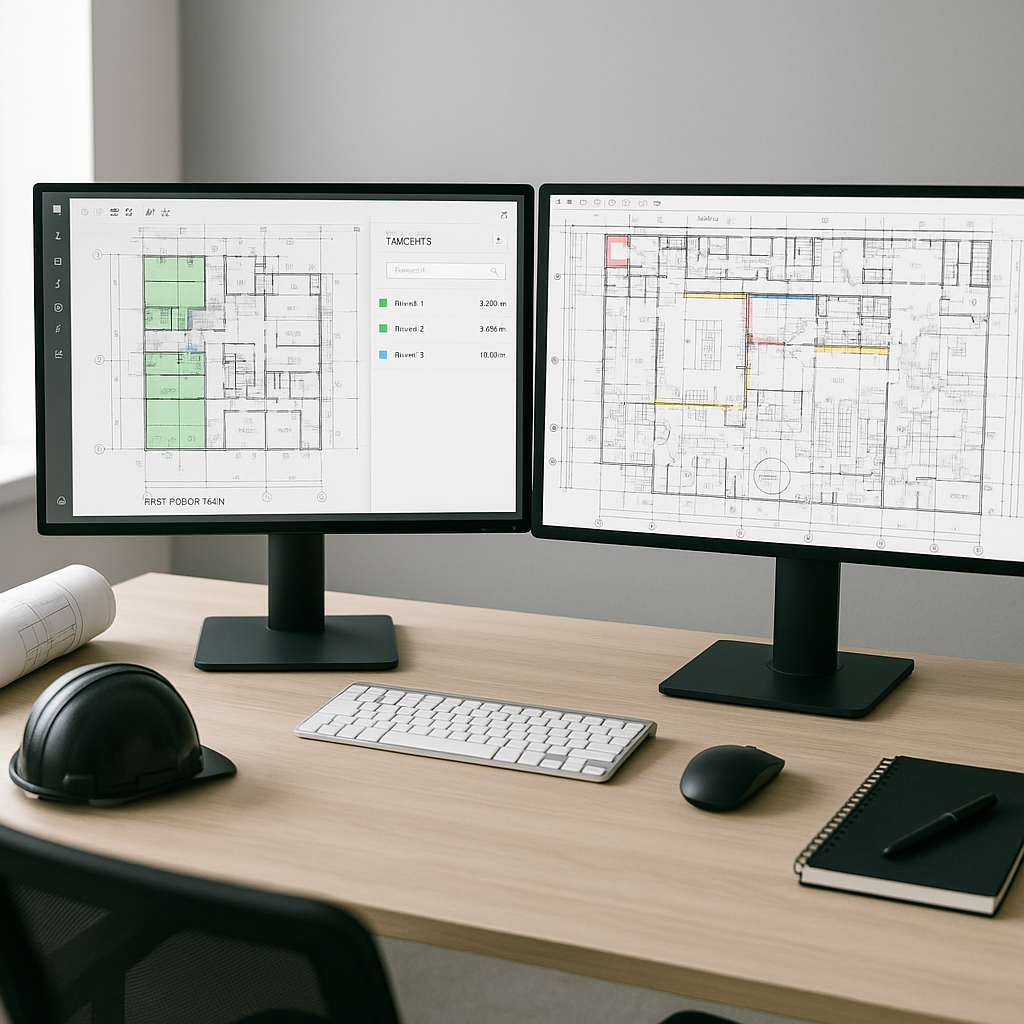
AI Scans and Identifies: Machine learning algorithms detect areas, lengths, and counts for various elements like walls, rooms, doors, and windows. This automation reduces manual effort significantly.
-
Flagging for Review: Some tools include features to flag low-confidence measurements for human review, ensuring accuracy without requiring a full recheck of the drawings.
-
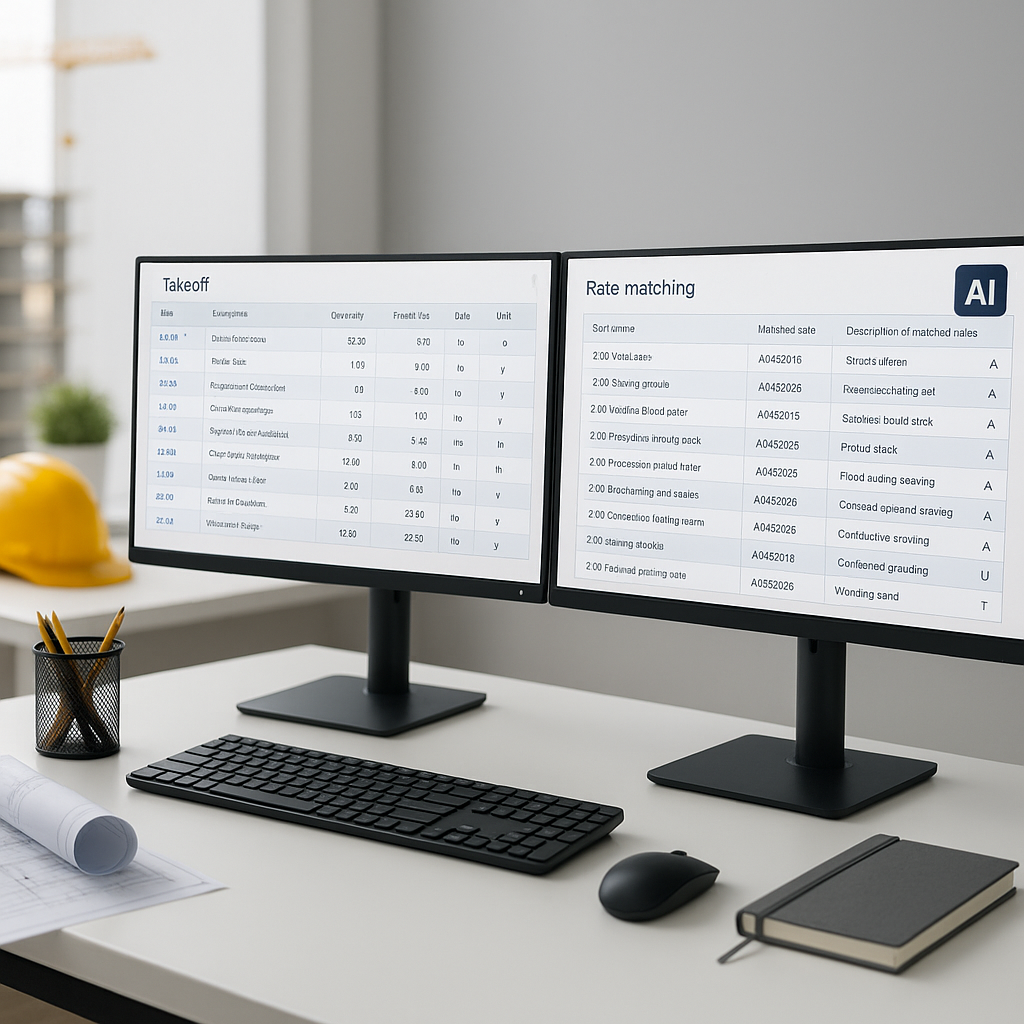
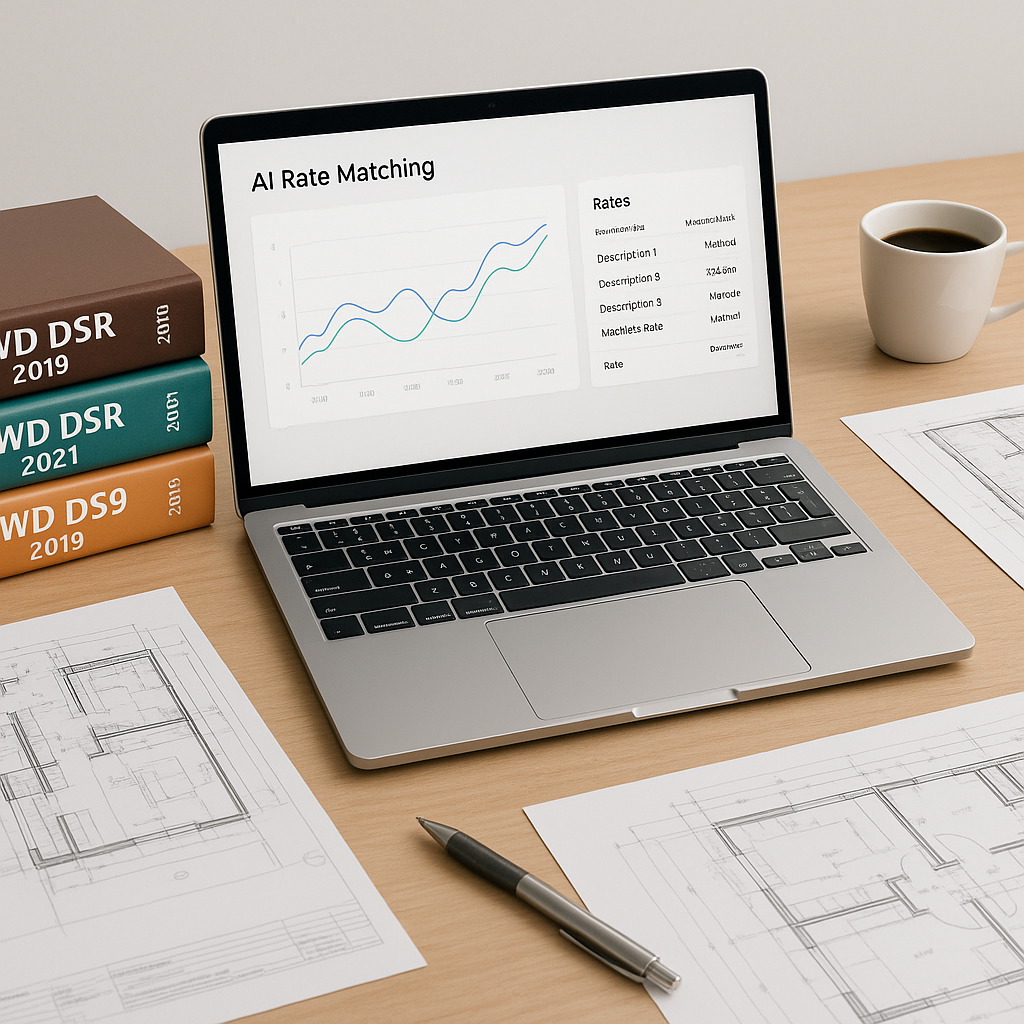
Export to BOQ: Quantities can be automatically mapped into a bill of quantities (BOQ) structure, compatible with formats like Excel, CSI MasterFormat, or CPWD DSR.
Why It Matters
Automating takeoffs can save time and allow teams to focus on higher-value tasks. By reducing the manual workload, estimators can allocate more time to refining pricing strategies, coordinating with subcontractors, or improving internal processes.
Addressing Common Concerns
Some common concerns about AI-powered takeoff tools include:
-
“AI can’t think like an estimator.” While true, AI is designed to handle repetitive tasks, leaving the nuanced decision-making to human experts.
-
“What if it misses something?” Many tools include features like confidence scoring to flag items for review, ensuring critical elements are not overlooked.
-
“It’s too expensive.” The cost of AI tools varies, but many are competitively priced compared to traditional software, offering significant time savings as a return on investment.
What to Look for in an AI Tool
When evaluating AI-powered takeoff tools, consider the following:
- Accuracy: Does the tool flag low-confidence measurements for review?
- Speed: Can it process large, multi-page drawing sets efficiently?
- Compatibility: Does it integrate with your existing tools, such as Excel or project management software?
FAQ
Q1: Can AI handle complex projects like airports or rail bridges? AI tools are scalable and can handle projects of varying complexity, provided the input data is clean and well-structured.
Q2: How accurate is AI compared to manual takeoffs? AI tools can reduce discrepancies significantly, but human oversight remains essential for edge cases.
Q3: Does AI replace estimators? No. AI augments the work of estimators by automating repetitive tasks, allowing them to focus on strategic decisions.
Q4: How long does it take to train a team on AI tools? Most AI tools are designed for ease of use, with training typically taking a short period depending on the tool's complexity.
If manual takeoffs are slowing your team down, exploring AI-powered solutions could be a game-changer for your workflow.