The Problem: Manual Takeoffs Waste Time and Money
If you’ve ever spent hours doing quantity takeoffs from PDF drawings, you know the grind. It’s repetitive, prone to errors, and often feels like you’re wasting your skills on grunt work. General Contractors (GCs) and subcontractors alike face this bottleneck, especially on larger bids. And when deadlines loom, it’s not just frustrating—it’s expensive.
The Solution: AI-Powered Takeoffs
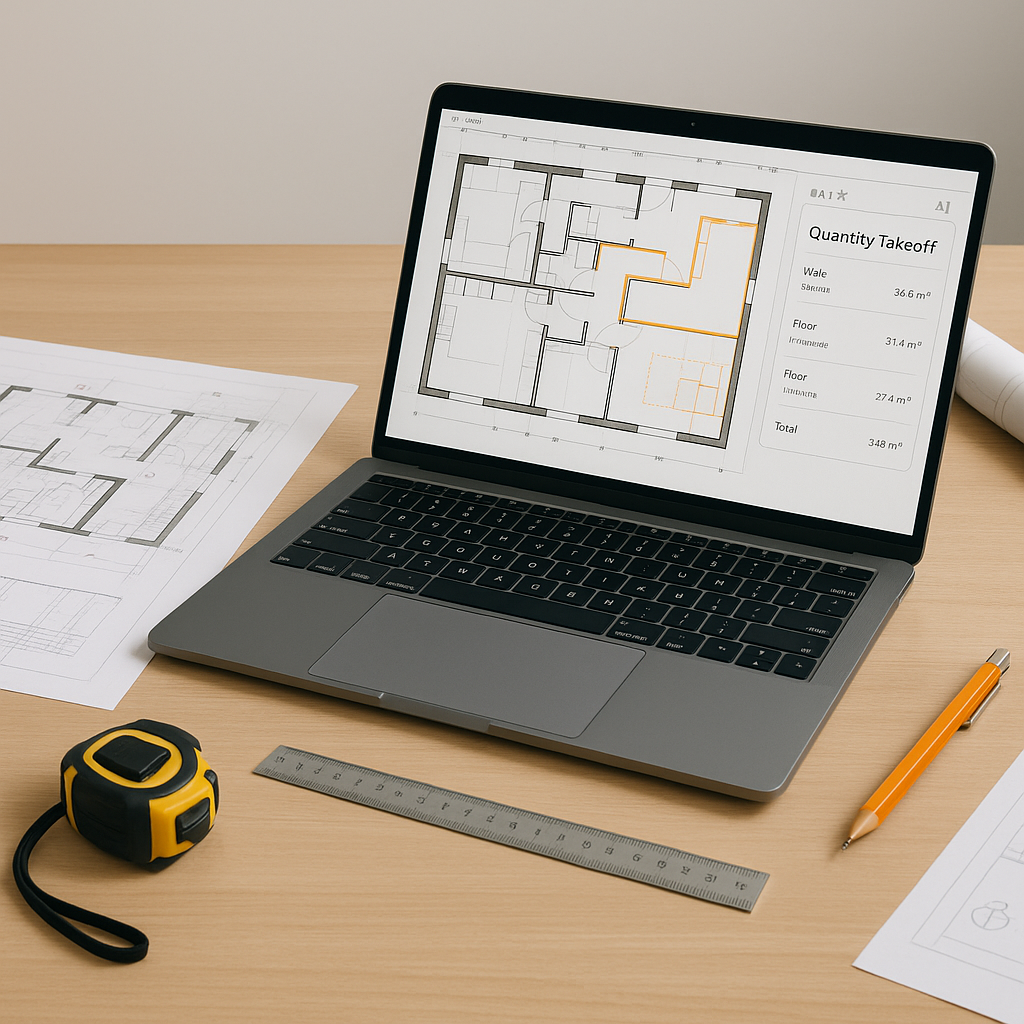
Here’s where AI steps in. Tools like AI-powered estimation software can extract quantities from PDF drawings in minutes—not days. You upload your drawings, calibrate measurement scales, and let the software do its thing.
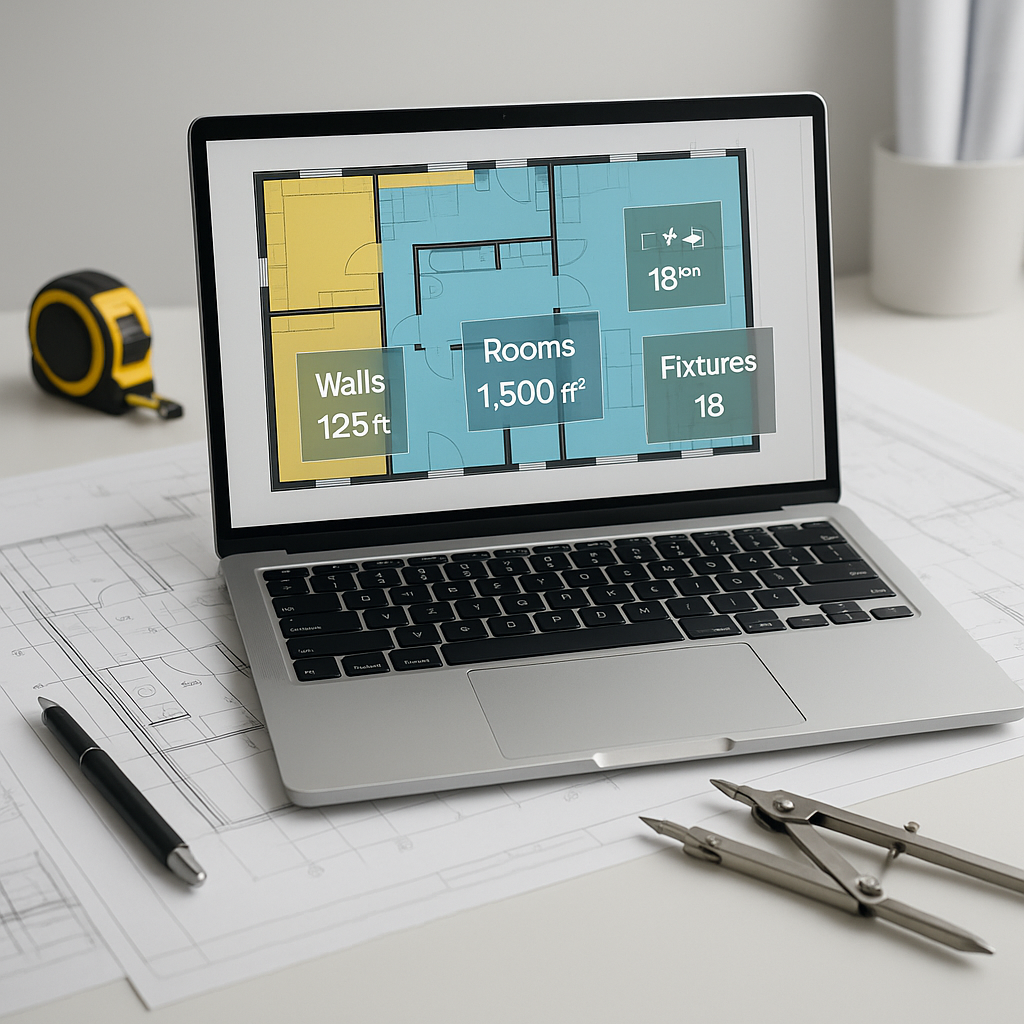
Illustrative example — Let’s say you’re estimating a commercial office build-out. You upload the drawing set—flat PDFs, no embedded quantities. The AI scans the sheets, calculates room areas, wall lengths, and counts fixtures like windows and doors. In a short time, you have a detailed quantity report ready for review.
Why Accuracy Matters
“But AI can’t think like an estimator,” you might say. True, AI doesn’t replace your judgment—it amplifies it. Tools often include features like manual overrides, so you can review quantities and adjust as needed.
For instance, if the AI misidentifies a room’s area because of unclear drawings, you can override the measurement manually, and the system logs that adjustment for future learning. It’s a collaborative process: the AI handles the repetitive tasks, while you focus on the strategic decisions.
How to Get Started
Using AI-powered takeoff tools is simpler than you think. Here’s a quick step-by-step guide:
- Upload Your Drawings: Drag and drop your PDFs into the platform.
- Calibrate Measurement Scales: Set the scale once per drawing set (e.g., 1:100 or 1:50).
- Run the Takeoff: The AI scans the drawings, identifies quantities, and generates a report.
- Review and Adjust: Check the results. Override any items as needed directly in the interface.
- Export: Output the report in your preferred format—Excel, CSI MasterFormat, or even Procore integration.
Common Mistakes to Avoid
- Skipping Calibration: Always calibrate the scale correctly. A small mistake here can throw off all measurements.
- Blind Trust in AI: Review quantities manually where needed. AI is accurate, but not infallible.
- Ignoring Edge Cases: If your project involves unusual materials or designs, double-check how the AI handles those items.
FAQ
Q: Can AI handle complex drawings? A: Yes, most AI tools can process multi-page PDFs and complex layouts. However, you should always manually review edge cases.
Q: Does this work for smaller projects? A: Absolutely. AI tools scale to any project size, whether it’s a small renovation or a large infrastructure bid.
Q: What about revisions? A: Many AI tools allow you to upload revised drawings and compare changes automatically.
The ROI of AI-Powered Estimation
AI-powered estimation tools can save significant time and reduce errors, allowing contractors to focus on higher-value tasks like refining bid strategies and negotiating terms. Faster takeoffs also mean responding to more bid packages, increasing opportunities to win projects.
Call to Action
If manual takeoffs are slowing you down, it’s time to try AI. Explore how AI-powered tools can help you save time, reduce errors, and focus on what matters: winning bids.