Manual Takeoffs and Their Challenges
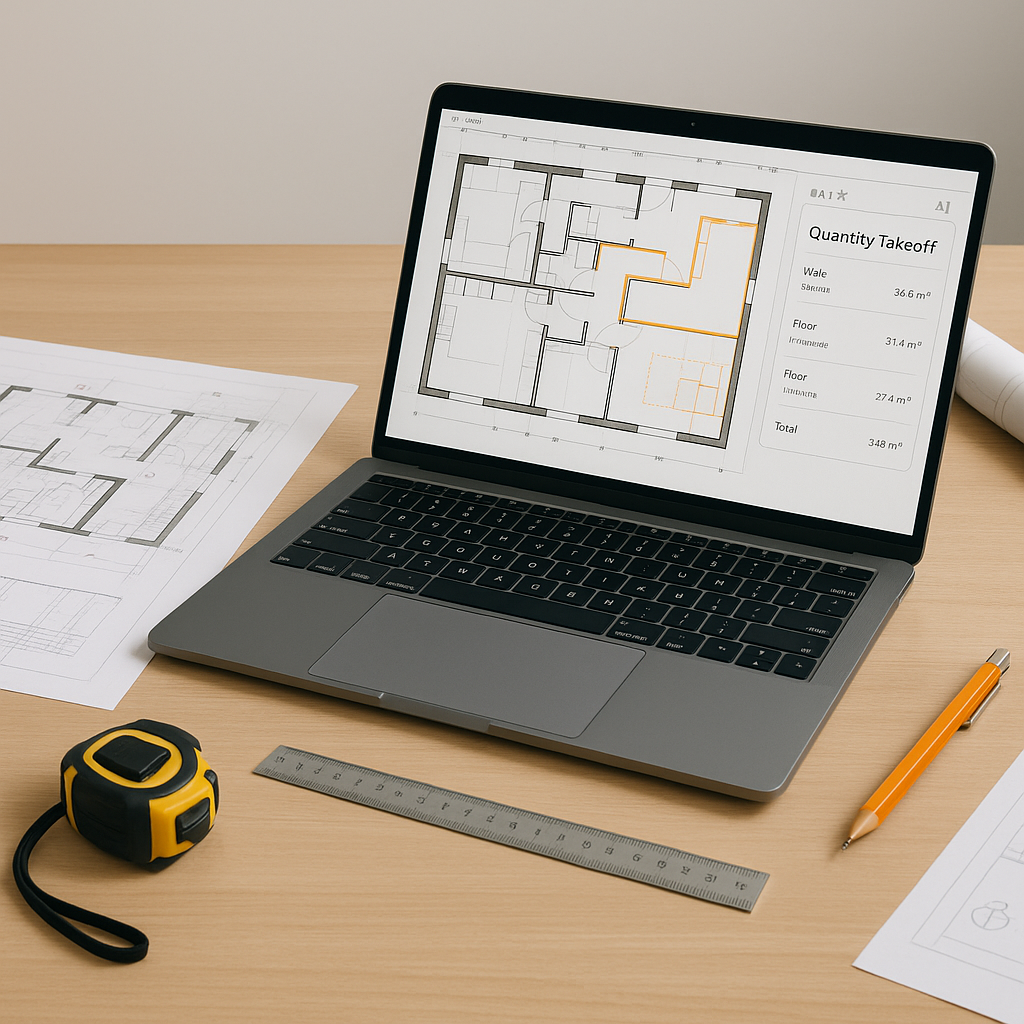
Every estimator knows the drill. You sit down with a set of drawings — often a flat PDF — and start measuring. Room areas, wall lengths, door counts. Hours later, you realize you've barely scratched the surface. By the time you're done, you've spent significant time on a single takeoff.
Now multiply that by multiple GMP pursuits a year, and you’re looking at a substantial amount of manual work. For what? Repetitive tasks that AI can handle more efficiently.
The AI Takeoff Revolution
AI-powered takeoff tools are transforming this outdated process. Here’s how they work:
- Upload Your Drawings: Drop your PDFs (or DWGs) into the platform.
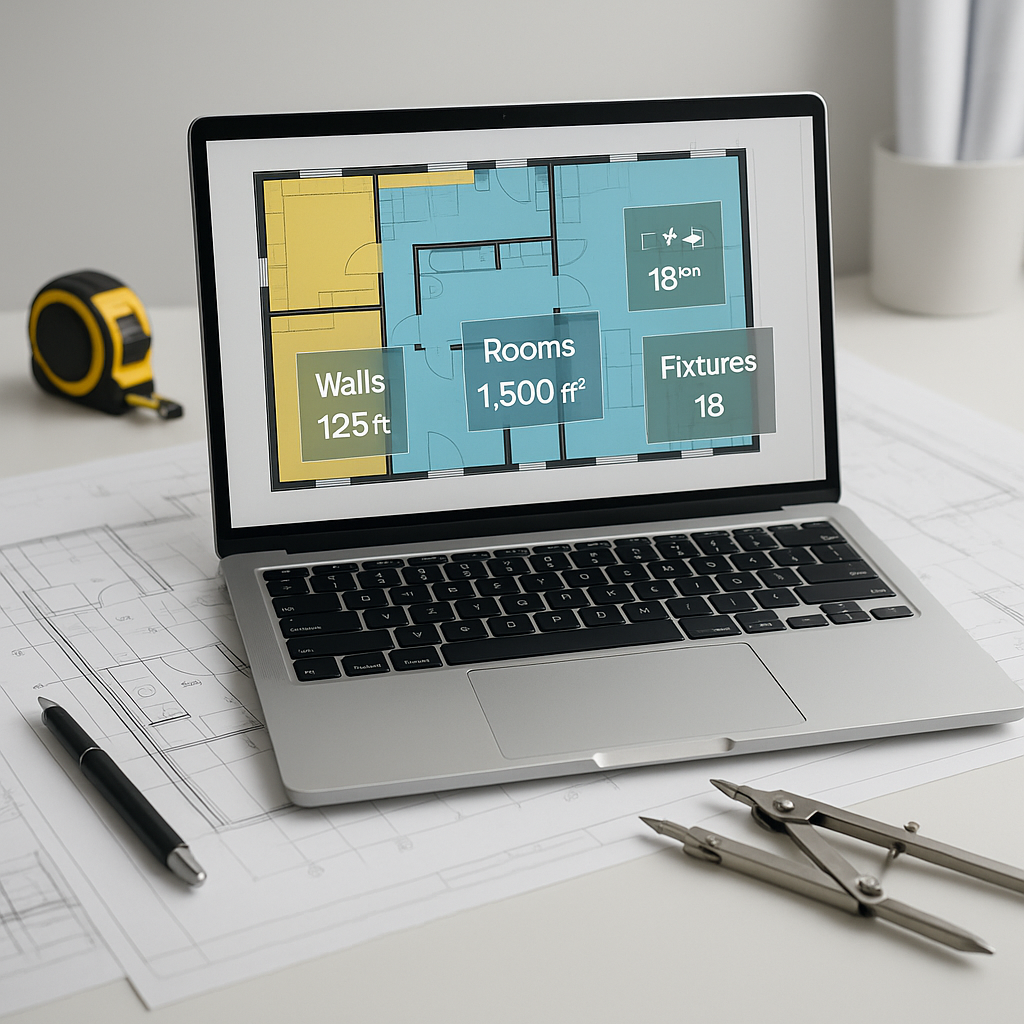
- Automated Quantity Extraction: The AI scans the drawings and extracts quantities — room areas, wall lengths, fixture counts, and more. It even flags low-confidence measurements so you can manually verify.
- Output Ready: In a short time, you’ve got a complete QTO (Quantity Takeoff) ready for review.
Illustrative example — A contractor using AI tools on a large project could save significant labor hours, allowing more time to refine bids and negotiate better sub quotes.
Is the AI Accurate?
This is the obvious question: “Sure, AI is fast, but does it really get the numbers right?”
AI takeoffs are generally accurate but require quality input data. Blurry scans or incomplete drawings can affect results. That’s why many tools include features like confidence scoring and manual override options. You’re still in control; the AI just reduces the heavy lifting.
Benefits of AI in Preconstruction Estimation
AI-powered tools offer several advantages:
- Time Savings: Automating repetitive tasks allows estimators to focus on higher-value activities.
- Improved Accuracy: AI reduces human error by automating measurements and calculations.
- Scalability: Faster takeoffs mean more bids can be submitted, increasing opportunities.
Considerations When Using AI Tools
No tool is perfect, and AI takeoff platforms are no exception. Here are a few things to keep in mind:
- Learning Curve: While most tools are user-friendly, they still require some training. Plan for onboarding time.
- Input Quality: The AI is only as good as your input data. Clean, complete drawings are essential.
- Edge Cases: Complex custom features (like curved walls or decorative elements) may need manual input.
Common Questions About AI Takeoffs
Q1: Can AI handle revisions?
Yes. Many tools allow you to upload revised drawings and automatically compare changes, saving time on rework.
Q2: Does it work with other software?
Most AI platforms integrate with tools like Bluebeam, Procore, and Excel, enabling seamless workflows.
Q3: What about project-specific rates?
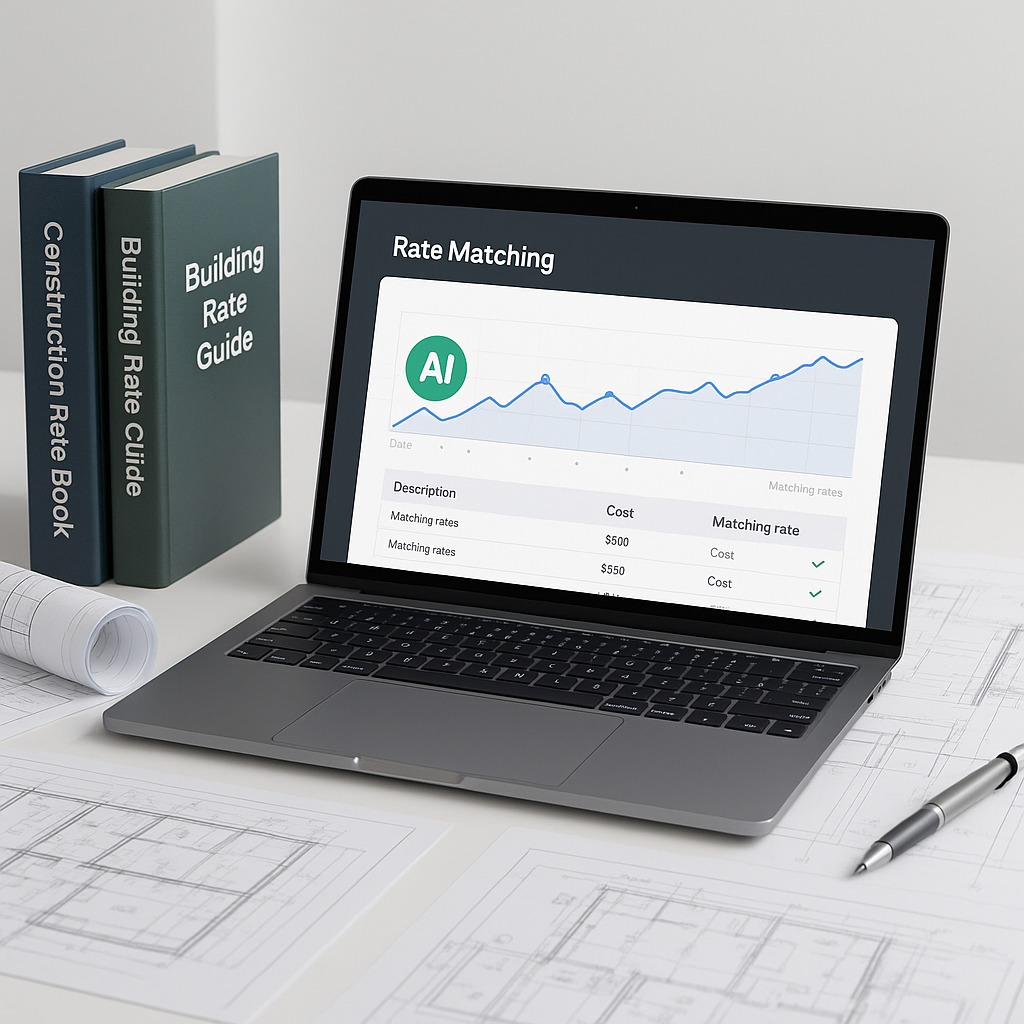
AI tools often let you upload custom rate catalogs or define project-specific rates, ensuring estimates reflect real-world costs.
The Bottom Line
Manual takeoffs are time-consuming and prone to errors. AI-powered tools not only save time but also improve accuracy and scalability. Imagine what your team could achieve with more time to focus on strategic tasks like refining proposals and building stronger client relationships.
If you’re ready to explore how AI can streamline your preconstruction process, consider trying an AI-powered takeoff tool to see the benefits firsthand.