AI-Powered Preconstruction Estimation: How It Works
Manual drawing takeoffs are a common bottleneck in the estimation process. Every estimator knows the challenge: flipping through PDFs, manually measuring lengths, counting fixtures, and recalculating total areas. This process can take significant time and effort, especially on larger projects.
What if you didn’t have to do it by hand? AI-powered tools are changing how drawings are processed during preconstruction, and they’re saving teams considerable effort. Let’s break it down.
The Problem: Manual Takeoffs Are a Time Sink
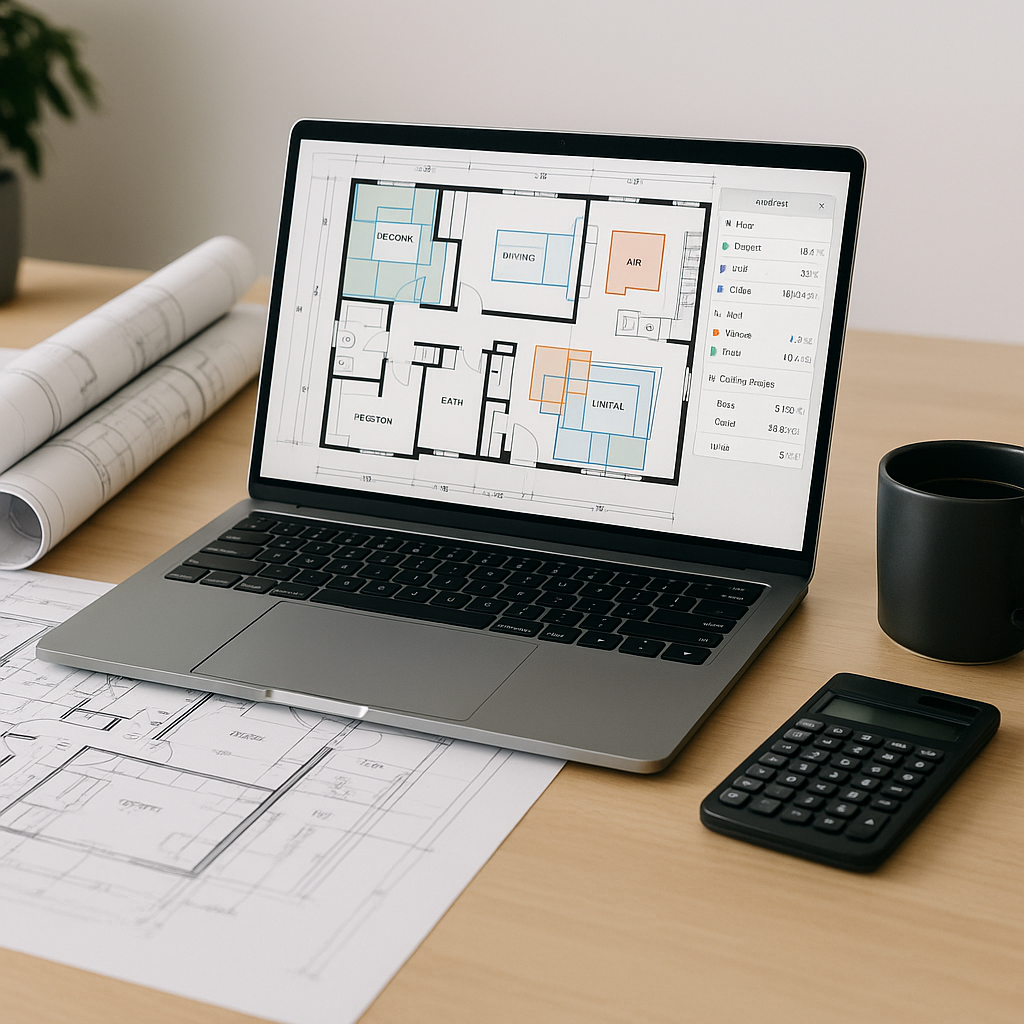
Imagine you’re pricing a high-rise project. The structural drawings alone span dozens of pages, and you need to extract quantities for beams, slabs, walls, and columns. The traditional way? Open your PDF viewer, calibrate the scale, and manually measure everything. Then, copy those measurements into Excel.
It sounds simple enough, but multiply that across dozens of drawings, add revisions, and throw in tight deadlines. One mistake means retracing hours of work. It’s repetitive, grueling, and ripe for human error.
The Solution: AI-Powered Drawing Intelligence
Here’s where AI-powered tools come in. These tools can process entire sets of PDFs and extract quantities in a fraction of the time it would take manually.
How It Works
-
Upload Your Drawings: Drag and drop your drawing files into the platform. No need to pre-sort or manually label them.
-
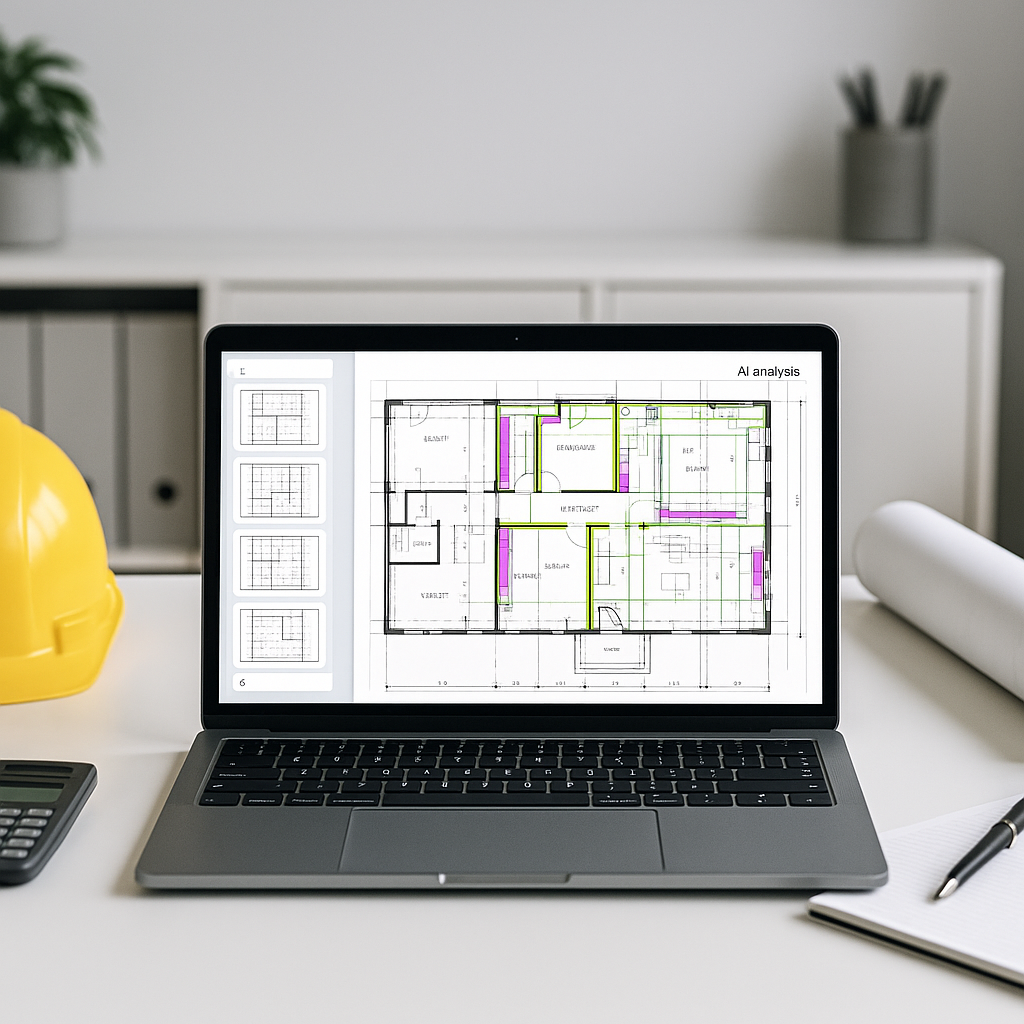
Vision AI Extraction: The software uses advanced algorithms to recognize and measure elements directly on the drawings. Walls, areas, lengths, fixtures—AI identifies them all.
-
Flagging for Review: Not all AI takeoffs are perfect. Tools often flag areas of low confidence for manual review, allowing users to override measurements and add corrections as needed.
-
Revisions Comparison: Got an updated drawing set? AI highlights changes automatically. No more guessing which walls moved or what dimensions shifted.
Common Questions About AI Takeoffs
Q1: Are AI takeoffs accurate?
AI tools are generally accurate when input data is clean. However, human oversight is still essential, especially for complex projects. Think of AI as the first pass—your expertise refines the final output.
Q2: Can I use AI tools for smaller projects?
Absolutely. Whether you’re pricing a small renovation or a large infrastructure bid, AI tools scale to your needs. Smaller projects benefit from faster turnarounds and less manual effort.
Q3: How hard is it to learn AI takeoff tools?
Most AI platforms are designed for ease of use. Training typically takes a short time, and most estimators adapt quickly. If you’ve ever used software like Bluebeam, the learning curve feels familiar.
What to Watch For
Mistake 1: Blind Trust in AI
AI isn’t perfect. Always review flagged low-confidence measurements and cross-check critical quantities. It’s a tool, not a replacement for judgment.
Mistake 2: Ignoring Revisions
Construction drawings change—sometimes daily. Failing to upload revisions into your AI tool can lead to outdated takeoffs.
Mistake 3: Skipping Customization
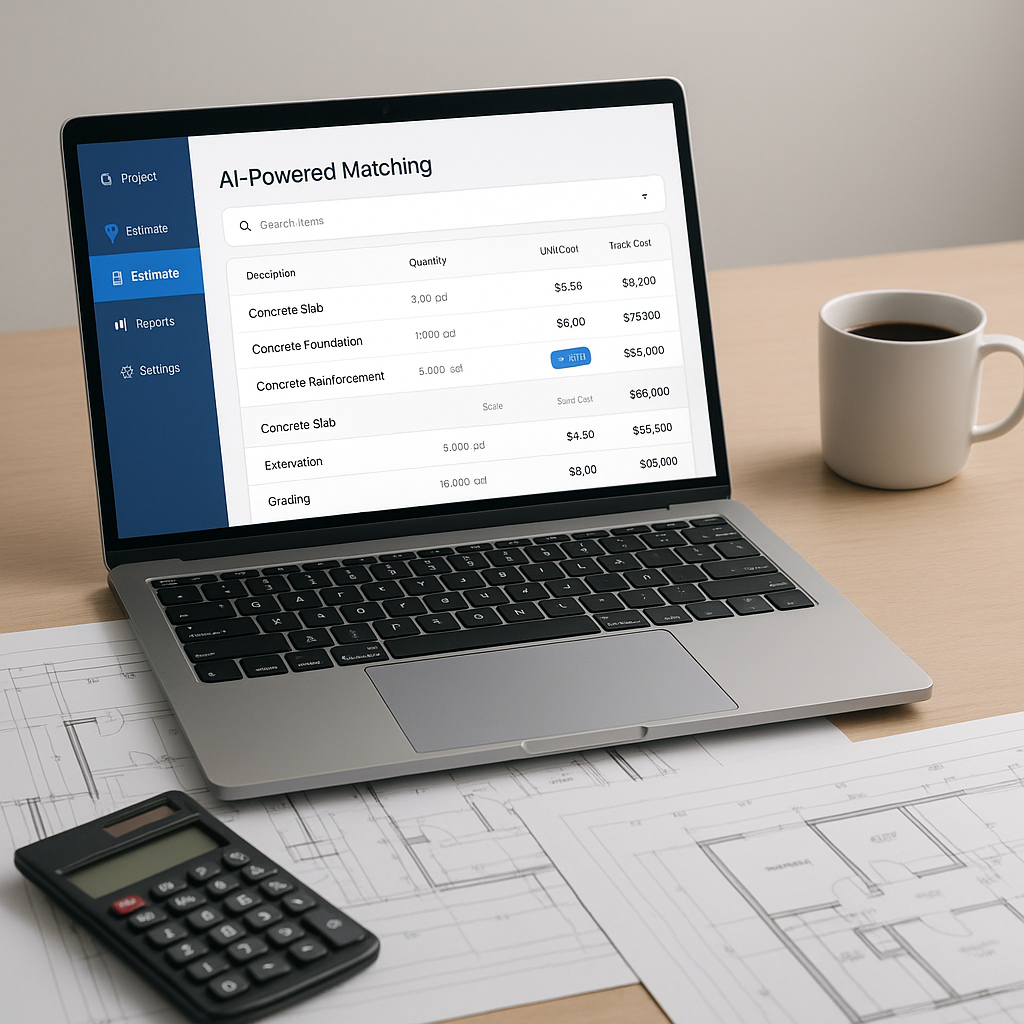
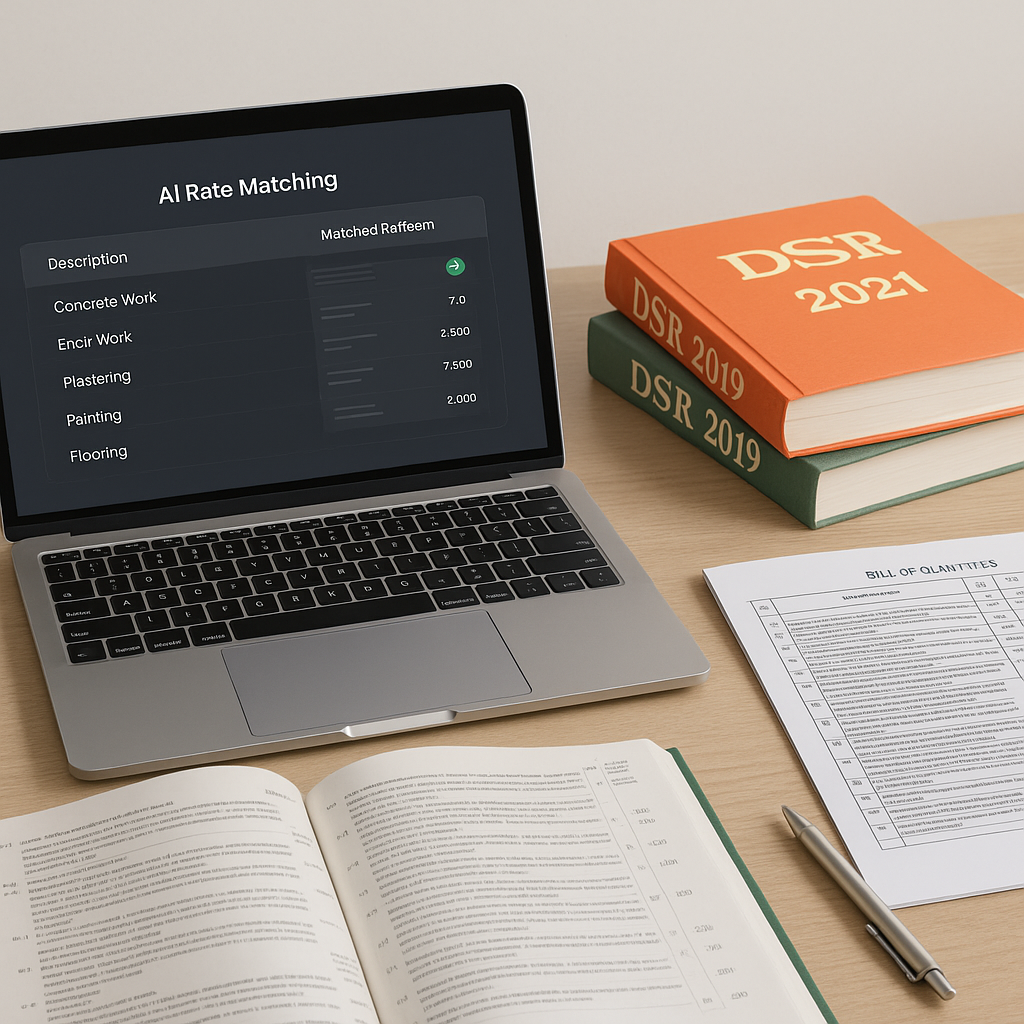
Many AI tools allow you to upload your own rate catalogs or adjust measurement parameters. Take the time to set these up; it ensures your estimates align with reality.
Why AI Takeoffs Matter
Manual takeoffs aren’t just slow—they’re a liability. One missed measurement can derail the accuracy of your estimate. AI-powered tools eliminate repetitive tasks, letting your team focus on strategy and decision-making.
And it’s not just about speed. AI tools integrate directly into your workflow, exporting data into platforms like Procore or Excel. That means no extra steps, no duplicated effort.
Call to Action
If you’re tired of wasting time on manual drawing takeoffs, consider exploring AI-powered tools that can streamline your preconstruction estimation process.