Why Rate Lookup Feels Like a Grind
Ever spent hours flipping through a 2,000-page rate book like RSMeans or CPWD DSR, trying to find the right labor, material, or equipment cost? It's exhausting and prone to errors. Worse, you can't just memorize these rates—they change by region, inflation, and even catalog updates. For bigger projects, this can balloon into days of manual grunt work.
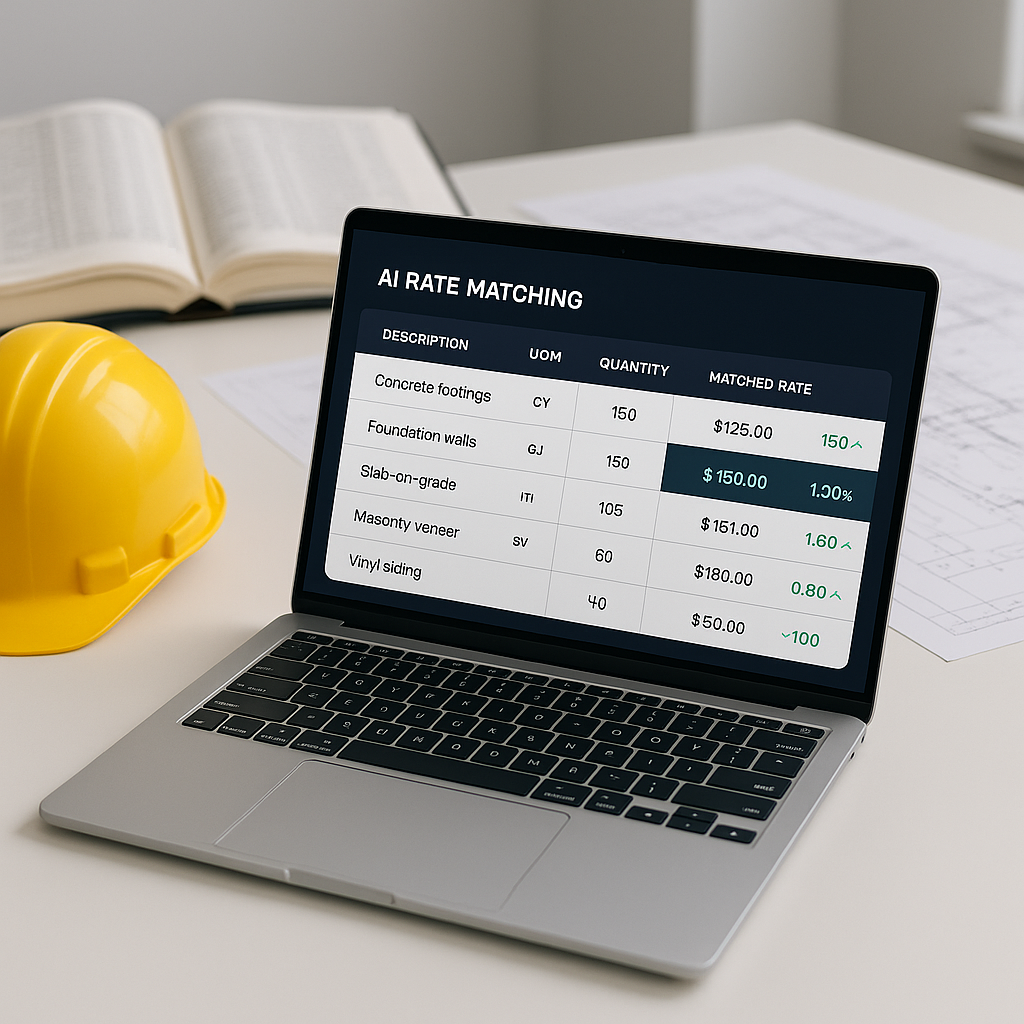
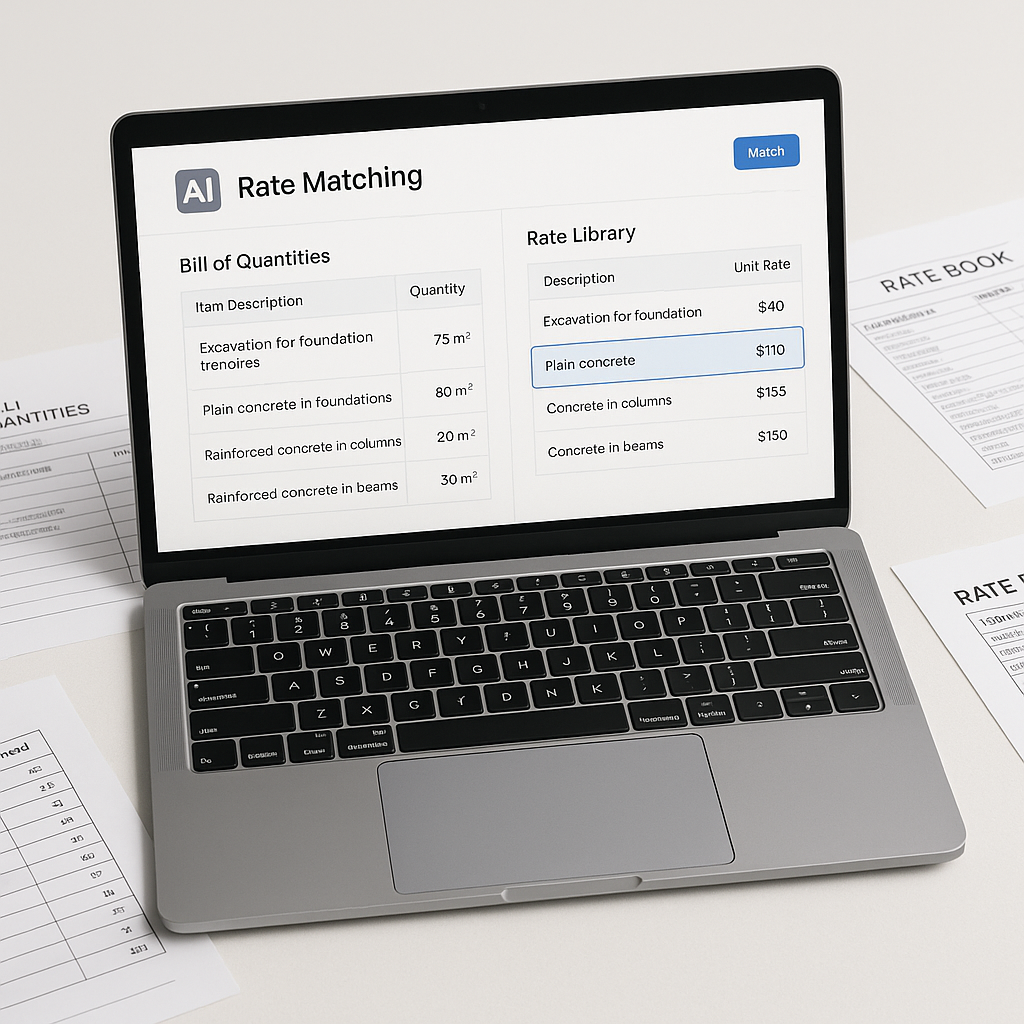
But what if rate lookup took seconds instead of hours? That’s where semantic search and AI-powered rate matching come into play. Tools in this space aim to match rates across extensive catalog items using AI, eliminating the need for manual searches.
How Semantic Search Works
Think of semantic search as a smarter Google for rate books. Instead of looking for exact matches, AI understands the context of your query. For example:
- Manual Search: You type "concrete, 3000 psi" into RSMeans and get 20 irrelevant results.
- AI Semantic Search: You type "concrete, 3000 psi" into an AI-powered tool, and it pulls the labor, material, and equipment rates—all broken down by region and catalog.
This isn’t magic; it’s machine learning. By analyzing historical matches and catalog hierarchies, the AI refines its accuracy over time. According to industry insights, users often see improvements in efficiency and accuracy after repeated use.
A General Scenario: Large-Scale Project Estimation
Imagine estimating costs for a large infrastructure project. You need to pull rates for pre-stressed concrete girders, rail ties, and structural steel—all from approved catalogs. Normally, this means hours of manual lookup. But with AI-powered tools, the process can be significantly faster.
AI tools use semantic search to find labor rates for installing girders, material prices for steel, and equipment costs for rail tie installation—all matched to your BOQ (Bill of Quantities). This approach not only speeds up the process but also reduces the likelihood of errors.
Common Objections
“AI doesn’t understand construction nuances.”
Fair point. AI doesn’t replace your judgment. It amplifies it. You still need to decide which rates fit your project’s scope and adjust for local conditions. AI just eliminates the tedious parts—like flipping through books.
“What if my rates are custom?”
That’s covered. Many tools allow you to upload custom rate catalogs. The AI integrates them seamlessly, ensuring your estimates reflect actual costs.
FAQ
Q: How accurate are AI-powered rate matches?
A: Accuracy depends on input quality, but tools often improve over time through feedback loops. Manual overrides ensure reliability.
Q: Can AI tools handle regional rate variations?
A: Yes. Many tools adjust for regional differences using catalog-specific inflation factors.
Q: How do I know the AI is learning?
A: Feedback loops. Every match you accept or reject helps the system improve its future recommendations.
Q: Is AI worth the cost?
A: The value of AI tools depends on the time savings and error reduction they provide. For teams handling frequent estimates, the efficiency gains can be significant.
What to Watch For
- Garbage In, Garbage Out: If your BOQ is messy, AI can’t help. Clean your inputs.
- Over-Reliance: Always review matches. AI speeds up work but doesn’t guarantee perfection.
- Catalog Coverage: Ensure your tool supports the catalogs you need (RSMeans, CPWD DSR, etc.).
Why This Matters
Manual rate lookup isn’t just slow—it’s risky. Miss one line item, and your bid could go from competitive to losing. AI fixes this. Tools in this space save time, reduce errors, and free your team to focus on higher-value tasks like scope reviews or subcontractor negotiations.
If rate matching feels like a bottleneck in your workflow, it’s worth exploring AI-powered tools.