The Problem: Manual Takeoffs Are a Time Sink
Every estimator knows the grind of manual takeoffs. A new drawing set drops on your desk, and suddenly you're staring down hours of tedious work. Linear measurements. Area calculations. Room counts. All of it done with a ruler, mouse clicks, or—if you're really unlucky—pen and paper.
This isn't just a minor inconvenience. It’s a productivity killer. For general contractors chasing multiple GMP projects a year, that’s significant high-value estimator time gone to low-value tasks. Missed deadlines, rushed bids, and higher labor costs follow.
And let’s not ignore the human error. Measuring the same wall twice or forgetting a revision can cost you the bid—or worse, your margin.
So, what’s the fix? AI-powered takeoff tools are changing the game.
The Solution: AI-Powered Takeoffs in Minutes
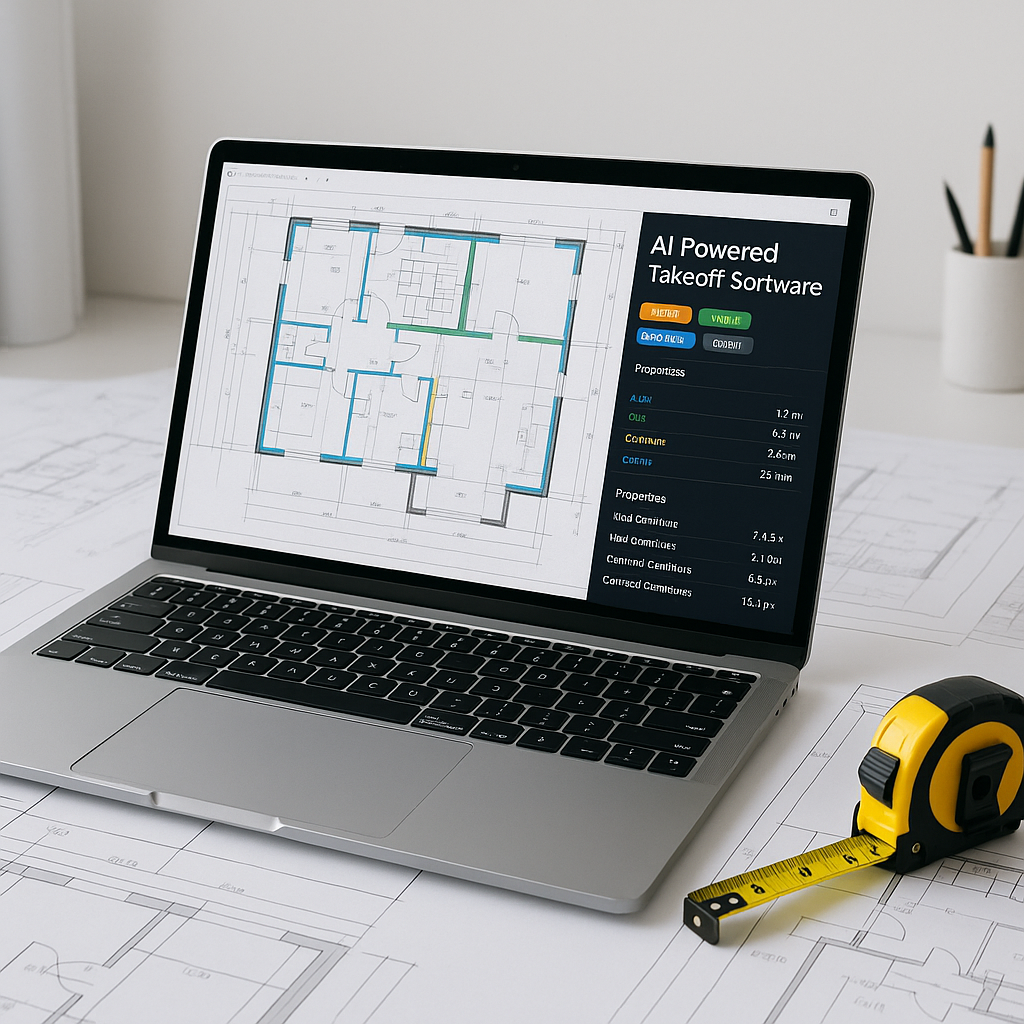
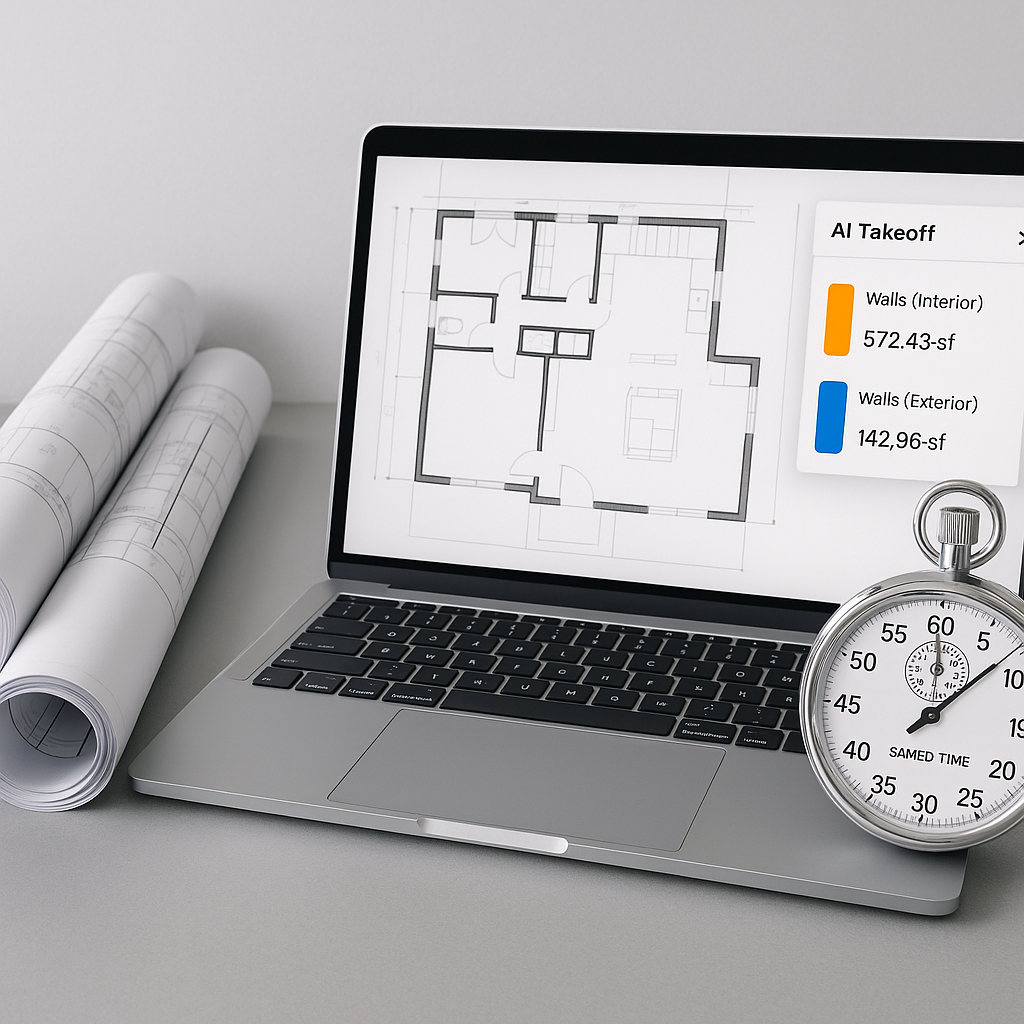
AI-powered takeoff tools work by automating quantity extraction from drawings. You upload a PDF or CAD file, and the system does the math for you. Need wall areas, door counts, or slab volumes? It’s all there in minutes, not days.
Here’s how it works:
- Upload the Drawing Set: Drag and drop PDFs or CAD files onto the platform. No file conversion nonsense.
- AI Reads the Drawings: The system identifies rooms, walls, windows, and more, using object recognition trained on thousands of drawing sets.
- Quantities Delivered: In a short time, you’ve got a detailed QTO—room areas, linear dimensions, and counts—exportable to Excel or your estimating software.
The result? You save significant time per bid. That’s time you can reinvest in scope reviews, sub negotiations, or even pursuing more bids.
Real-World Benefits
AI-powered tools offer several key benefits:
- Time Savings: Automating takeoffs reduces the time spent on repetitive tasks, allowing estimators to focus on higher-value activities.
- Improved Accuracy: By minimizing human error, AI tools help ensure more precise measurements and calculations.
- Streamlined Revisions: Uploading updated drawings allows the system to flag changes automatically, reducing the risk of missed updates.
The Obvious Objection: “AI Can’t Think Like an Estimator”
I hear this a lot. “Sure, AI is fast, but it doesn’t understand construction.”
That’s partially true. AI won’t know if a particular wall needs triple-layer drywall for soundproofing or if a floor slab requires epoxy coating. But here’s the thing—it doesn’t have to. AI handles the grunt work, leaving you to focus on the high-value decisions. Think of it as an extra pair of hands, not a replacement for your expertise.
Common Mistakes To Avoid
While AI takeoff tools are powerful, they’re not foolproof. Here’s what to watch for:
- Garbage In, Garbage Out: Poor-quality drawings lead to poor-quality takeoffs. Always check your inputs.
- Blind Trust: AI might miss unique scope details—like a mezzanine level hidden in the notes. Review the outputs.
- Overlooking Revisions: Always upload drawing updates as soon as they arrive. AI can flag changes, but only if you feed it the new data.
FAQs
Q: Can AI tools handle complex projects like hospitals or airports?
Yes. AI tools scale to any project size, from small renovations to large infrastructure. They excel at extracting quantities for repetitive elements, like hospital rooms or terminal gates.
Q: How do I know the takeoff is accurate?
AI tools often include features that allow manual review and adjustment of measurements. You can verify and refine outputs as needed.
Q: What if my drawings aren’t digital?
Most AI tools require PDFs or CAD files. If you’re working with paper drawings, you’ll need to digitize them first.
Final Thoughts
Manual takeoffs are a bottleneck your team doesn’t need. AI-powered tools slash takeoff time from days to minutes, freeing you up for what really matters—building smarter bids and winning more projects.
If you're ready to save time and improve accuracy, explore AI-powered takeoff tools today.