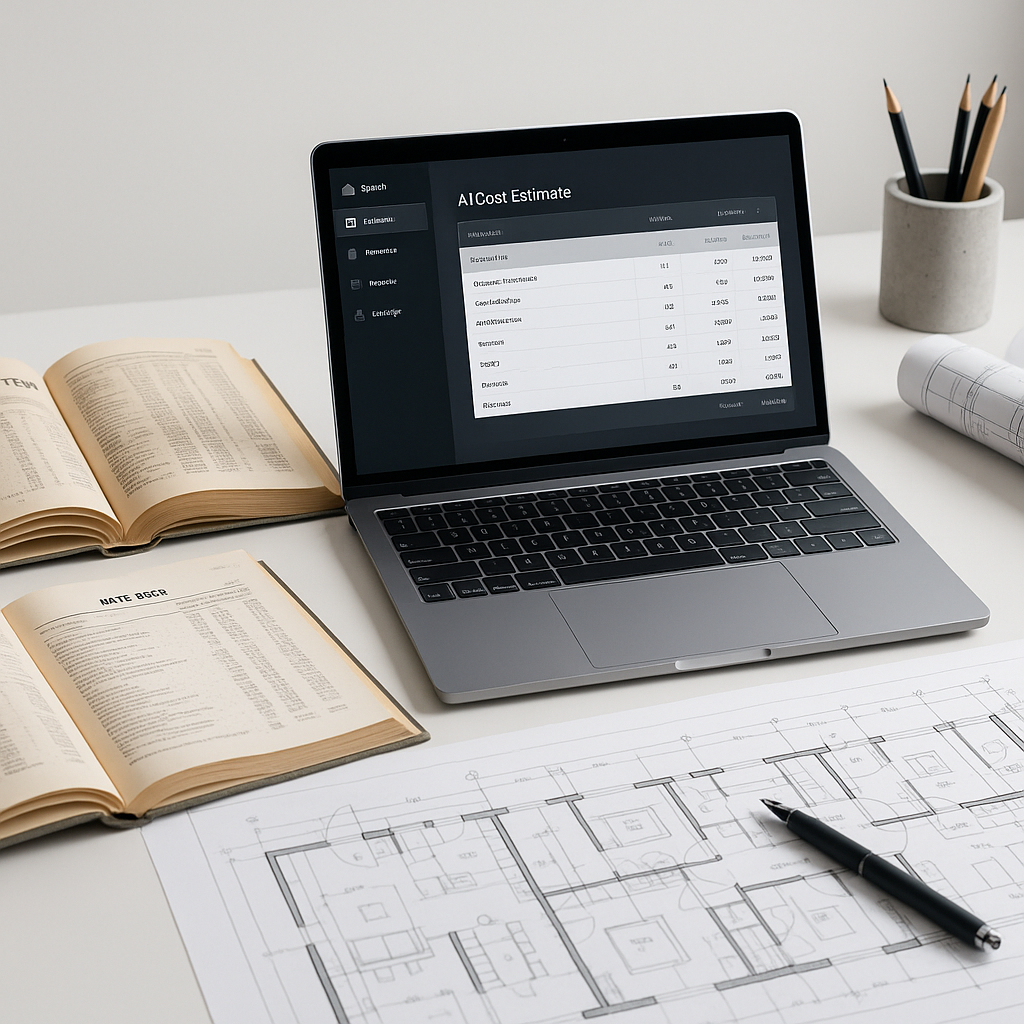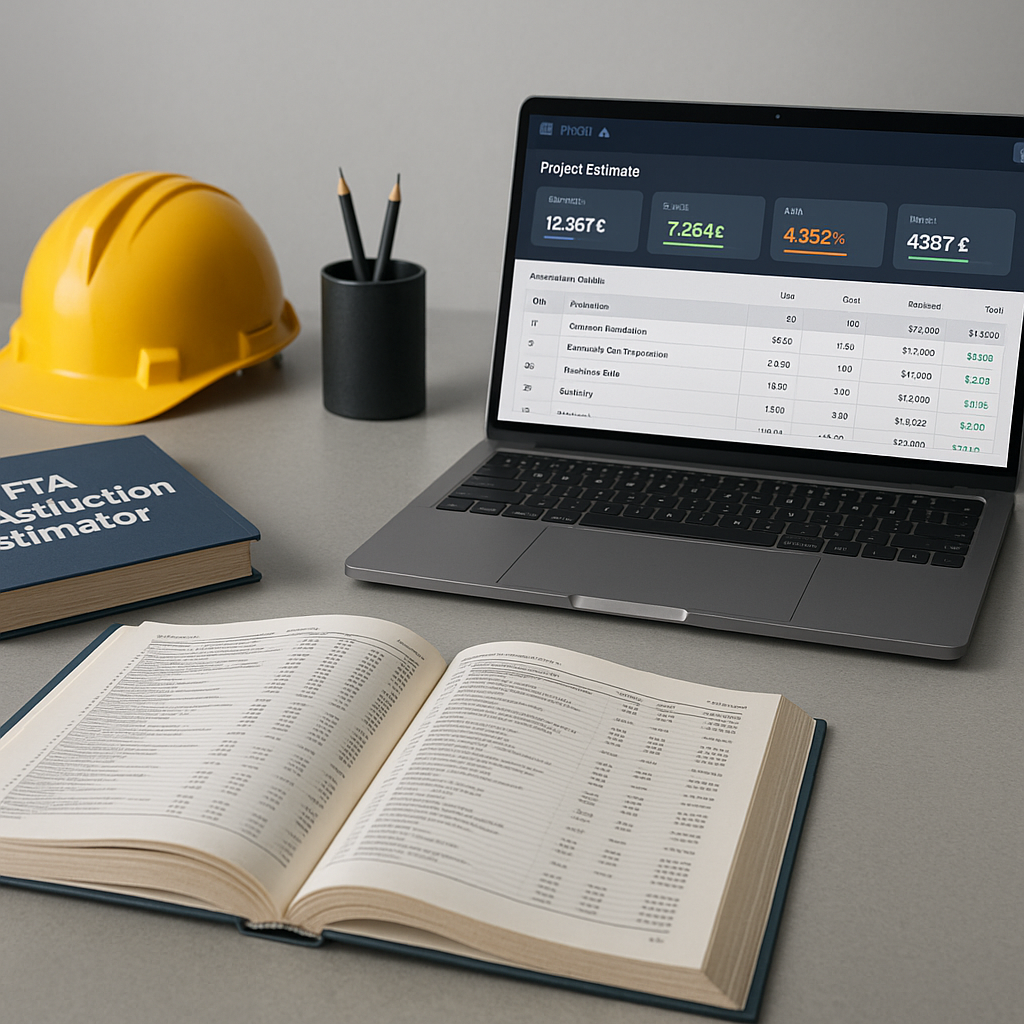
How AI Enhances Preconstruction Estimation Efficiency
Every estimator knows the challenges of manual takeoffs. Flipping through drawings, measuring room areas, counting fixtures — it’s slow, repetitive, and prone to errors. A typical project can require significant time and effort for these tasks.
And here’s the challenge: no one pays you for this work. Owners don’t care how long it takes to measure drywall or count light fixtures. They just want a number they can trust. So, you’re left scrambling to deliver accurate quantities while also meeting tight bid deadlines.
This is why AI-powered tools are changing the game. They don’t just save time — they free you to focus on higher-value work like pricing strategy, subcontractor negotiations, and risk analysis. Let’s explore how this works.
Manual Takeoffs: Slow, Inaccurate, and Expensive
Let’s start with the basics. A traditional takeoff involves:
- Opening a PDF drawing set (often dozens of pages).
- Calibrating scales, tracing every wall, window, and door.
- Manually counting fixtures, finishes, and other quantities.
- Double-checking everything because mistakes cost money.
Even with tools like Bluebeam, this process is far from efficient. You’re still relying on human effort to extract quantities, which means errors can creep in. Miss a few windows or overmeasure a wall, and your material costs can increase unexpectedly. According to a McKinsey report, a significant percentage of construction projects exceed their original budgets, with errors in early-stage planning often contributing to the problem.
AI Takeoffs: How It Works
AI takeoff tools streamline the process. Instead of spending hours tracing drawings, you upload your PDF plans, and the AI extracts quantities automatically. Here’s how it typically works:
- Upload the Drawing Set: Drag and drop your PDF plans into the platform. No need to separate pages or worry about file formats.
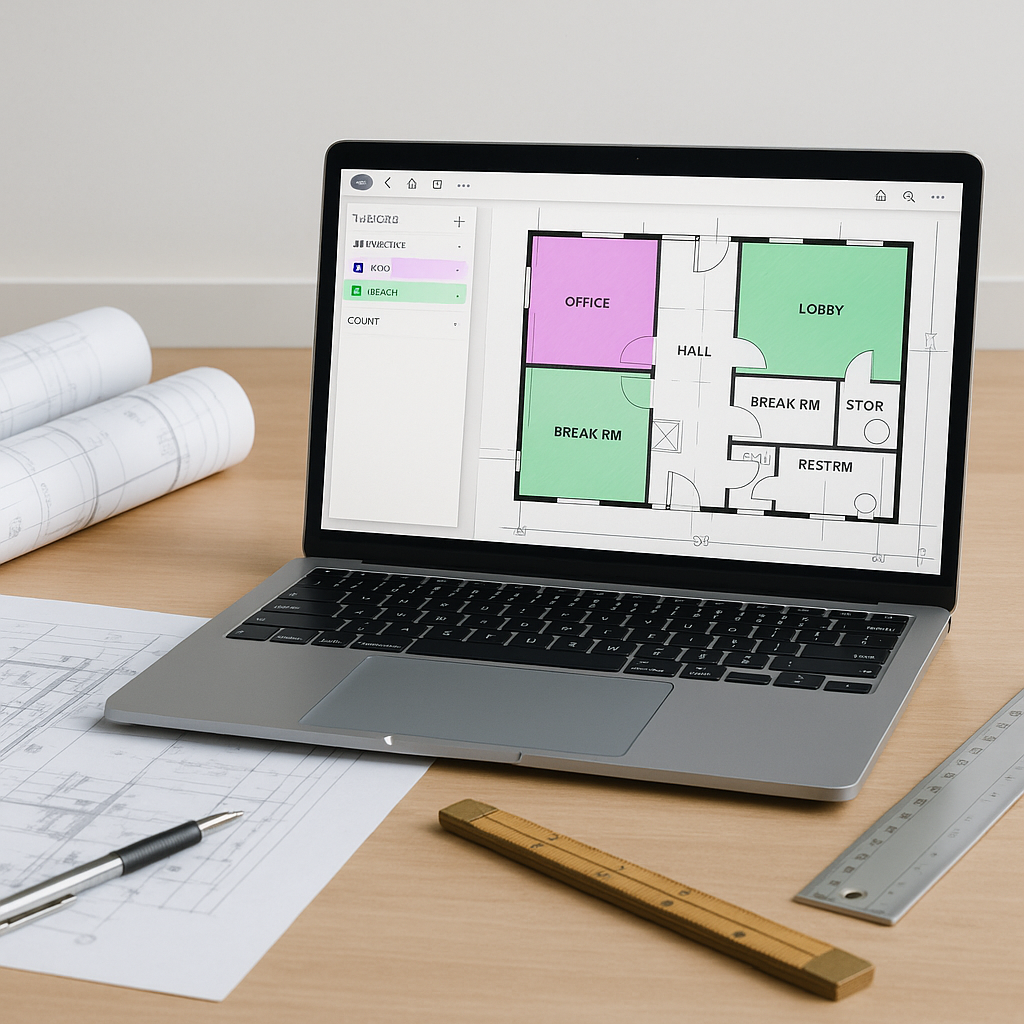
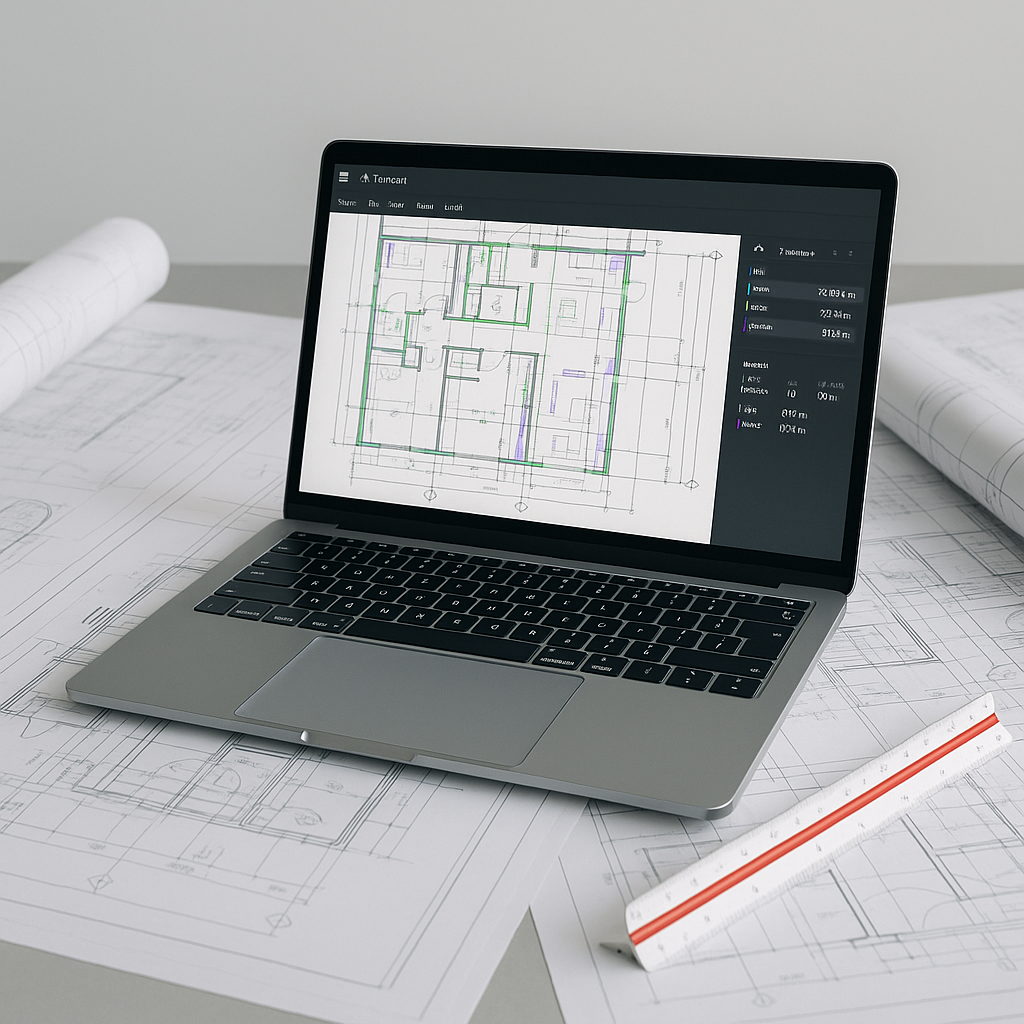
- AI Quantity Extraction: The system scans the drawings, identifies key elements (walls, windows, doors, fixtures), and calculates quantities. For example, it can measure total wall lengths, count door openings, or calculate room square footage.
- Manual Overrides: If the AI misinterprets a line or misses a detail, you can remeasure and add notes. Every adjustment is logged for audit purposes.
This process can significantly reduce the time spent on takeoffs compared to manual methods. Additionally, AI tools improve with use, learning from feedback to enhance accuracy over time.
The Obvious Objection: “AI Can’t Think Like an Estimator”
You might be thinking, “Sure, AI is fast, but it doesn’t understand the nuances of construction.” That’s true to an extent. AI tools don’t know your project’s unique challenges or local labor market conditions. But that’s not the point.
AI isn’t replacing your expertise — it’s amplifying it. You’re still the one making judgment calls, negotiating with subs, and deciding on markup. The AI just handles the repetitive tasks, like takeoffs and rate matching, so you can focus on strategy.
Think of it like a power tool. You wouldn’t cut timber with a handsaw if a table saw could do it faster and more accurately. The same logic applies here.
Common Mistakes When Using AI Takeoff Tools
- Skipping the Review Step: AI is highly accurate but not perfect. Always review quantities and make adjustments where needed.
- Ignoring Edge Cases: Some unique project elements (e.g., custom finishes or irregular shapes) may require manual input. Don’t assume the AI will catch everything.
- Failing to Train the System: AI tools get smarter with feedback. If you reject a quantity or remeasure a line, the system learns from your input. Use this to your advantage.
- Over-Relying on Defaults: Customize the tool to match your project requirements. For example, upload your own rate catalogs or define specific measurement standards.
FAQ
Q: How accurate are AI-generated takeoffs? AI tools can significantly reduce takeoff discrepancies. However, accuracy depends on the quality of your input data. Always review the results.
Q: Can AI handle complex projects? Yes. AI tools scale to any project size, from small office fit-outs to large infrastructure builds.
Q: How do AI tools integrate with existing workflows? Most platforms integrate with tools like Bluebeam, Procore, and Excel. You can export quantities directly into your existing templates.
Q: What about custom rates? AI tools allow you to upload your own rate catalogs or define project-specific rates. This ensures your estimates reflect actual costs.
Q: How long does it take to learn? AI tools are often designed with intuitive interfaces that require minimal training, allowing users to get started quickly.
Why This Matters
In today’s competitive construction market, speed and accuracy aren’t optional. They’re the price of entry. Tools like AI-powered takeoff platforms don’t just save you time — they give you a competitive edge by ensuring your bids are based on reliable data.
If you’re still relying on manual takeoffs, it’s time to rethink your process. With AI, you can reduce takeoff time, minimize errors, and free your team to focus on what really matters: winning more work and delivering profitable projects.