Why Rate Matching is a Time-Consuming Task in Estimation
If you've ever spent hours flipping through rate books—whether it's RSMeans, CPWD DSR, or other extensive catalogs—you know the challenge. You're searching for a specific rate, such as a labor rate for installing HVAC ducts or a material rate for pre-stressed concrete girders. Once found, you double-check it and input it into your spreadsheet. Then, if someone suggests using a different material, the process starts all over again.
This task is not only tedious but also prone to errors. Missing a rate or using an outdated one can lead to significant consequences, especially when pricing large bids. Rate matching is often seen as a necessary part of the job, but it doesn't have to be this way.
How AI-Powered Rate Matching Works
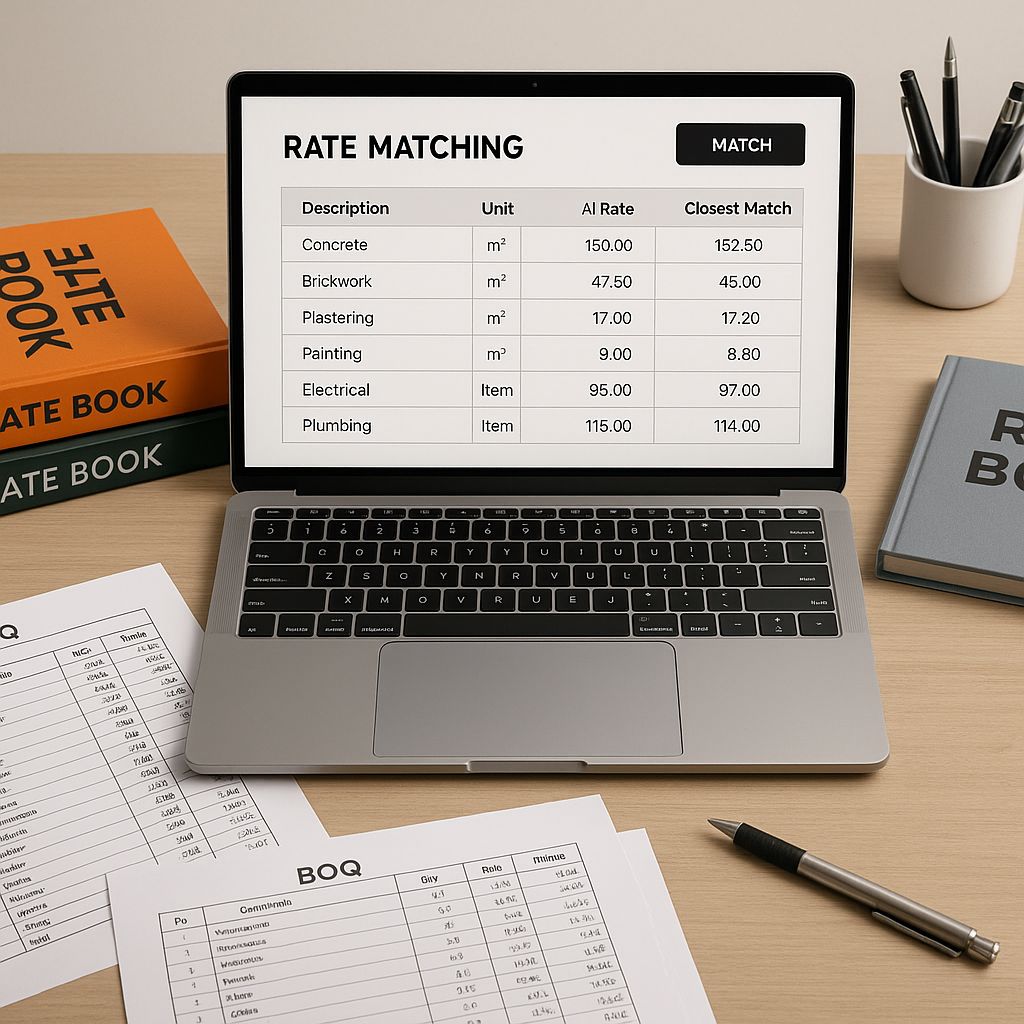
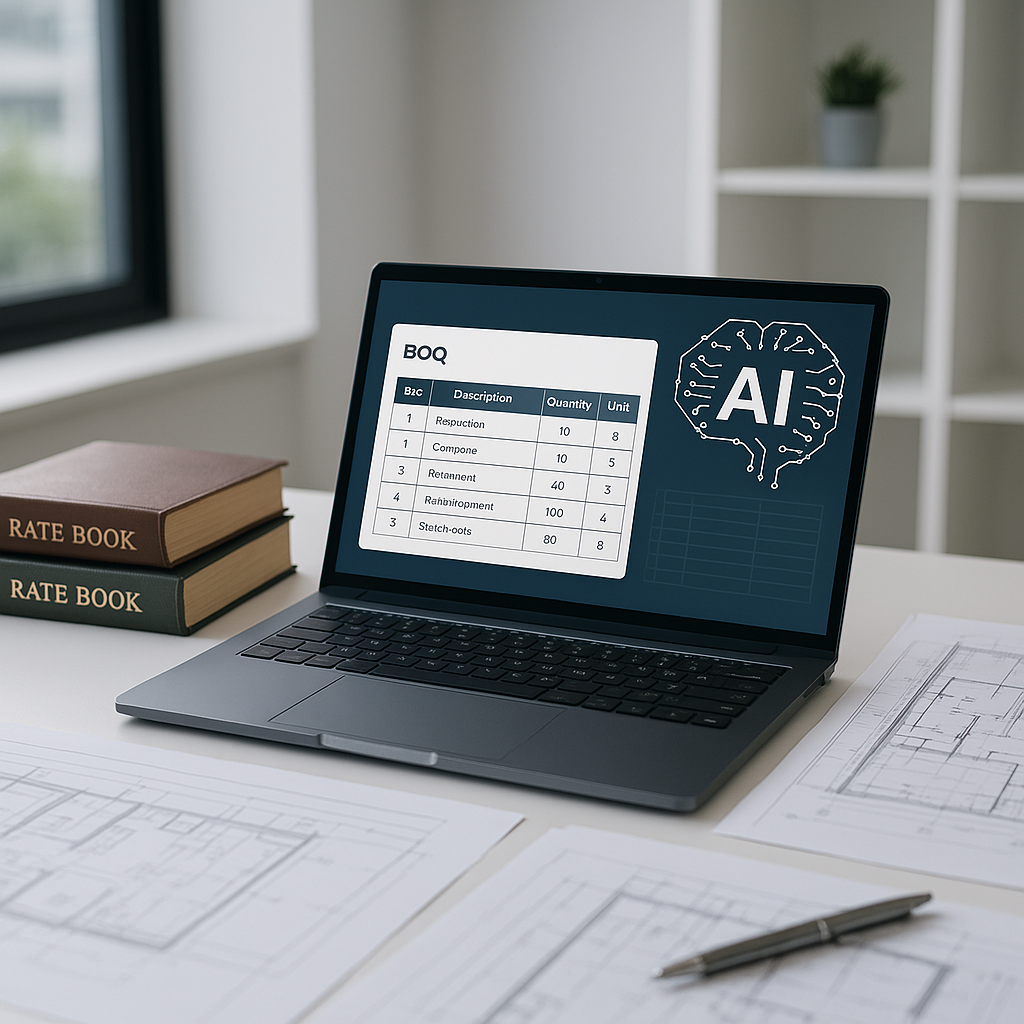
AI-powered estimation tools simplify rate matching by automating the process. Instead of manually searching through PDFs or spreadsheets, you can upload your BOQ (Bill of Quantities) into an AI-driven tool. The AI scans the BOQ and matches each line item with the appropriate rate from its database, which can include standard catalogs like CPWD DSR or custom rate books.
For instance, if you're pricing a project and need rates for specific items, the AI can quickly retrieve the relevant rate, including breakdowns for materials, labor, and equipment. It can also incorporate regional adjustments or inflation factors. If you need rates from multiple sources, the AI can expand its search to include those as well.
The tool becomes more efficient over time. If you override a suggested rate, the AI learns from your input, improving its accuracy for future projects.
Benefits of AI-Powered Rate Matching
- Time Savings: Automating rate lookups significantly reduces the time spent on manual searches.
- Error Reduction: By using up-to-date and accurate rates, the risk of costly mistakes decreases.
- Consistency: AI ensures uniformity in rate application across projects.
- Focus on Expertise: With repetitive tasks handled by AI, estimators can concentrate on strategic decisions and judgment calls.
Addressing Common Concerns
'AI can't understand project nuances.'
While AI may not grasp specific preferences or unique project conditions, it handles repetitive tasks like rate lookups and basic calculations. Estimators still play a crucial role in making judgment calls and adjustments.
'What if the AI suggests the wrong rate?'
Most tools allow manual overrides and encourage review of suggested rates. This ensures that final decisions remain in the hands of the estimator.
How to Get Started with AI Rate Matching
- Upload Your BOQ: Use tools that support formats like Excel, CSV, or scanned PDFs. The AI will parse the data automatically.
- Review Matches: Compare the AI's suggested rates with your benchmarks and adjust as needed.
- Customize Catalogs: Upload custom rate books or create project-specific catalogs for better accuracy.
- Iterate: The more you use the tool, the more it learns, leading to improved efficiency over time.
FAQ
Q: Can AI rate matching be used for small projects?
Yes, it scales well for projects of all sizes. Smaller projects often benefit more proportionally from the time savings.
Q: What if my rates are custom or project-specific?
AI tools typically allow you to upload custom catalogs, which are then integrated for future use.
Q: Does this replace estimators?
No, AI complements estimators by handling repetitive tasks, allowing them to focus on strategic decisions.
Common Mistakes to Avoid
- Blind Trust in AI: Always review suggested rates, especially for critical items.
- Skipping Training: Familiarize yourself with the tool to maximize its potential.
- Not Using Custom Catalogs: Upload unique materials or labor rates to enhance accuracy.
Conclusion
If rate matching is consuming a significant portion of your time, consider integrating AI-powered tools into your workflow. These tools not only save time but also reduce errors and improve consistency, allowing you to focus on the aspects of estimation that require your expertise.