Flipping Through Rate Books Isn’t Estimating
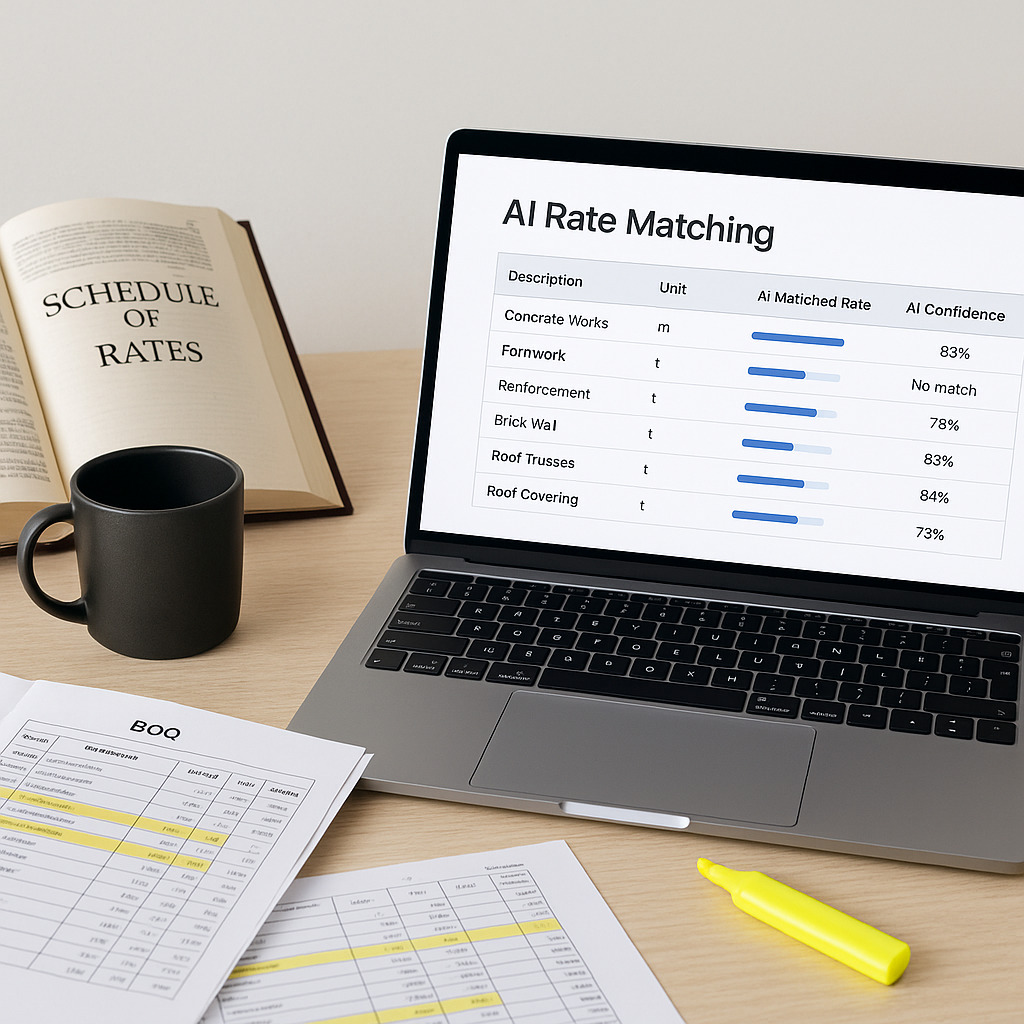
Let’s be honest—manual rate lookup is the least rewarding part of preconstruction estimation. If you’re using a 2,000-page CPWD DSR or RSMeans PDF, you know the pain. Need to find the labor rate for installing precast concrete slabs? Sure, it’s in there somewhere. But by the time you’ve flipped through three sections, cross-referenced with your Excel sheet, and double-checked for inflation adjustments, you’ve eaten up a significant amount of time.
This isn’t why you became an estimator.
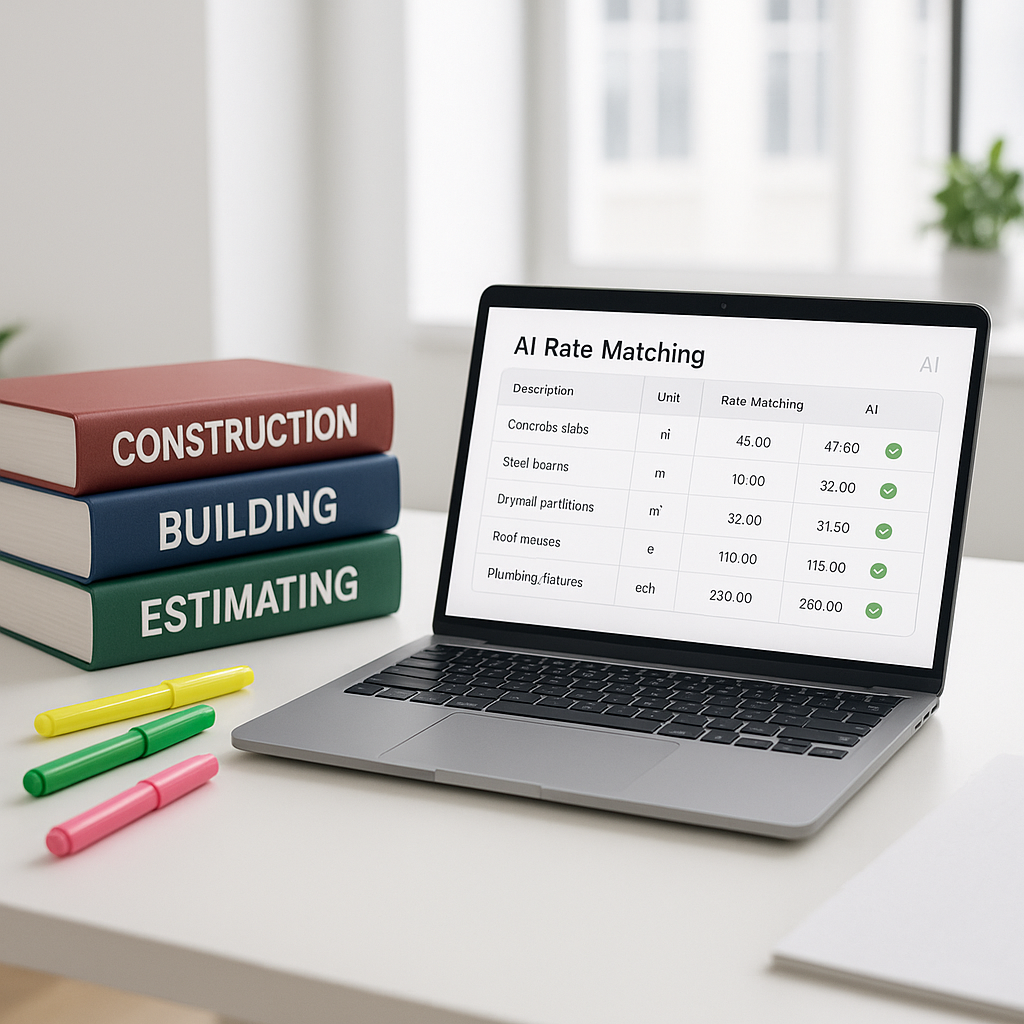
AI-powered rate matching changes the game. Instead of flipping pages, you type in what you need—“precast slab installation”—and the system returns matches in seconds. It’s not just faster. It’s smarter. Tools like EstimateNext match rates across thousands of items, pulling from catalogs like CPWD DSR, RSMeans, and user-defined custom libraries.
How AI Rate Matching Works
Here’s the basic process:
-
Semantic Search: Instead of a keyword search, AI understands what you mean. Searching for “concrete pouring labor” won’t just return an exact match—it’ll also suggest related items like “reinforced concrete labor” or “formwork labor.”
-
Rate Context: AI doesn’t just pull a number. It shows you the breakdown—material cost, labor cost, equipment cost—so you can verify it aligns with your project scope.
-
Custom Catalog Integration: Got your own rate database? AI can integrate it. Tools like EstimateNext let you upload custom catalogs, so your rates are always project-specific.
-
Inflation Adjustments: Rates need to reflect current market conditions. AI applies compound inflation adjustments based on catalog year and CPI data, so you don’t have to.
In short, AI doesn’t just save time—it ensures accuracy. That’s critical when you’re bidding on tight margins.
Common Pushbacks (and Why They’re Wrong)
“AI doesn’t understand my project specifics.”
Fair point—AI isn’t perfect. But it learns. Every time you accept or reject a suggested rate, the system gets smarter. By your third project, accuracy improves significantly.
“I already have a rate database. Why bother?”
Great, but does your database handle inflation? What about regional variations? AI integrates your data but enhances it with additional context—like market trends or catalog updates.
“AI can’t replace my experience.”
True. And it shouldn’t. AI is a tool, not a replacement. It handles the grunt work, so you can focus on strategy—like optimizing markups or negotiating with subs.
What to Watch For
- Input Accuracy: Garbage in, garbage out. Ensure your BOQ and project details are clean before uploading.
- Over-Reliance on Defaults: Always review AI-suggested rates. They’re accurate, but not infallible.
- Training Your Team: AI tools are intuitive, but a quick training session ensures everyone uses them effectively.
FAQ
Q: Can AI handle custom project rates?
Yes. You can upload custom catalogs, and AI integrates them seamlessly. It even learns your preferences over time.
Q: What if I need rates in multiple currencies?
AI tools like EstimateNext support multi-currency projects, applying the correct exchange rates and tax rules automatically.
Q: How much time can I realistically save?
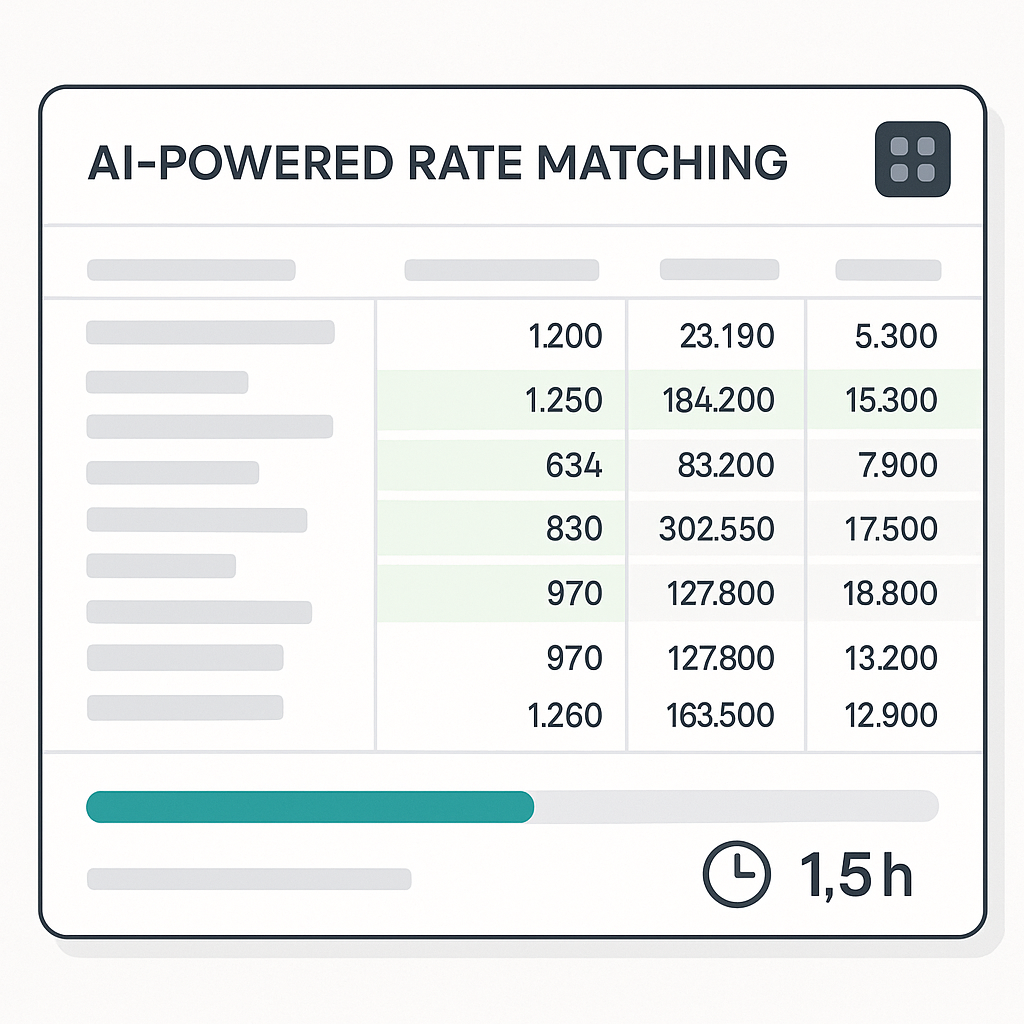
Illustrative example — If a manual rate lookup process takes several hours, AI tools can reduce this significantly by automating the search and integration process.
Q: Does AI account for inflation?
Yes. AI tools apply inflation adjustments based on catalog year and CPI data.
Q: Is this only for big firms?
Not at all. AI scales to any project size, whether you’re a regional contractor or a large general contractor.
The Bottom Line
Manual rate lookup is a productivity killer. AI-powered rate matching saves time, reduces errors, and ensures your estimates are competitive. If you’re still flipping through PDFs, it’s time to rethink your process.
If you’re ready to eliminate the manual grind, EstimateNext can help. Get started free →