Why Manual Rate Lookup is a Bottleneck
Let’s start with a scenario every estimator knows. You’re pricing a bid, and the BOQ includes numerous line items. For each, you need to find the right Standard Operating Rate (SOR)—material, labor, equipment, and overheads.
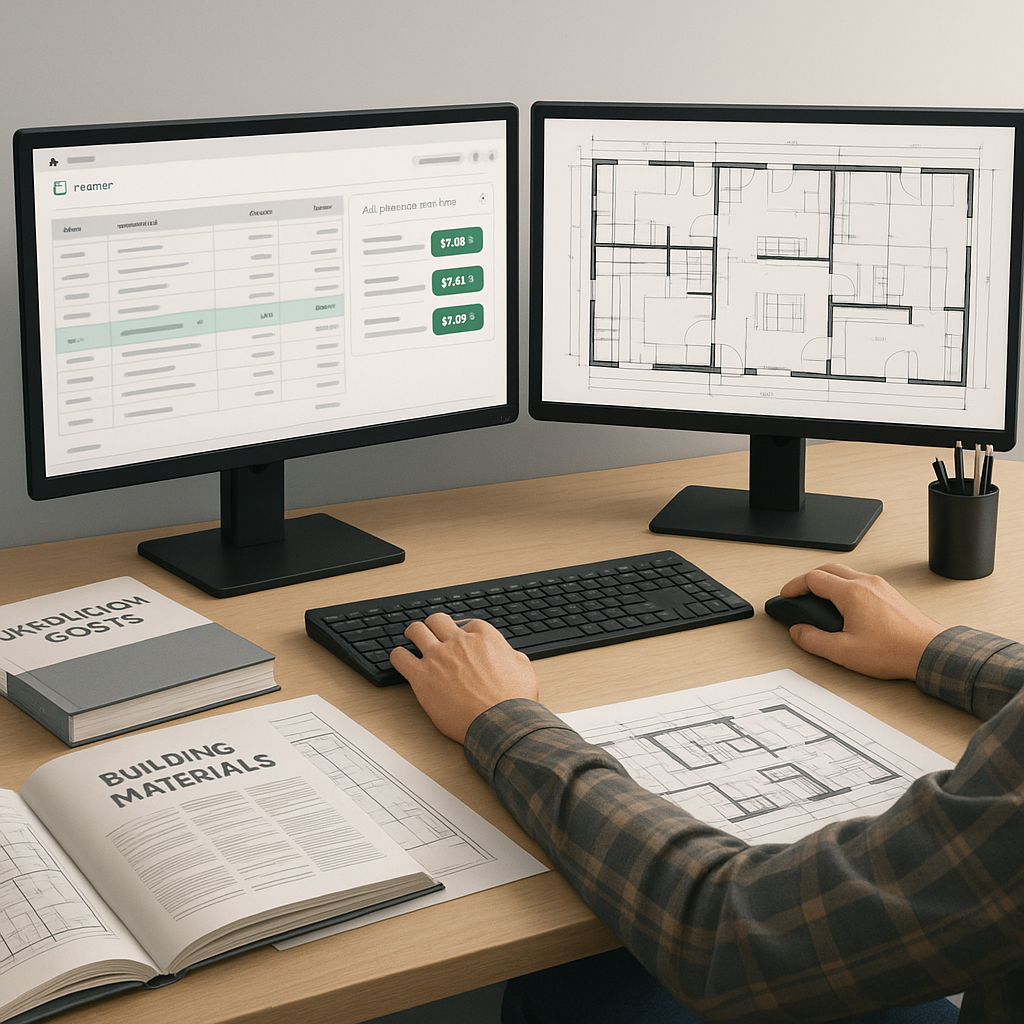
What’s the process? If you’re using traditional methods, it’s hours of flipping through massive rate books like RSMeans or CPWD DSR. Or maybe you’re searching PDFs with Ctrl+F, hoping the right rate pops up.
It’s slow and prone to error. What if you skip over an updated rate? What if you miss a region-specific adjustment? Inaccuracies here ripple through the entire estimate, impacting the bid’s competitiveness.
This is where AI-powered rate matching comes in. A tool like EstimateNext doesn’t just save time—it makes the process smarter. Here’s how.
How AI Rate Matching Works
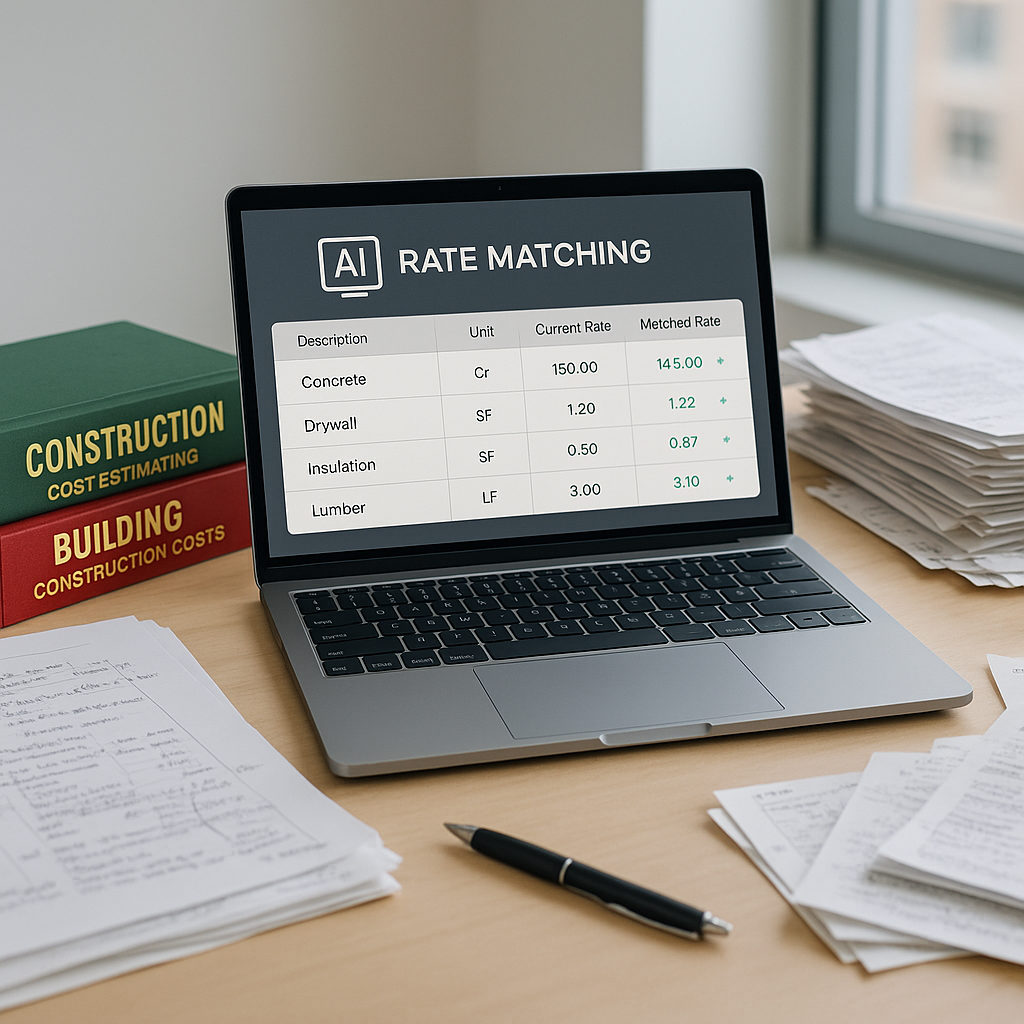
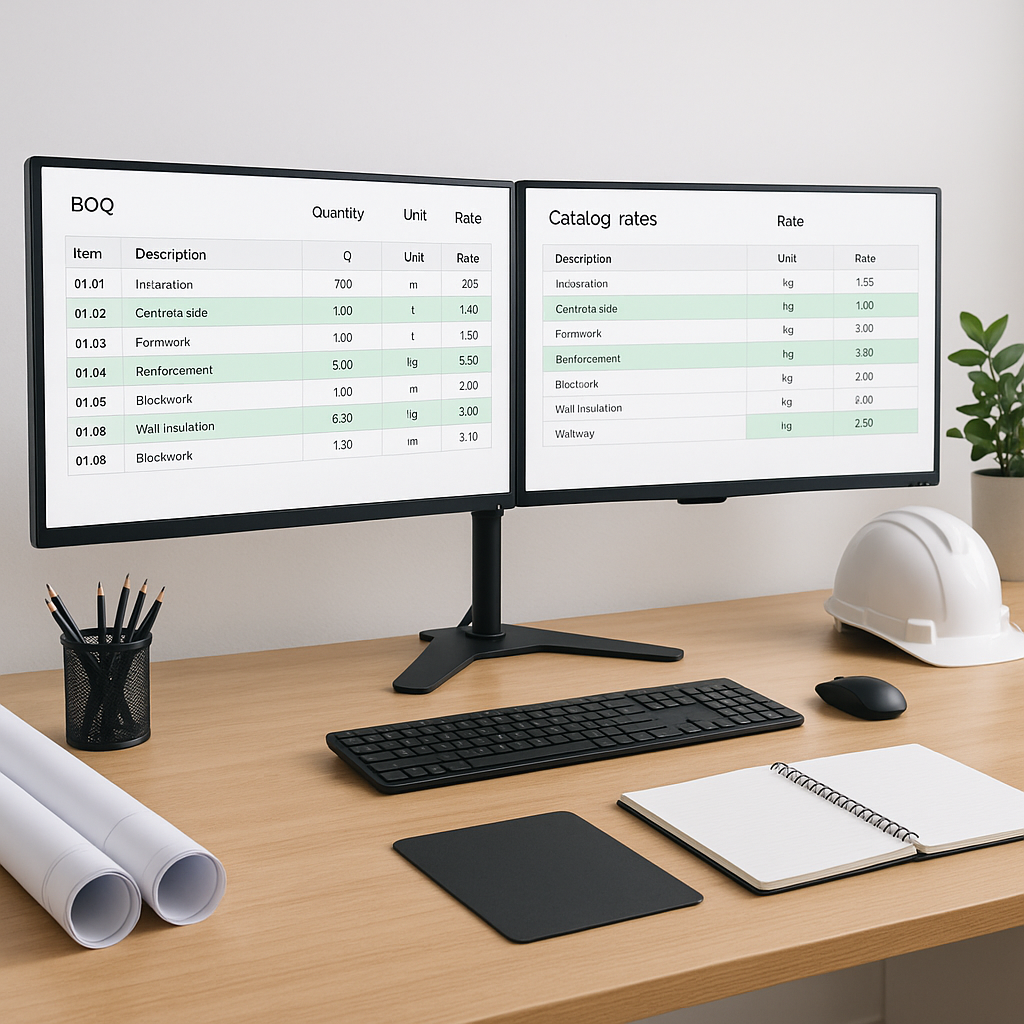
AI-powered rate matching tools take your BOQ (Bill of Quantities), scan it, and match each line item to the most relevant rates from a massive catalog.
Here’s what happens step-by-step:
- BOQ Upload: You upload your BOQ directly as an Excel or CSV file. The AI detects merged cells, section headers, and hierarchies.
- Rate Matching: The system matches BOQ items to catalog rates using a mix of exact matches, semantic search, and AI fallback for ambiguous items.
- Customization: Got a custom material or labor rate? No problem. You can add it to your catalog, and the AI learns for future projects.
- Audit Trail: Every match comes with an audit trail. You see why a specific rate was chosen and can override it if needed.
This process takes significantly less time than manual methods. And it reduces human error because the AI doesn’t get tired or distracted.
Illustrative Example — Faster Rate Matching
Imagine you’re working on a project with a BOQ that includes hundreds of line items, ranging from concrete columns to HVAC ducting. Traditionally, you’d need a full day—or longer—to look up rates, especially if you’re working across multiple catalogs for labor, materials, and equipment.
With an AI tool, you’d upload the BOQ, and within a short time, you’d have a fully matched and priced estimate. If something looks off, you have time to review and adjust before submitting the bid. This efficiency allows you to focus on refining your bid strategy rather than spending hours on manual tasks.
Objections and Edge Cases
You might be thinking, “Sure, AI is fast, but can it handle the nuances of my projects?”
Good question. AI isn’t perfect. It works best with clean, structured inputs. If your BOQ is messy or uses very non-standard terminology, the tool might need manual guidance. That’s why platforms like EstimateNext include features like manual override and self-learning. The more you use the tool, the smarter it gets.
Another concern: regional or project-specific rates. What if the AI doesn’t have what you need? Modern tools let you upload your own rate catalogs or adjust existing rates to reflect local conditions. Once uploaded, these rates become part of the system’s library for future use.
Common Mistakes When Using AI Rate Matching
- Skipping the Review: AI isn’t a “set it and forget it” solution. Always review the matched rates, especially for high-cost or high-risk line items.
- Not Customizing Catalogs: If you have unique materials or labor rates, add them. Don’t settle for generic data when you have better numbers.
- Ignoring Feedback Loops: Most AI tools improve with user feedback. If the system mismatches a rate, correct it. That correction makes your next estimate more accurate.
FAQ
Q: Does AI replace human estimators?
No, it amplifies their productivity. You’re still making the judgment calls. The AI just handles the grunt work.
Q: How accurate is AI rate matching?
Accuracy depends on the quality of your input data. Clean, structured BOQs yield the best results, and most users see improvements as they refine their workflows.
Q: Can I use my own rate books?
Yes. Platforms like EstimateNext allow you to upload and integrate custom catalogs.
Q: What about integration with other tools?
Most AI tools, including EstimateNext, integrate with platforms like Procore and Bluebeam. You can export estimates directly into your existing workflows.
Final Thoughts
Manual rate lookup is a productivity killer. It’s slow, error-prone, and adds no real value to the estimation process. AI-powered rate matching tools solve this problem by automating the tedious parts and letting you focus on strategy.
If you’re tired of flipping through PDFs and rebuilding Excel sheets, it’s time to upgrade your workflow.