The Problem: Manual Rate Lookup Is a Time Sink
If you’ve ever priced a bid, you know the pain of flipping through endless rate catalogs. Whether it’s RSMeans, CPWD DSR, or your own custom rate sheets, finding the right match is tedious. Miss a rate or pick the wrong one? It’s not just your estimate that suffers—your margins take the hit.
Why is this still so manual? Because rate books don’t talk to your BOQ. And Excel doesn’t exactly help—it’s just a blank slate.
The Solution: AI Rate Matching
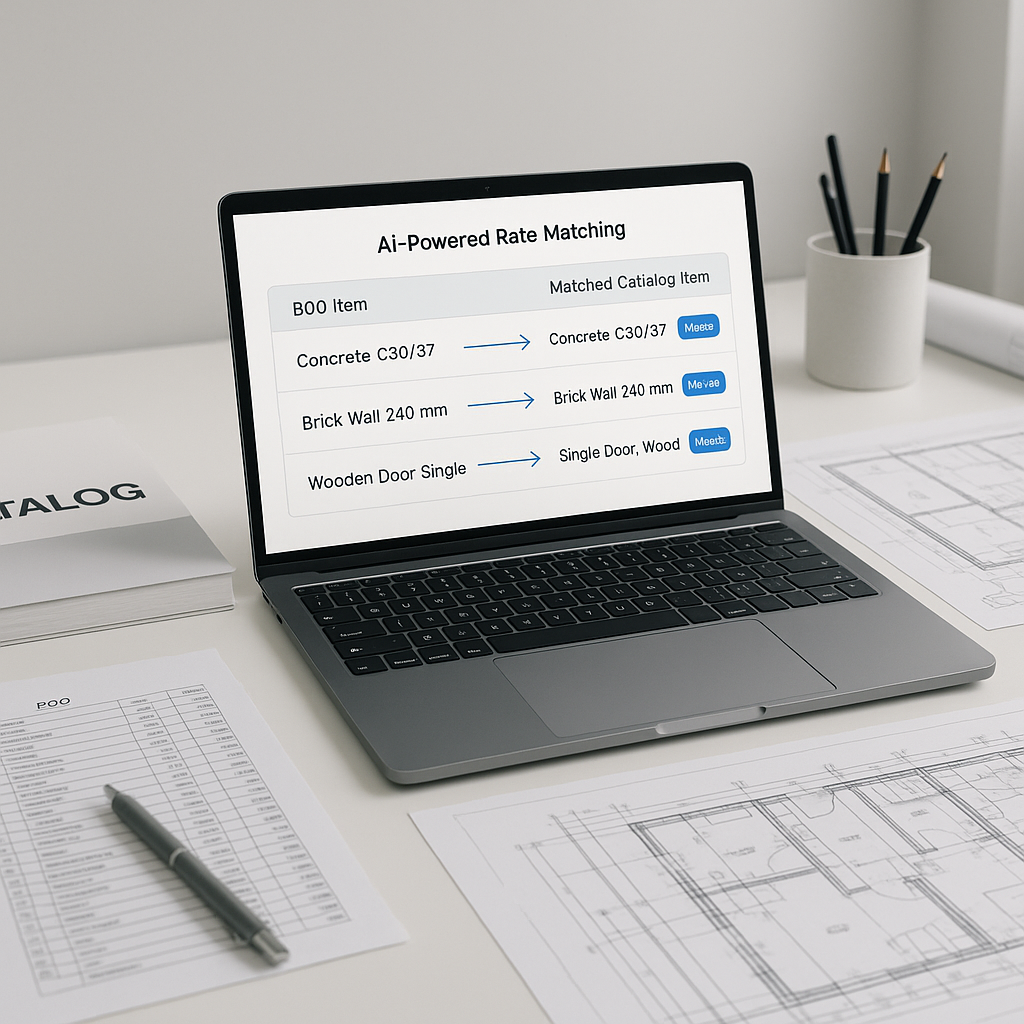
AI-powered rate matching tools solve this exact bottleneck. Here’s how:
-
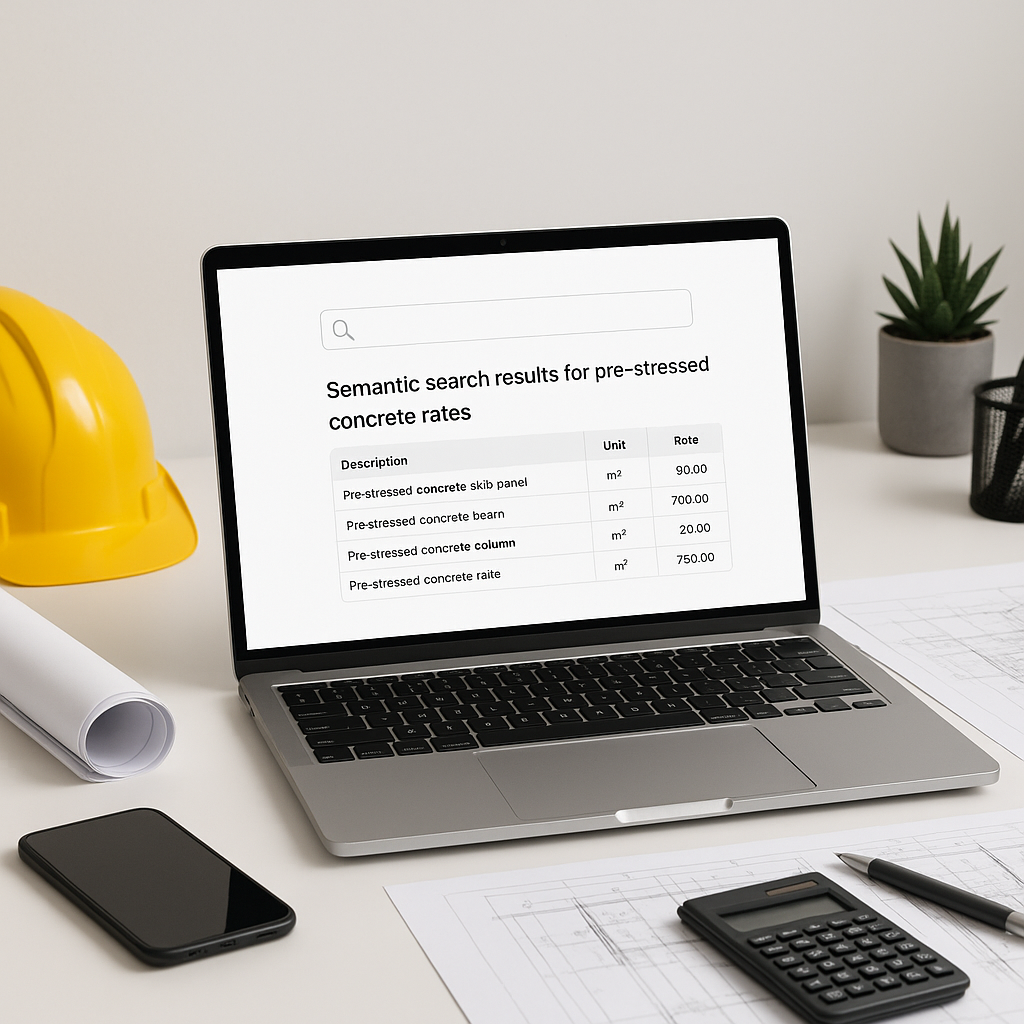
Semantic Search: Instead of manually combing through thousands of pages in rate books, AI tools let you type in what you need—“labor rate for reinforced concrete” or “material cost for ductile iron pipes.” The system scans multiple catalogs and returns the best matches instantly.
-
Custom Catalog Integration: Got custom rates? No problem. AI platforms allow you to upload your own catalog, ensuring project-specific pricing aligns perfectly.
-
Learning Over Time: The more you use it, the smarter the system gets. Every accept/reject feedback loop improves its accuracy, making future projects faster and more efficient.
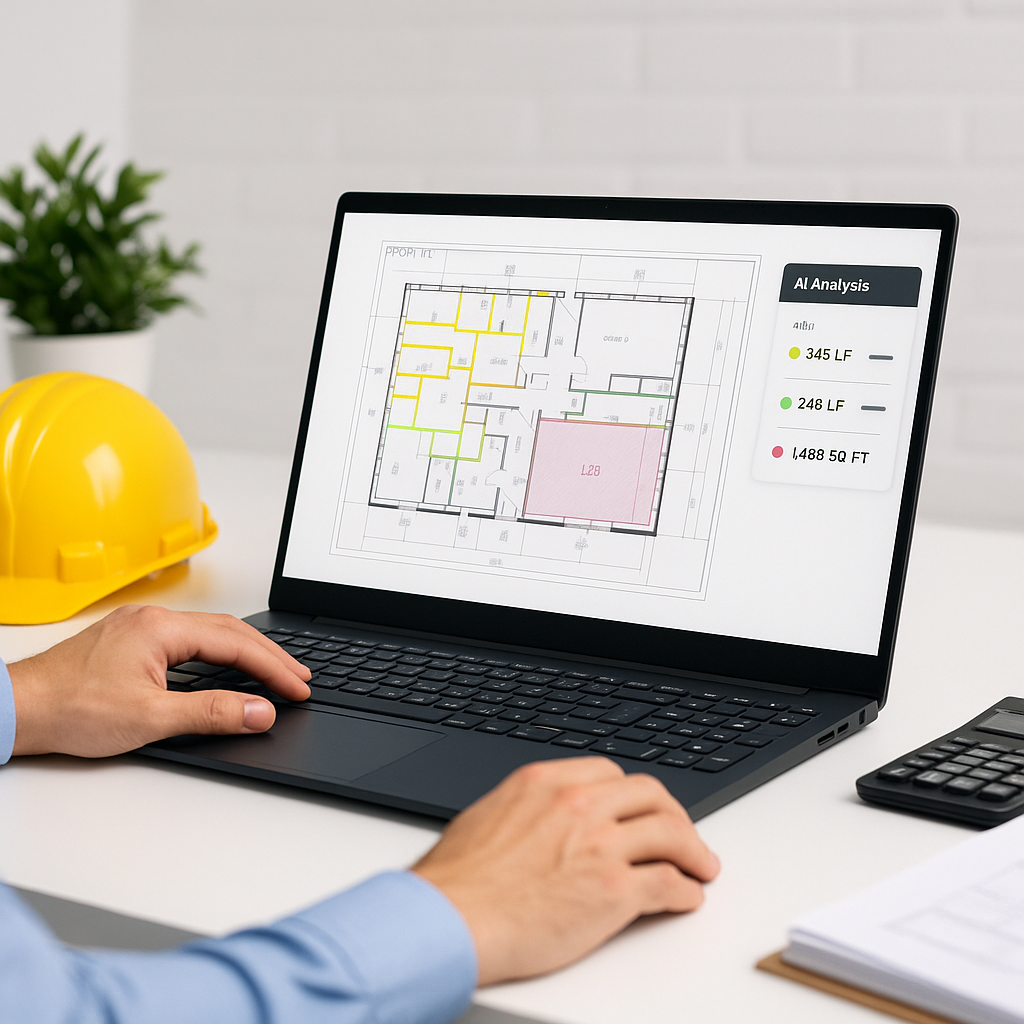
Illustrative example — Imagine you’re pricing a commercial building. You upload your BOQ, and the AI matches rates for concrete, structural steel, labor, and equipment rental in seconds. No flipping pages. No manual cross-checking. You’re done.
Why Accuracy Matters
Speed is great, but accuracy is everything. If your rates are off, it could cost you the job—or worse, your profitability. Accurate rate matching ensures that your estimates are competitive and reflect real-world costs.
AI tools often include features to enhance accuracy:
- Confidence Scoring: Rates are ranked by relevance, with high-confidence matches flagged for review.
- Manual Override: If the AI misses something, you can tweak the match and save it for future use.
Common Questions About AI Rate Matching
Q: Can I use AI tools with my existing stack (e.g., Bluebeam, Excel)?
A: Yes. Most platforms integrate seamlessly. You can export matched rates directly into your workflow.
Q: What if my project uses non-standard rates?
A: AI tools allow you to upload custom catalogs or define project-specific rates, ensuring estimates reflect actual costs.
Q: How long does it take to see results?
A: Most users notice significant improvements after a few projects. The system gets smarter with each adjustment.
What to Watch For
- Overconfidence: Don’t blindly trust AI outputs. Always review high-cost line items manually.
- Input Quality: Garbage in, garbage out. Make sure your BOQ and rate catalogs are clean and detailed.
- Learning Curve: AI tools are intuitive, but training your team to use them effectively takes time.
Final Thoughts
AI-powered rate matching isn’t just about saving time—it’s about freeing up estimators to focus on strategy. Imagine what your team could do with the time saved. More bids? Better scope analysis? Improved subcontractor negotiations?
If you’re tired of wasting hours on manual rate lookup, AI tools can help. Upload your first BOQ and see how AI rate matching transforms your workflow.
Call to Action
Ready to streamline your estimation process? Get started free →.