The Grind of Manual Rate Matching
If you’ve ever spent hours flipping through rate books like RSMeans or a 2,000-page CPWD DSR PDF, you know how tedious it can be. Finding the right labor or material rate feels like searching for a needle in a haystack. And it’s not just time-consuming—it’s error-prone. Miss a rate, and your estimate can go off significantly.
But here’s the thing: this process doesn’t have to be manual anymore. AI-powered tools are changing how rate matching works. Instead of spending excessive time, the process can be streamlined. Let’s break it down.
How AI Rate Matching Works
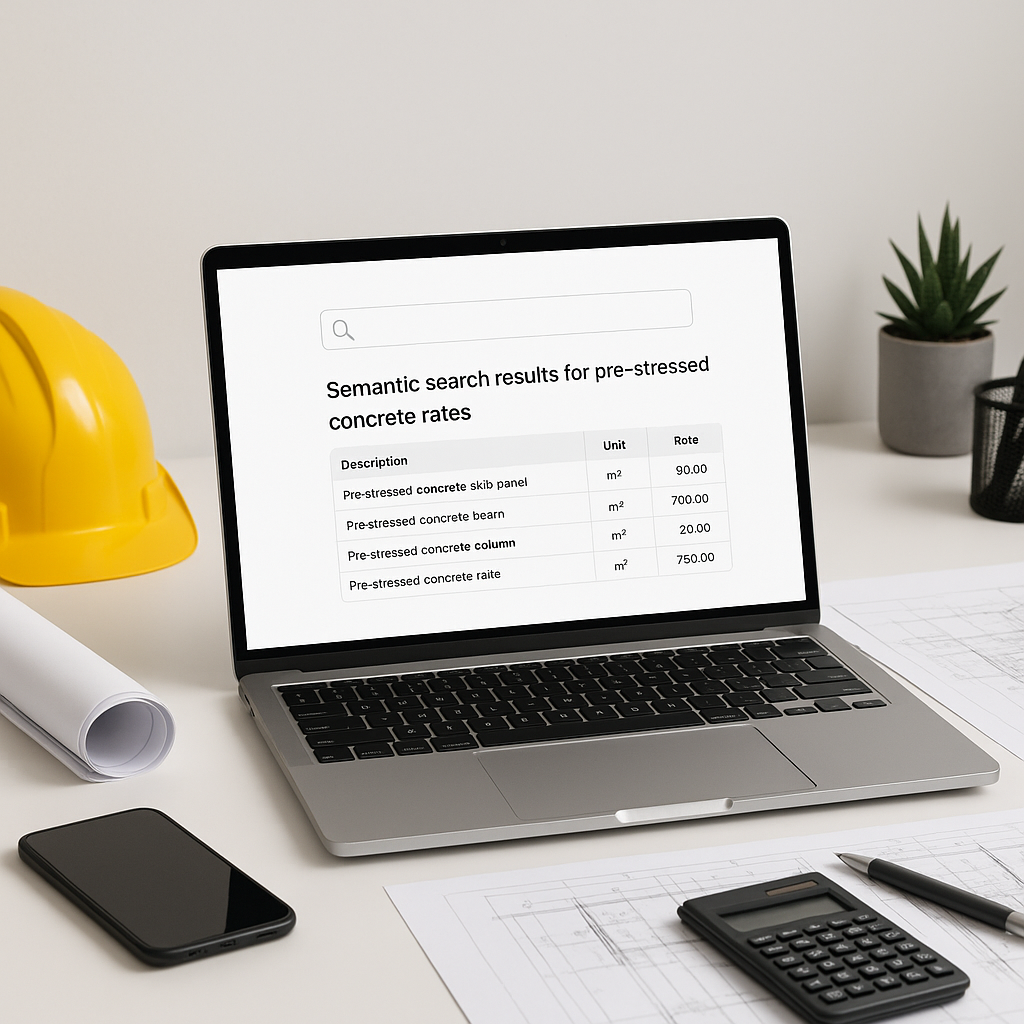
At its core, AI rate matching uses semantic search. Think of it like Google—but for construction rates. You type in what you need, and the system scans through thousands of SOR items, matching rates based on relevance.
Example: Matching Rates for Pre-Stressed Concrete Girders
Illustrative example — Say you’re estimating for a bridge project and need the labor rate for installing pre-stressed concrete girders. In the traditional workflow, you’d:
- Open the rate book (physical or digital).
- Navigate to the relevant section (often buried).
- Manually check rates for labor, materials, and equipment.
- Cross-reference with any project-specific adjustments.
This process can take a significant amount of time. With AI rate matching, you simply type “pre-stressed concrete girders labor rate” into the search bar. The system pulls the relevant rate instantly, with options to refine by catalog, location, or labor classification.
Why It Works Better Than Manual Methods
Manual rate matching often depends on the estimator’s familiarity with the book. If you’re new to the catalog or the project involves unfamiliar materials, you’re in trouble.
AI tools solve this problem by:
- Standardizing Searches: No matter the catalog (RSMeans, CPWD DSR, AECOM Middle East), AI treats them uniformly.
- Handling Custom Rates: Got project-specific rates? Upload them, and the AI integrates them seamlessly.
- Learning From Feedback: The more you refine matches, the smarter the system gets. Over time, users often report significant improvements in efficiency.
Common Objections
“But AI Can’t Think Like an Estimator”
True, AI doesn’t understand the nuances of construction. It won’t tell you whether a rate is outdated or if the catalog missed a recent inflation adjustment. But that’s not its job. The point is to cut out the grunt work so you can focus on judgment calls and strategy.
“What If the Rates Don’t Match My Scope?”
Good AI platforms include override options. If the match isn’t perfect, you can manually adjust or add custom rates. Think of it as a partnership—not a replacement.
Practical Steps to Get Started
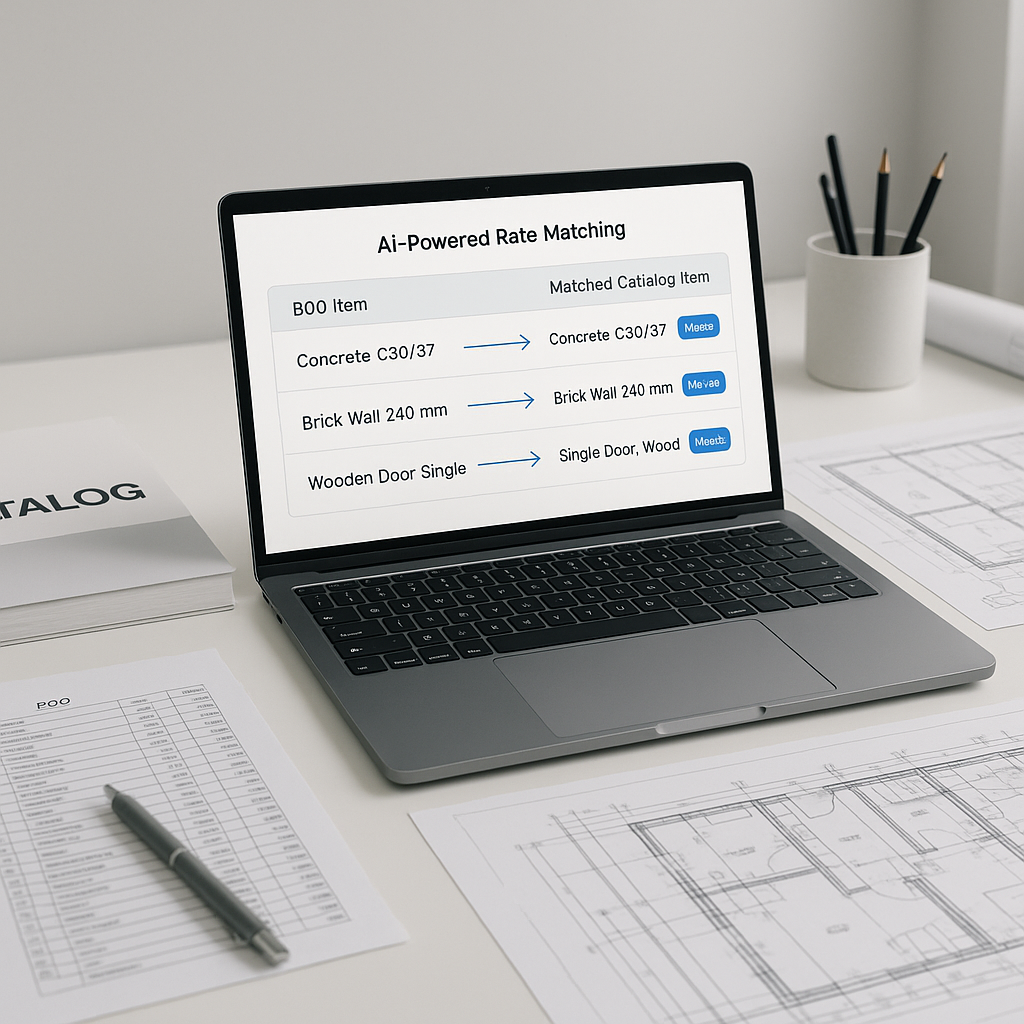
- Upload Your BOQ: Start by importing your Bill of Quantities into an AI-powered tool.
- Refine Searches: Use keywords and filters to narrow down rates.
- Customize as Needed: Upload proprietary rates or adjust matches to fit your project.
- Review Matches: Double-check high-impact items to ensure accuracy.
FAQ
Q1: How accurate are AI-generated matches?
AI tools are designed to be highly accurate, but human review is still essential for edge cases. They often reduce errors compared to manual methods.
Q2: Can this work for smaller projects?
Absolutely. AI tools scale to any project size, whether it’s a small renovation or a large infrastructure project.
Q3: What catalogs does AI support?
Most tools support major catalogs like RSMeans, CPWD DSR, AECOM Middle East, and others.
Q4: How long does it take to learn?
Training is typically quick—most users become proficient within a short period.
Avoiding Common Mistakes
- Skipping the Review: AI isn’t infallible. Always review high-impact rates.
- Ignoring Feedback Loops: Use the system’s learning features to refine matches over time.
- Relying Solely on Defaults: Upload custom rates to ensure estimates reflect real costs.
Call to Action
If you’re tired of wasting time on manual rate matching, AI-powered tools can help. Upload your BOQ and explore how these tools save time and reduce errors.