How AI-Powered Rate Matching Improves Preconstruction Estimation
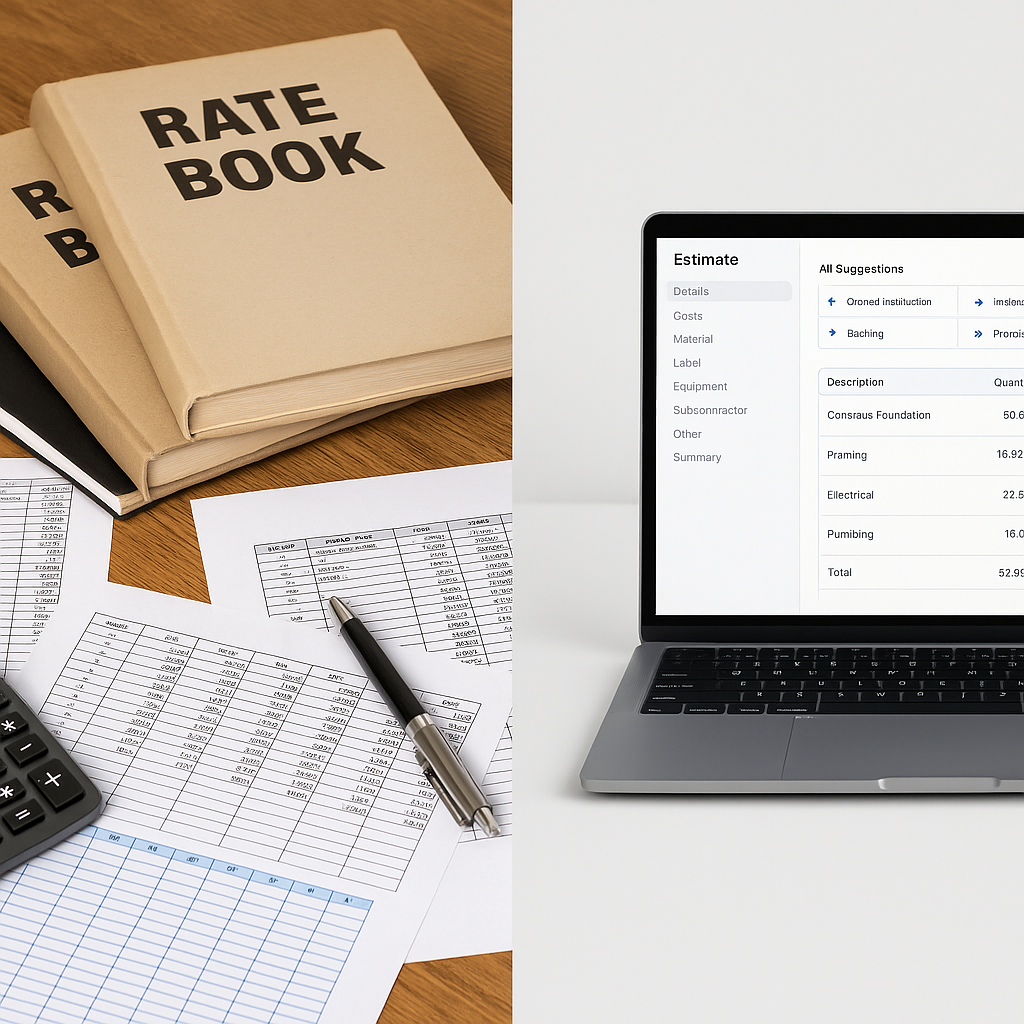
Ever lost hours flipping through rate books? It’s a problem every estimator knows too well. Whether you’re using RSMeans in the U.S., CPWD DSR in India, or another catalog, the process is tedious and prone to mistakes. A wrong rate? That’s a blown bid.
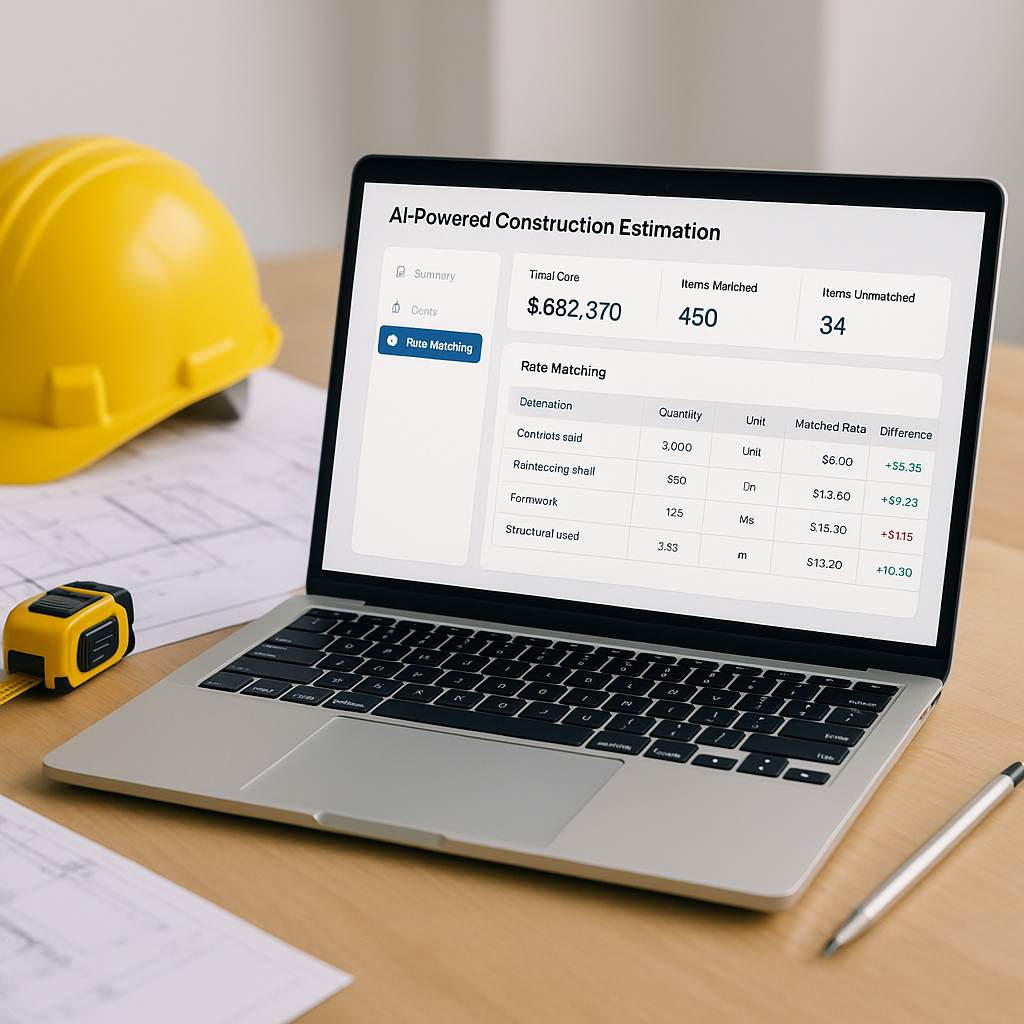
Here’s where AI-powered rate matching can help. These tools use advanced search capabilities to match line items from your BOQ (Bill of Quantities) to the right rates quickly, reducing manual effort and guesswork.
So, how does it actually work? Let’s get practical.
The Manual Rate Lookup Problem
Every estimator has been there. You receive a BOQ with vague descriptions like “12mm thick plastering” or “supply and install 150mm PVC pipe.” Now you need to:
- Open a large rate book (or a PDF file, if you’re lucky).
- Search for the exact match—or, worse, a close-enough equivalent.
- Cross-check materials, labor, and equipment costs.
- Adjust for inflation, location, or project-specific factors.
This takes significant time per estimate. And if you’re handling multiple bids a week, the hours add up quickly.
Mistakes creep in, too. Overlook a sub-item (like primer for paint)? You’ve underbid. Pick a rate meant for a different region? You’ve overbid. Either way, it hurts.
How AI-Powered Rate Matching Works
AI simplifies this process by automating key steps. Here’s how it typically works:
1. BOQ Parsing
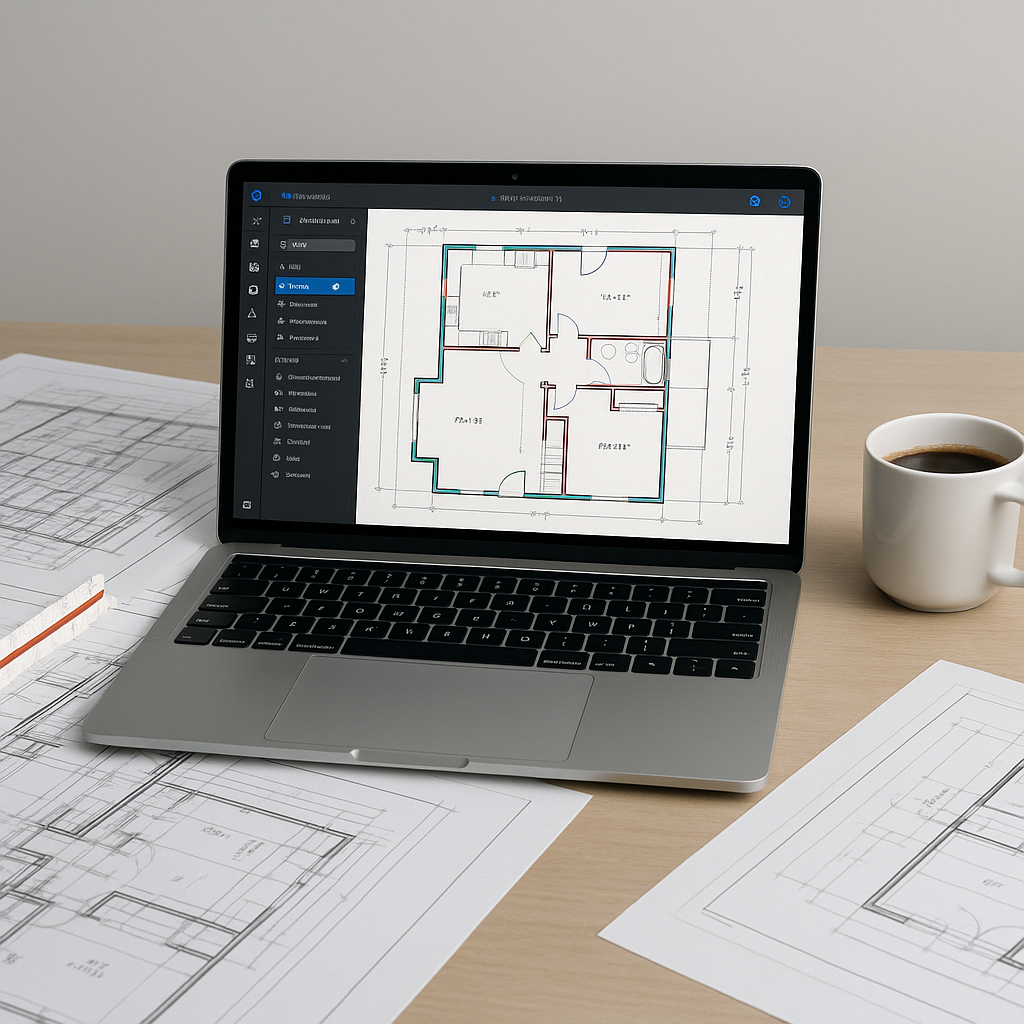
When you upload a BOQ, the system reads and organizes the data. AI identifies:
- Item descriptions (e.g., “16mm dia rebars”).
- Units and quantities (e.g., “Tonnes” or “Meters”).
- Hierarchies and sections within the BOQ.
This reduces the need for manual formatting or retyping.
2. Search Across Catalogs
Instead of manually flipping through pages, the AI searches its database of rate items. For example, if your BOQ specifies “150mm RCC pipe,” the system prioritizes relevant rates based on context and description.
If a perfect match isn’t available, the system may suggest the closest alternatives for review.
3. Custom Rate Integration
Many tools allow you to integrate your own rate library. For example:
- A contractor might prefer local supplier rates over standardized catalogs.
- A bidder on government tenders might upload state-specific rate schedules.
Over time, the system can adapt to your preferences and improve its recommendations.
4. Adjustments and Updates
Need to tweak a rate? AI tools often allow for quick adjustments, automatically recalculating the entire estimate without requiring manual updates.
Illustrative Example: Manual vs. AI-Powered Process
Let’s consider a scenario where you’re pricing a project with the following BOQ items:
- 500 Cubic Yards of Concrete (4000 psi)
- 200 Linear Feet of Type-C Storm Drain
- 10,000 Sq. Ft. of Fire-Rated Drywall
Manual Process:
- Open a rate book and search for concrete rates (material, labor, and equipment).
- Repeat for storm drains and drywall.
- Adjust for location-specific cost factors.
- Double-check everything.
This process can take several hours.
AI-Powered Process:
- Upload the BOQ into the AI tool.
- The system parses items and matches them to relevant rates.
- Adjust inflation and overhead percentages with a few clicks.
The AI-powered process is significantly faster and reduces the likelihood of errors.
Common Objections to AI Rate Matching
“But AI Can’t Handle Custom Catalogs.”
Many platforms allow you to upload and manage your own rates. Over time, the system learns your preferences and applies them automatically.
“What About Regional Variations?”
AI tools often account for location-specific adjustments, such as city cost indexes or state-specific rate schedules.
“What If the AI Makes a Mistake?”
Human oversight remains critical. AI highlights uncertain matches for review, allowing you to approve or override them as needed.
What to Watch For
If you’re considering an AI-powered tool, keep these factors in mind:
- Catalog Coverage: Does the platform include your preferred rate books?
- Custom Rates: Can you upload and manage your own rates?
- Learning Curve: How quickly does the system adapt to your preferences?
- Integration: Does it work with tools you already use?
FAQ
Q: How accurate are AI-matched rates?
AI is generally accurate when BOQ descriptions are clear. For ambiguous items, it flags matches for review.
Q: Can I use AI rate matching for small projects?
Yes. AI scales to any project size, from small office fit-outs to large infrastructure bids.
Q: Does AI replace estimators?
No. AI handles repetitive tasks like rate lookup and recalculations, but estimators still make critical decisions.
Q: How long does it take to set up?
Setup time varies depending on customization needs, but many platforms are designed to be user-friendly and quick to implement.
The Bottom Line
Manual rate lookup is time-consuming and error-prone. AI-powered rate matching offers a faster, more reliable alternative. By automating repetitive tasks, it allows estimators to focus on strategic decisions rather than manual data entry.