Streamlining Preconstruction Takeoffs with AI
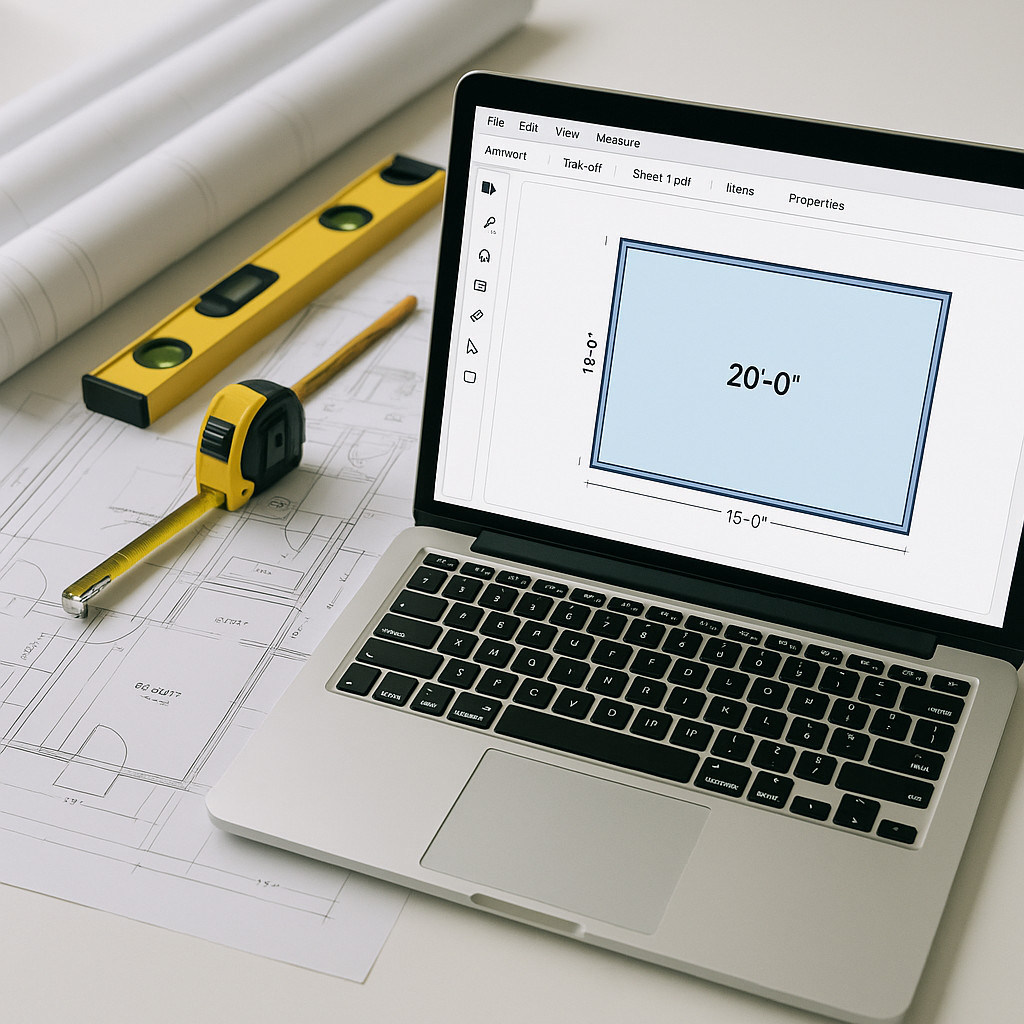
If you’ve ever spent hours manually measuring and calculating quantities from PDF drawings, you know how tedious and error-prone the process can be. Manual takeoffs are still common in preconstruction workflows, but they often consume significant time and resources. AI-powered tools offer a faster, more efficient alternative.
How AI Takeoffs Work
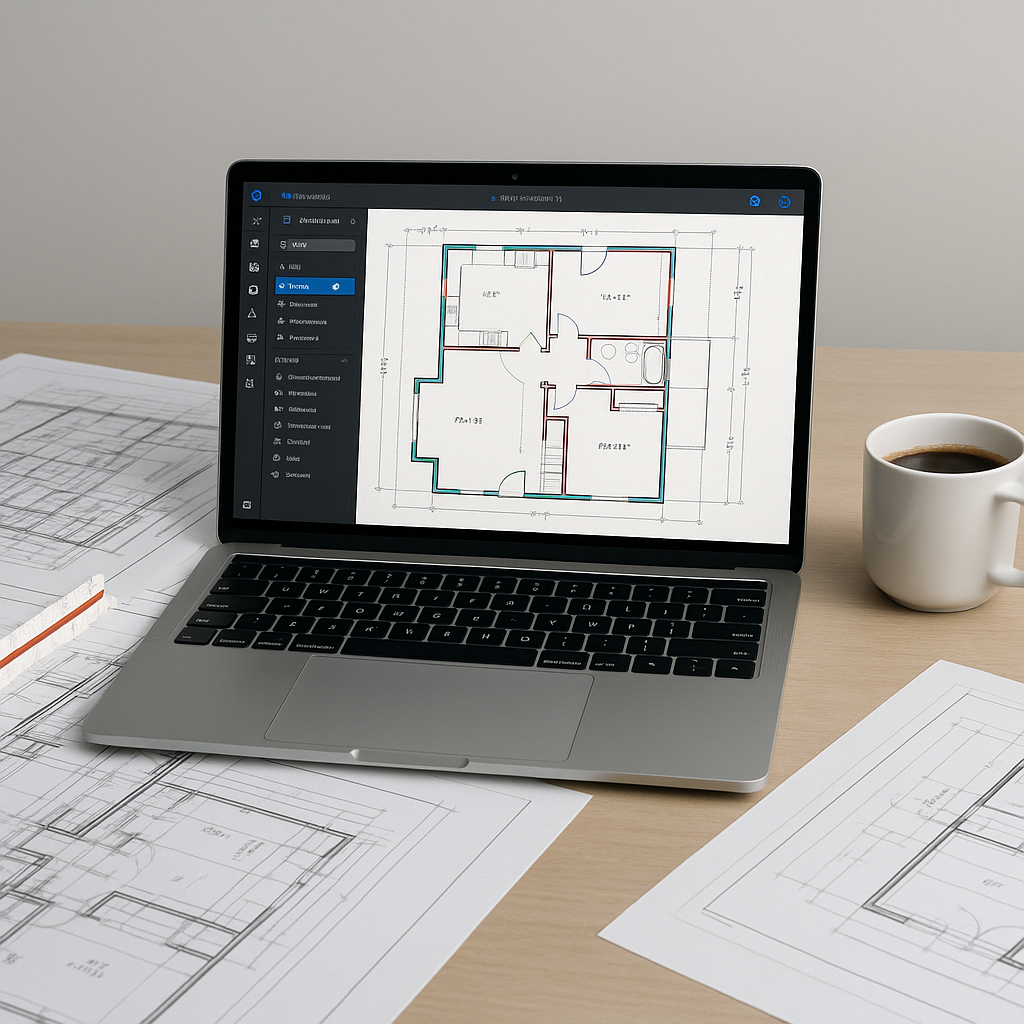
AI-powered takeoff tools leverage Vision AI to automate the process of extracting quantities from construction drawings. Here’s a general overview of how they work:
- Upload Your Drawings: Users upload PDF or CAD files directly into the tool. No need for manual file conversions or page splitting.
- Automated Quantity Extraction: The AI scans the drawings and identifies key elements such as areas, lengths, counts, and specialty items.
- Flagging for Review: The tool flags areas with low confidence for manual review, ensuring accuracy where the AI might need human input.
- Export Options: Quantities can be exported into formats like Excel or integrated with construction management software like Procore or Bluebeam.
Illustrative example — A contractor using an AI-powered tool could process a set of drawings in minutes, compared to the hours it might take manually. This allows teams to focus on higher-value tasks such as refining bids or analyzing subcontractor quotes.
Why Manual Takeoffs Are Challenging
Manual takeoffs are not just time-consuming—they also introduce risks and inefficiencies. Here are some common challenges:
- Human Error: Mistakes in measurements or counts can lead to inaccurate estimates.
- Inconsistent Results: Different estimators may interpret the same drawings differently, leading to variability in outputs.
- Opportunity Cost: Time spent on manual takeoffs could be better used for strategic tasks like bid preparation or cost analysis.
Addressing Common Concerns About AI Takeoffs
“But AI Doesn’t Think Like an Estimator”
AI tools are designed to complement, not replace, human expertise. While the AI handles repetitive tasks, estimators still make critical decisions about markups, adjustments, and negotiations.
“What If the AI Misses Something?”
AI tools often include features for manual review and adjustment. Flagged areas can be rechecked, and user inputs help improve the tool’s performance over time.
“We’re a Small Team—Do We Really Need This?”
Small teams can benefit significantly from AI tools, as they free up limited resources to focus on winning more bids and improving project outcomes.
Best Practices for Using AI Takeoff Tools
- Ensure Input Quality: Clean, well-labeled drawing sets lead to better results.
- Provide Training: A brief training session can help your team use the tool effectively.
- Start Small: Test the tool on a smaller project to build confidence and refine your workflow.
- Review Outputs: While AI is efficient, human oversight remains essential for critical measurements.
FAQ
How accurate are AI-powered takeoffs?
Accuracy depends on the quality of the input data and the tool used. Many tools include features to flag uncertain areas for review, ensuring reliable results.
Can AI tools integrate with existing software?
Yes. Most AI takeoff tools are compatible with popular construction software, allowing seamless integration into your workflows.
What if my project has unique specifications?
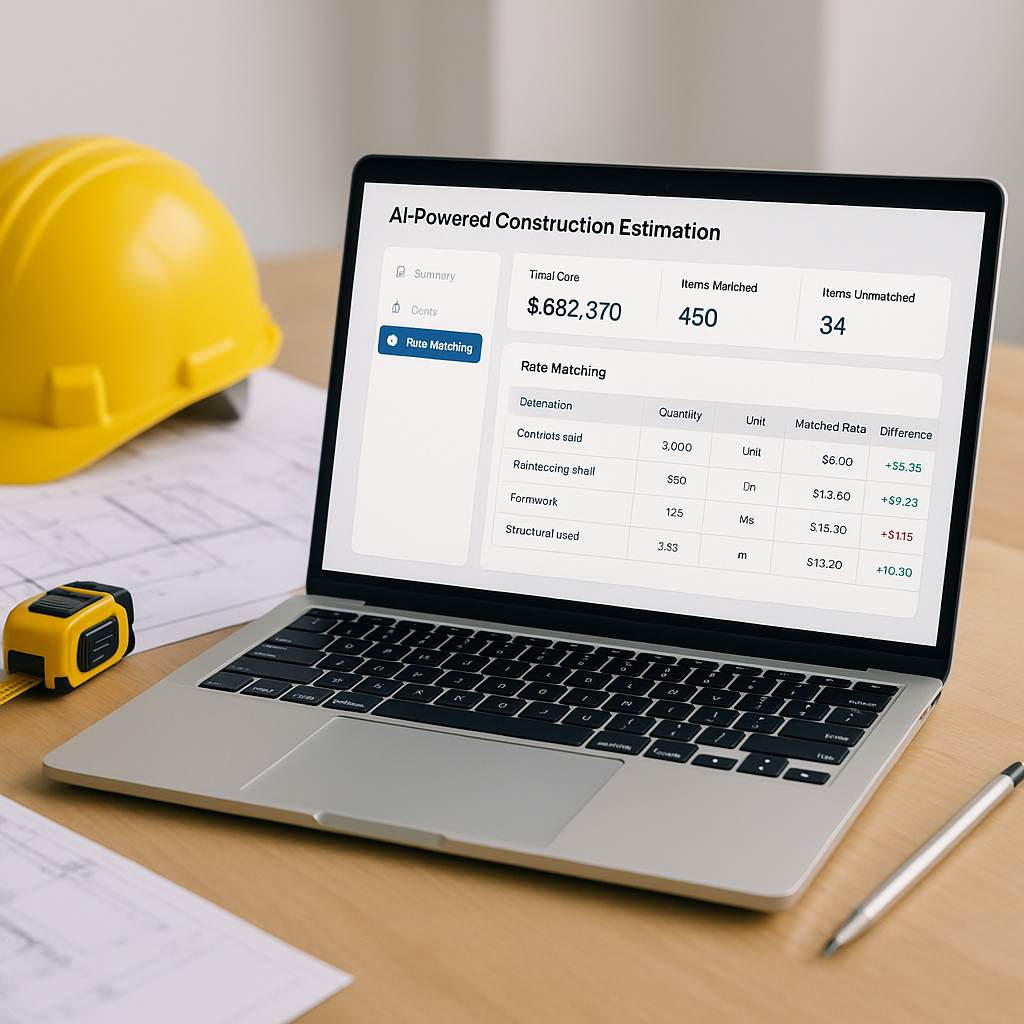
Many tools allow customization, such as uploading rate catalogs or defining specific parameters to match project requirements.
Are AI tools cost-effective for smaller projects?
AI tools are scalable and can be used for projects of any size, making them a valuable investment even for smaller teams.
How long does it take to learn an AI takeoff tool?
Most tools are user-friendly and require minimal training, with many users becoming proficient within a day or two.
Conclusion
AI-powered takeoff tools offer a faster, more accurate alternative to manual processes, enabling construction teams to save time and focus on strategic tasks. By automating repetitive workflows, these tools help teams improve efficiency and reduce errors, ultimately contributing to better project outcomes.