How AI-Powered Takeoffs Improve Estimation Efficiency
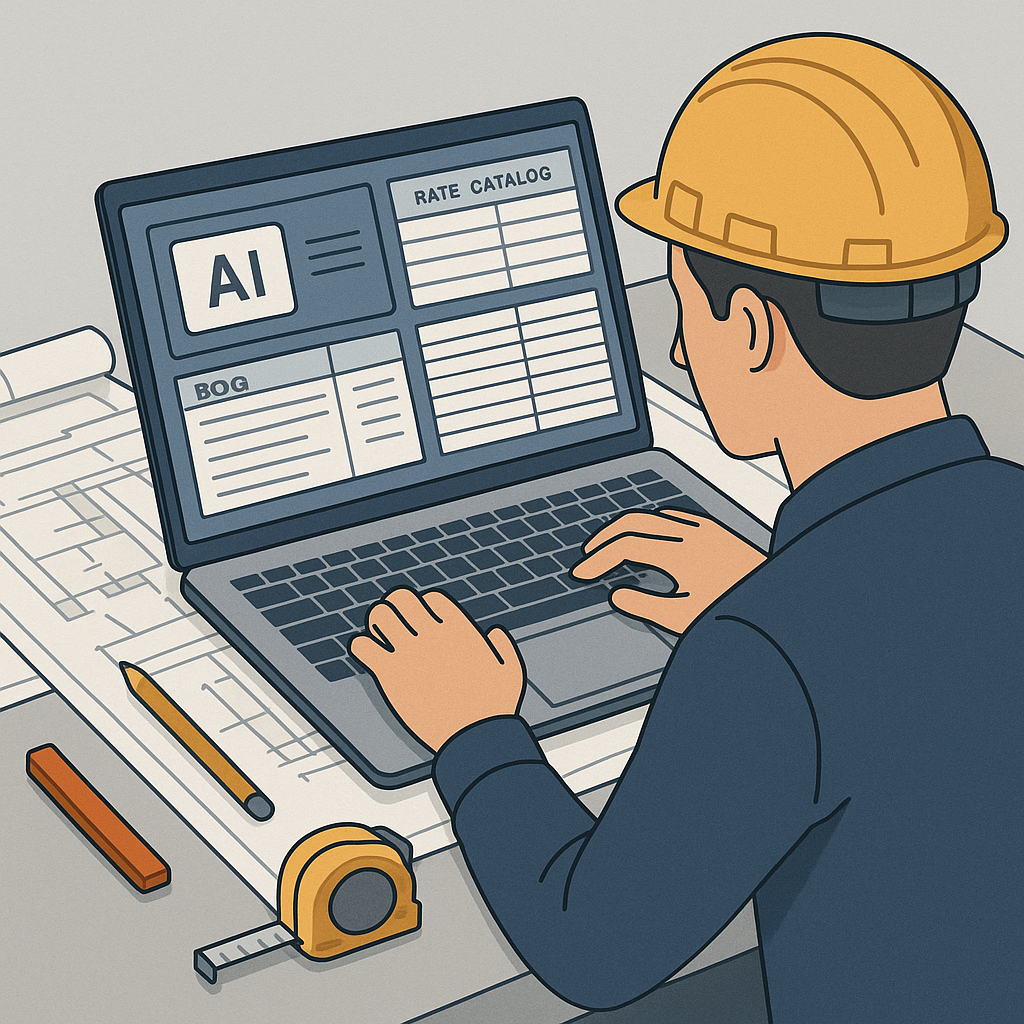
Let’s start with the obvious: manual takeoffs are a time sink. Whether you're working on a small renovation or a large infrastructure bid, the workflow often looks similar. Estimators spend significant time hunched over software or tracing PDFs by hand. Sound familiar?
Manual takeoffs can take hours or even days to complete, and the accuracy isn’t always guaranteed. A missed line here, a miscalibration there, and you’re looking at potential rework or a miscalculated bid.
But what if AI could significantly reduce the time spent on takeoffs? Let’s break down how AI-powered takeoffs work, why they’re transformative, and what you need to know before adopting them.
The Pain of Manual Takeoffs
If you’ve ever done manual takeoffs, you know the drill. It starts with calibrating the drawing. Then it’s hours of clicking, dragging, and measuring line by line—walls, beams, ducts, you name it. Multiply that by the number of drawings in a typical project set, and you’re looking at a significant time investment for one bid.
What makes it worse? Human error. Misreading a scale, missing a revision, or forgetting to update a measurement when the scope changes—all these mistakes can snowball. And let’s not even talk about the stress when last-minute changes hit the inbox.
The Real Cost
The cost isn’t just in hours. It’s in missed bids, reduced capacity, and burnt-out estimators. Manual processes limit how many bids a team can handle, potentially reducing opportunities for growth.
How AI-Powered Takeoffs Work
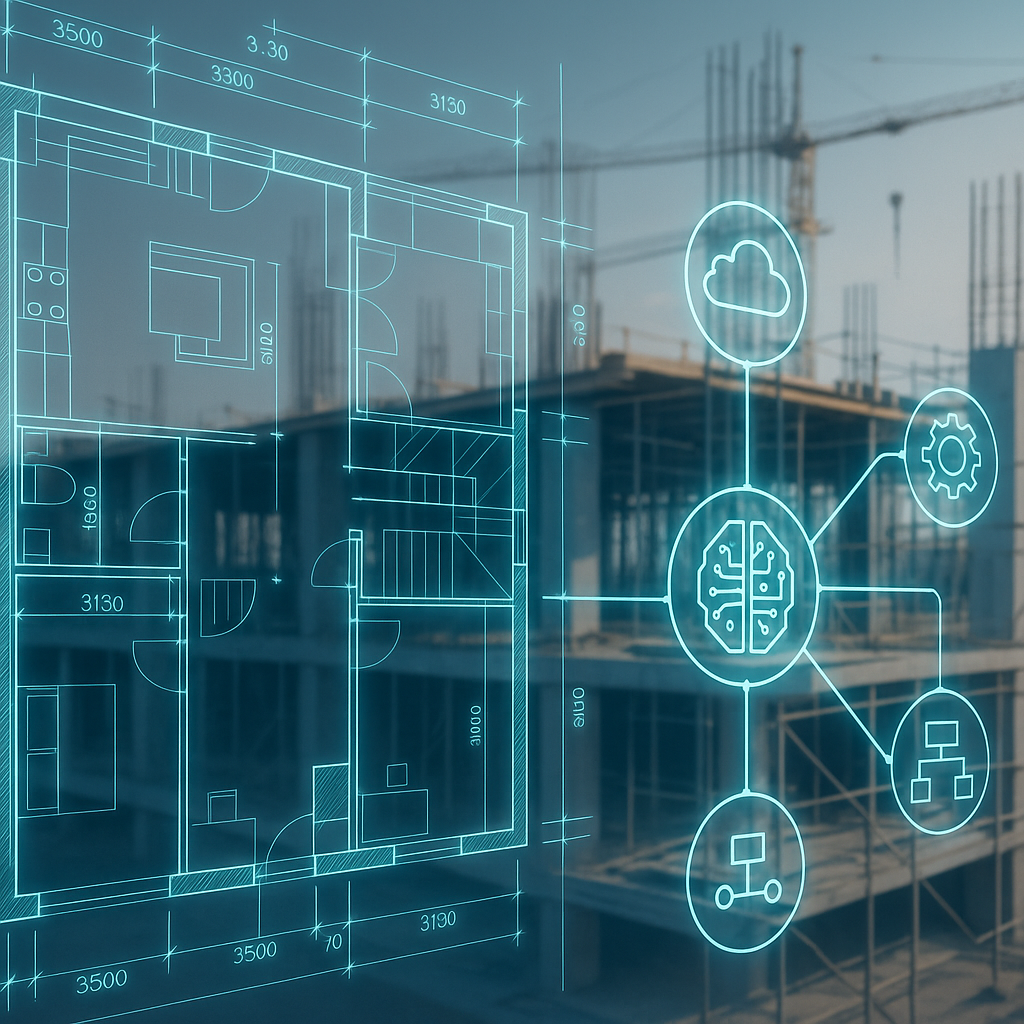
AI takeoff tools use machine learning and computer vision to extract quantities directly from PDF drawings. Here’s how the process typically works:
- Upload the Drawings: You drag and drop your PDF set into the tool. No manual calibration or setup.
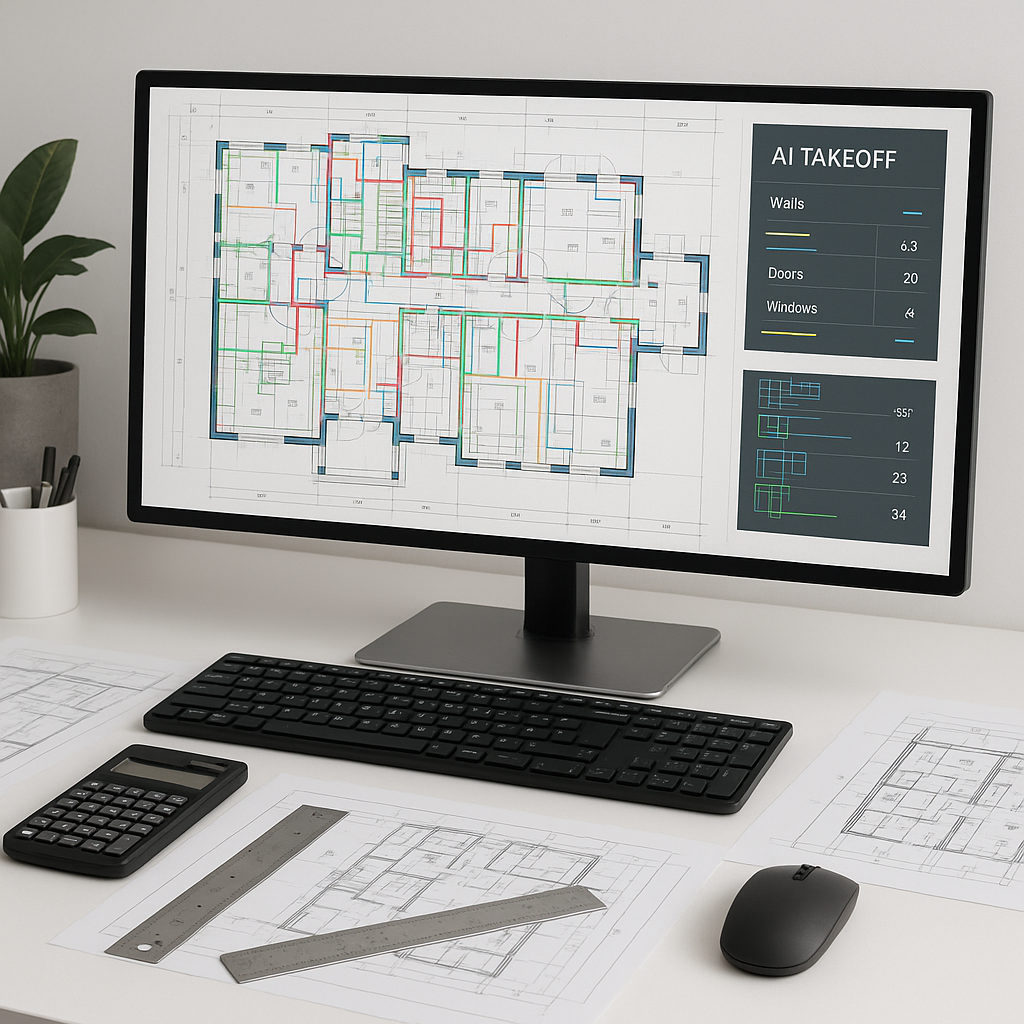
- AI Analysis: The AI scans the drawings, identifies elements like walls, doors, and windows, and automatically measures them. It even handles revisions by comparing new and old drawing sets.
- Review and Adjust: The tool flags any measurements it’s unsure about, so you can review and make adjustments as needed.
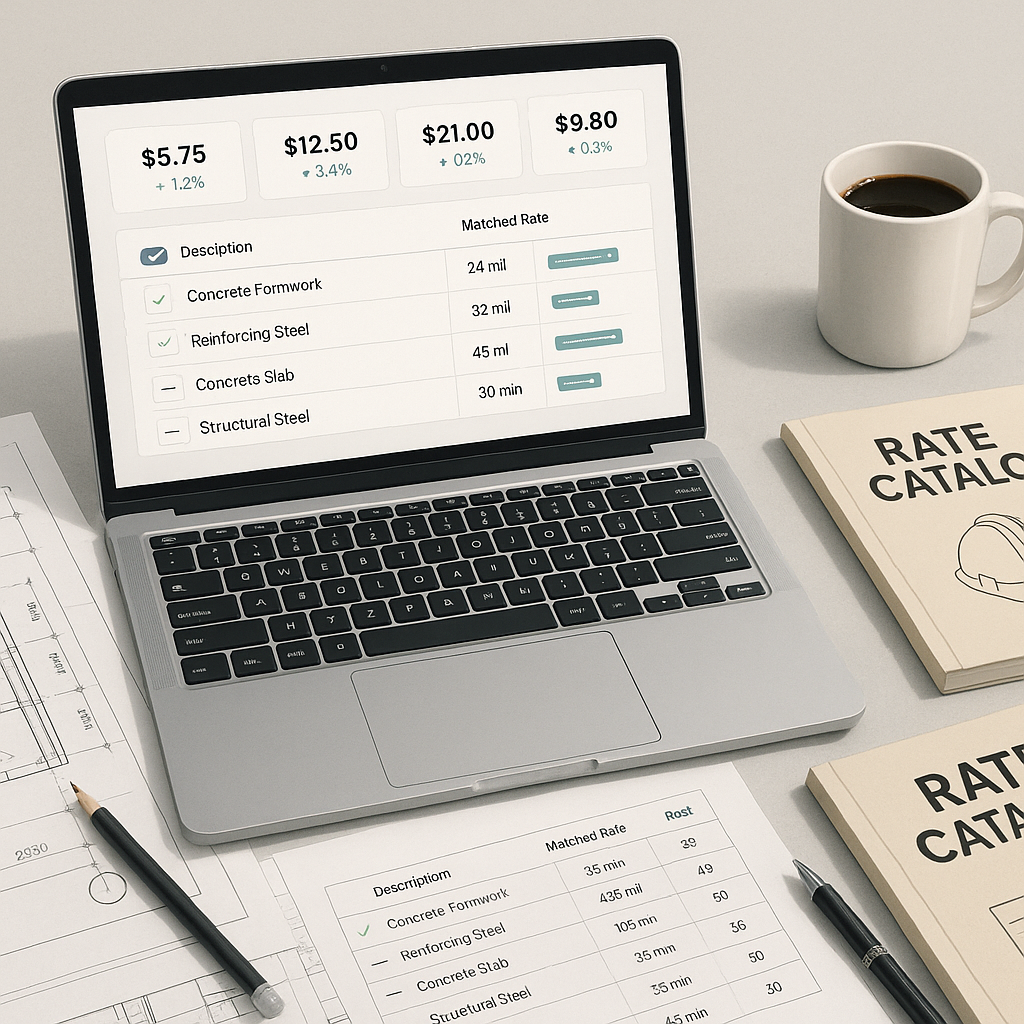
- Export: Quantities are exported directly into your BOQ or estimating software. No manual re-entry required.
Benefits of AI Takeoffs
- Time Savings: Automating repetitive tasks allows estimators to focus on higher-value activities.
- Improved Accuracy: AI reduces the likelihood of human error, especially for complex or large-scale projects.
- Scalability: Teams can handle more bids without increasing headcount, improving overall productivity.
Addressing the Skepticism
You might be thinking, “Sure, AI is fast, but it doesn’t understand the nuances of construction.” And you’re right—to an extent. AI doesn’t replace your expertise; it amplifies it. You’re still the one making judgment calls, negotiating with subs, and deciding on markup. The AI just handles the repetitive tasks.
Another common concern is accuracy. No system is perfect, but many AI tools include features like flagged measurements and manual overrides. Think of it as a second set of eyes that catches what you might miss.
What to Watch Out For
Before jumping on the AI bandwagon, keep these factors in mind:
- Input Quality Matters: Garbage in, garbage out. If your drawings are poorly scanned or missing dimensions, the AI can’t perform miracles.
- Learning Curve: While most tools are user-friendly, expect a short period of training to get your team up to speed.
- Integration: Make sure the tool works with your existing software stack, whether that’s Bluebeam, Procore, or Excel.
The ROI of AI Takeoffs
Illustrative example — Consider a scenario where a team spends 40 hours on manual takeoffs for a project. By adopting AI-powered tools, this process could be reduced to a fraction of the time, freeing up resources for other tasks. While the exact savings will vary, the potential for increased efficiency and reduced errors is significant.
FAQ
1. How accurate are AI takeoffs?
AI tools are designed to be highly accurate, often reducing discrepancies compared to manual methods. However, human oversight is still essential for edge cases.
2. Can AI handle revisions?
Yes. Most tools allow you to upload revised drawings and will automatically detect changes, saving you time on rework.
3. Do AI tools integrate with other software?
Absolutely. Many platforms integrate with popular tools like Bluebeam, Procore, and Excel, ensuring a smooth workflow.
4. What’s the cost?
AI-powered takeoff tools are typically subscription-based. Costs vary depending on the provider and features offered, so it’s worth comparing options to find the best fit for your needs.
The Bottom Line
AI-powered takeoffs aren’t about replacing you—they’re about giving you back time. Time to focus on strategy, win more bids, and deliver better margins. If you’re tired of spending countless hours on takeoffs, it’s time to consider AI-powered tools.