How AI-Powered Tools Enhance Preconstruction Estimation
Imagine two estimators spending days tracing PDFs for a mid-size project. That’s hours of labor just to measure areas, count doors, and calculate quantities. It’s tedious, error-prone, and costly. So why are we still doing it this way?
Manual takeoffs are a significant time sink in preconstruction. Beyond inefficiency, they represent an opportunity cost. Every hour your team spends clicking through drawings is an hour they’re not spending on higher-value work, like refining bids or strategizing to win more projects.
Let’s explore a better way: AI-powered takeoff tools. These tools offer practical solutions to streamline workflows and improve accuracy in preconstruction estimation.
The Problem with Manual Takeoffs
Manual takeoffs aren’t just slow—they’re a bottleneck. Here’s what typically happens on a project:
- PDF Overload: You receive a massive set of drawings, often poorly organized or inconsistent across files.
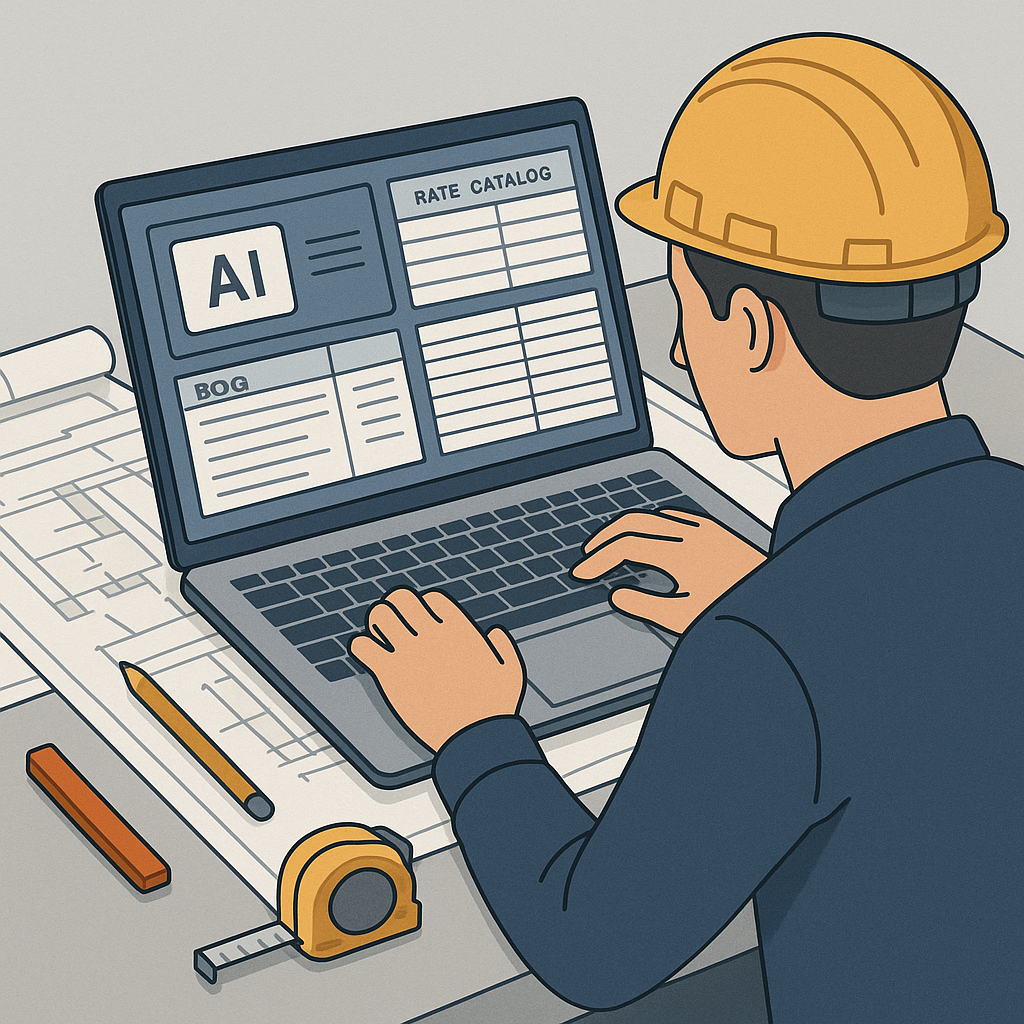
- Manual Calibration: You calibrate scales, trace lines, and measure areas using tools like Bluebeam.
- Input Chaos: You transfer those measurements into an Excel spreadsheet, hoping you didn’t miss anything.
Then, inevitably, a late drawing revision lands in your inbox. Now you’re remeasuring everything.
The end result? A process that should take hours stretches into days. And that’s if nothing goes wrong. Missed measurements, incorrect scaling, or simple typos can derail the entire estimate.
The AI Solution
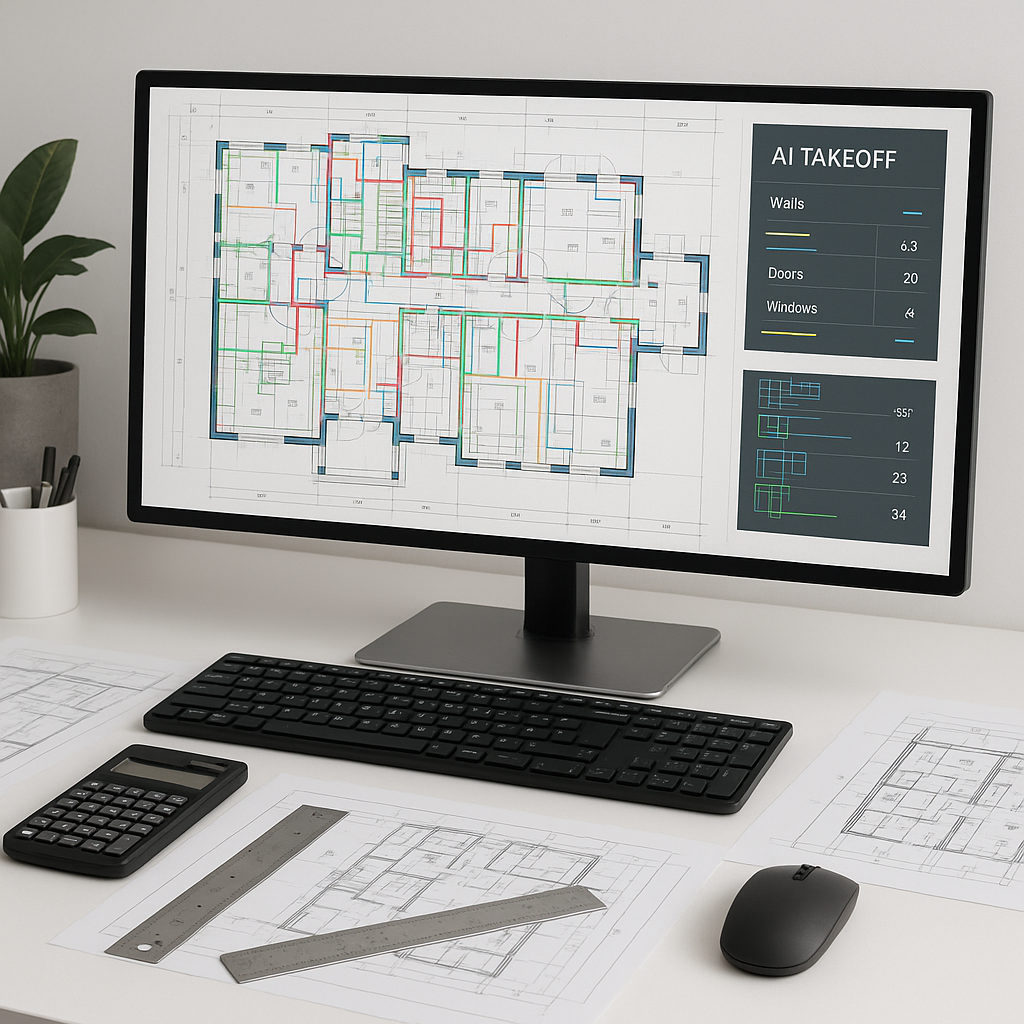
AI-powered tools can significantly streamline the takeoff process. Instead of spending hours on manual takeoffs, you can upload your PDF drawings and get quantities faster and with greater accuracy.
How It Works:
- Upload Your Drawings: Drag and drop your PDF files. The AI processes them quickly.
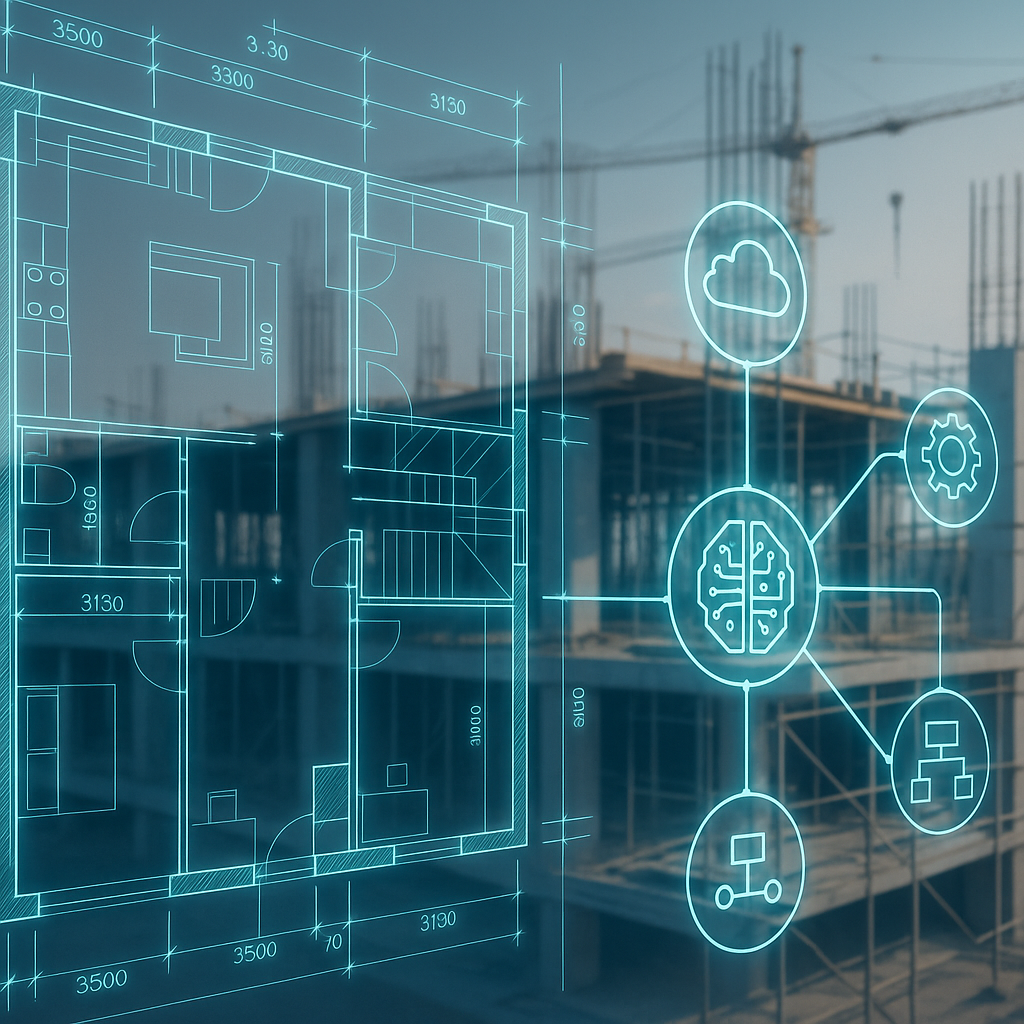
- Automatic Detection: The AI identifies key elements—room areas, wall lengths, door/window counts, and more.
- Revision Handling: Upload new drawing revisions, and the AI highlights what’s changed, eliminating the need to start from scratch.
Illustrative example — A contractor using an AI-powered tool on a mid-sized project could save significant labor hours by automating repetitive tasks. This allows the team to focus on refining bids and addressing project-specific complexities.
Why Faster Takeoffs Matter
You might be thinking, “OK, faster is nice, but how does this really impact my bottom line?” Here are some key benefits:
- Labor Savings: Automating repetitive tasks frees up your team to focus on higher-value activities.
- More Bids, More Wins: With time saved, your team can respond to more RFPs, increasing your chances of winning projects.
- Fewer Errors: Automation reduces the likelihood of human error, leading to more accurate estimates and fewer costly mistakes.
It’s not just about speed—it’s about accuracy and scalability. The faster and more reliable your takeoffs, the more competitive your bids.
Common Objections to AI Takeoffs
“AI can’t think like an estimator.”
You’re right. AI doesn’t replace your expertise—it amplifies it. You still make the judgment calls and fine-tune the estimate. The AI just handles the repetitive tasks, so you can focus on strategy.
“What if the AI gets it wrong?”
No system is perfect. That’s why many tools include features like confidence scoring and manual overrides. You can always cross-check and adjust as needed.
“It sounds complicated to learn.”
Most AI tools are designed for ease of use. Training your team to use AI isn’t a massive lift, and the return on investment can be significant.
What to Watch For
If you’re considering AI-powered takeoff tools, keep these tips in mind:
- Start Small: Test the tool on a smaller project to gauge its accuracy and ease of use.
- Integrate with Existing Workflows: Look for tools that work seamlessly with your current software, like Bluebeam or Procore.
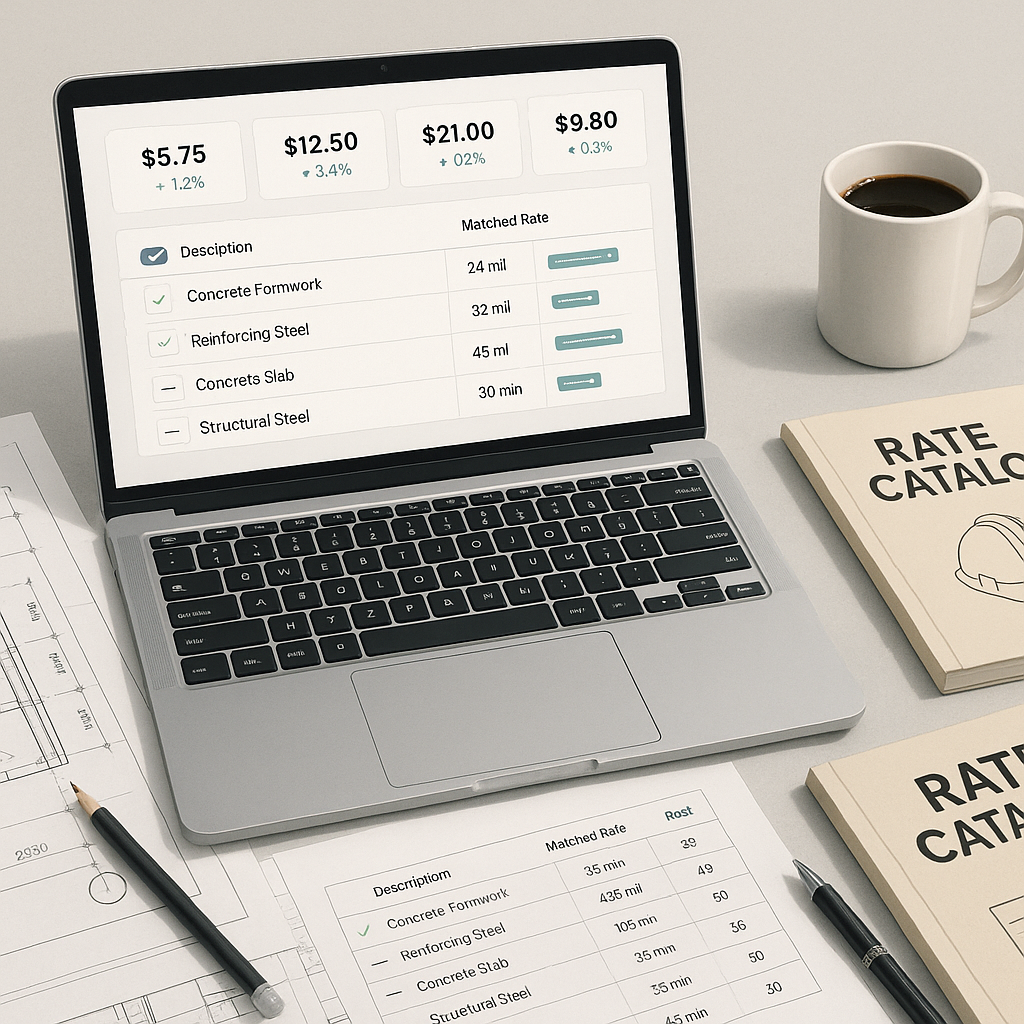
- Customizability: Make sure the AI can handle your specific needs, whether it’s custom rate catalogs or unique project requirements.
FAQ
Q: Can AI takeoff tools handle complex drawings?
Yes. Many AI tools are designed to process even messy, multi-page PDFs. They can identify layers, symbols, and inconsistencies that might trip up manual methods.
Q: Do I still need my estimators?
Absolutely. AI handles the repetitive tasks, but human expertise is still critical for judgment calls, negotiations, and complex estimations.
If you’re tired of wasting time and money on manual takeoffs, it’s time to consider AI-powered solutions. These tools can help your team focus on the work that truly matters, improving both efficiency and accuracy in your preconstruction processes.