The Problem: Takeoffs Are a Time Sink
If you've ever spent hours manually running takeoffs, you know the pain. Flipping through drawings, tracing measurements, and double-checking quantities—it’s tedious, error-prone, and exhausting. And yet, most preconstruction teams still do it this way. Why? Because that's how it's always been done.
But here's the twist: it doesn’t have to be this way anymore. AI-powered takeoff tools can significantly reduce the time spent on these tasks. Let’s break it down.
How AI-Powered Takeoffs Work
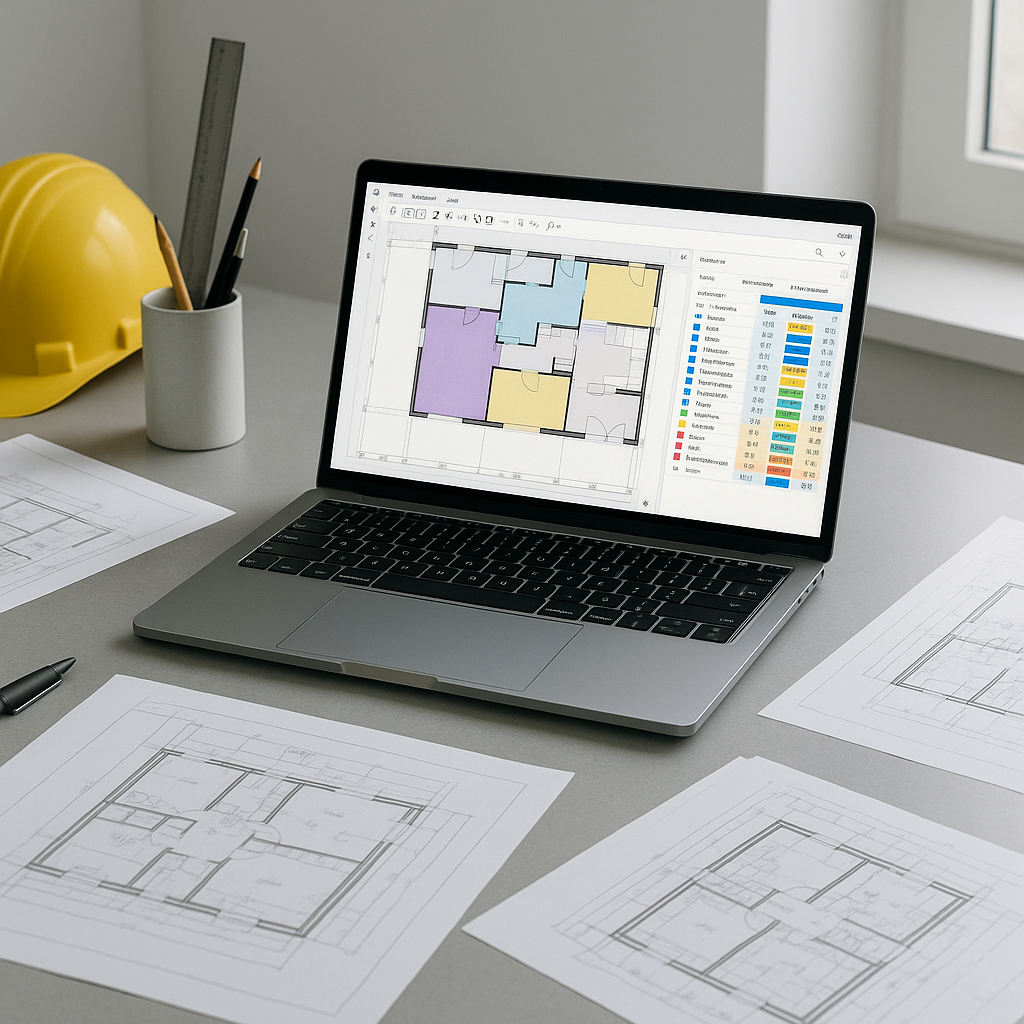
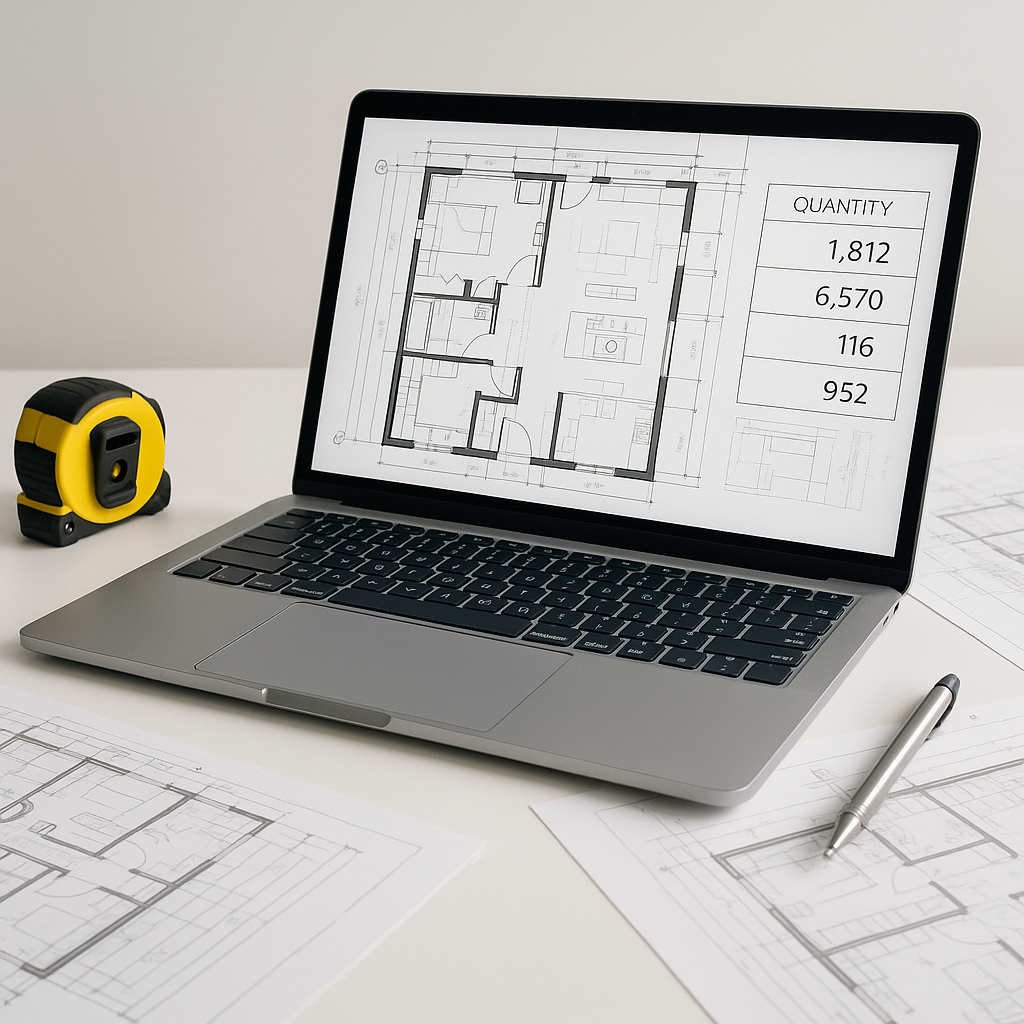
AI-powered takeoff tools use advanced machine learning to analyze digital drawings and extract quantities automatically. You upload your PDF, CAD, or image-based plans, and the system identifies walls, doors, windows, room areas—whatever you need. It even flags low-confidence measurements for manual review.
Illustrative example — Imagine you’re working on a large commercial project. With traditional methods, it might take a team of estimators several days to complete the takeoffs. With an AI tool, that same process could be completed in a fraction of the time. This allows teams to focus on higher-value tasks while maintaining accuracy.
The Benefits of AI-Powered Takeoffs
- Time Savings: By automating repetitive tasks, AI tools free up significant time for estimators to focus on strategic activities.
- Improved Accuracy: AI tools reduce the likelihood of human error by flagging uncertain measurements for review.
- Scalability: Faster takeoffs mean teams can handle more bids within tight deadlines, increasing their competitiveness.
- Integration: Many AI tools integrate seamlessly with existing software like Bluebeam and Procore, ensuring smooth workflows.
Addressing Common Concerns
“AI can’t handle complex projects.”
AI tools may struggle with highly nuanced drawings or unique project requirements. However, most platforms allow for manual overrides and flagging of low-confidence measurements, ensuring human expertise remains central to the process.
“It’s too expensive.”
While some traditional tools come with high upfront costs, many AI-powered solutions offer affordable subscription models. The return on investment often becomes evident after just a few projects.
“It’s hard to learn.”
Modern AI tools are designed to be user-friendly, with intuitive interfaces and quick onboarding processes. Integration with familiar platforms further reduces the learning curve.
What to Look for in an AI Takeoff Tool
- Accuracy: Ensure the tool flags low-confidence measurements for review.
- Integration: Check if it works with your current software stack.
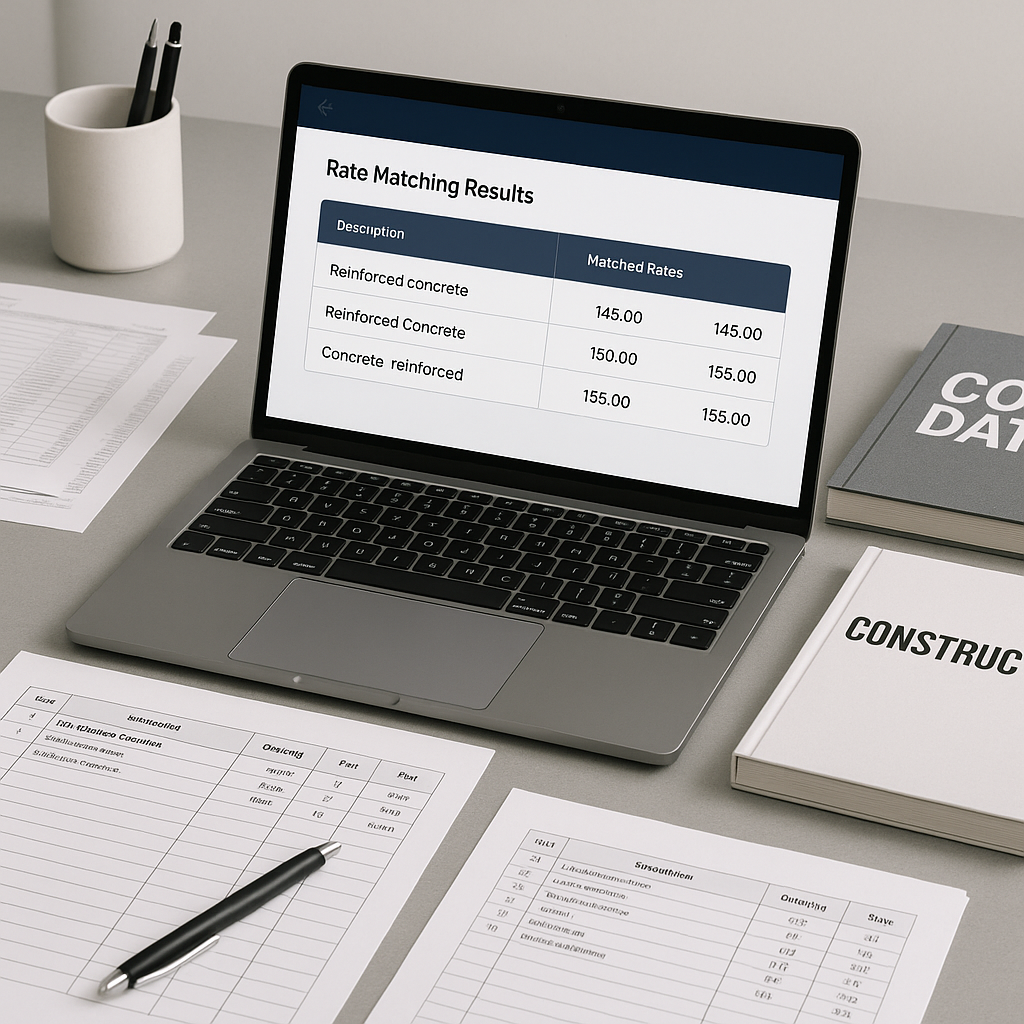
- Customizability: Look for options to upload rate catalogs or define project-specific parameters.
- Support: A responsive support team can make a significant difference during onboarding and beyond.
FAQ
Q: Can AI completely replace manual takeoffs?
No. AI is a tool to assist, not replace, human expertise. It handles repetitive tasks, but human review is essential for project-specific nuances.
Q: What if my drawings are in non-standard formats?
Most AI platforms support a wide range of file types, including PDF, CAD, and image-based formats. If issues arise, file conversion or support teams can often help.
Q: How do I ensure the takeoffs are accurate?
AI tools typically include features like confidence scoring and manual overrides, allowing you to review and adjust flagged measurements.
Q: Are there alternatives to EstimateNext?
Yes, other tools like Autodesk Construction Cloud and PlanSwift are available. Each has its own strengths, so it’s worth exploring multiple options to find the best fit for your needs.
Conclusion
If you’re tired of spending excessive time on manual takeoffs, AI-powered tools offer a faster, more accurate alternative. They streamline workflows, improve accuracy, and free up your team for higher-value tasks. Explore available tools and see how they can transform your preconstruction processes.