The Problem with Manual Takeoffs
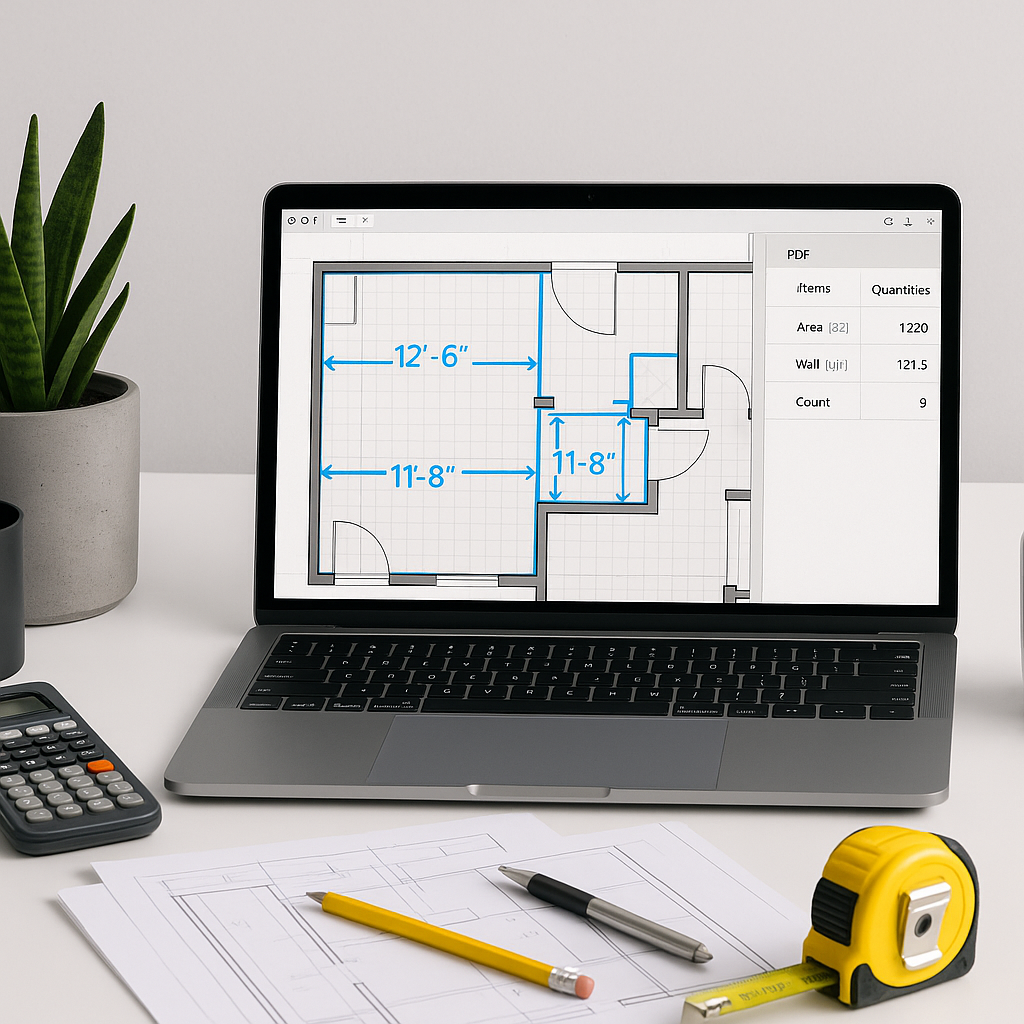
Manual drawing takeoffs are a time sink. If you're an estimator, you’ve felt the pain. Sitting at your desk, dragging a mouse over PDFs, manually measuring dimensions, and adding them into Excel. It’s repetitive, tedious, and prone to mistakes. This process often consumes significant time per project, leaving less room for strategic tasks like refining bids or negotiating with subcontractors.
And what’s the result of all this effort? Despite the hours spent, errors creep in. A missed wall length or an incorrect count of windows can throw off your numbers and eat into your margins. Sound familiar?
Now imagine significantly reducing the time spent on quantity takeoffs. That’s what AI-powered tools like EstimateNext aim to achieve. The idea isn’t to replace you; it’s to let you focus on the strategic parts of your job—like negotiating with subs or refining your bid strategy.
How AI Takeoffs Work
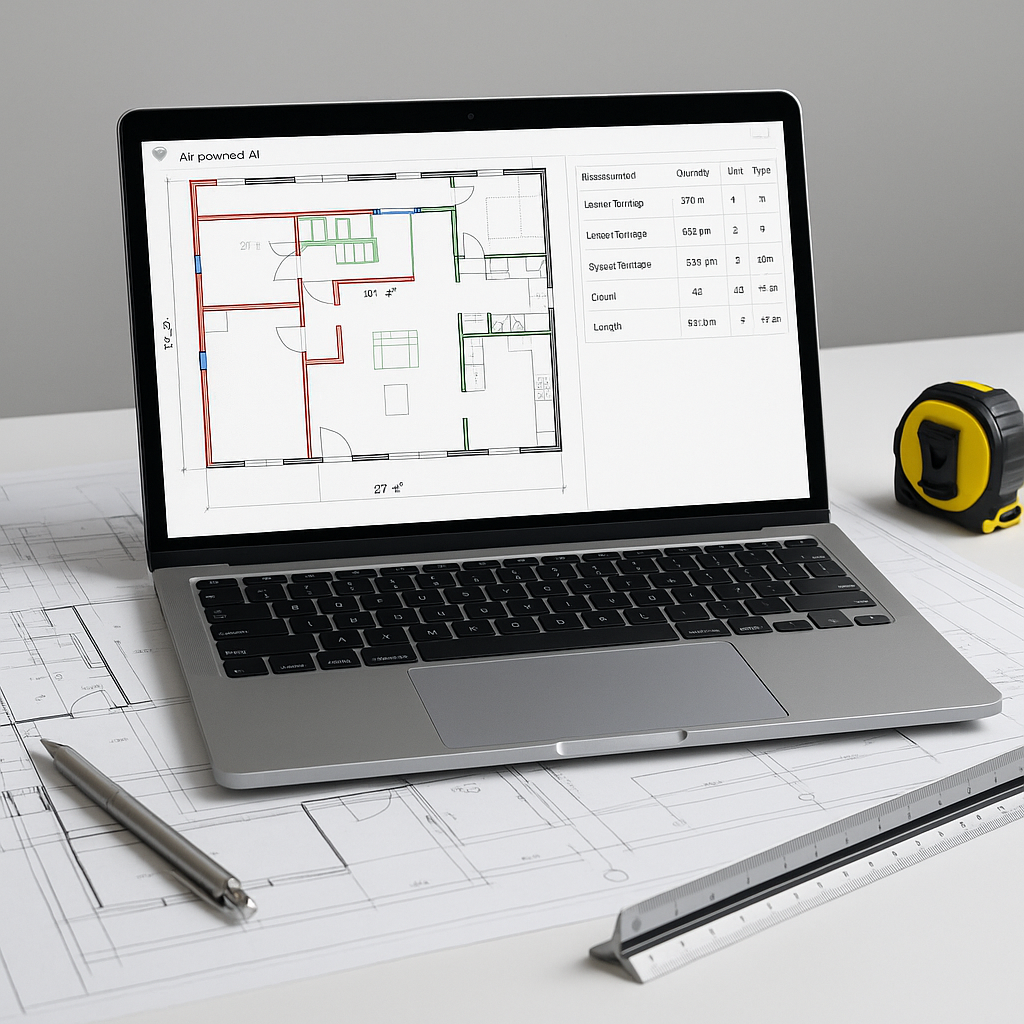
AI-powered takeoff tools use machine learning to identify and measure quantities directly from PDF drawings. Think of it as having a digital apprentice that never gets tired or distracted. Here’s the basic workflow:
-
Upload Your Drawings: Drag and drop your PDF plans into the software. No need to worry about file size or format compatibility—most tools handle it all.
-
AI Analysis: The system scans the drawings, identifies elements like walls, doors, and windows, and measures their dimensions. It even flags areas where it’s unsure, so you can review and adjust.
-
Export the Data: Once you’ve reviewed the results, export the quantities directly into your BOQ template or your project management software.
Illustrative example — A process that might traditionally take dozens of hours can be reduced to a fraction of the time with AI tools. Even with time allocated for reviewing the AI’s work, the efficiency gains are substantial.
Common Questions About AI Takeoffs
-
How accurate are AI-generated takeoffs? AI tools are designed to be highly accurate but are not infallible. Most platforms include features like manual override and review options to ensure the final output meets your standards.
-
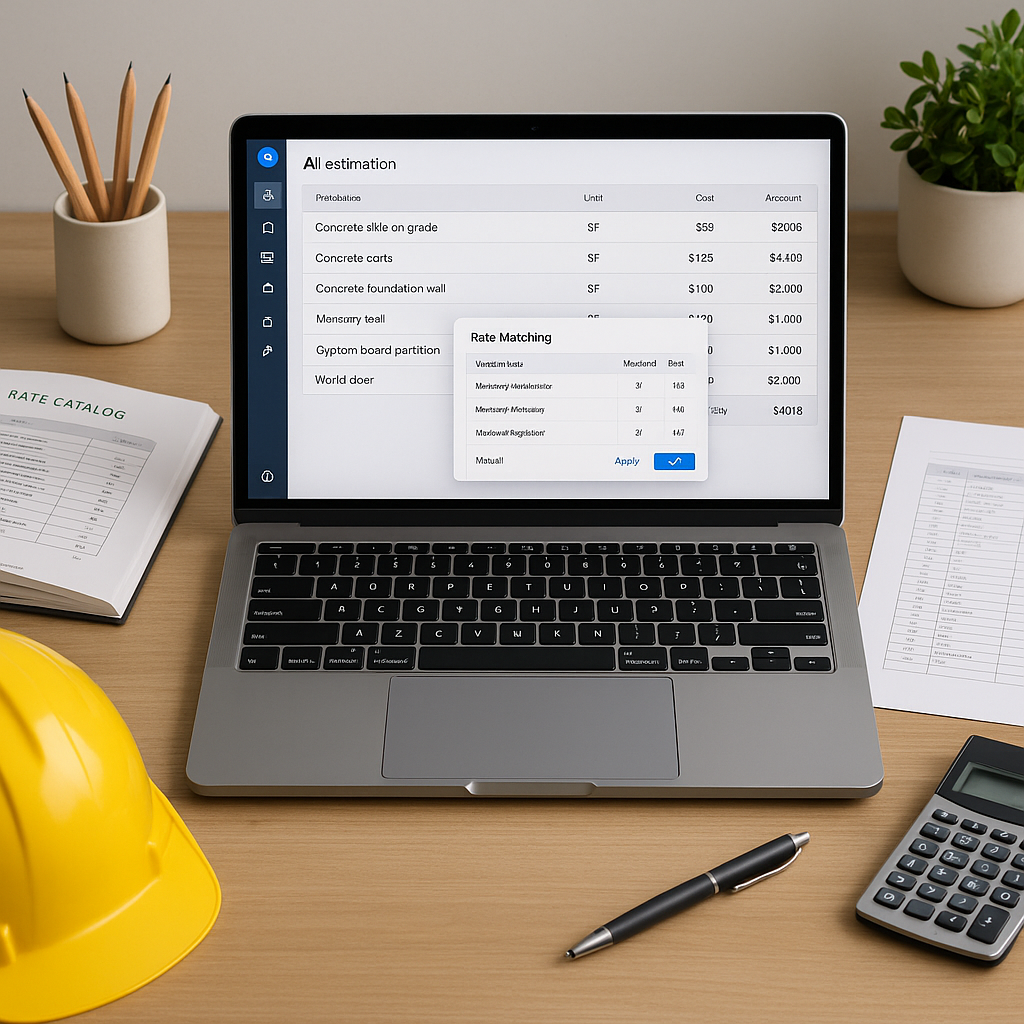
What about custom or unique items? AI tools allow you to define custom items or upload your own rate catalogs. These get incorporated into future estimates, so the system improves over time.
-
Do I need special training to use AI tools? Most platforms are designed to be intuitive. Training is typically minimal, and many tools offer tutorials and support to help you get started.
What to Watch For
-
Garbage In, Garbage Out: The accuracy of AI takeoffs depends on the quality of your input data. Poorly scanned drawings or inconsistent file formats can trip up even the best tools.
-
Over-Reliance on AI: While AI is a game-changer, it’s not infallible. Always allocate time for human review, especially for high-stakes projects.
-
Integrations: Not all AI tools play nice with your existing software. Make sure your chosen platform integrates with tools like Bluebeam or Procore.
The Bottom Line
AI-powered takeoff tools like EstimateNext are not just faster—they’re smarter. By automating the repetitive tasks, they free up your time for what really matters: refining your estimates, negotiating better deals, and focusing on strategic decisions. With a learning curve that’s shorter than most software, these tools can be a valuable addition to your preconstruction workflow.
If manual takeoffs are slowing your team down, EstimateNext can help. Upload your first BOQ and get a priced estimate in minutes. Get started free →