The Problem: Manual Takeoffs Are Holding You Back
Manual takeoffs can be a significant drain on time and resources. If you’re a preconstruction director or an estimator, you know the challenges of flipping through drawings, measuring line by line, and tallying quantities. This process is not only time-consuming but also prone to human error and disruptions from last-minute changes.
When managing multiple GMP pursuits or tight bid deadlines, the inefficiencies of manual takeoffs can lead to missed deadlines, rushed decisions, and increased stress for your team.
The Solution: AI-Powered Takeoffs
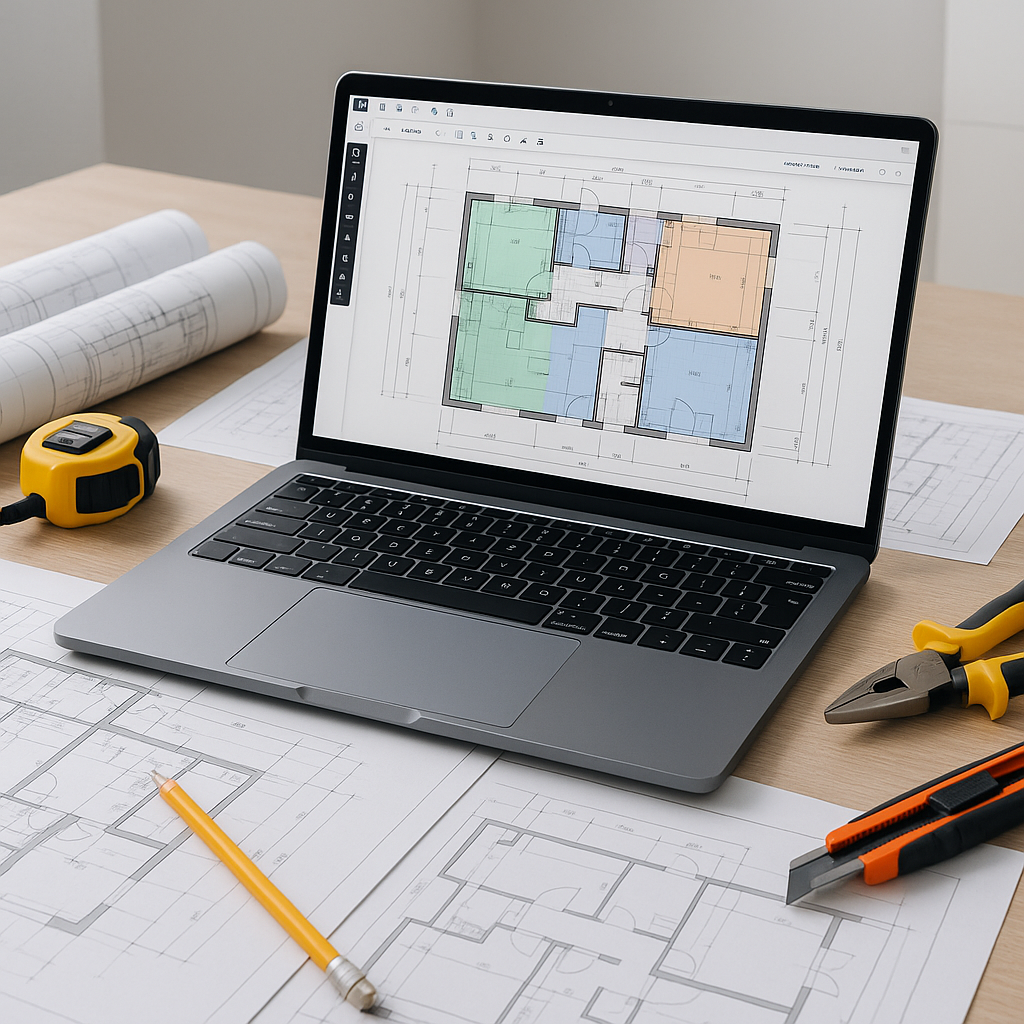
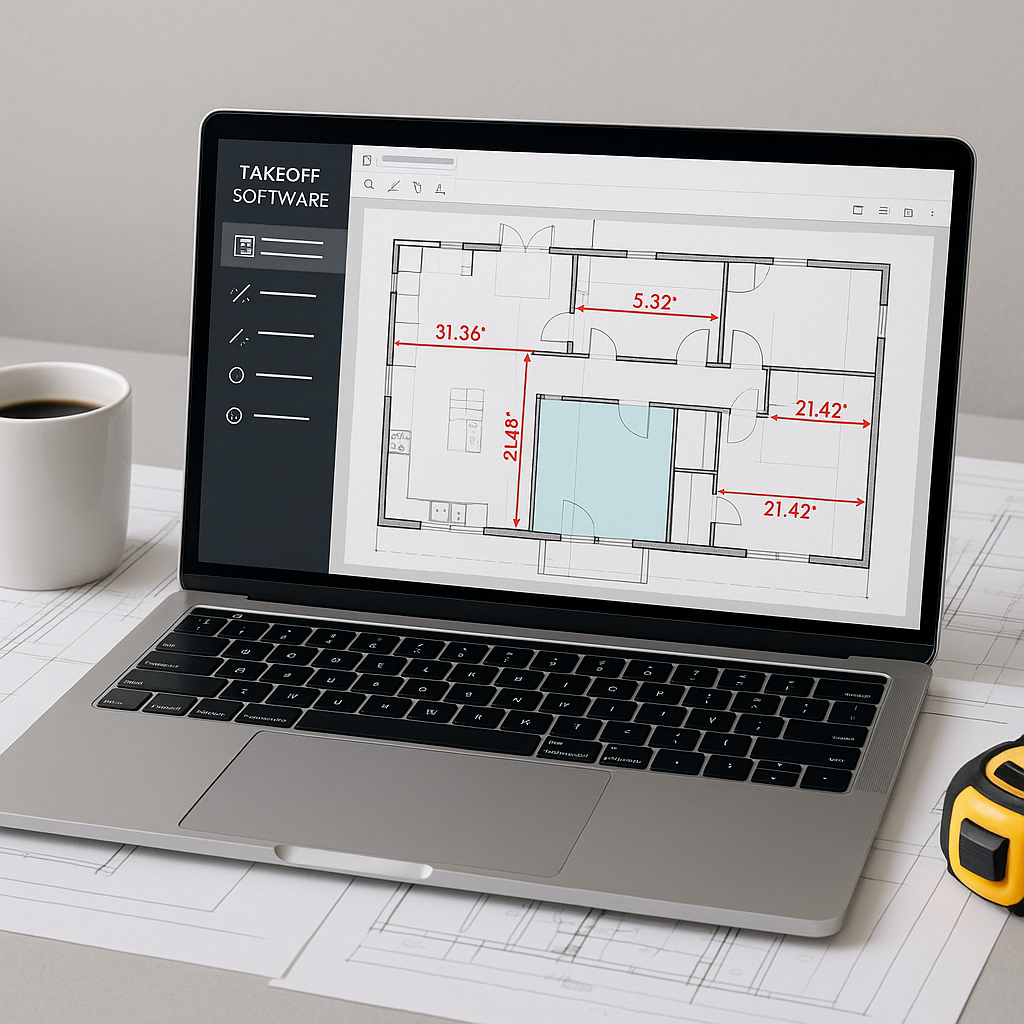
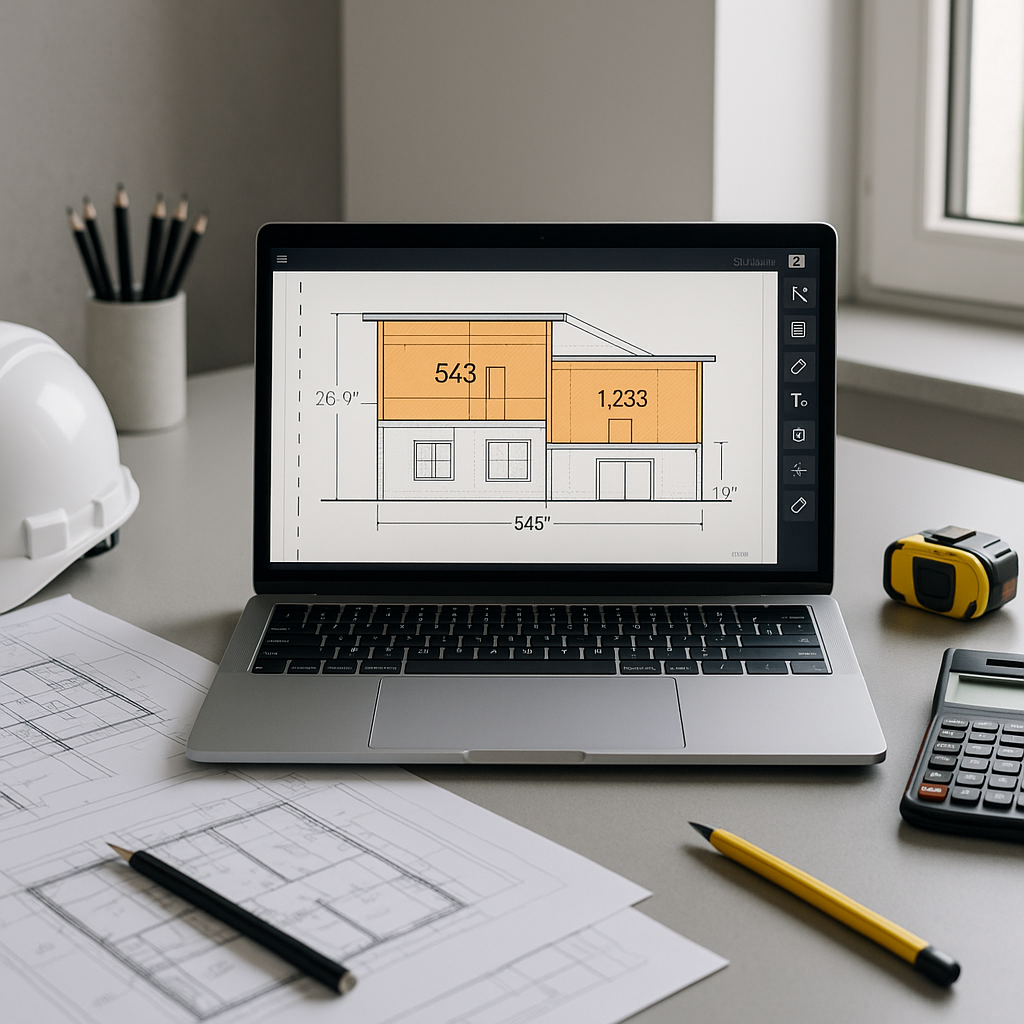
AI-powered tools automate the quantity takeoff process, allowing you to upload your drawings—whether PDFs or CAD files—and extract quantities in a fraction of the time. These tools can identify room areas, wall lengths, door counts, and more, significantly reducing the time spent on manual calculations.
In addition to speed, AI-powered takeoffs help reduce discrepancies, improving the overall accuracy of your estimates. This allows your team to focus on refining bid strategies rather than correcting errors.
How It Works: A Practical Breakdown
- Upload Drawings: Drag and drop your PDFs or CAD files into the platform. File compatibility is typically not an issue.
- AI Extraction: The system scans the drawings and extracts quantities for areas, lengths, counts, and more.
- Review Flagged Items: The AI highlights items that may require manual review, acting as a safety net.
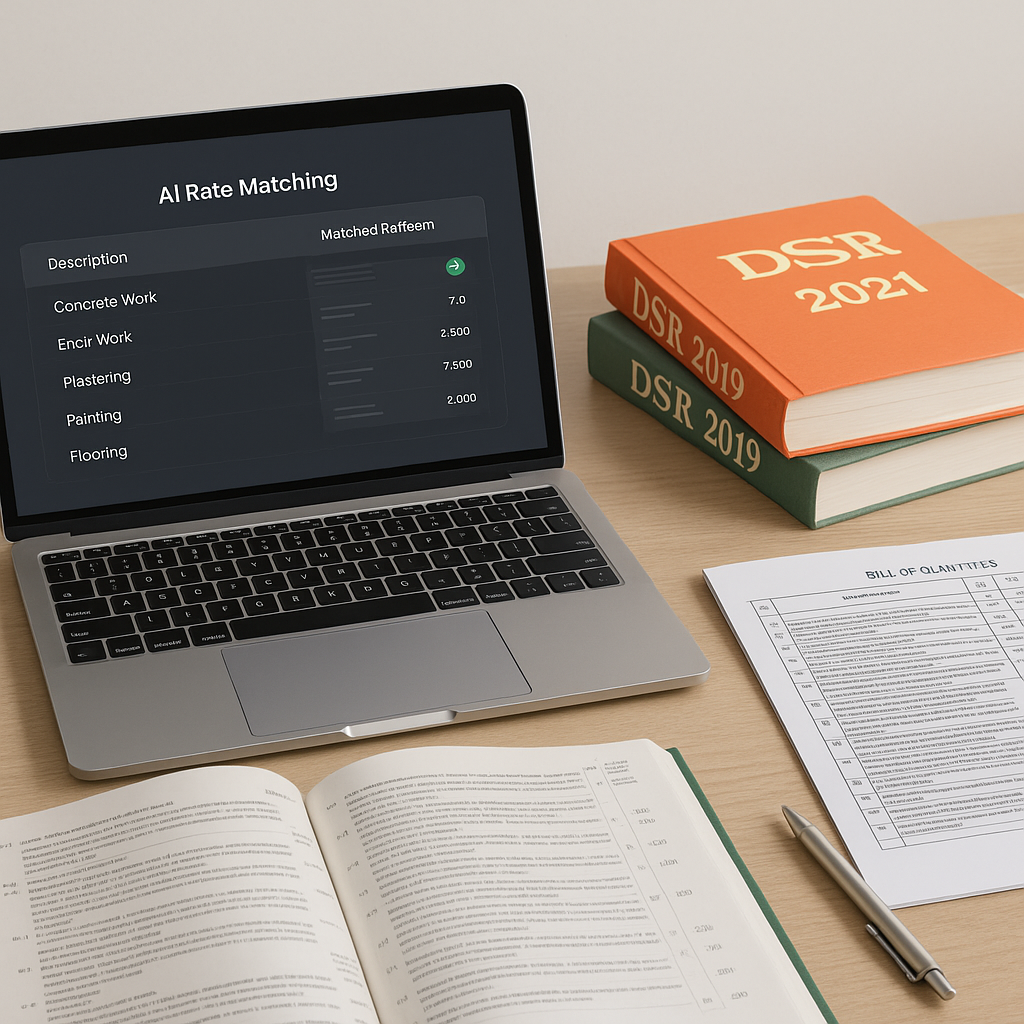
- Generate BOQs: Export the takeoff data directly into your preferred Bill of Quantities (BOQ) format, such as Excel or other industry-standard templates.
These tools often include manual override options, ensuring you maintain control over the final output.
Common Objections—And Why They’re Worth Addressing
“AI Can’t Think Like an Estimator”
AI is not meant to replace your expertise. Instead, it handles repetitive tasks like scanning drawings and calculating quantities, freeing you to focus on judgment calls and strategic decisions.
“It’s Too Expensive”
While there is an upfront cost, the time saved and the reduction in errors can offset this investment. Many AI tools are designed to be cost-effective, especially when compared to the labor costs of manual takeoffs.
“It’s Hard to Learn”
Modern AI tools are designed with user-friendly interfaces and often require minimal training, enabling your team to integrate them into workflows quickly.
Common Mistakes to Avoid
- Skipping the Review: Always review flagged items for accuracy, as no AI system is perfect.
- Uploading Disorganized Files: Ensure your drawings are clean and well-organized to avoid confusing the AI.
- Ignoring Customization: Use customization features like user-defined rate catalogs to ensure your estimates reflect actual costs.
FAQ
Q: Can AI handle complex drawings?
A: Yes. AI tools are typically trained on a variety of drawing types and formats, making them versatile for different project needs.
Q: What if my drawings are revisions?
A: Upload the revised set, and the AI will compare it against the original, flagging changes for you.
Q: Does it work for small projects?
A: Absolutely. AI scales to any project size, from small renovations to large infrastructure projects.
Q: Can I integrate it with existing tools?
A: Yes. Many AI tools integrate with platforms like Procore, Bluebeam, and Excel for seamless workflows.
The Bottom Line
Manual takeoffs can be a bottleneck in your preconstruction process. AI-powered tools not only save time but also improve accuracy and free up your team for higher-value tasks. By adopting these tools, you can streamline your workflows and stay competitive in a fast-paced industry.