The Time Sink in Manual Takeoffs
Manual drawing takeoffs can be a tedious and error-prone process. If you’ve ever spent hours clicking around PDF blueprints, measuring every wall, door, and slab, you know how time-consuming it can be. This process often takes up valuable time that could be spent on higher-value estimating tasks.
But what’s the alternative? Outsourcing? Hiring more estimators? Neither option is cheap, and they don’t address the core issue: preconstruction teams are increasingly expected to do more with less.
That’s where AI-powered takeoff tools come in. They don’t just make takeoffs faster—they redefine how preconstruction estimation happens. Let’s break it down.
How AI Takeoffs Work
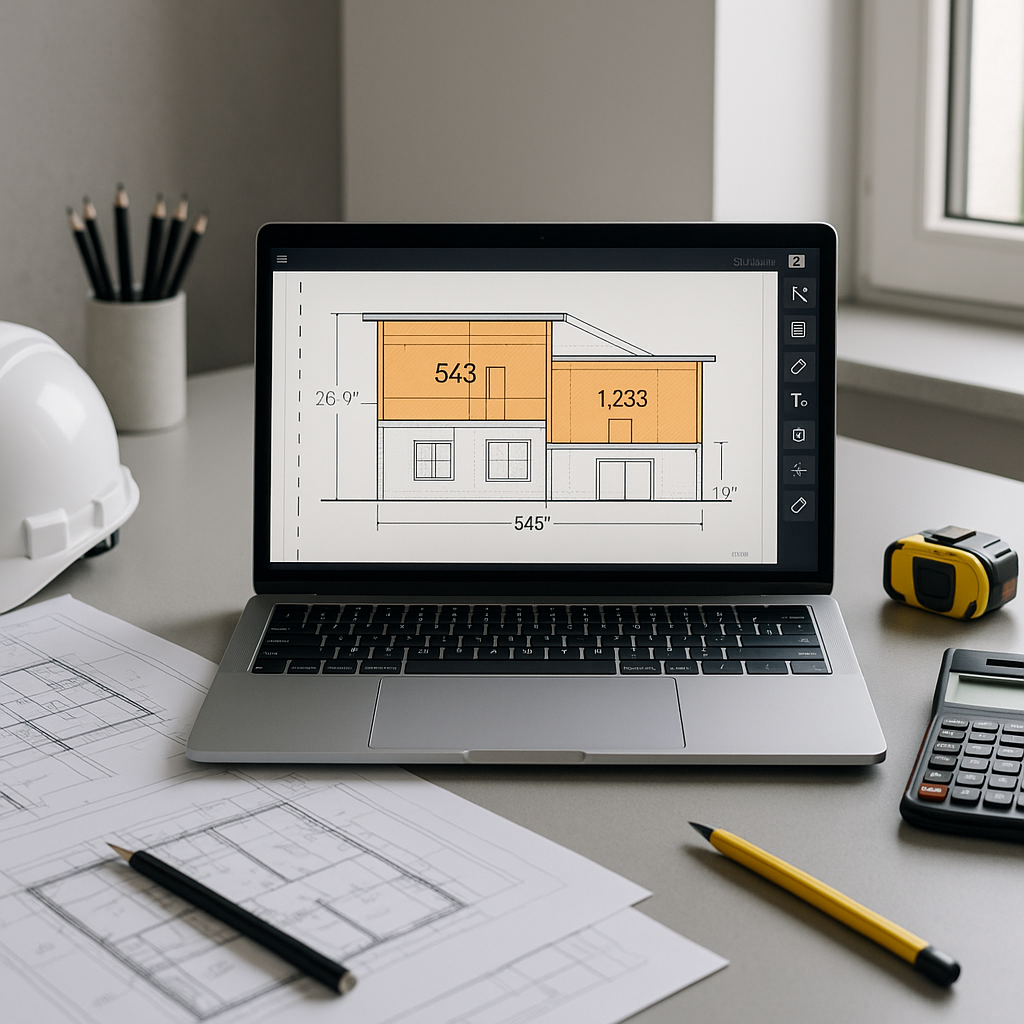
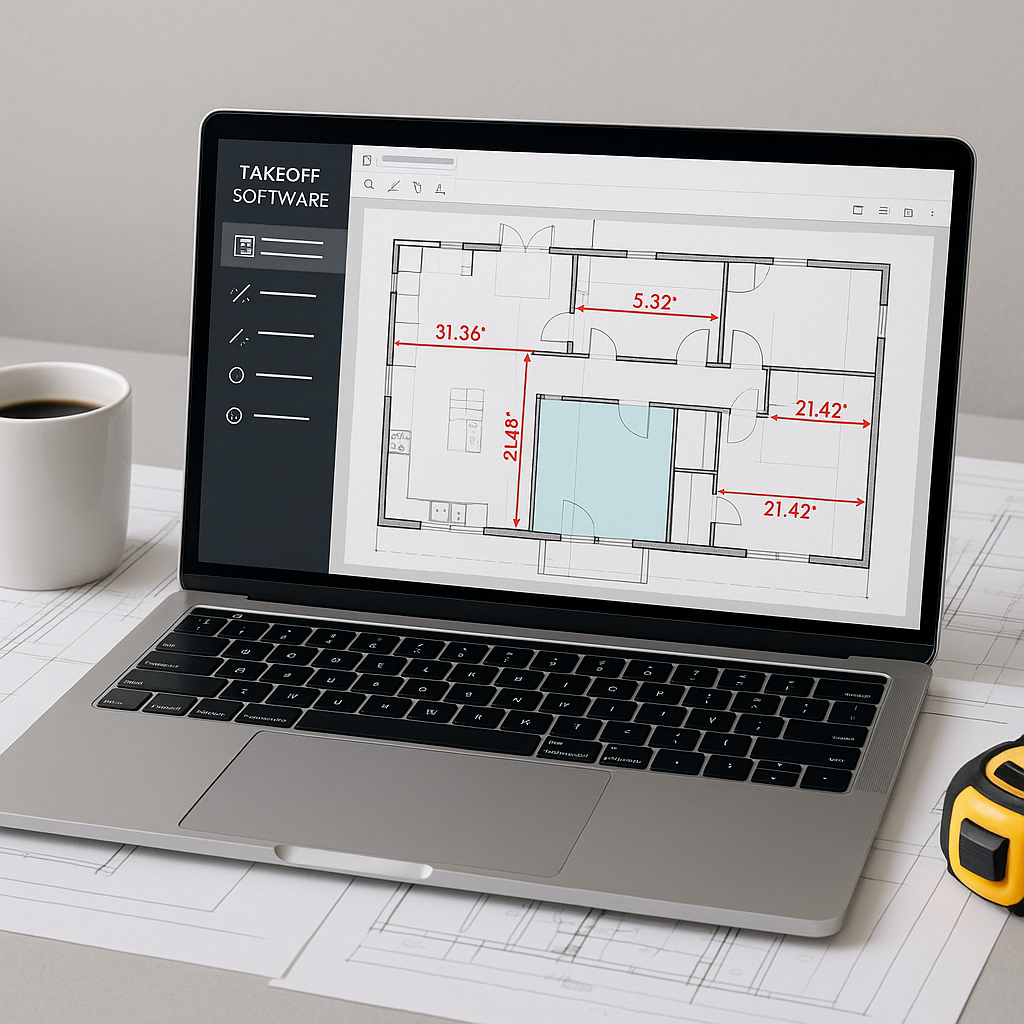
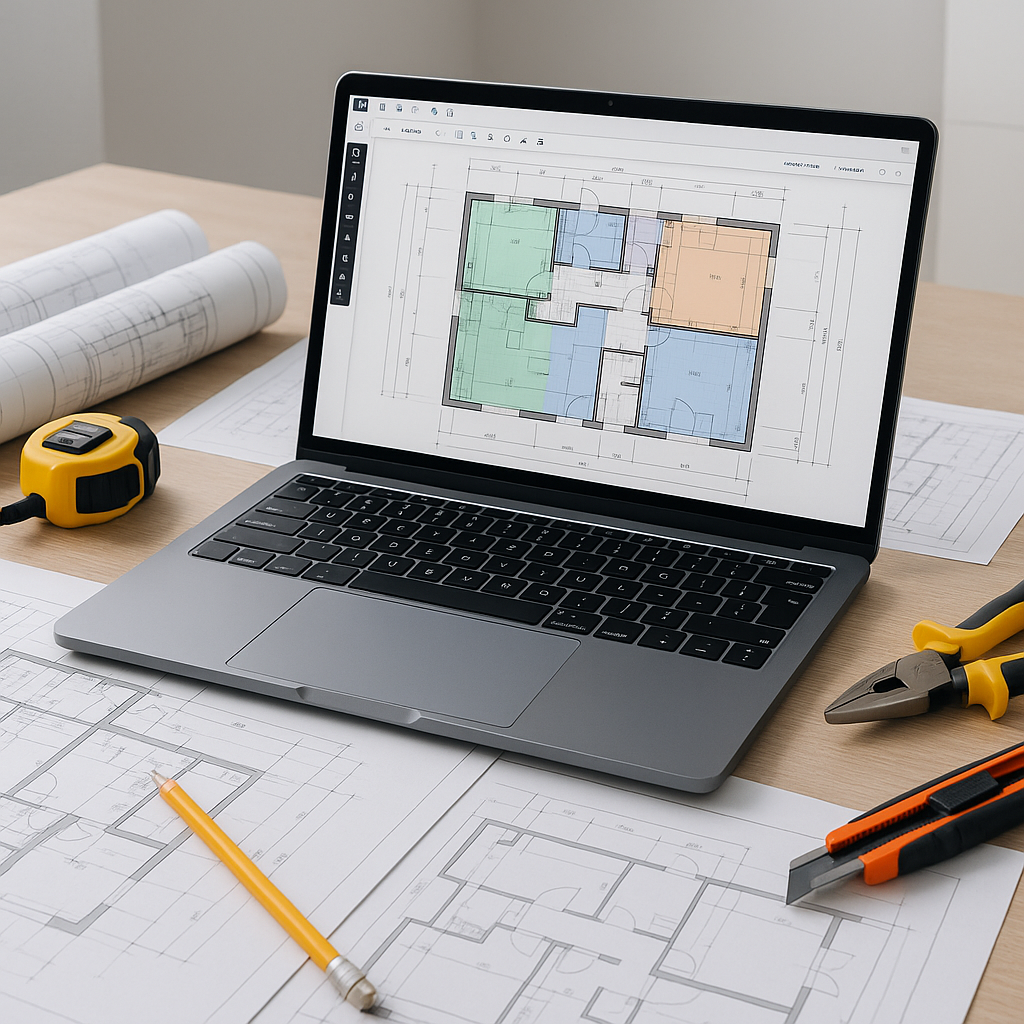
AI takeoff tools use computer vision to read your PDF plans and automatically extract quantities. Instead of manually tracing every column, beam, or door, you upload the drawings, and the system identifies these elements in a fraction of the time.
Here’s the key advantage: it’s not just about speed. AI tools also flag areas where the system isn’t confident, allowing you to review and override as needed. It’s like having a junior estimator handle the repetitive tasks while you focus on high-value activities like scope review and pricing strategy.
Why Speed Matters in Preconstruction
You might be wondering, “Sure, AI is fast, but does it actually matter?” It does. Here’s why:
- More Bids, More Opportunities: If your team spends less time on takeoffs, you can bid on more projects. More bids mean more chances to win—and in competitive markets, every opportunity counts.
- Improved Accuracy: Errors in manual takeoffs can cascade through the entire estimate. AI tools reduce discrepancies, which means fewer RFIs and scope gaps.
- Time for Strategic Decisions: With takeoffs handled, you can focus on the big picture. Should you bid? What margin makes sense? Which subcontractors should you engage? AI gives you the bandwidth to answer these questions properly.
Common Objections to AI Takeoffs
Let’s address some common concerns about AI takeoff tools:
- “AI can’t think like an estimator.” You’re right—AI doesn’t replace your expertise. But it doesn’t need to. It’s a tool that handles the repetitive work so you can make better decisions. Think of it as an assistant, not a replacement.
- “What if the AI gets it wrong?” Mistakes can happen. That’s why many tools include features for manual review and adjustment. You’re always in control.
- “We don’t have time to learn new software.” Most AI tools are designed to be intuitive and user-friendly. With minimal training, your team can quickly become proficient.
How to Start Using AI Takeoffs
If you’re still unsure, start small. Use AI tools on a low-stakes project—perhaps a renovation or a bid with fewer line items. This allows you to test the tool’s accuracy without risking a major contract.
Once you’re comfortable, start using AI for larger bids. You’ll quickly see how much time you save and how much more accurate your estimates become.
FAQ
Q: What kind of projects are AI takeoffs suitable for?
A: AI tools scale to any project size, from small office fit-outs to large infrastructure projects.
Q: How accurate are AI-powered takeoffs?
A: While AI tools are highly accurate, human oversight is still necessary to catch edge cases and ensure precision.
Q: Can I use AI tools with my current software stack?
A: Yes. Many AI tools integrate with platforms like Bluebeam, Procore, and Autodesk Build, allowing you to export takeoff data directly into your existing workflows.
Common Mistakes When Using AI Takeoff Tools
- Ignoring Confidence Scores: Don’t assume the AI is always right. Review low-confidence areas carefully.
- Skipping Calibration: If you don’t calibrate your drawings properly, the AI will struggle to deliver accurate measurements. Take the time to set up scales and units before running a takeoff.
- Underestimating Learning Curves: Give your team enough time to learn the tool. The first few projects might take longer, but the system improves with use—and so does your team’s proficiency.
Conclusion: Make the Leap
Manual takeoffs are time-consuming and prone to errors. AI-powered tools don’t just save time—they free your team to focus on higher-value tasks. If you’re tired of wasting hours on repetitive work, it’s time to explore how AI can transform your preconstruction process.