Streamlining Drawing Takeoffs with AI
If you’ve worked in preconstruction, you know the process: manually tracing PDFs to extract quantities. This traditional method can be time-consuming and prone to errors, especially when deadlines are tight and accuracy is critical.
Many preconstruction teams still rely on manual methods, which can lead to inefficiencies. However, advancements in AI-powered tools now offer a way to automate much of this work, allowing estimators to focus on higher-value tasks.
How AI Takeoffs Actually Work
AI-powered takeoff tools are designed to simplify and accelerate the quantity extraction process. Here’s how they typically function:
-
Upload Your Drawings: Whether it’s a multi-page PDF or a DWG file, you upload the documents directly into the tool. No need to convert formats or clean up messy scans.
-
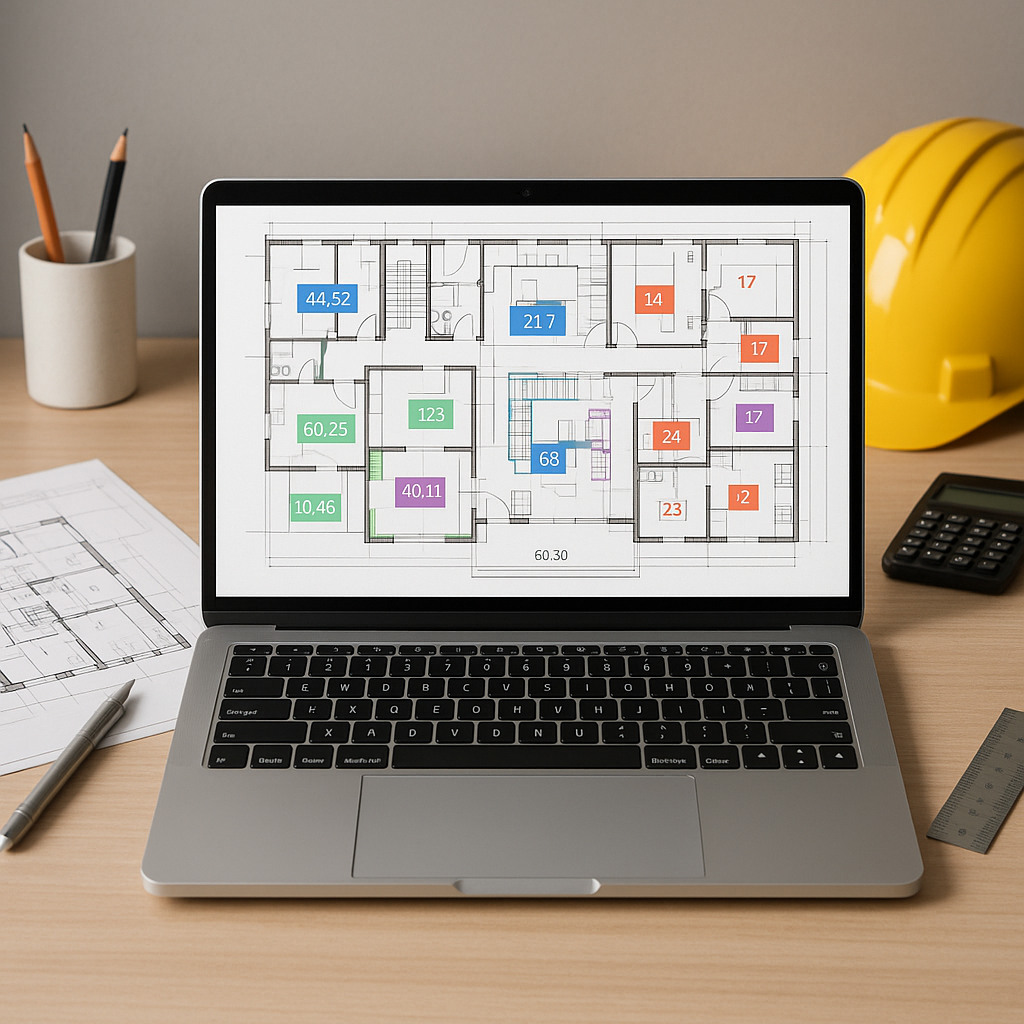
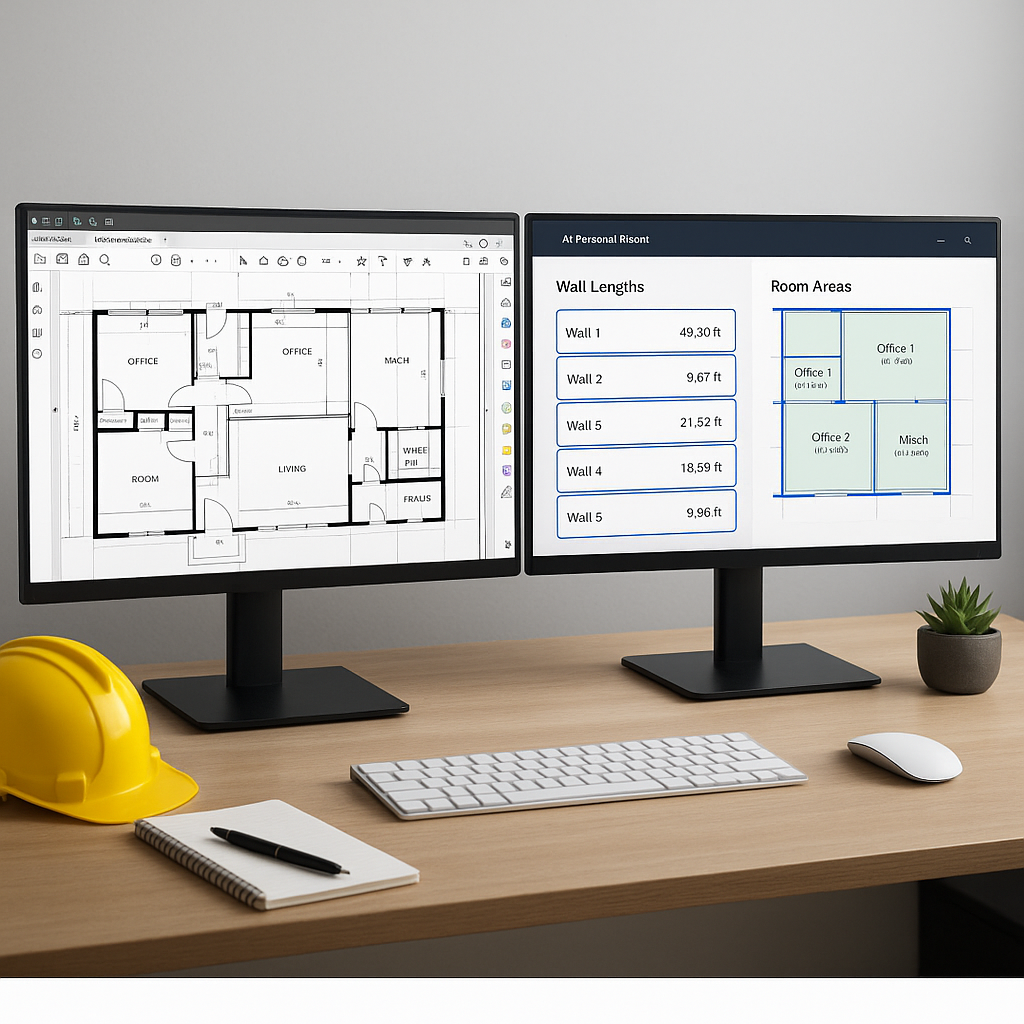
Automatic Recognition: The AI scans for key elements like walls, windows, doors, and even room areas. Advanced tools may flag low-confidence areas for manual review, enabling double-checking of critical sections.
-
Instant Quantity Extraction: In a short amount of time, you get a detailed quantity takeoff. For example, linear feet of piping or cubic yards of concrete can be extracted automatically.
-
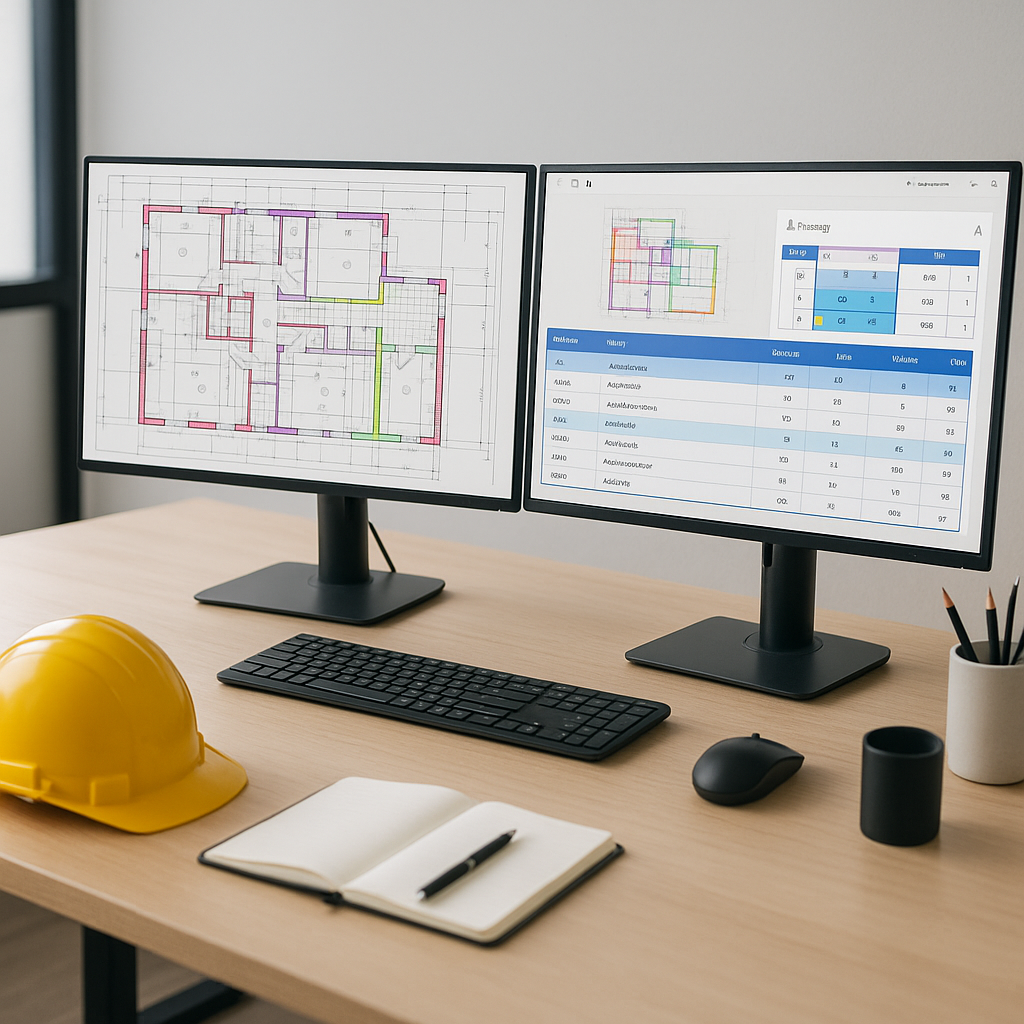
Export to Your Workflow: The data integrates seamlessly into your existing systems, such as Excel, Procore, or other platforms, minimizing the need for rework.
This process reduces the manual effort required for takeoffs and helps ensure consistency and accuracy.
Benefits of AI Takeoffs
AI-powered takeoff tools offer several advantages:
- Time Savings: Automating repetitive tasks allows estimators to focus on more strategic activities.
- Improved Accuracy: By reducing manual input, these tools help minimize errors in quantity calculations.
- Enhanced Productivity: Teams can handle more bids or projects within the same timeframe.
The real value lies in the opportunities created by freeing up time and resources. Teams can focus on refining estimates, negotiating with subcontractors, or pursuing additional bids.
Common Objections to AI Takeoffs
Some professionals may have concerns about adopting AI tools for takeoffs. Here are common objections and responses:
-
“Does AI understand construction?” AI tools are designed to assist, not replace, human expertise. They handle repetitive tasks, allowing estimators to focus on nuanced, high-value work.
-
“What if the AI gets it wrong?” Human oversight remains essential. Many tools offer features like manual overrides and flagged areas for review, ensuring you stay in control of the final output.
What to Watch For When Choosing an AI Tool
Not all AI takeoff tools are created equal. Consider the following factors when evaluating options:
- Ease of Use: The tool should be intuitive and easy for your team to adopt.
- Integration Options: Ensure it works with your existing software, such as Bluebeam, Excel, or Procore.
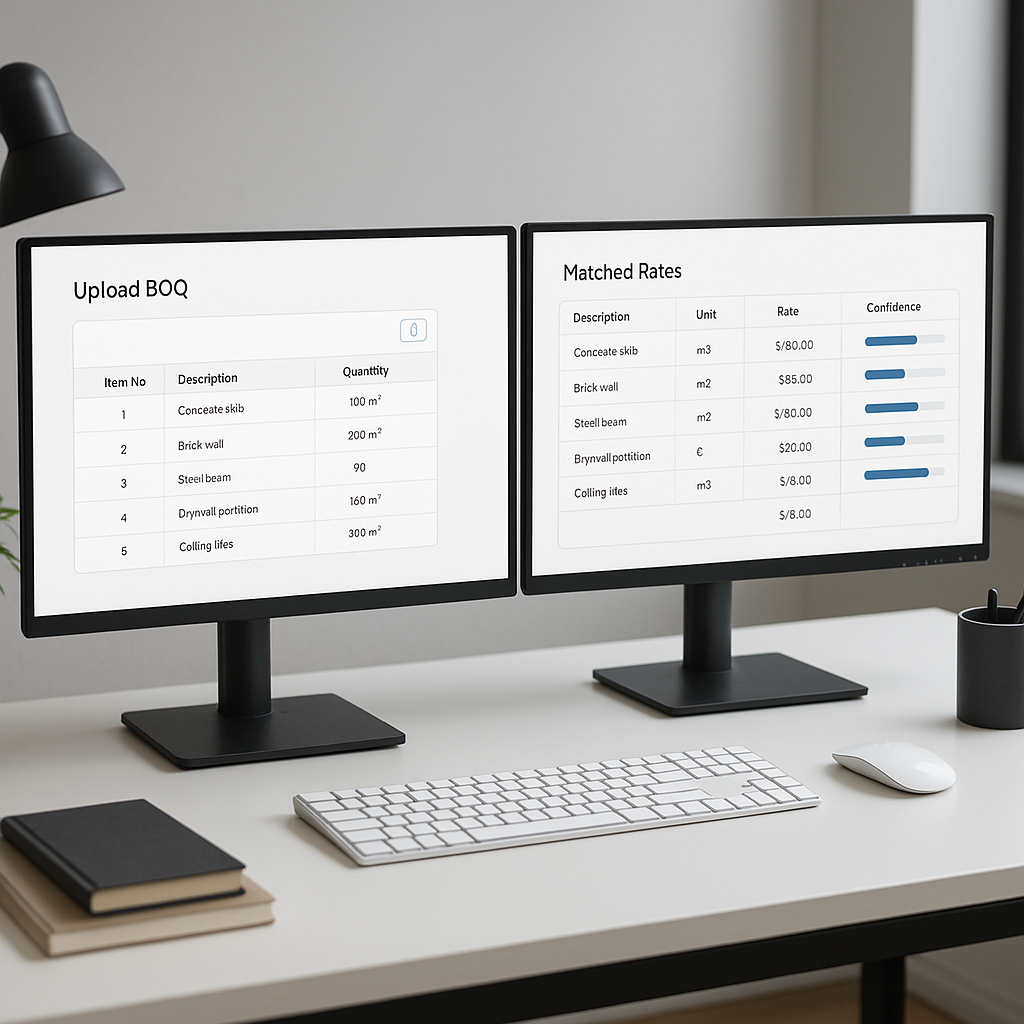
- Customizability: Look for features that allow you to upload rate catalogs or adjust for project-specific needs.
- Support for Multiple Standards: Check if the tool accommodates region-specific measurement standards like CSI, CPWD, or NRM2.
- Transparent Pricing: Avoid tools with hidden costs; look for clear subscription models.
A good AI tool should enhance your workflow without adding complexity.
FAQ: AI Takeoffs
Q: How accurate are AI-powered takeoffs?
A: While AI tools can improve accuracy by automating calculations, human oversight is still necessary for critical items.
Q: Can AI handle custom or complex drawings?
A: Yes. Advanced tools allow manual overrides and flag areas that may require human review.
Q: Is it worth the cost?
A: The value of AI tools depends on the time and labor they save. For teams handling frequent takeoffs, the efficiency gains often justify the investment.
Q: Does it replace estimators?
A: No. AI tools are designed to complement estimators by automating repetitive tasks, enabling them to focus on strategic decision-making.
Ready to Explore AI-Powered Takeoffs?
If you’re looking to streamline your preconstruction process, AI-powered takeoff tools can help you save time and improve accuracy. Consider exploring options that align with your team’s needs and workflow.