The Problem: Manual Takeoffs Are a Bottleneck
If you've ever spent hours tracing PDFs to measure room areas or wall lengths, you know how painful manual drawing takeoffs can be. It's tedious, error-prone, and frankly, a terrible use of skilled labor. For many contractors, this process consumes significant time per estimate, reducing the capacity to handle more bids or focus on strategic tasks.
But it’s not just about time. The real cost is opportunity. Every hour spent on manual takeoffs is an hour your team isn’t pricing more bids or negotiating with subs. And when deadlines are tight, those lost hours can mean missing out on high-value projects entirely.
So, what’s the fix? You automate it.
The AI Solution: Vision AI for Takeoffs
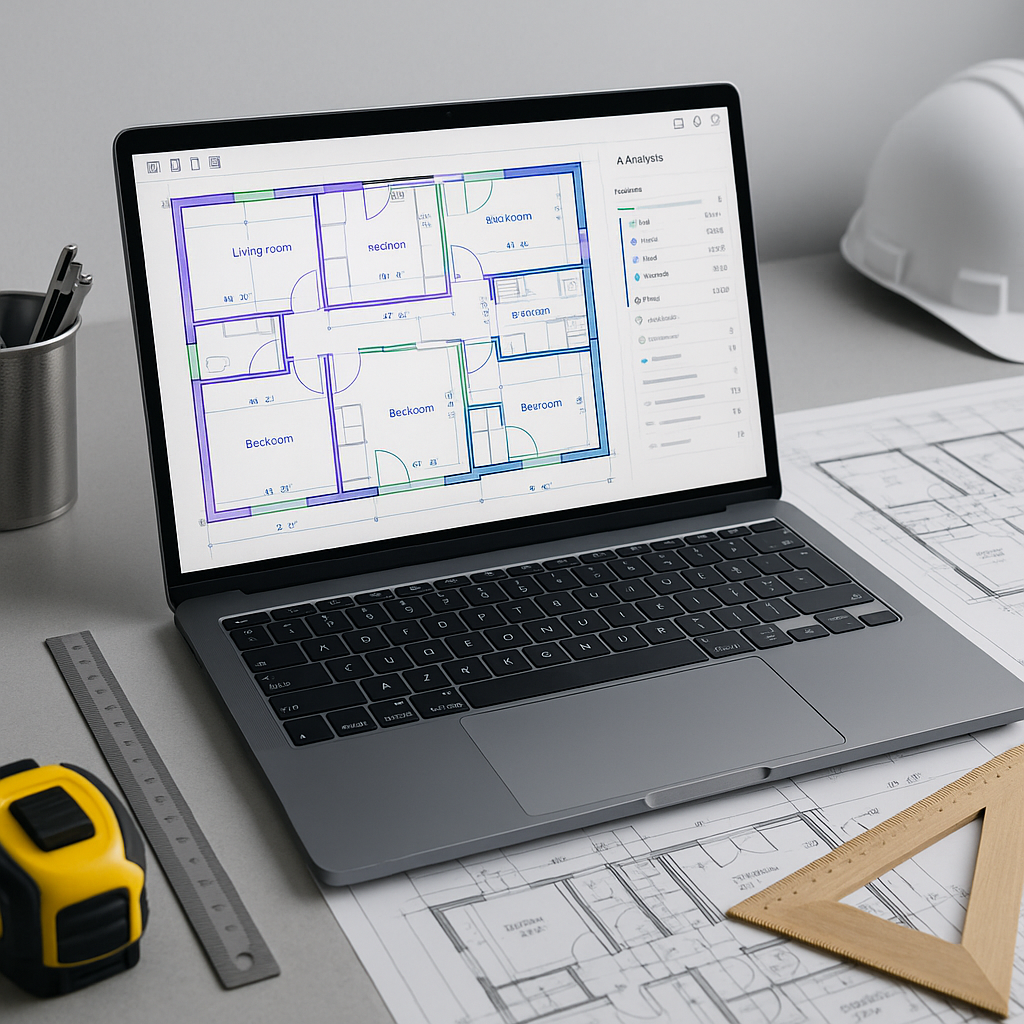
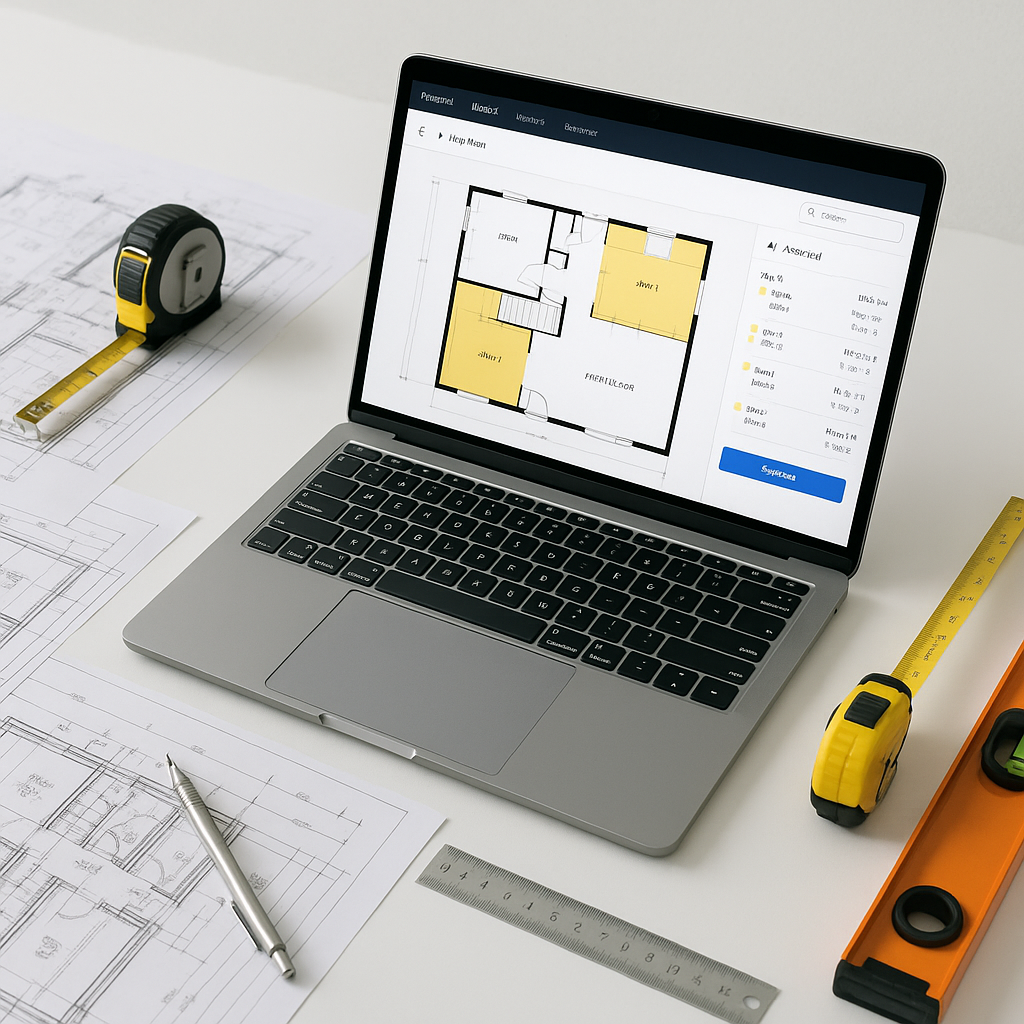
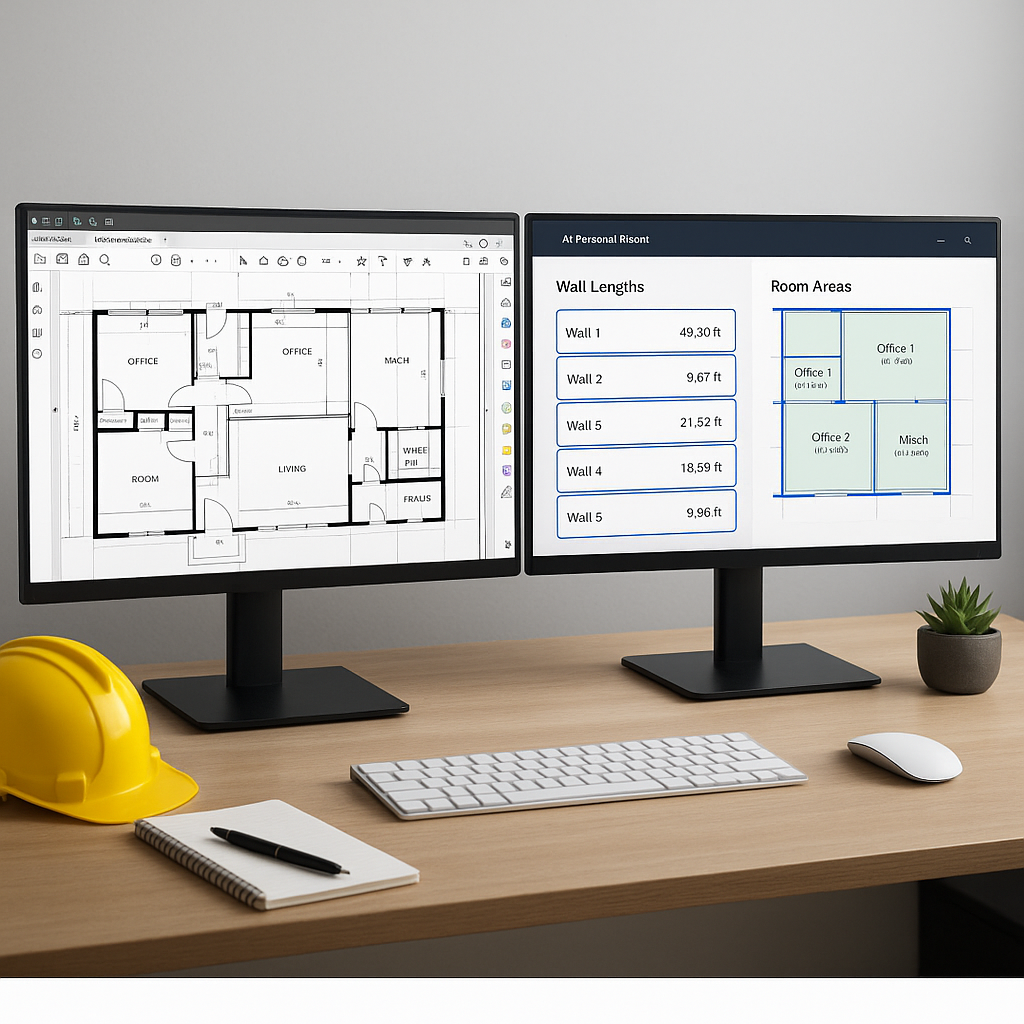
AI-powered takeoff tools, like EstimateNext’s Vision AI, tackle this problem head-on. Instead of manually tracing lines on a PDF, you upload your drawing set, and the AI extracts quantities automatically. Wall lengths, room areas, door/window counts—it’s all done quickly and efficiently.
Here’s how it works:
- Upload the Drawing Set: Whether it’s a single PDF or a multi-page blueprint, the system scans it for measurable elements.
- AI Extraction: Vision AI identifies and extracts quantities like square footage, linear measurements, and counts directly from the drawings.
- Confidence Scoring: Low-confidence areas (e.g., unclear lines) are flagged for manual review, ensuring accuracy.
- Revisions: Got an updated drawing? Upload it, and the AI compares the changes.
Benefits of AI-Powered Takeoffs
By automating the repetitive aspects of takeoffs, AI tools allow your team to focus on higher-value tasks. These tools can significantly reduce the time spent on manual processes, improve accuracy, and help meet tight deadlines.
Common Objections: “But AI Can’t Think Like an Estimator”
You might be skeptical. After all, estimators aren’t just number crunchers—they understand the nuances of construction. Can AI really replicate that?
No, and it doesn’t have to. AI doesn’t replace your expertise; it amplifies it. Think of it as an apprentice that handles the repetitive tasks, while you focus on judgment calls and strategy. Plus, tools like Vision AI include manual override features, so you can review and adjust outputs as needed.
What to Watch For
AI isn’t perfect, and it’s important to use it wisely. Here are some tips:
- Quality of Input Data: Garbage in, garbage out. Ensure your drawing sets are clear and complete before uploading.
- Manual Review: Always check flagged areas for accuracy. AI tools are fast, but human oversight is still essential.
- Training: Invest time in learning the platform. Most AI tools are intuitive, but training ensures your team gets the most out of them.
FAQ
Q: How accurate are AI-generated takeoffs?
AI tools can reduce discrepancies when used with high-quality input data and proper manual review. Accuracy depends on the clarity of the drawings and the user’s familiarity with the tool.
Q: Can AI handle revisions?
Yes. Vision AI lets you upload revised drawings and compares changes automatically.
Q: Is AI difficult to learn?
Not at all. Most platforms, including EstimateNext, are designed for ease of use. Training typically takes a short amount of time.
The Takeaway
Manual takeoffs are a time sink, and they’re costing your team more than just hours. AI-powered tools like Vision AI eliminate the bottleneck, giving you faster, more accurate results and freeing your team to focus on winning work.
If you're ready to explore how AI can streamline your preconstruction process, EstimateNext can help. Upload your first drawing set and experience the benefits of automated takeoffs. Get started free →