Manual Takeoffs Are Breaking Estimation Teams
Let’s be honest—manual takeoffs are a nightmare. If you’re still tracing drawings by hand or squinting at PDFs on Bluebeam, you know exactly what I mean. Manual processes can consume significant time and effort, especially when juggling multiple bids. This often leads to rushed work or missed details.
But here’s the thing: it doesn’t have to be this way anymore. AI-powered takeoff tools, like the Vision AI feature in EstimateNext, can extract quantities from drawings in a fraction of the time it takes manually.
Why Manual Takeoffs Waste So Much Time
The process is inherently inefficient. Here's the typical workflow:
- Download PDFs: You get a drawing set, often hundreds of pages long.
- Calibrate Measurements: Every page needs to be scaled correctly before you can even start.
- Trace Line by Line: You manually trace walls, floors, openings, and other elements.
- Double-Check: Because errors can cost you the project—or your profit.
- Rework for Revisions: If the drawings change (and they always do), you’re back to square one.
Even with decent software like Bluebeam, this process is a slog. You’re still relying on human hands—and human error.
How AI Takeoffs Work
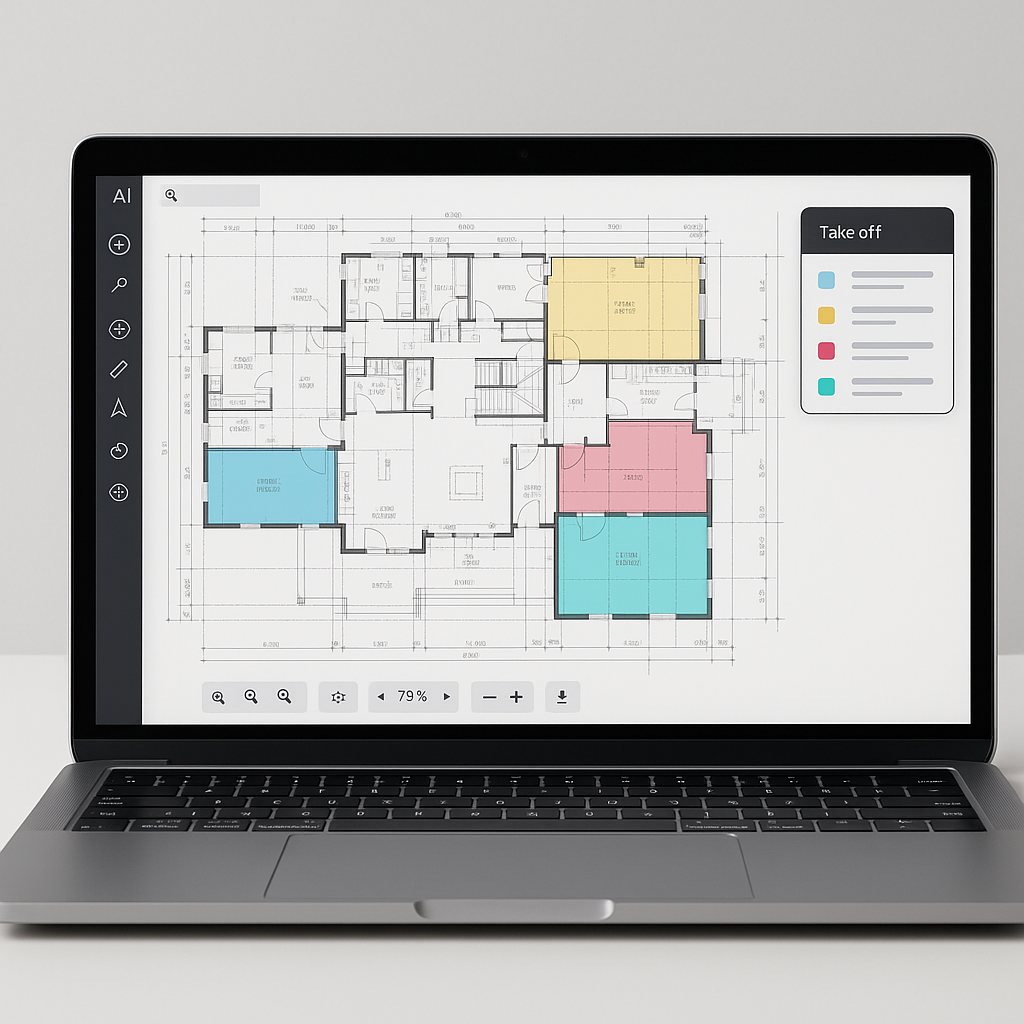
AI flips this workflow on its head. Instead of manual tracing, you upload your drawing set, and the AI does the heavy lifting. Vision AI, for example, scans the PDF, identifies relevant features (like wall lengths, room areas, and door/window counts), and generates a quantity takeoff quickly.
Here’s a step-by-step breakdown:
- Upload the Drawing: Drag and drop your PDF into the platform.
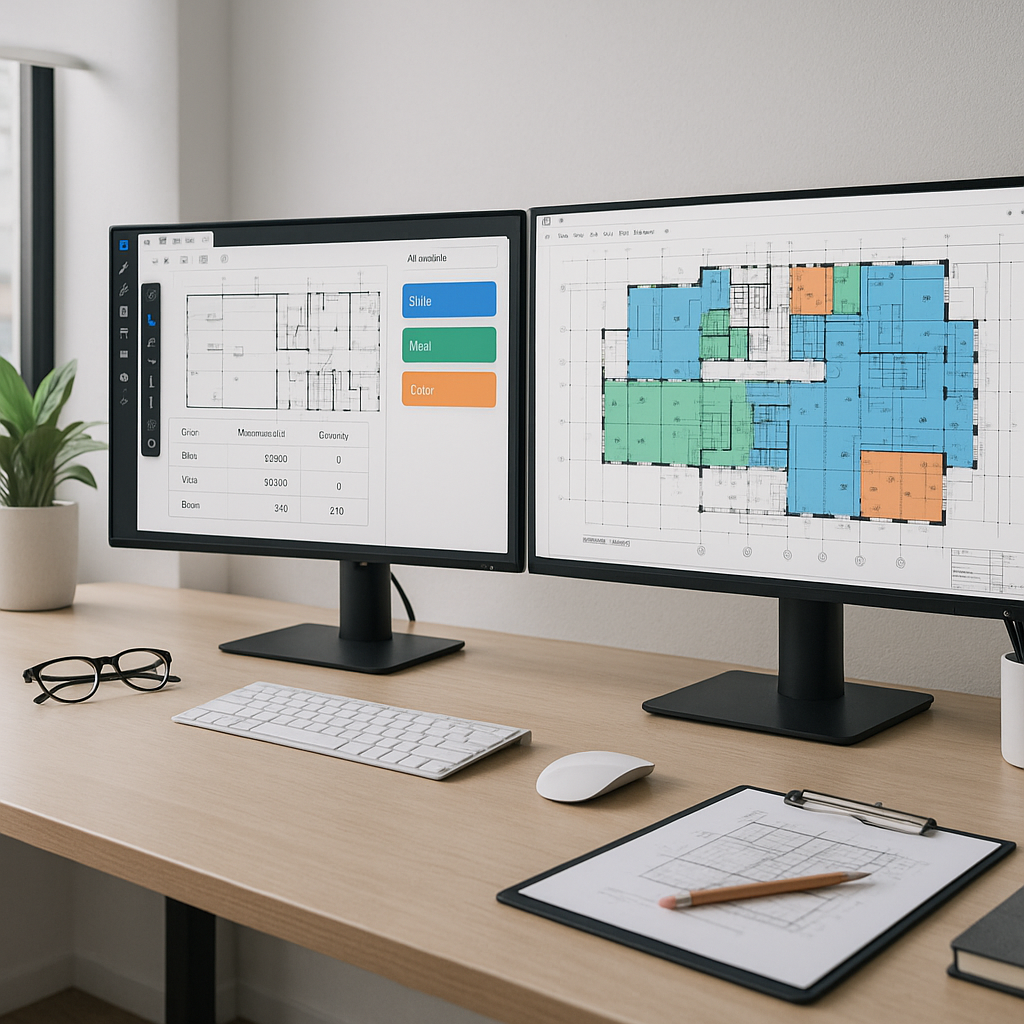
- AI Scans for Features: The tool reads the drawing, identifies elements, and highlights them for review.
- Auto-Measure Quantities: Quantities are calculated instantly, whether it’s square footage, linear feet, or item counts.
- Flagging for Review: Low-confidence areas are flagged for manual review, so you only double-check what’s necessary.
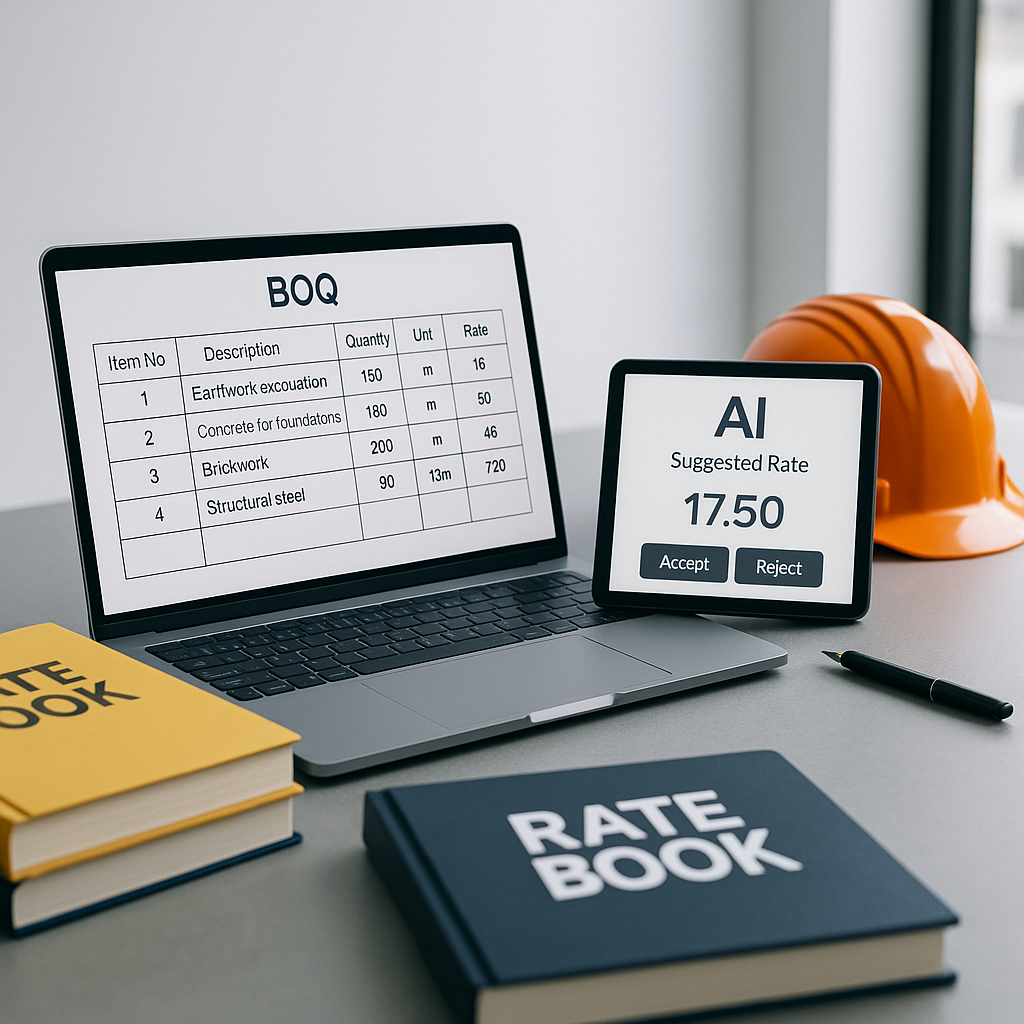
- Export to BOQ: The final quantities can be exported directly into your bill of quantities (BOQ) format.
This process doesn’t just save time—it reduces errors. AI doesn’t “miss” a wall or “forget” to measure a window. And when revisions come in, you’re not starting from scratch; the AI can compare drawings and update quantities automatically.
Common Concerns About AI Takeoffs
You might be thinking, “Sure, AI is fast, but how accurate is it?” Fair question. AI tools like EstimateNext include features like flagged areas for manual review to ensure you’re not flying blind. If the system isn’t sure about a specific measurement, it flags it for manual review. You still have full control—it’s just that a significant portion of the grunt work is already done.
Another concern: “What if the AI misinterprets the drawing?” Again, this comes down to oversight. AI isn’t perfect, but it’s getting better with every project. Plus, tools like these allow you to easily override and adjust quantities. Think of it as a junior estimator who works really fast but still needs some guidance.
How to Get Started with AI Takeoff Tools
If you’re ready to stop wasting time on manual takeoffs, here’s how to get started:
- Choose a Tool: Platforms like EstimateNext are purpose-built for preconstruction teams.
- Test on a Small Project: Start with a simple bid to see how the tool performs.
- Train Your Team: Most AI tools are intuitive, but a quick training session ensures everyone’s on the same page.
- Integrate with Existing Workflows: Look for tools that can export data into your current systems, like Excel or Procore.
The Bottom Line
AI-powered takeoffs are no longer just “nice to have.” They’re a necessity if you want to stay competitive. The time savings and reduction in errors make the investment worth it. And when you factor in faster revisions and streamlined workflows, the ROI becomes impossible to ignore.
If you’re still tracing drawings by hand, ask yourself: What could your team do with the time saved by automating takeoffs?
Call to Action
If manual takeoffs are slowing your team down, it’s time to try AI. EstimateNext can deliver takeoffs quickly—no more wasted time. Get started free →