Why Manual Takeoffs Are a Bottleneck
If you’ve ever spent hours squinting at PDF drawings, manually tracing walls, doors, or ducts, you know how painful takeoffs can be. Manual takeoffs aren't just slow—they're error-prone. Misreading a line or missing an area can throw off your entire estimate. And let’s not forget the frustration of redoing work when design revisions inevitably arrive.
So, what’s the fix? The answer isn’t more manpower; it’s smarter tools. AI-powered takeoff software is built for this exact problem.
The AI Solution: How AI-Powered Takeoffs Work
Imagine uploading a PDF drawing set and getting accurate quantities in minutes. AI-powered takeoff tools automate the process of identifying and measuring elements in construction drawings, saving significant time and effort. Here’s how they typically work:
-
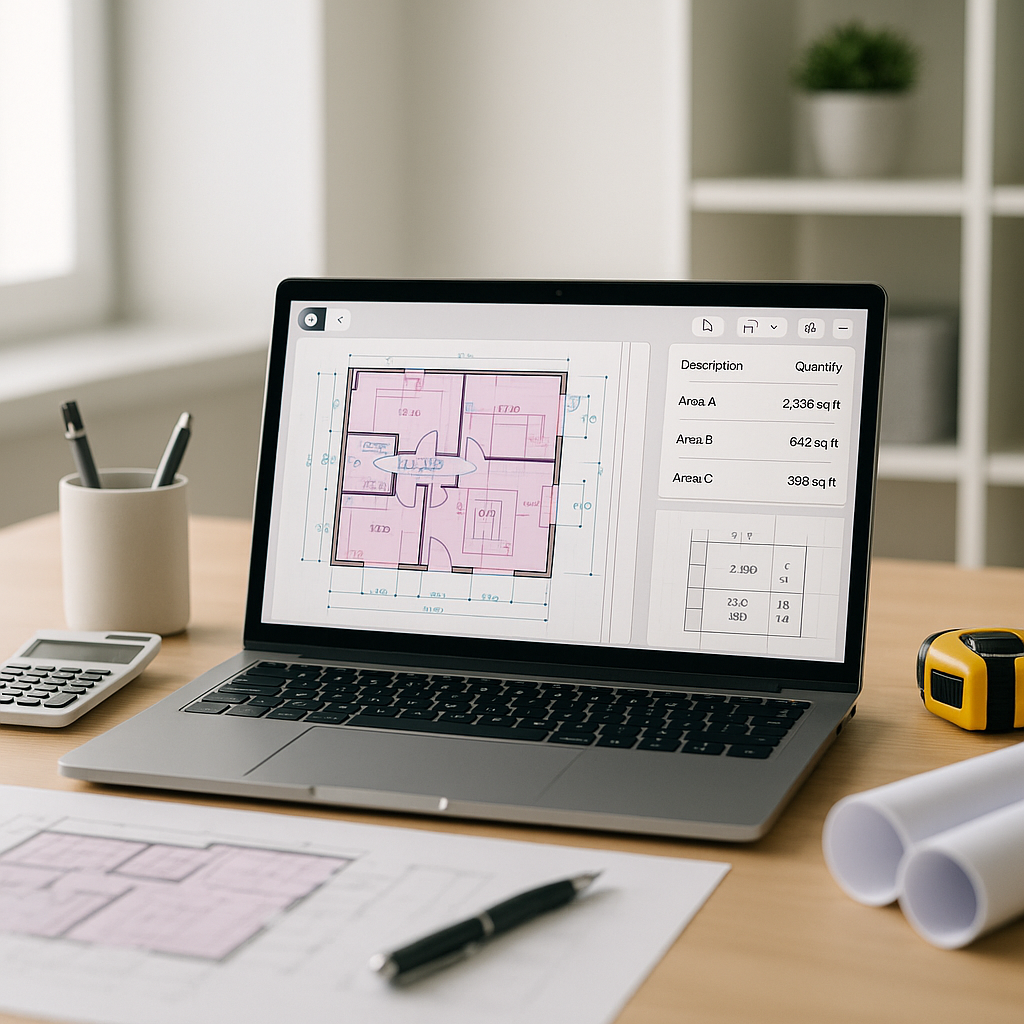
Upload Your Drawings: Drag and drop your PDF files into the platform. These tools can handle multi-page plans, recognizing details like room areas, wall lengths, and even door and window counts.
-
AI-Powered Recognition: The AI uses machine learning to identify and measure elements on the drawing. It’s trained on a wide variety of construction plans, so it knows what to look for.
-
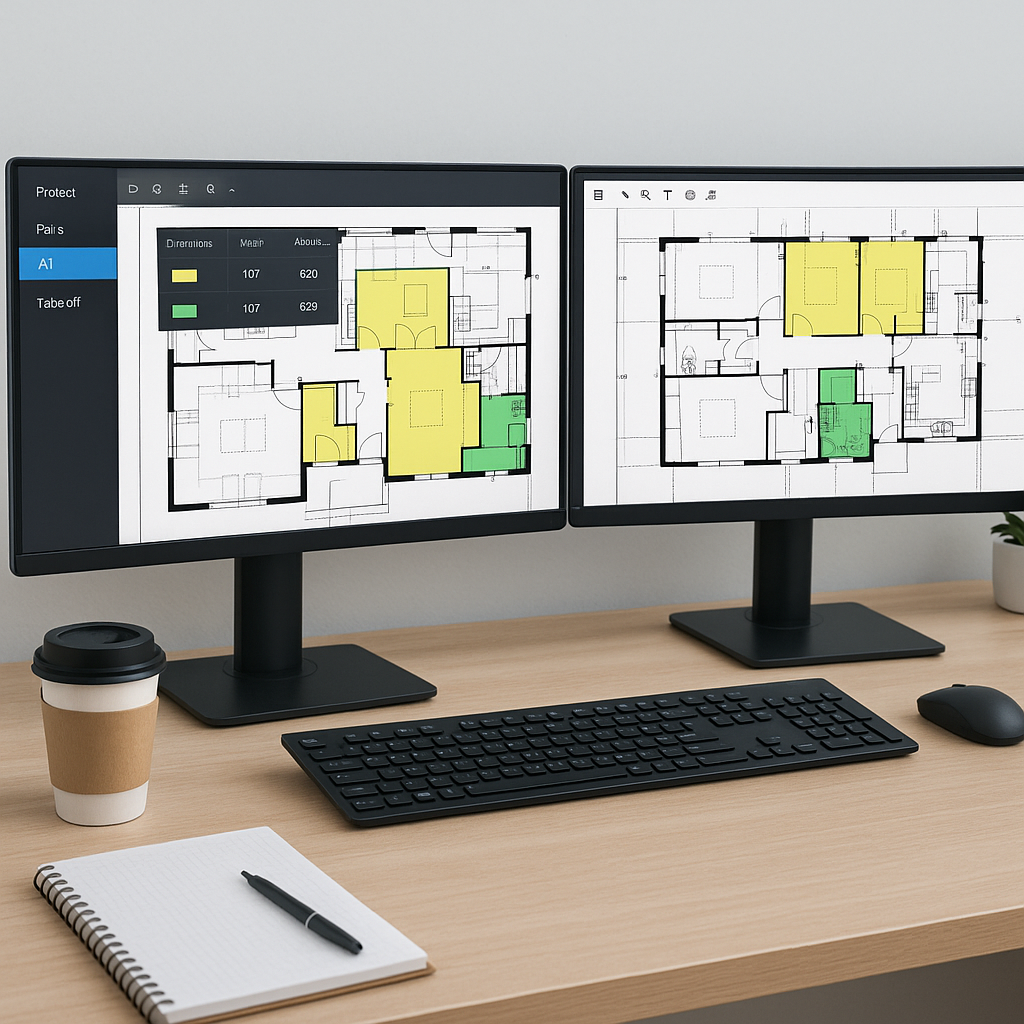
Review Low-Confidence Areas: The tool highlights areas it’s unsure about, so you can double-check and make adjustments. This manual override ensures accuracy while still saving hours of work.
-
Export Quantities: Once you’re satisfied, export the takeoff data directly into your estimating software or an Excel sheet. No more reformatting or re-entering numbers.
Benefits of AI-Powered Takeoffs
AI-powered takeoff tools offer several advantages over manual methods:
- Time Savings: Automating repetitive tasks allows estimators to focus on higher-value activities.
- Improved Accuracy: By reducing the likelihood of human error, these tools help create more reliable estimates.
- Scalability: AI tools can handle large, complex projects more efficiently than manual methods.
- Integration: Many tools integrate seamlessly with existing software, streamlining workflows.
What to Watch For
AI isn’t a magic wand. It’s a tool—and like any tool, it’s only as good as the data you feed it. If your drawings are poorly labeled or your inputs are inconsistent, the AI might struggle. That’s why human oversight is still essential.
Here are some tips to get the most out of AI-powered takeoffs:
- Start Small: Test the tool on a smaller project to understand its capabilities and limitations.
- Invest Time in Training: Most AI tools are user-friendly, but a solid onboarding process helps your team hit the ground running.
- Build Feedback Loops: The more you use the tool—and correct its mistakes—the better it gets. Treat it like an apprentice that learns over time.
FAQ
Q: How accurate are AI-powered takeoffs?
AI tools can significantly reduce takeoff discrepancies compared to manual methods. However, human oversight is key for final checks.
Q: Can it handle complex drawings?
Yes. Many AI-powered tools are trained on a wide range of real-world plans, from residential layouts to massive infrastructure projects. They can identify and measure a variety of elements.
Q: What about drawing revisions?
AI tools often allow you to upload revision sets and compare them against the original. This makes it easy to spot changes and update quantities without starting over.
Q: Does it integrate with other tools?
Absolutely. Many AI-powered takeoff tools allow you to export data directly into software like Procore or Excel, streamlining your workflow.
What’s Next?
If you’re still relying on manual takeoffs, it’s time to rethink your process. AI-powered tools don’t just save time—they free up your team to focus on higher-value tasks, like improving bid competitiveness or negotiating better subcontractor deals.