The Challenge of Manual Takeoffs in Preconstruction
Manual takeoffs in preconstruction often involve estimators spending hours tracing walls, counting fixtures, and measuring areas from drawings. This process is not only tedious but also time-consuming, diverting valuable resources from more strategic tasks like pricing bids or negotiating subcontractor terms. For contractors working under tight deadlines, this inefficiency can lead to missed opportunities.
How AI Takeoff Works (And Why It’s a Game-Changer)
AI takeoff tools aim to reduce or eliminate the time spent on manual takeoffs. Here’s how they typically work:
- Upload Your Drawings: Users upload PDF or CAD files directly into the software without needing to preprocess them.
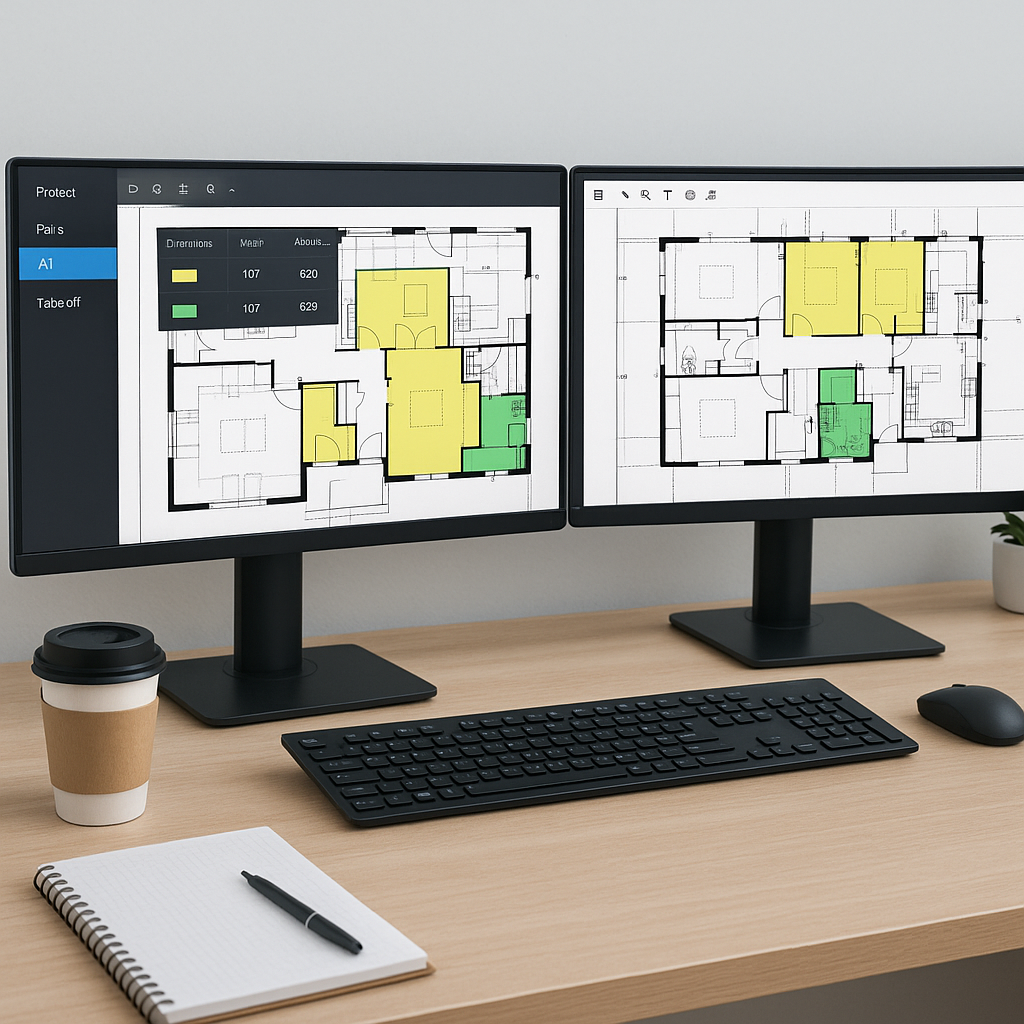
- AI Reads the Drawings: Using Vision AI, the software analyzes the drawings to identify elements like walls, doors, and windows, assigning dimensions and quantities automatically.
- Flagging for Review: The tool flags ambiguous areas for human review, ensuring accuracy while maintaining user control.
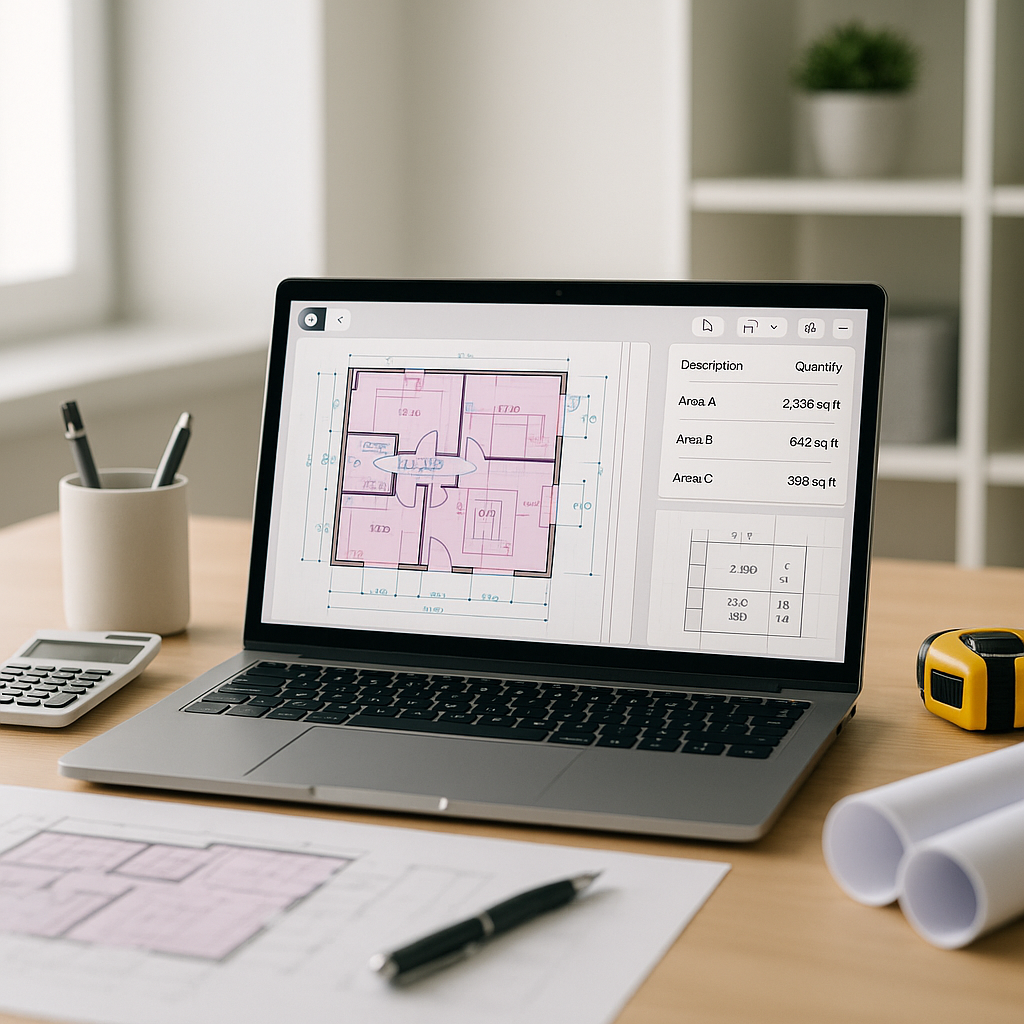
- Instant Quantities: The software generates a quantity takeoff in minutes, significantly faster than manual methods.
This approach not only saves time but also enhances accuracy and consistency. Unlike humans, AI doesn’t get tired or distracted, and it complements rather than replaces human expertise.
General Benefits of AI Takeoff
Illustrative example — Let’s compare manual and AI-assisted takeoff processes:
Manual Takeoff Process
- Time required per project: Significant hours spent by estimators.
- Cost implications: High labor costs due to the time-intensive nature of the task.
AI Takeoff Process
- Time required per project: Reduced to a fraction of the time, with only review and adjustments needed.
- Cost implications: Lower labor costs as repetitive tasks are automated.
Even for smaller teams, the efficiency gains from AI tools can be substantial, allowing resources to be reallocated to other critical areas.
Common Objections to AI Takeoff (And Why They Don’t Hold)
-
“AI can’t handle complex drawings.”
- Modern tools are designed to recognize intricate details, including HVAC ductwork and electrical layouts. Flagged areas for review ensure nothing is overlooked.
-
“It’s too expensive for my team.”
- Many AI tools are cost-effective when compared to the labor hours saved.
-
“It won’t integrate with my existing tools.”
- Most platforms integrate seamlessly with software like Bluebeam, Procore, and Excel.
-
“My team won’t know how to use it.”
- Training requirements are minimal, and many tools offer tutorials or support to help users get started quickly.
What to Watch Out For
While AI takeoff tools offer significant advantages, there are some considerations:
- Input Quality Matters: Poorly scanned or incomplete drawings can hinder AI performance.
- Review is Still Needed: Human judgment is essential for reviewing flagged areas and ensuring accuracy.
- Customization Takes Time: The AI improves with use, so initial projects may require more input as the tool learns your preferences.
Quick Tips for Getting Started with AI Takeoff
- Start Small: Test the tool on a smaller project to familiarize yourself with its features.
- Leverage Training: Use tutorials or support provided by the software vendor.
- Provide Feedback: Fine-tune the AI by providing feedback, similar to training a new team member.
- Integrate with Existing Tools: Use APIs or built-in export features to connect the AI tool with your current software stack.
FAQ
Q: Can AI tools handle all types of construction drawings? A: Most modern tools can process PDFs, CAD files, and even scanned images, though success depends on the clarity and quality of the input.
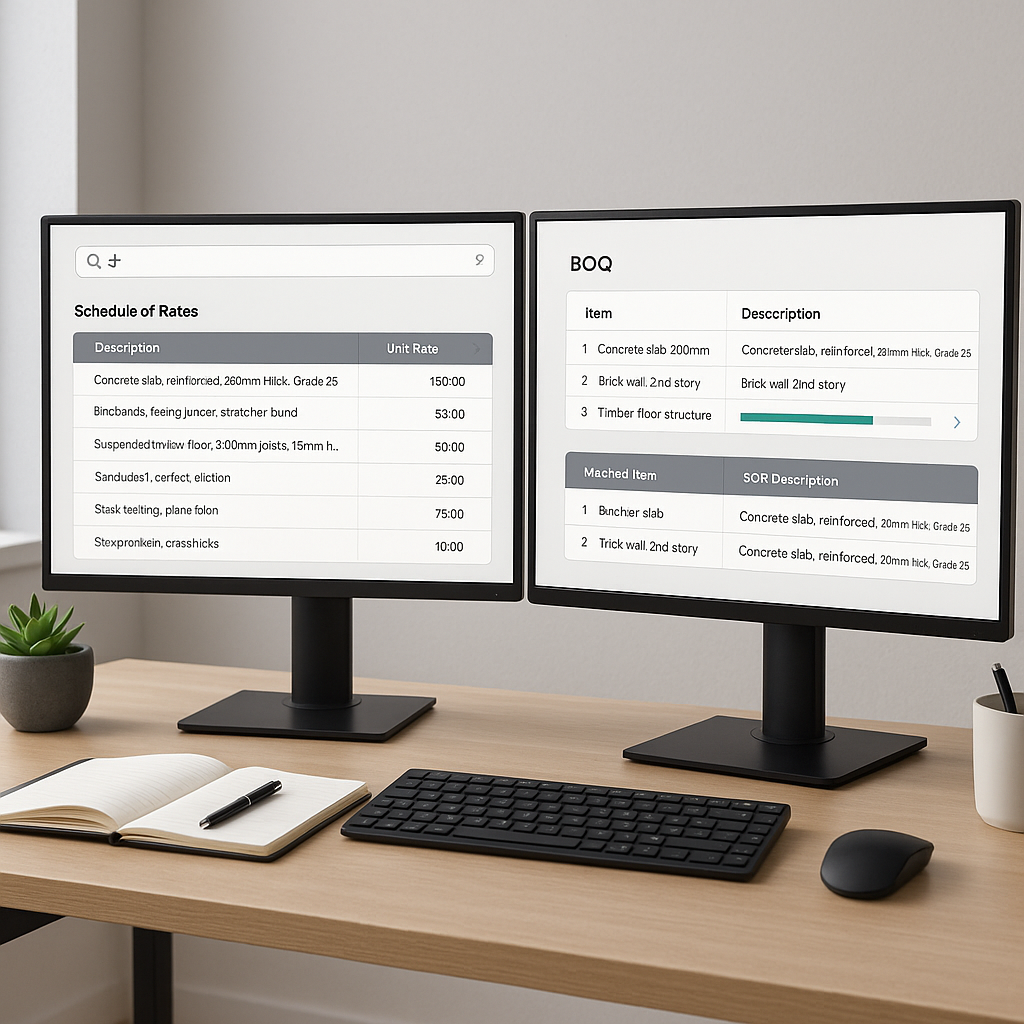
Q: How do AI takeoff tools handle custom rates? A: Users can upload rate catalogs or adjust project-specific rates to ensure estimates align with actual costs.
Q: Are these tools reliable for large projects? A: Yes, AI takeoff tools scale to projects of any size, from small renovations to large infrastructure developments. Pairing them with human expertise ensures optimal results.
AI-powered tools are transforming the preconstruction process by streamlining takeoffs, improving accuracy, and saving time. By integrating these tools into your workflow, you can enhance efficiency and focus on higher-value tasks.