The Hidden Time Sink in Preconstruction
Every estimator has been there: staring down a stack of drawings, armed with a scale, a highlighter, and a calculator. Manual takeoffs don’t just eat time—they drain energy. The process involves tracing, measuring, and double-checking, which can be both time-consuming and prone to errors.
The obvious question: why are we still doing it this way in 2026?
AI-powered takeoff tools are the fix. They don’t replace your judgment; they handle the grunt work, freeing you up for the tasks that actually need your expertise. Let’s break down how this works—and why it’s not just about saving time.
How AI-Powered Takeoffs Work
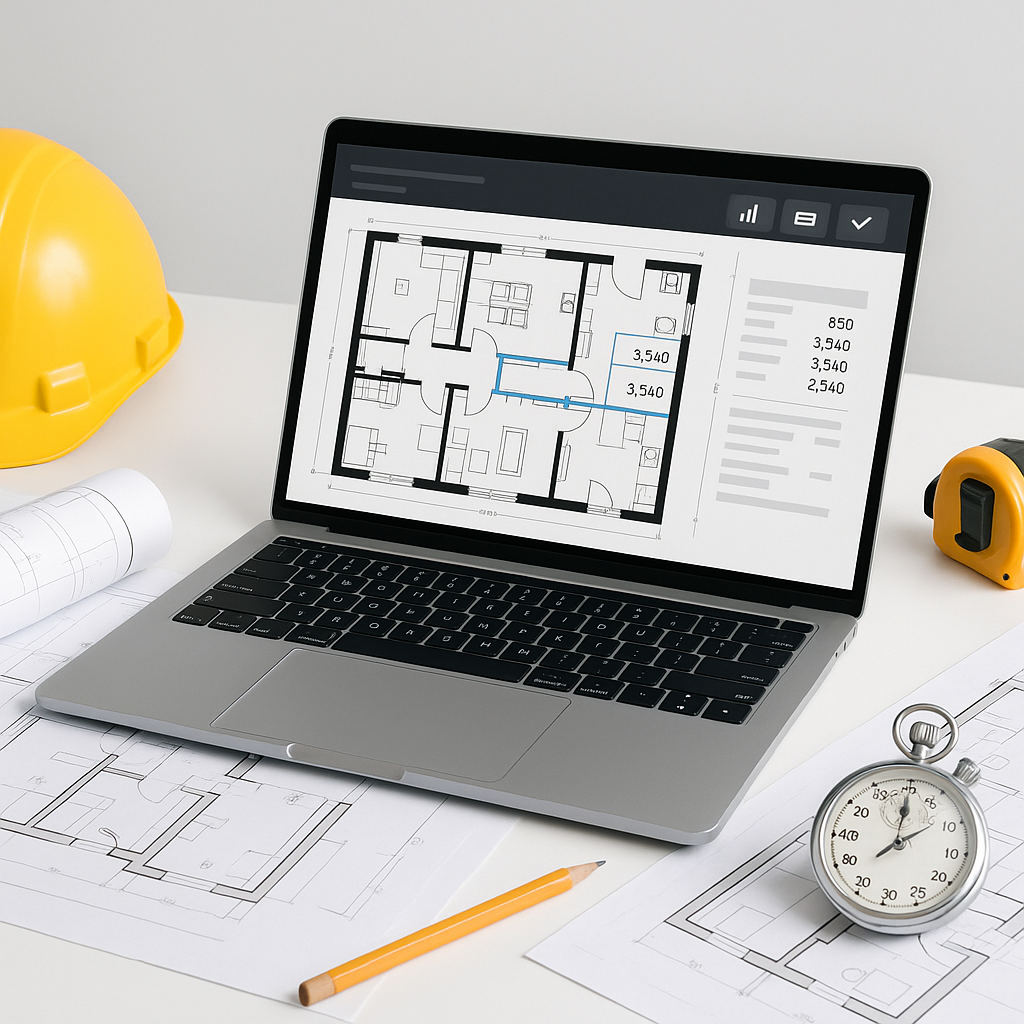
At its core, AI takeoff tools like EstimateNext use Vision AI to read PDF drawings and extract quantities in minutes. Here’s what happens:
-
Upload the Drawing Set: Drop your PDFs into the software. No more flipping through sheets manually or worrying about scale adjustments.
-
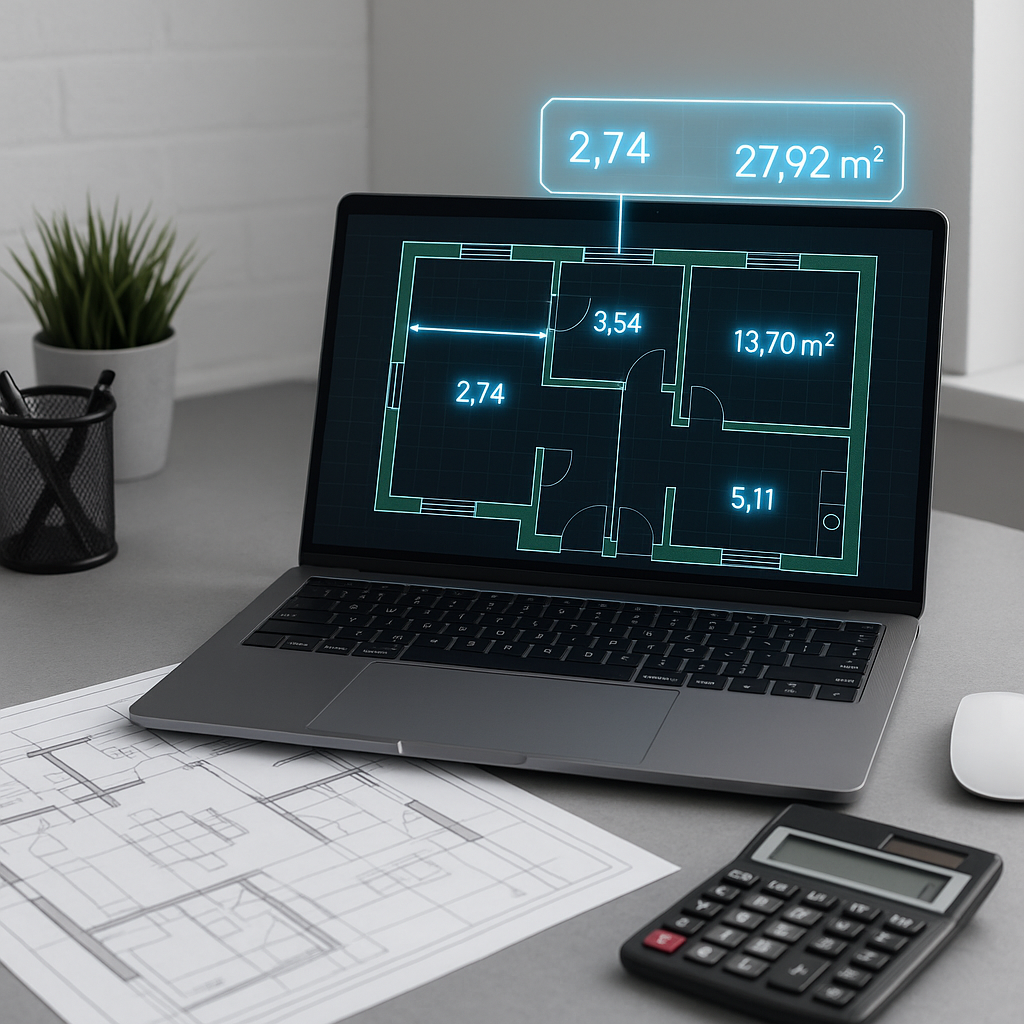
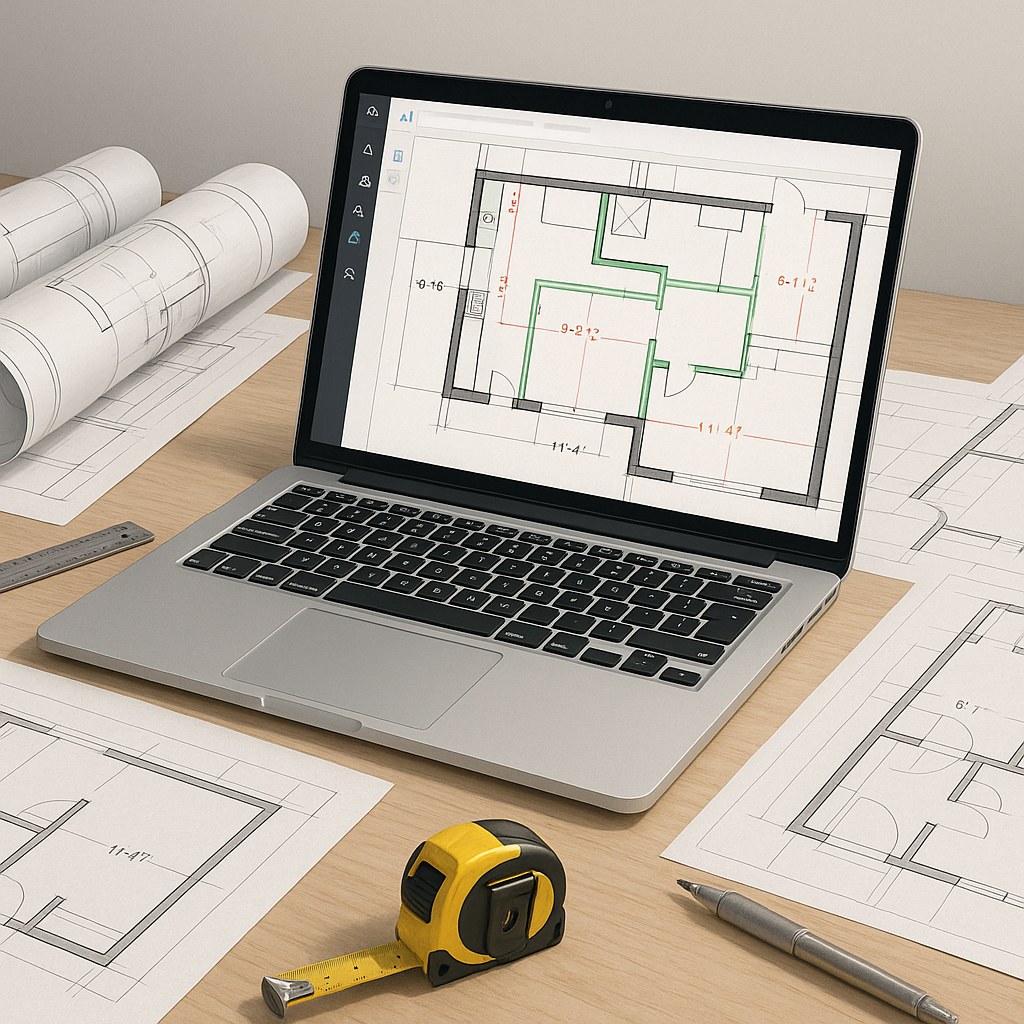
Calibrate and Measure: The tool auto-detects scales and lets you draw over lines, areas, or counts for quick adjustments.
-
Extract Quantities: AI identifies elements like wall lengths, door/window counts, and room areas.
-
Review and Adjust: The system highlights areas requiring manual review, ensuring accuracy without the tedium.
It’s not magic—it’s automation meeting common sense.
The Real Impact: Productivity, Not Just Speed
The biggest win isn’t just shaving hours off your schedule—it’s what you do with that time. By automating repetitive tasks, teams can focus on higher-value activities such as:
- More Bids: With time saved, teams can respond to more RFPs, increasing opportunities for awarded projects.
- Better Negotiations: More time to analyze subcontractor quotes improves bid accuracy and helps avoid scope gaps.
- Internal Improvements: Freed-up hours can be used to refine cost databases and train junior estimators.
Time savings aren’t just a “nice to have.” They’re a multiplier for everything else your team does.
Why AI Doesn’t Replace Estimators
This one comes up a lot: “Won’t AI put me out of a job?” Short answer: no.
AI tools don’t think like you do. They can’t read between the lines of a scope document, negotiate with subs, or spot a misaligned spec that could ruin your margin. What they can do is handle the repetitive, brain-numbing tasks that drag you down.
Think of it like this: AI is the apprentice. You’re the master builder. It handles the measuring tape so you can focus on constructing the big picture.
Common Mistakes When Adopting AI Takeoff Tools
- Relying on the Tool Blindly: AI isn’t perfect. Always review areas flagged by the system for manual verification.
- Skipping Training: Most tools are user-friendly, but a week of team training ensures everyone uses the features correctly.
- Ignoring Data Quality: Garbage in, garbage out. Poorly scanned drawings or unclear specs lead to errors, even with AI.
FAQ
Q: How accurate are AI takeoffs compared to manual ones?
A: AI tools can reduce discrepancies, but accuracy depends on the input quality. Human review ensures the final numbers are reliable.
Q: Can I use AI tools on smaller projects?
A: Absolutely. Whether it’s a small renovation or a large-scale infrastructure project, AI scales to fit the workload.
Q: How do AI tools handle revisions?
A: Upload the new drawing set, and the system compares changes automatically. No need to start over.
Q: Does this work with existing software?
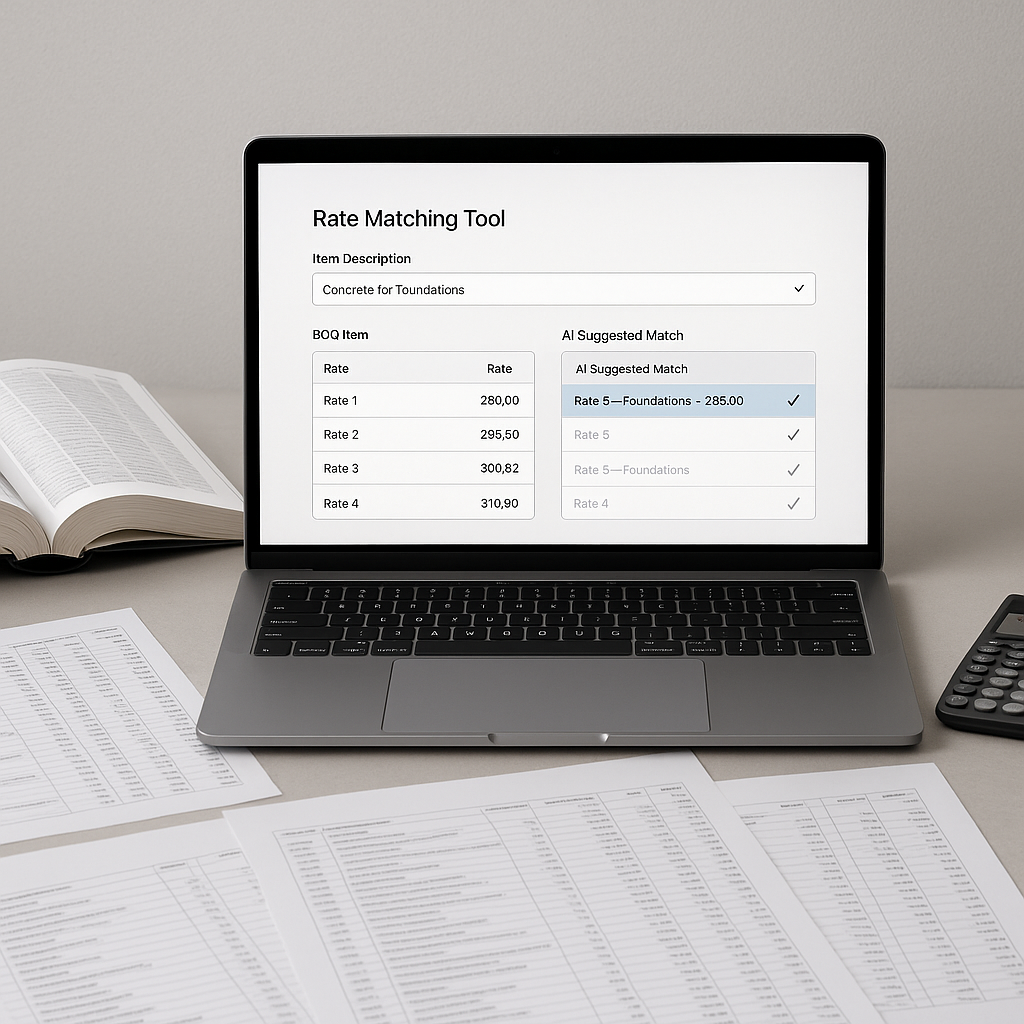
A: Yes. For example, EstimateNext integrates with Bluebeam, Procore, and Excel to fit into your current workflow.
Ready to Reclaim Your Time?
If you’re tired of spending countless hours on takeoffs that a machine can handle in minutes, it’s time to try AI-powered tools. EstimateNext offers a free tier to help you get started. Upload your first BOQ and see how much time you can save. Get started free →