The Problem with Manual Takeoffs
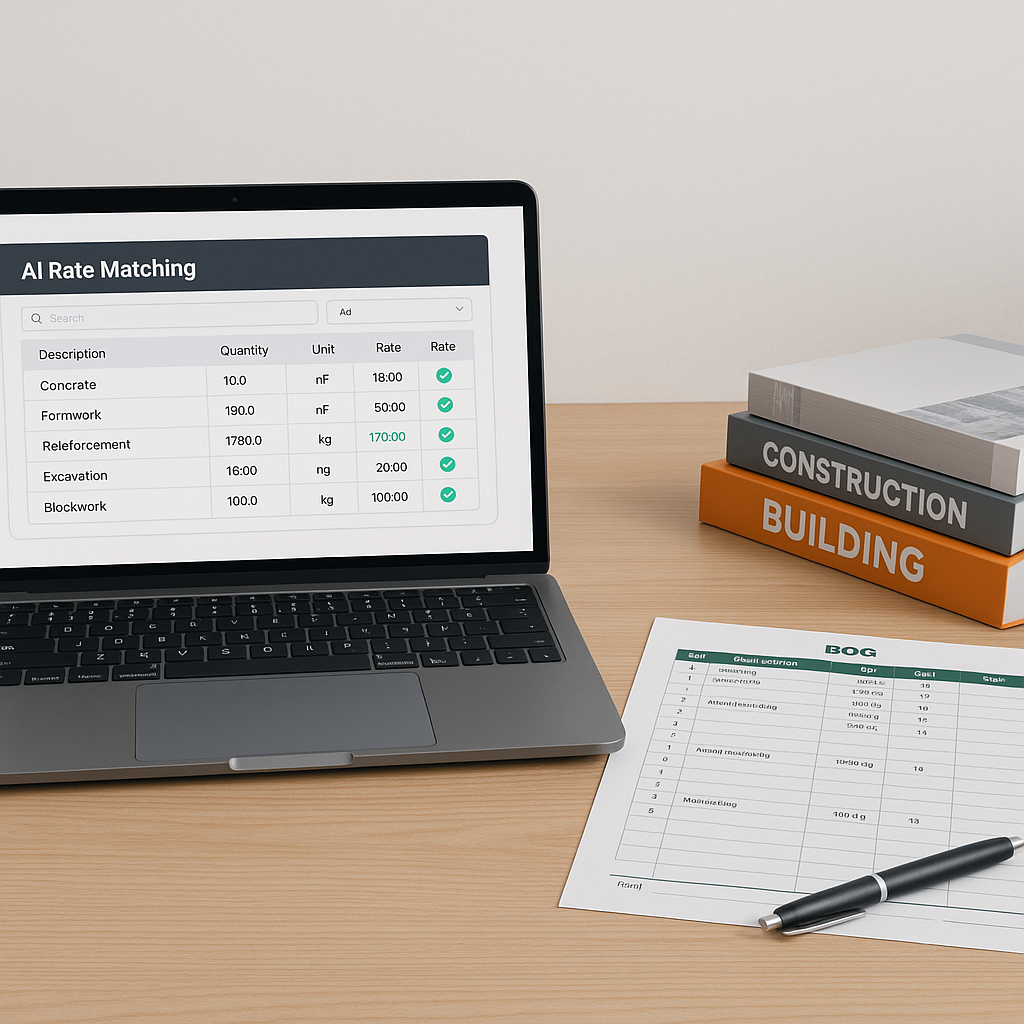
If you’ve ever done a manual takeoff, you know how challenging it can be. You’re flipping through drawings, measuring walls, counting fixtures, and double-checking dimensions. It’s not just tedious—it’s a productivity drain. For a mid-sized project, takeoffs can take significant time and effort. And then? You still have to find rates, build your BOQ, and assemble a bid package.
Manual takeoffs aren’t just slow—they’re error-prone. Miss a dimension or miscalculate a quantity, and you’re looking at a blown estimate, busted budgets, or, worse, an unprofitable project. Not ideal.
Enter AI-Powered Takeoffs
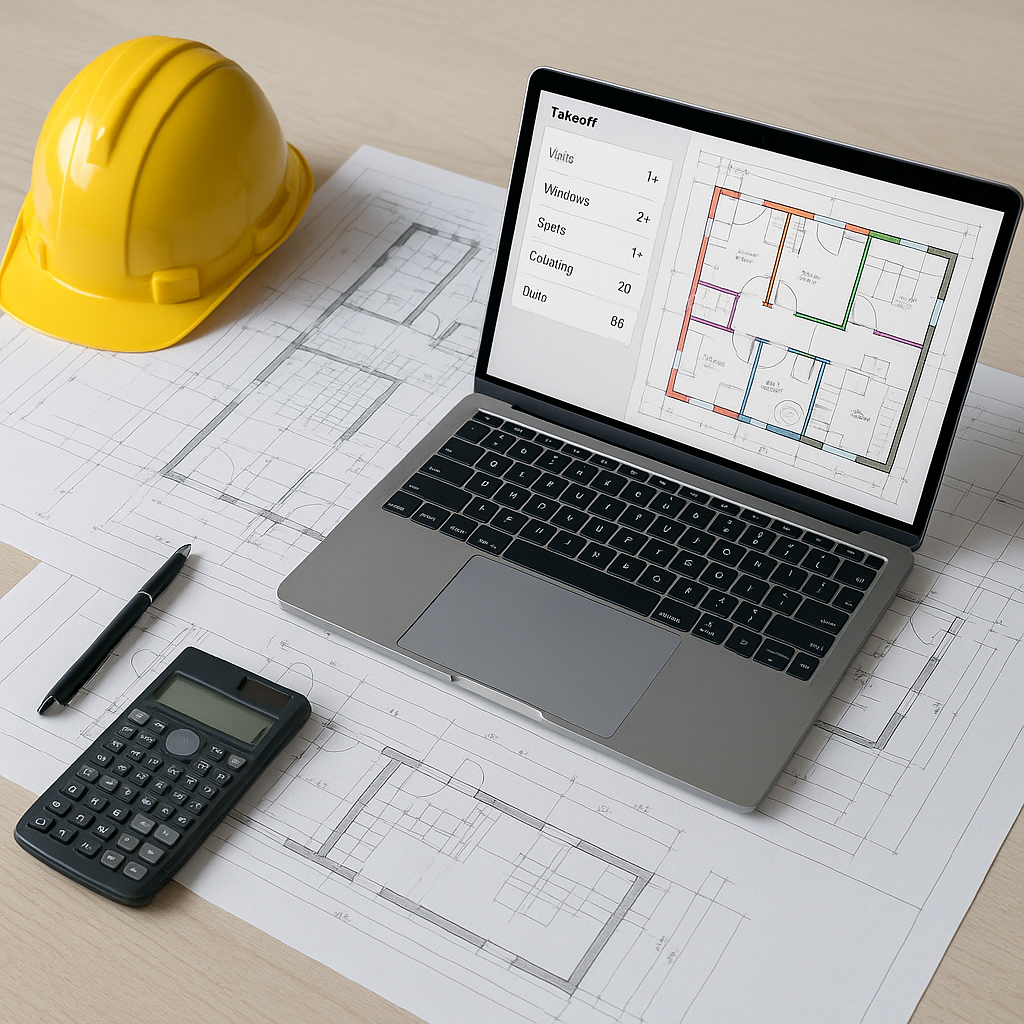
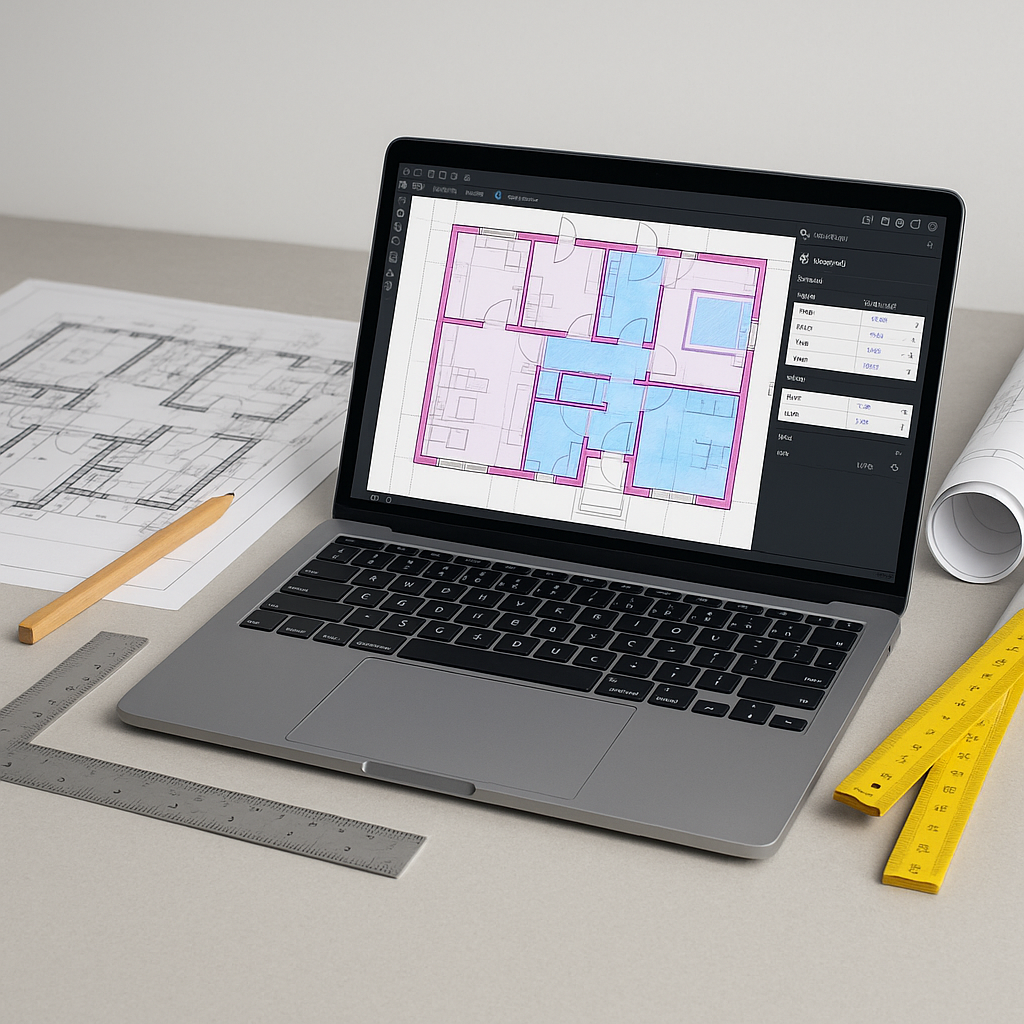
AI tools address this problem by automating drawing takeoffs. Instead of spending hours, the process can be significantly expedited. You upload your drawings, and the AI extracts quantities for walls, windows, doors, and more. It can also flag areas requiring review, allowing for a hybrid approach that combines AI speed with human judgment.
How does it work? The software uses computer vision (a type of AI) to “read” PDF drawings. It identifies lines, dimensions, and annotations, then converts them into measurable quantities. For example, it can calculate the total linear footage of walls in seconds. No rulers. No guesswork. Just accurate, repeatable results.
Why It’s a Game-Changer
Saving time is great, but the real win is what you do with that time. With hours saved, you can:
- Respond to more bids and increase your win rate.
- Double-check your assumptions to avoid costly mistakes.
- Improve collaboration with subcontractors by focusing on scope and pricing, not on crunching numbers.
- Allocate senior estimators to high-value tasks like margin analysis and bid strategy.
In short, AI doesn’t just save you time. It makes your team more effective.
What About Accuracy?
Skeptical? That’s fair. AI isn’t perfect—no tool is. But many platforms include features like manual overrides and review options. If the AI isn’t sure about a quantity, it flags it for your attention. This hybrid approach combines the speed of AI with the judgment of a human estimator.
And the learning curve? Minimal. If you’ve used tools like Bluebeam or Procore, you’ll find many AI platforms intuitive and easy to adopt.
Common Questions
Q: Can AI handle complex projects like hospitals or stadiums?
A: Yes. AI scales to any project size. Whether it’s a large infrastructure project or a smaller retail fit-out, the process is the same: upload your drawings, and the AI does the heavy lifting.
Q: What about revisions?
A: Most AI tools allow you to upload revised drawing sets and identify changes without starting from scratch.
Q: Do I need perfect drawings for this to work?
A: Not at all. AI tools are designed to handle real-world imperfections like scanned PDFs and handwritten annotations. You can always review and adjust if needed.
Q: Does this replace estimators?
A: No. AI is a tool, not a replacement. It handles repetitive tasks, so your team can focus on strategy, negotiation, and decision-making.
What to Watch For
Not all AI tools are created equal. Some struggle with messy drawings or non-standard annotations. Before committing, test the tool on a few projects. Look for features like:
- Confidence scoring (so you know where to double-check).
- Revision tracking (to handle drawing updates without starting over).
- Integration with your existing tools (like Procore or Excel).
If a platform doesn’t offer these, it might not be worth your time.
The Bottom Line
Manual takeoffs are a bottleneck. AI-powered tools eliminate that bottleneck, saving you time, reducing errors, and improving efficiency. It’s not just about working faster—it’s about working smarter.
If you’re spending significant time on manual estimates, it’s time to rethink your process. AI is here. And it works.