Why Manual Takeoffs Are Challenging
If you've been in construction estimation long enough, you know takeoffs are a grind. You spend hours tracing room areas, counting fixtures, and measuring wall lengths on drawings. For a mid-sized project, this process can take significant time and effort. That’s not just tedious; it’s expensive. The worst part is that takeoffs are just the first step in a long preconstruction process. You still have rate matching, cost analysis, bid leveling, and what-if scenarios. If your team is bogged down here, you’re already falling behind.
Enter AI-Powered Takeoffs
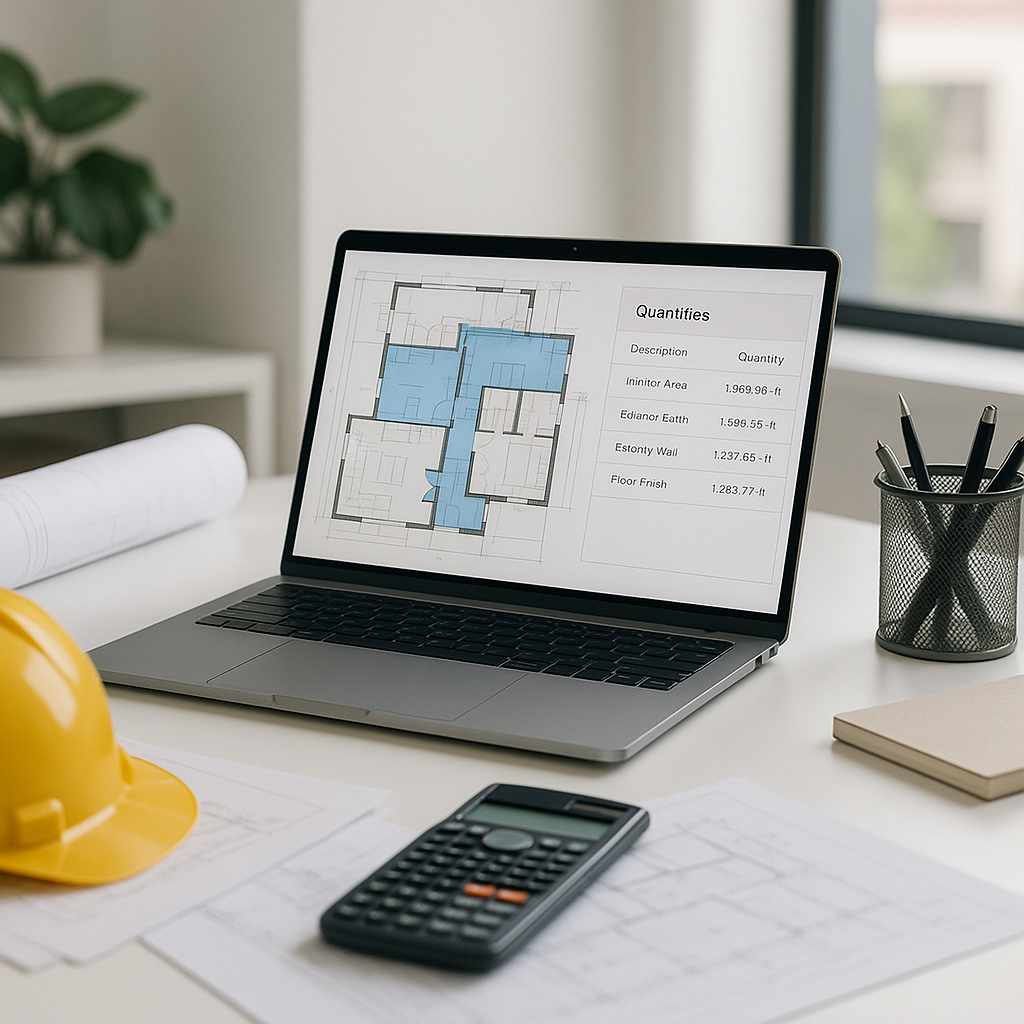
This is where AI tools come in. They don’t just improve takeoff speed—they redefine it. AI-powered platforms use Vision AI to extract quantities directly from PDF drawings in a fraction of the time it would take manually. The AI reads the drawings, identifies low-confidence areas for manual review, and exports the quantities straight into your BOQ.
What would your team do with the extra time saved? More bids? Better subcontractor coordination? Or finally addressing that backlog of stalled projects?
How Does AI Takeoff Work?
Step 1: Upload Your Drawings
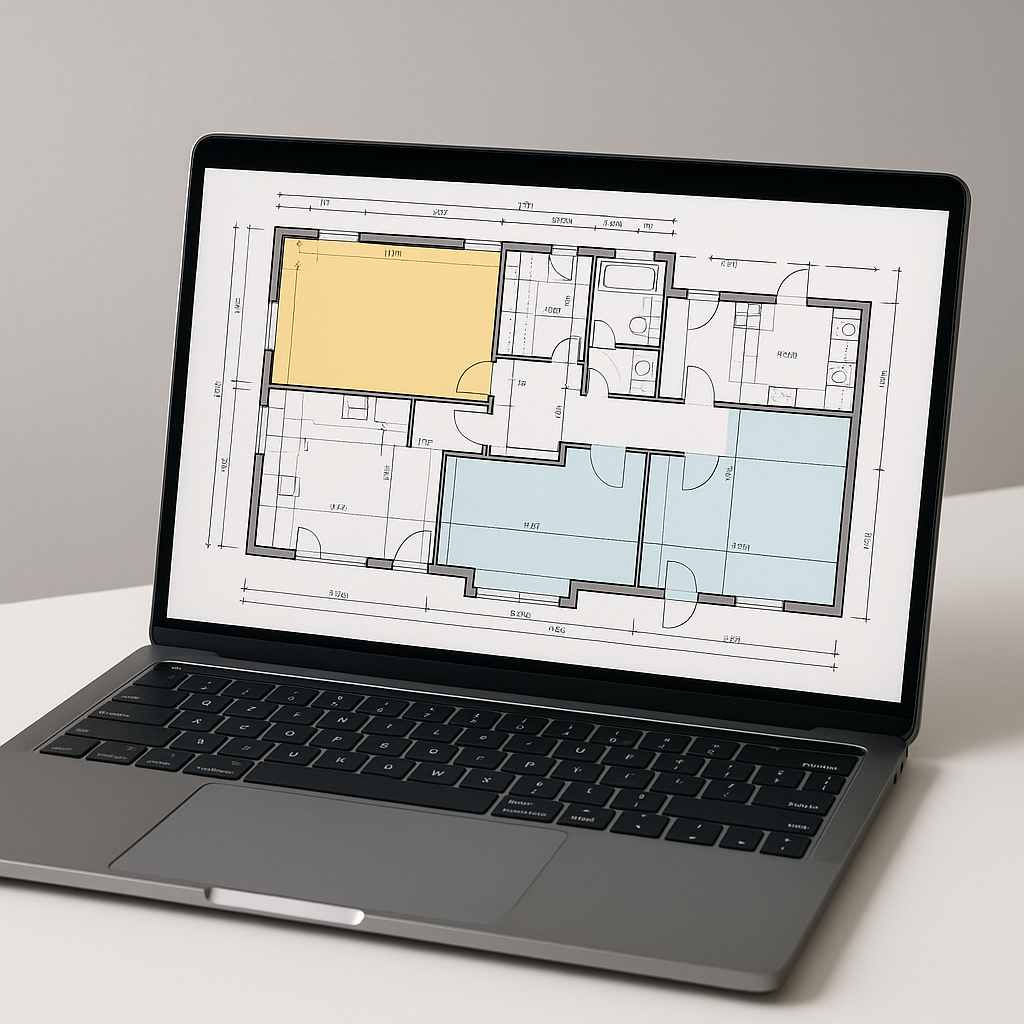
Upload your PDF drawings, whether it’s a single-page sketch or a 500-page set of architectural plans. Vision AI calibrates the scale for accurate measurements. No manual setup required.
Step 2: Automatic Quantity Extraction
The AI scans the drawings for key elements—room areas, wall lengths, fixture counts, and more. It’s trained to identify patterns and symbols commonly used in construction drawings.
Step 3: Confidence Scoring
Not every drawing is perfect, and AI isn’t magic. That’s why Vision AI flags low-confidence areas for manual review. You can override the AI’s results, ensuring accuracy without losing control.
Step 4: Export to BOQ
Once quantities are extracted and verified, they’re exported into your BOQ format. Many AI tools support formats like CSI MasterFormat, CPWD DSR, NRM2, CESMM3, and custom Excel templates. No reformatting needed.
The Obvious Objection: “AI Can’t Think Like an Estimator”
This argument is common. It’s true—AI doesn’t understand construction the way you do. It won’t negotiate with subs or decide on markup. But that’s not its job. AI handles the repetitive tasks so you can focus on the high-value parts of estimation—strategy, relationships, and decision-making.
Think of AI as your junior estimator. It learns from your corrections, gets smarter over time, and lets you delegate repetitive tasks without hiring someone new.
Common Mistakes to Avoid
-
Skipping the Manual Review: AI takeoffs are fast, but accuracy depends on the quality of input data. Always review flagged areas.
-
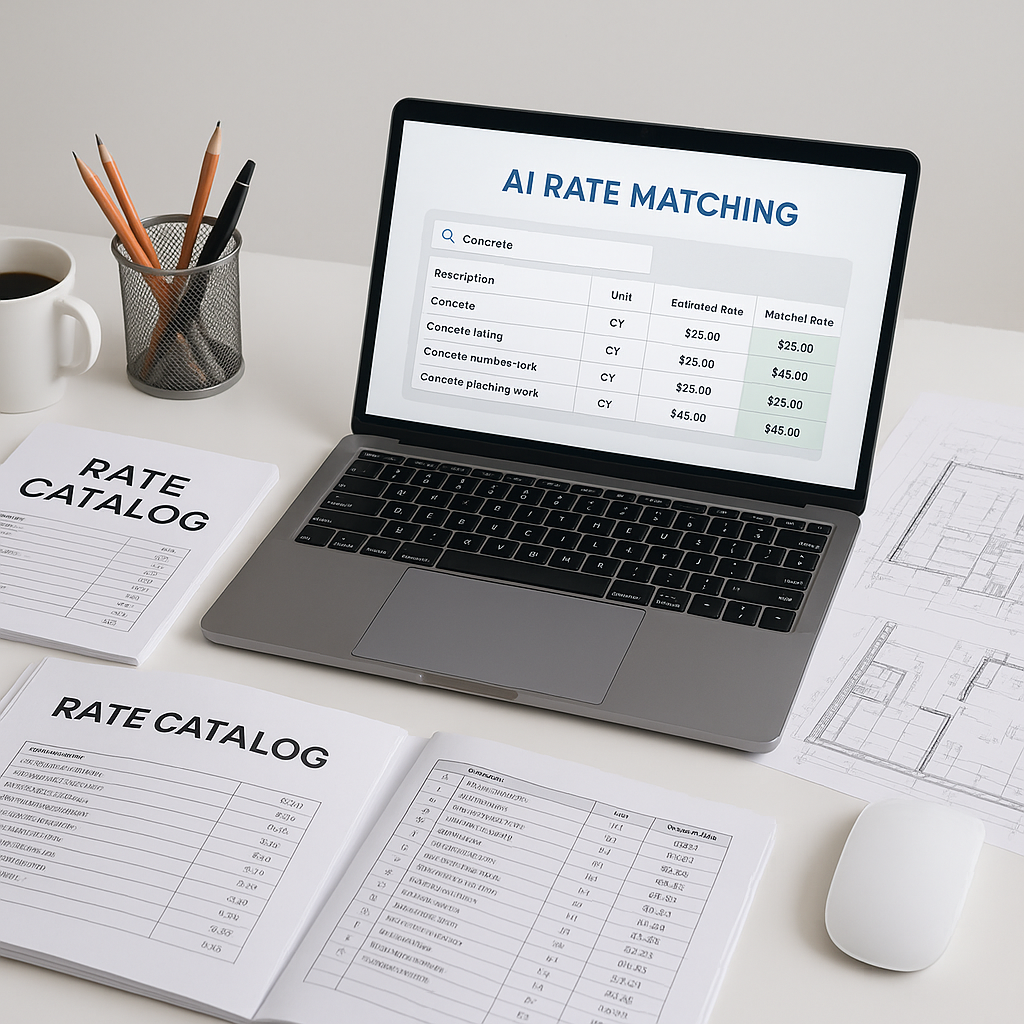
Ignoring Custom Rates: If your business uses custom materials or finishes, upload those catalogs into the AI system. Otherwise, you risk mismatched rates.
-
Undertraining Your Team: AI tools are intuitive but not foolproof. Invest in training so your team knows how to use them effectively.
FAQ: AI Takeoffs
Q: How accurate are AI-powered takeoffs?
AI tools can significantly reduce takeoff discrepancies, but accuracy depends on input quality and human oversight. Always review flagged areas for best results.
Q: Can AI handle complex drawings?
Yes. Many AI tools are trained on thousands of construction drawings, including high-rise plans and infrastructure layouts. They can extract quantities for concrete columns, beams, and other complex elements.
Q: Is AI expensive?
AI tools are often priced competitively and can provide significant time savings, making them a cost-effective solution for many construction firms.
Q: Can AI integrate with my current workflow?
Yes. Many AI tools support API integrations with popular platforms like Procore, Autodesk Build, and Excel.
Conclusion
Manual takeoffs are a bottleneck your team can’t afford. AI-powered tools free up time, reduce manual effort, and improve accuracy. If you’re dealing with tight deadlines or labor shortages, this isn’t a “nice-to-have”—it’s a necessity.