The Pain of Manual Takeoffs
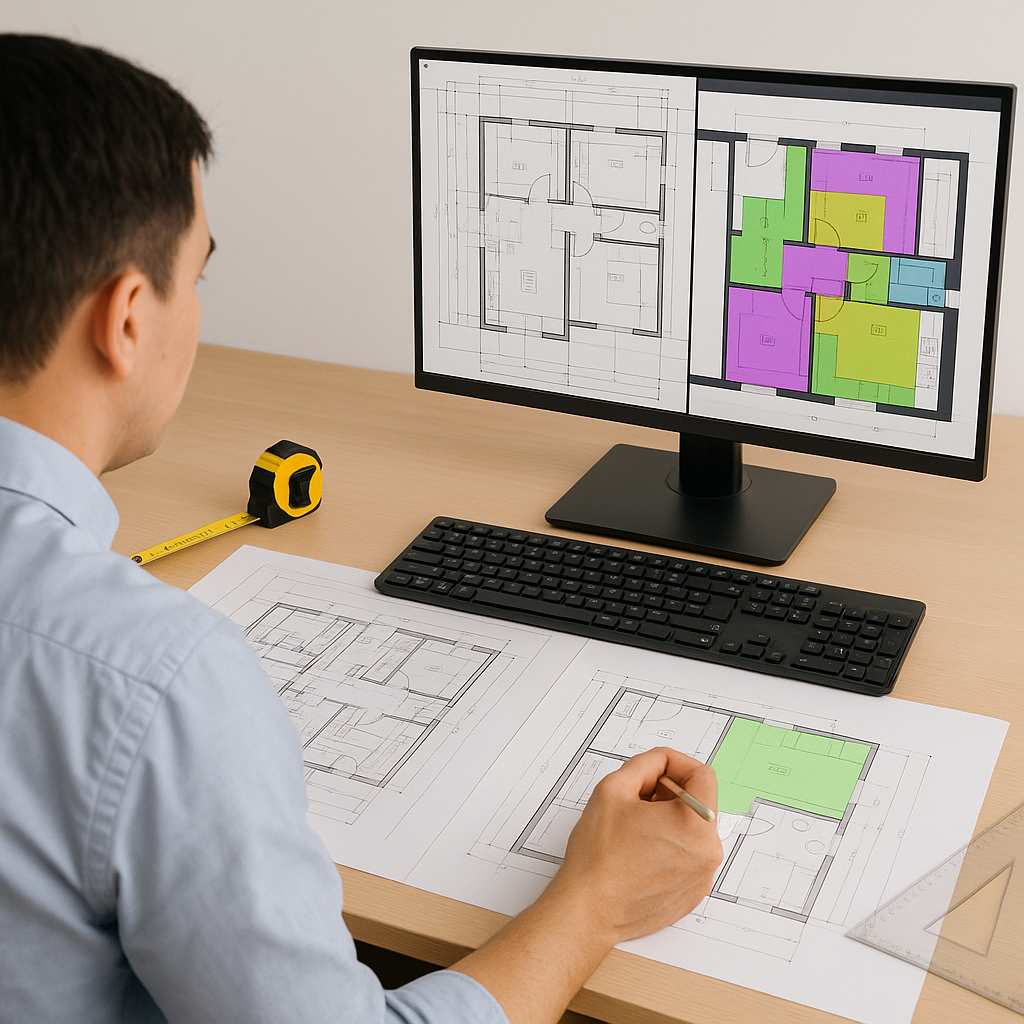
If you've ever done manual quantity takeoffs, you know it can feel like death by a thousand cuts. Flipping through drawings, tracing shapes, recalculating measurements – it’s a time-consuming process. Multiply that by the number of bids your team handles monthly, and you've got a serious productivity drain.
Why is it so slow? Because the process is stuck in the past. Even with software like Bluebeam, you're still manually calibrating scales, remeasuring areas, and double-checking quantities. Mistakes creep in, deadlines loom, and the pressure builds.
But here's the good news: AI-powered tools are finally making this grunt work more efficient.
How AI Takeoffs Work
AI takeoff tools use Vision AI to extract quantities directly from PDF drawings. You upload your drawing set, and the AI scans it for measurable elements like:
- Room areas
- Wall lengths
- Door and window counts
- Beams and columns
Instead of spending hours tracing and measuring, the system provides results in a fraction of the time.
The secret sauce is machine learning. Every time you correct an output — say, adjusting a wall measurement the AI flagged as low confidence — the system learns. Over time, the tool becomes more accurate and tailored to your specific needs.
Real-World Benefits
By automating repetitive tasks like takeoffs, AI tools free up time for construction professionals to focus on higher-value activities. This can include responding to more bids, negotiating better subcontractor rates, or improving cost engineering processes.
Time saved isn’t just money saved – it’s a competitive edge.
Common Objections
Objection 1: "AI Can’t Think Like an Estimator"
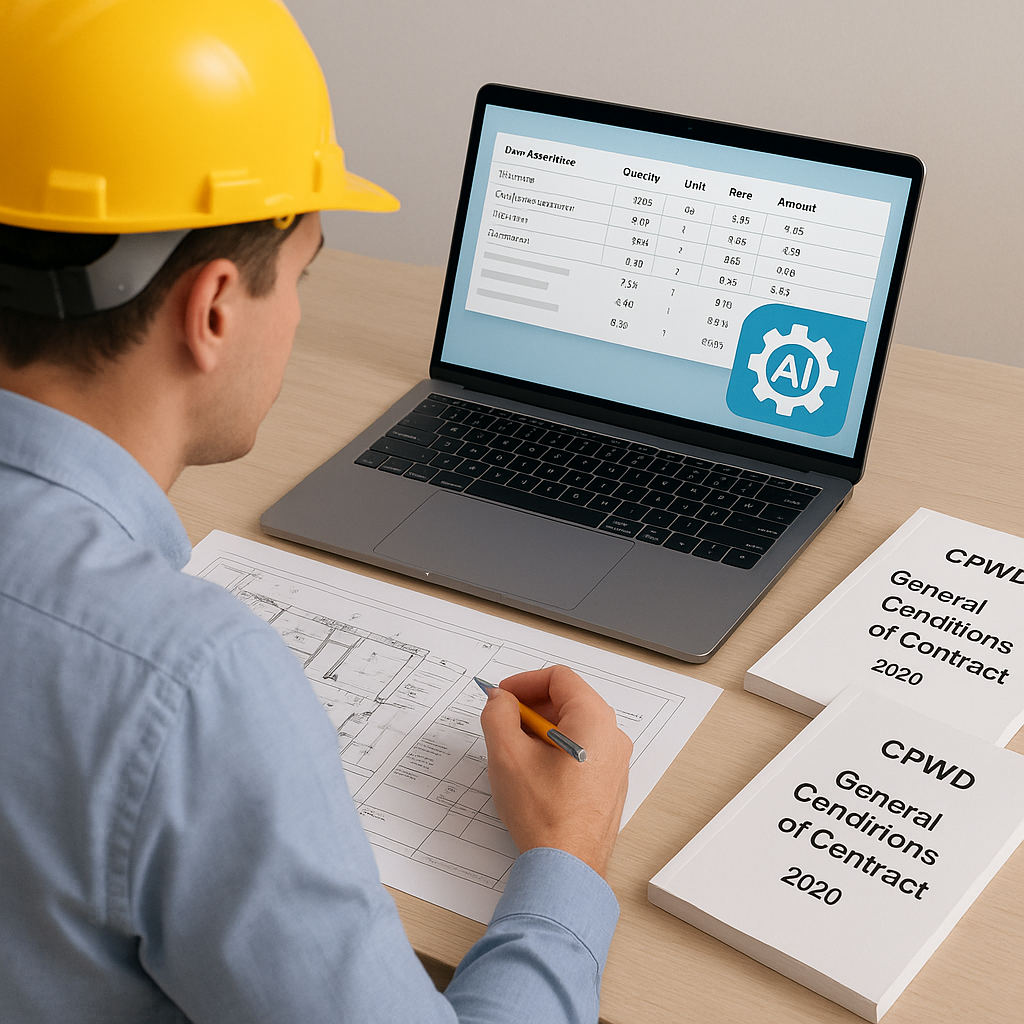
You're right – AI doesn’t understand construction nuances the way you do. But it’s not supposed to. It handles the grunt work (takeoffs, rate lookups, and recalculations) so you can focus on judgment calls and negotiations. Think of it as a tool, not a replacement.
Objection 2: "What About Accuracy?"
AI tools often include features like confidence scoring and manual overrides. If the system flags a low-confidence measurement, you can remeasure it in seconds. With consistent use, accuracy improves as the system learns from your corrections.
Objection 3: "Is It Hard to Learn?"
Not at all. Most platforms are built for ease of use, with training taking minimal time. If you’ve used Excel or Bluebeam, you can learn this.
FAQ
Q1: What if my drawings are messy PDFs?
AI tools are designed to handle imperfect inputs. They can interpret flattened PDFs, merged cells, and inconsistent layers. You’ll still need human oversight for complex edge cases, but the grunt work is automated.
Q2: Can AI tools integrate with my current stack?
Yes. Many AI tools integrate with platforms like Procore, Bluebeam, and Excel. You can export estimates directly into your existing workflows.
Q3: What if my rates are custom?
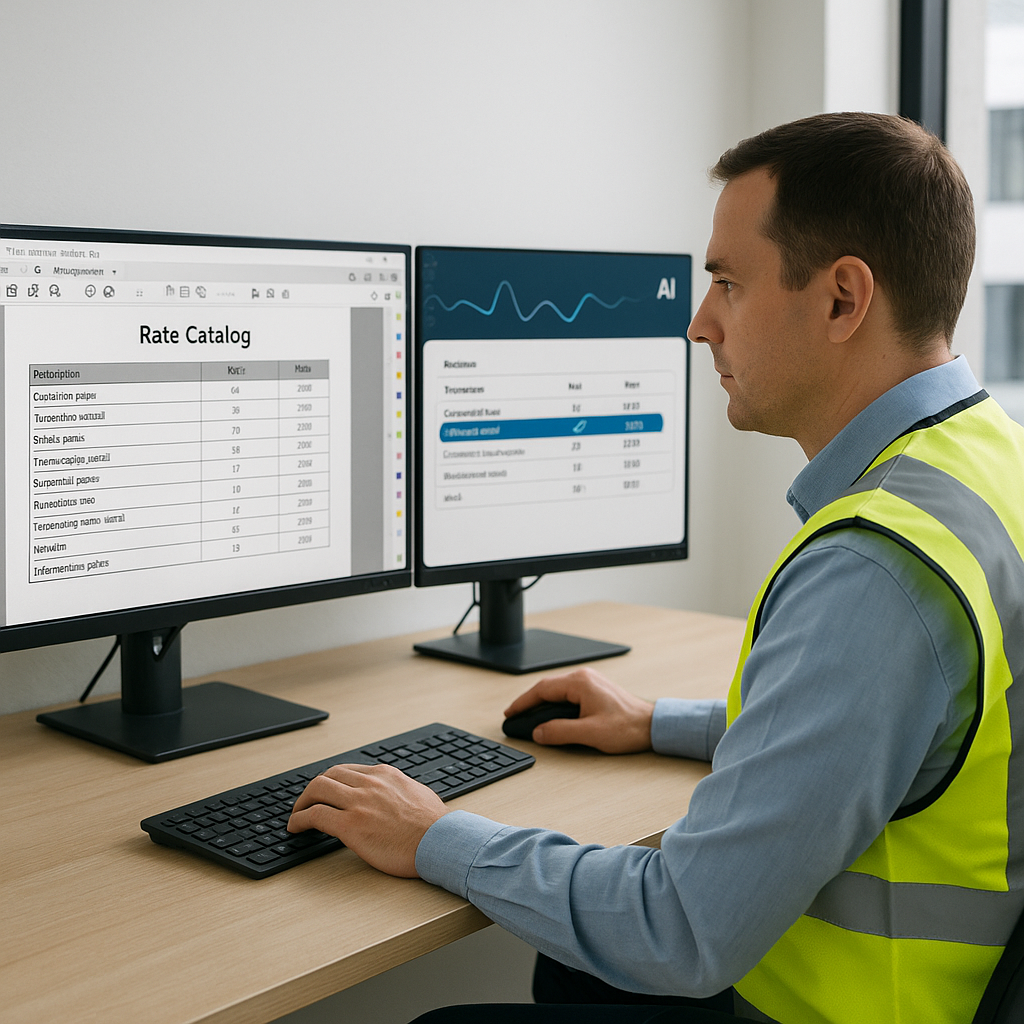
AI tools often allow you to upload your own rate catalogs or define custom rates for specific items. This ensures your estimates reflect your actual costs.
What to Watch For
- Low-Confidence Outputs: Always review flagged measurements. AI is fast, but human oversight is essential.
- Complex Inputs: Messy PDFs or non-standard drawings might require manual adjustments.
- Training: Invest in training your team. The ROI comes faster when everyone knows how to use the tool effectively.
Final Thoughts
AI takeoffs are a powerful tool for improving efficiency in preconstruction estimation. They don’t replace your expertise, but they do amplify it. If you’re looking to reduce manual work and streamline your processes, it’s worth exploring these tools.
If you want to see AI-powered takeoffs in action, some platforms offer free trials to help you get started.